
What is Clock In and Clock Out?
The Clock In and Clock Out feature allows staff an easy way to track their arrival and departure each day.
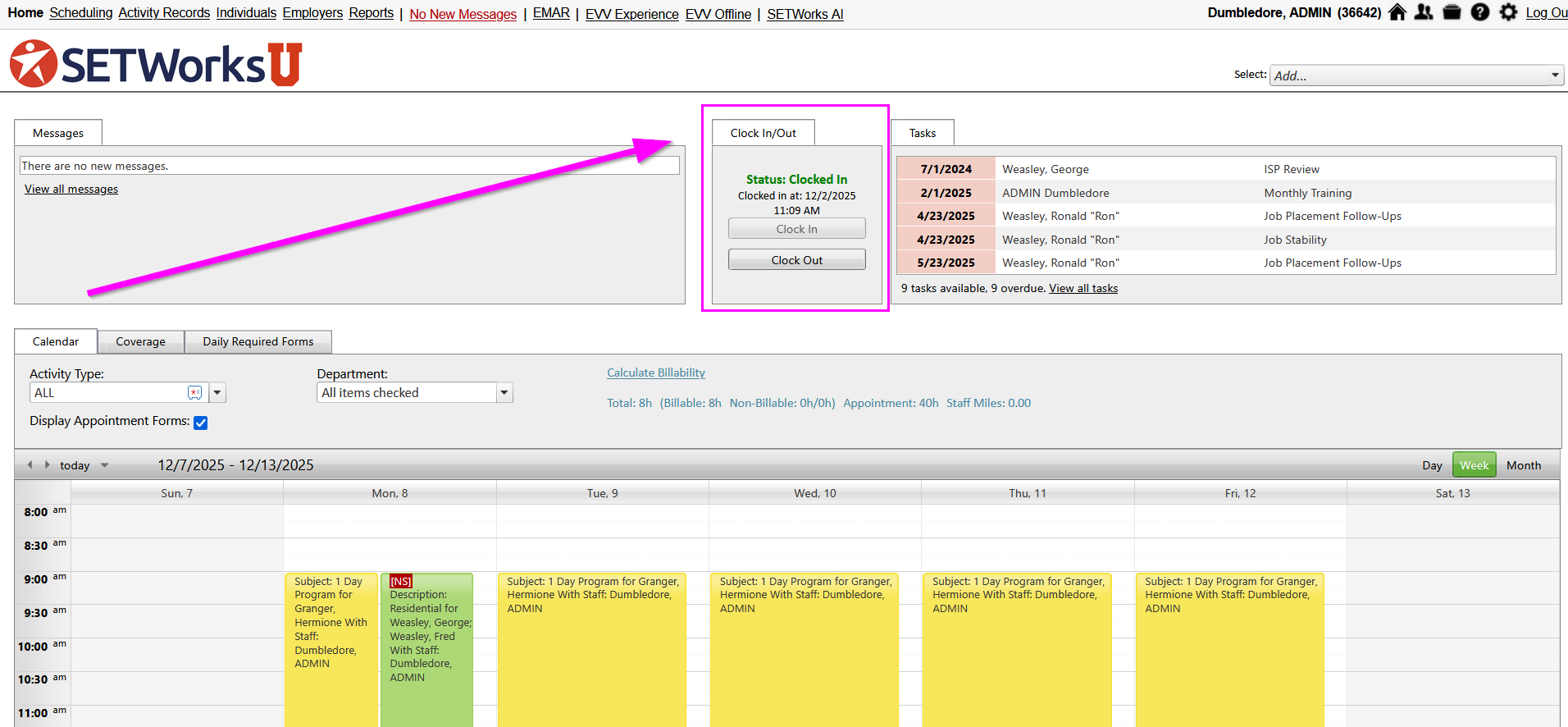
Clocking In and Out
To Clock In, the user can select the Clock In option.
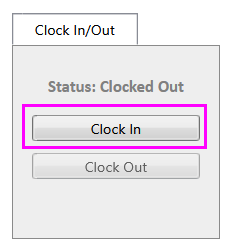
Clocking Out is performed by selecting the Clock Out button.
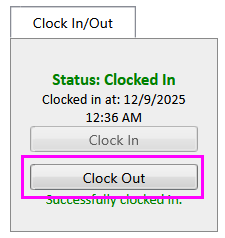
SETWorks is capable of recording the location of the user at the time of clock in or clock out (SETWorks cannot continuously record a users location).
Configuration
Settings > Provider Build > Maintain Privileges > Global:
Note: Enable Clock In/Out from the home page. Enable location logging on Clock In/Out. Enable the Clock In/Out Utility in the global action menu (select: add dropdown).
Management
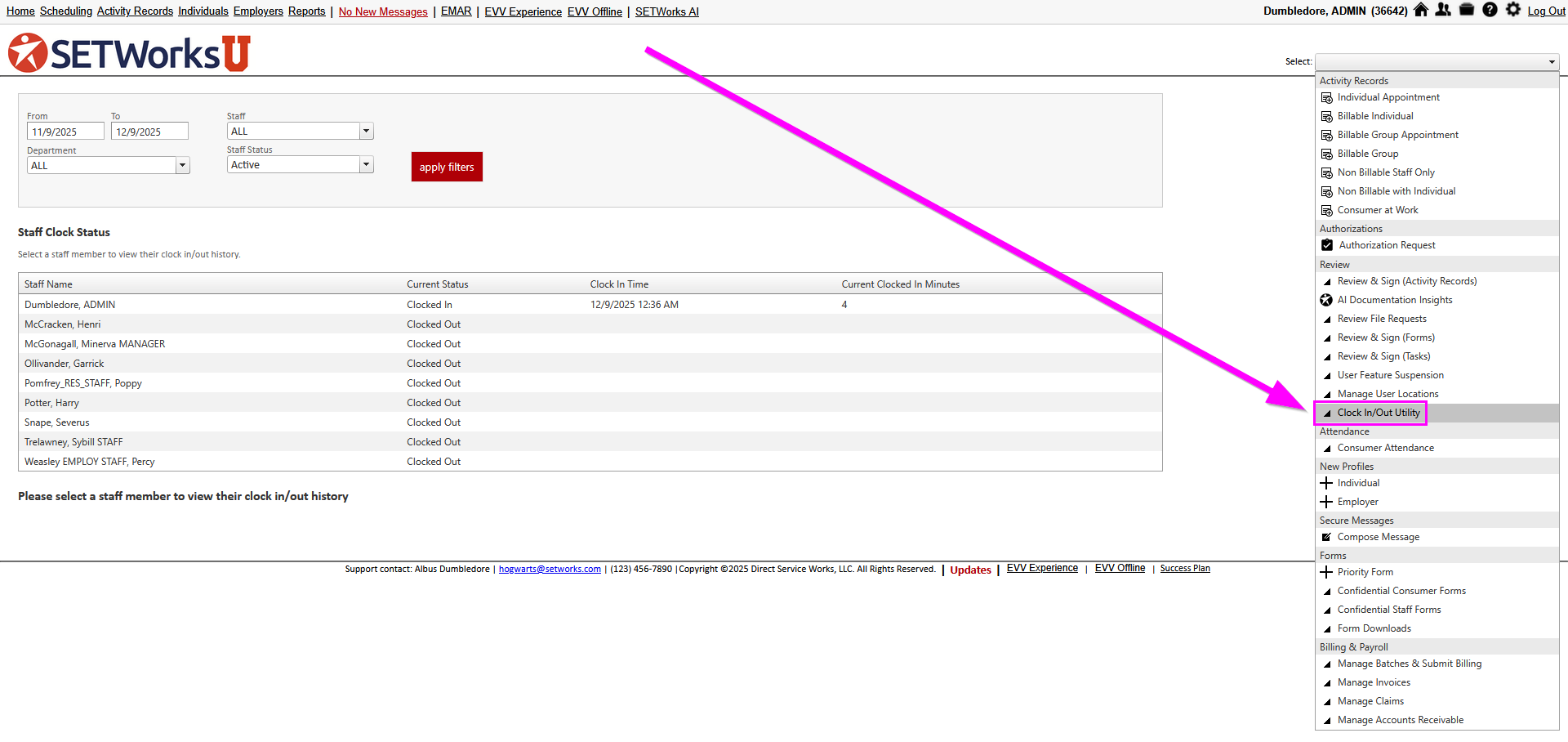
To view, manage, and change Clock In and Clock Out events, visit the Clock In/Out Utility by selecting the option from the Global Action Menu (Select: Add dropdown):
Reporting
The following reports are available to view basic data on Clock In and Clock Out features:
Clock In and Clock Out Report (SW)
Clock In and Clock Out Report Extended (SW)