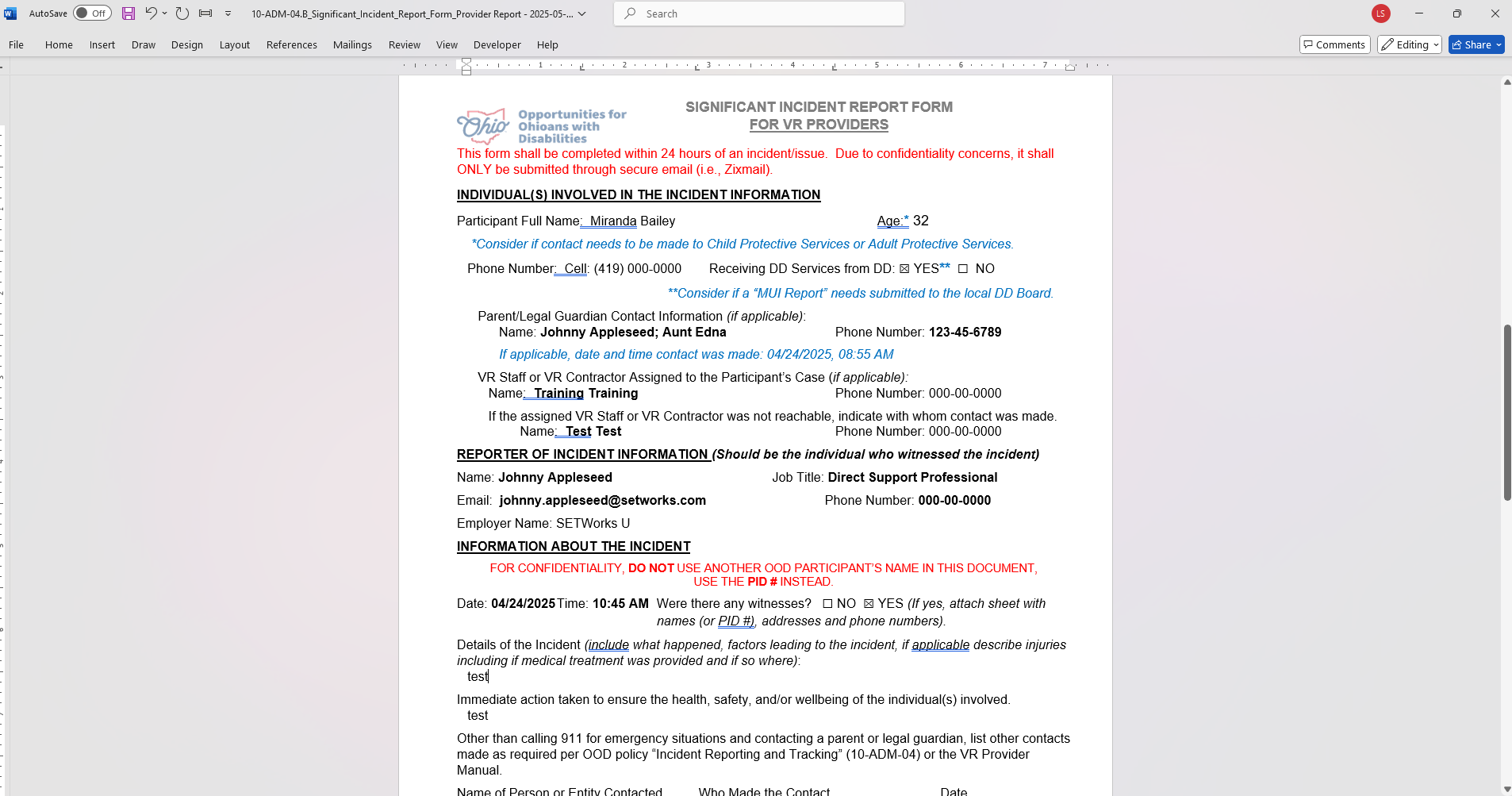
How to document OOD Form 02 – Significant Incident Report Form (SIRF)
SETWorks offers a dedicated Ohio Incident Form that presents data in the format required by Opportunities for Ohioans with Disabilities (OOD). If the OH OOD SIRF Form is not currently included in your system build and you are interested in utilizing it, please contact our support team at support@setworks.com for assistance.
Note: Terminology can be modified within SETWorks to better fit the needs of your organization. If the terminology in our articles are not the same on your site, talk to your local administrator to assist in translation.
OOD Forms - Form 2 - SIRF Form
Complete an OH OOD SIRF Form
- Navigate to the Consumer's Page
- Access the Forms Section
- Select the OH OOD SIRF Form
- Enter the Date and Authorization
- Complete the Form Fields
- Save the form
Note: If the individual is also receiving Developmental Disabilities (DD) services, please consider whether a Major Unusual Incident (MUI) Report must be submitted to the local county board in addition to this form.
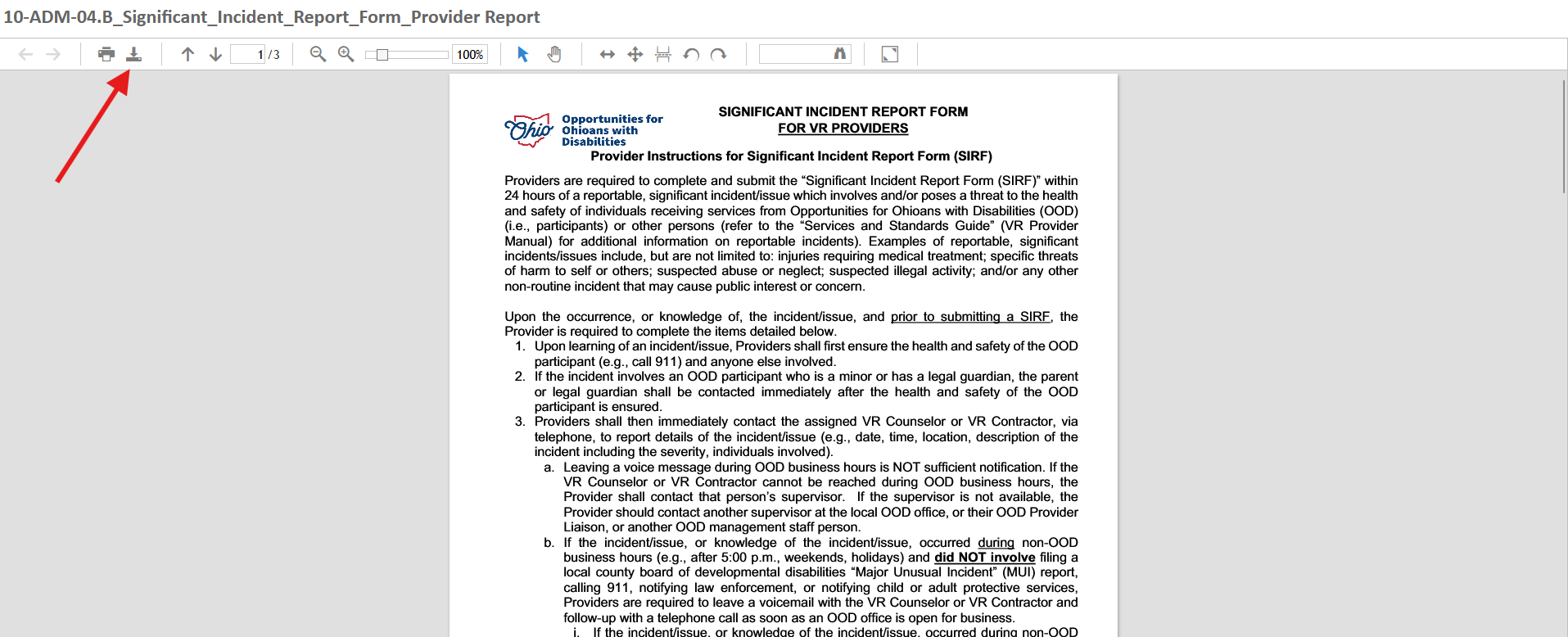
View and Download an OH OOD SIRF Form
After you have completed the OH OOD SIRF Form, follow these steps to view and download the finalized form:
- Select "View Report"
- Download the form by selecting the download option from the toolbar
Submitting OOD Form 02 – Significant Incident Report Form
Note: Note: All Form 02 – Significant Incident Report Forms must be submitted within 24 hours of the incident and in Microsoft Word format . Please do not convert the form to PDF prior to submission.
Once the incident form has been completed, submit the Word document via secure email to the OOD Management staff member to whom the incident was initially reported, and copy the OOD Provider and Contractor Management Unit (PCMU) at pcmu@ood.ohio.gov, as well as the assigned VR Counselor or VR Contractor.