
SETWorks Administrators
There are three main ways of configuring the Goals tab under the Consumer Profile. This article shows, with pictures, the three different configuration options.
1. Standard Layout - Outcomes and Goals
Outcome - Three Text Boxes
Goal - One Text Box
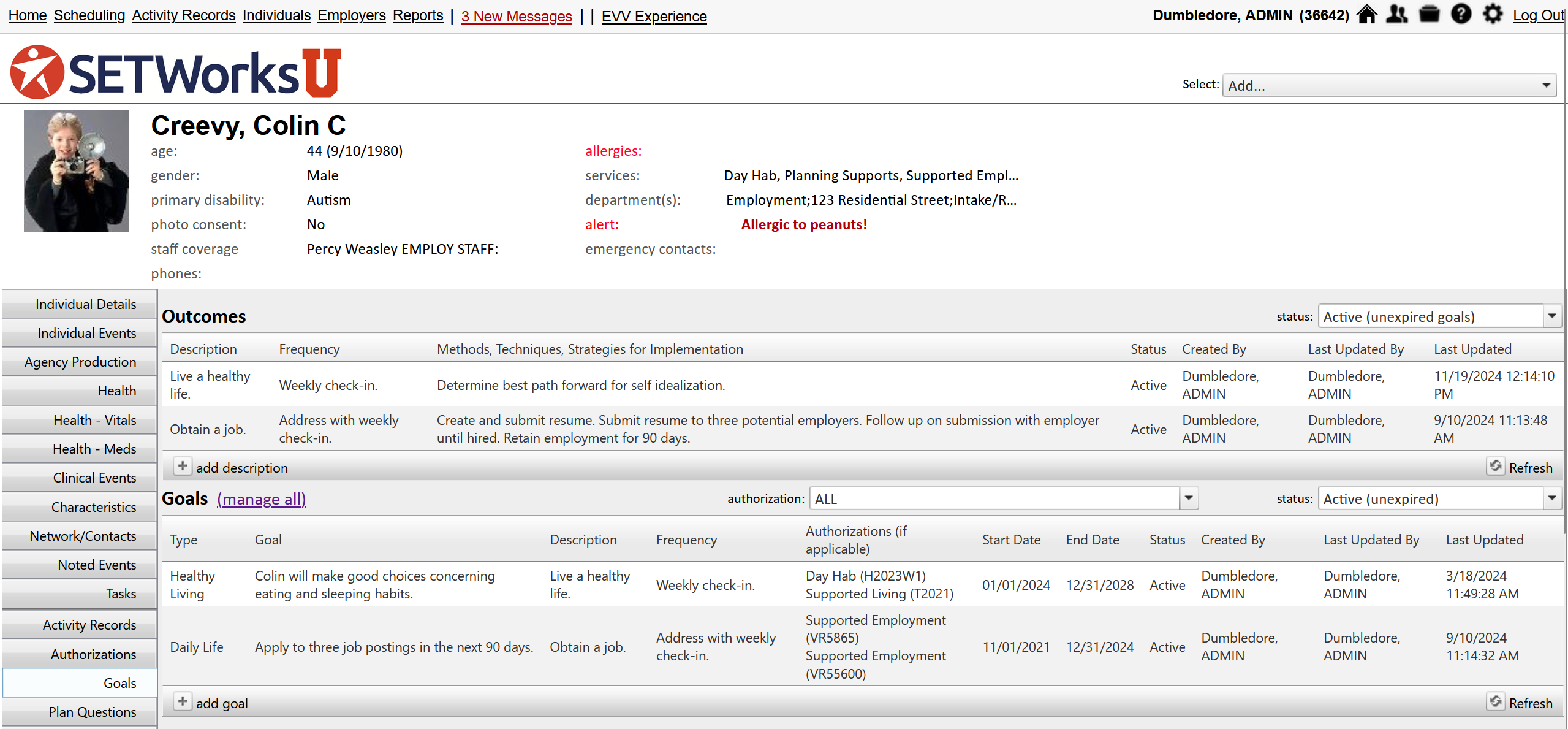
Outcome - Three Text Boxes:
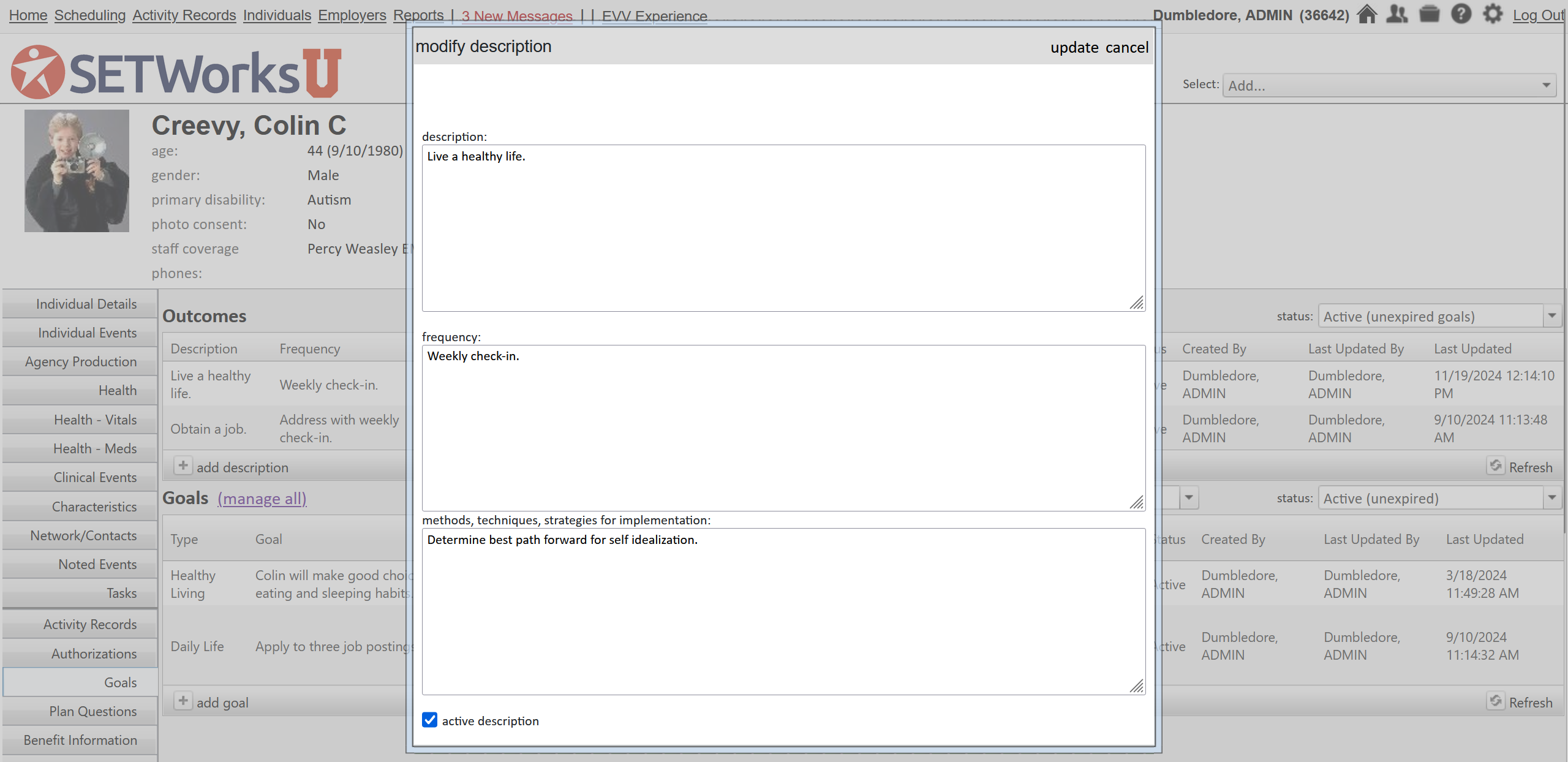
Goal - One Text Box:
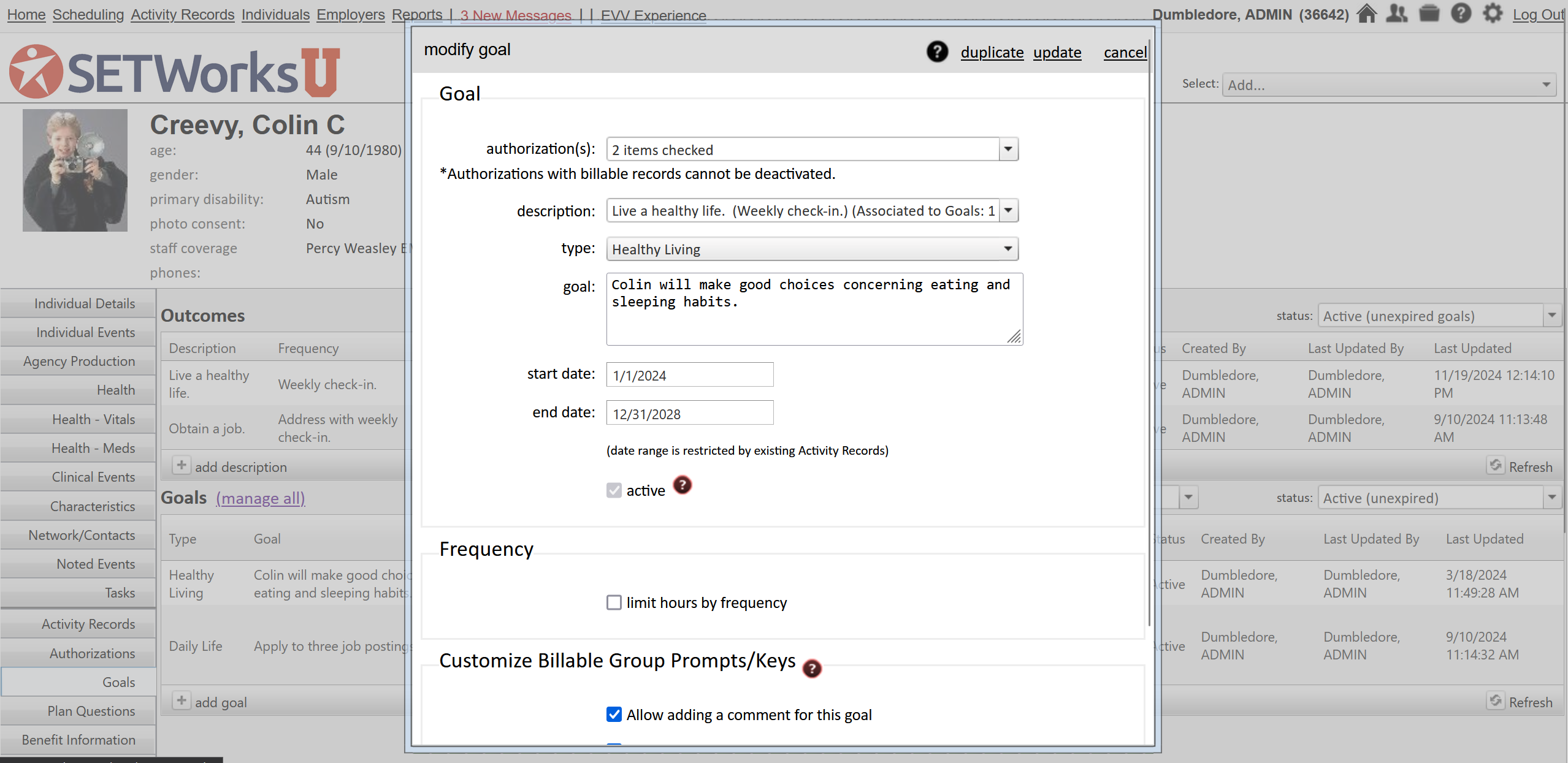
2. Streamlined - Outcomes and Goals
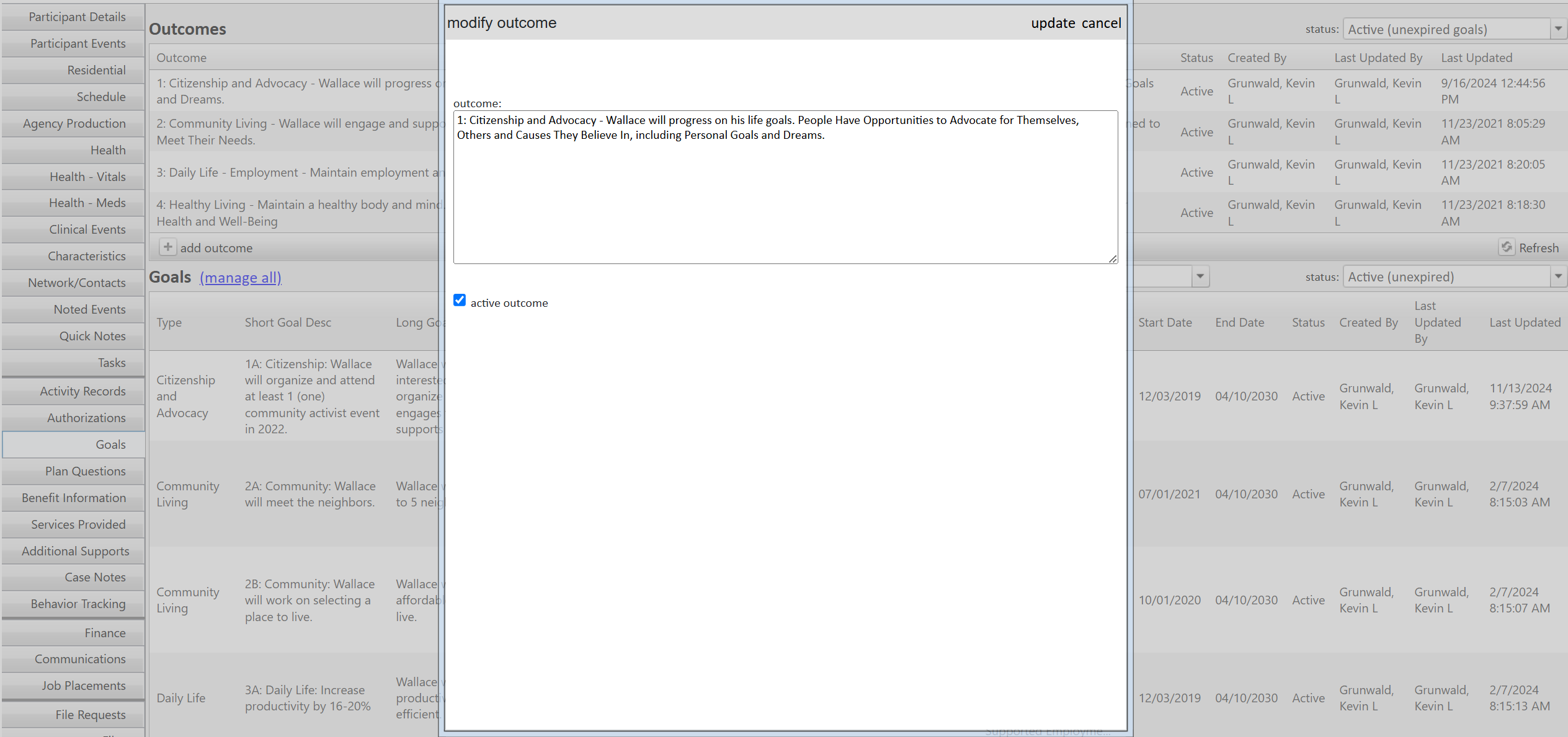
Outcome - One Text Box
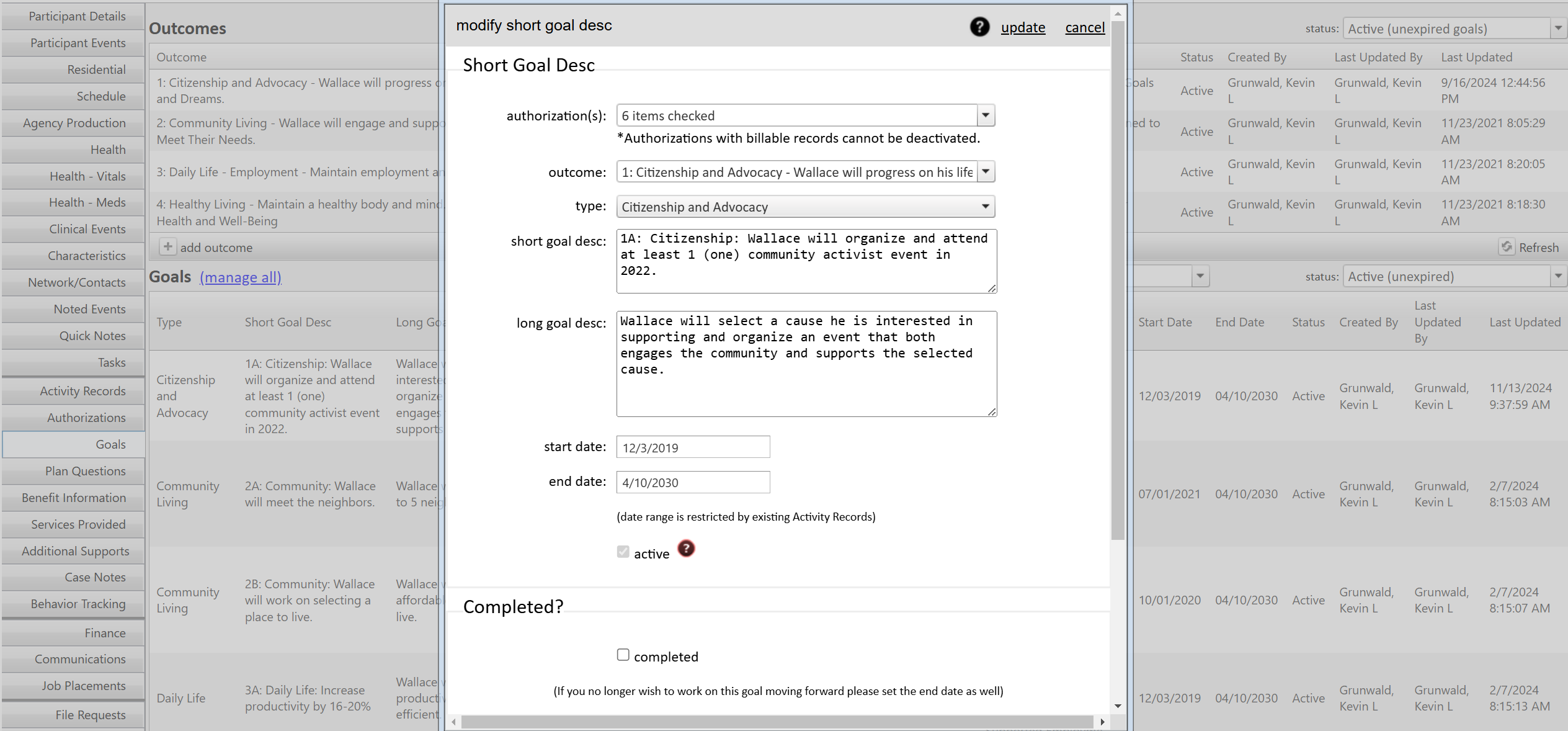
Goal - Two Text Boxes
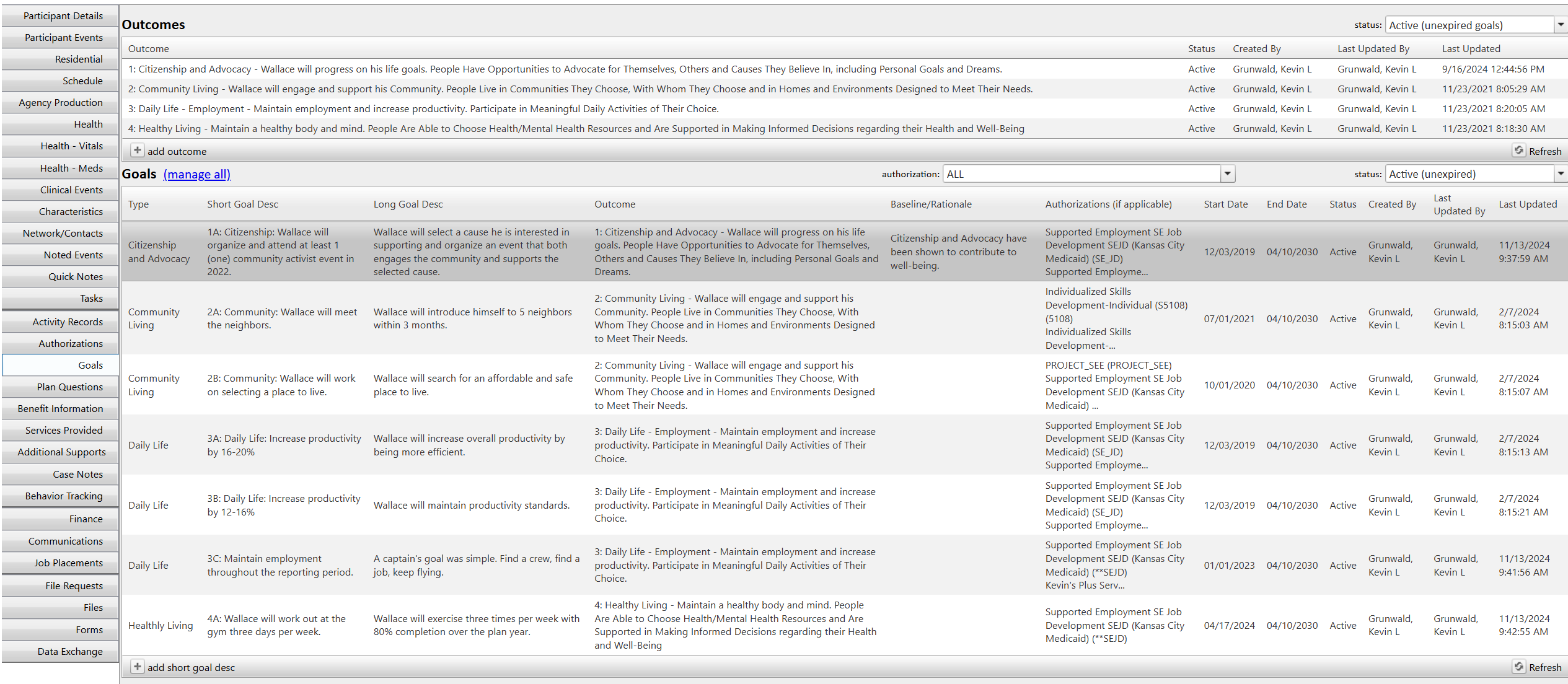
Outcome - One Text Box:
Goal - Two Text Boxes:
3. Compact - Goals Only Layout
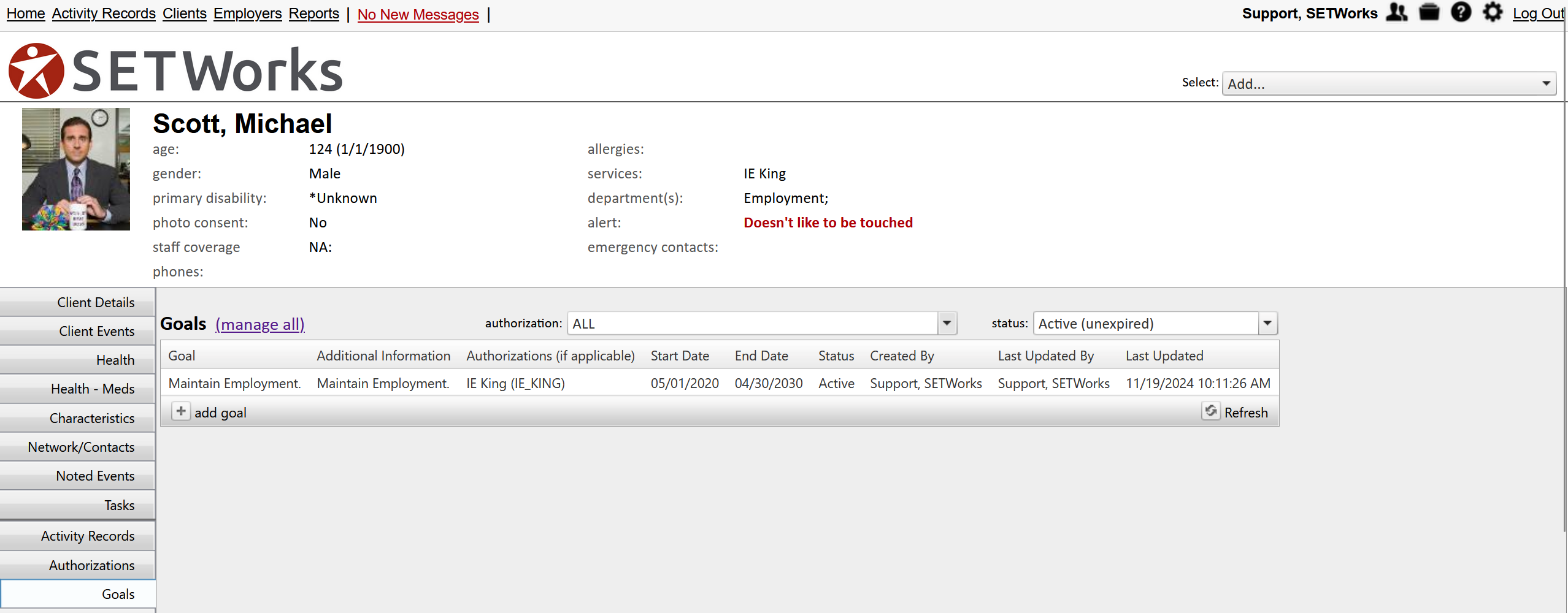
The third layout option hides the Outcome section completely, leaving only Goals.
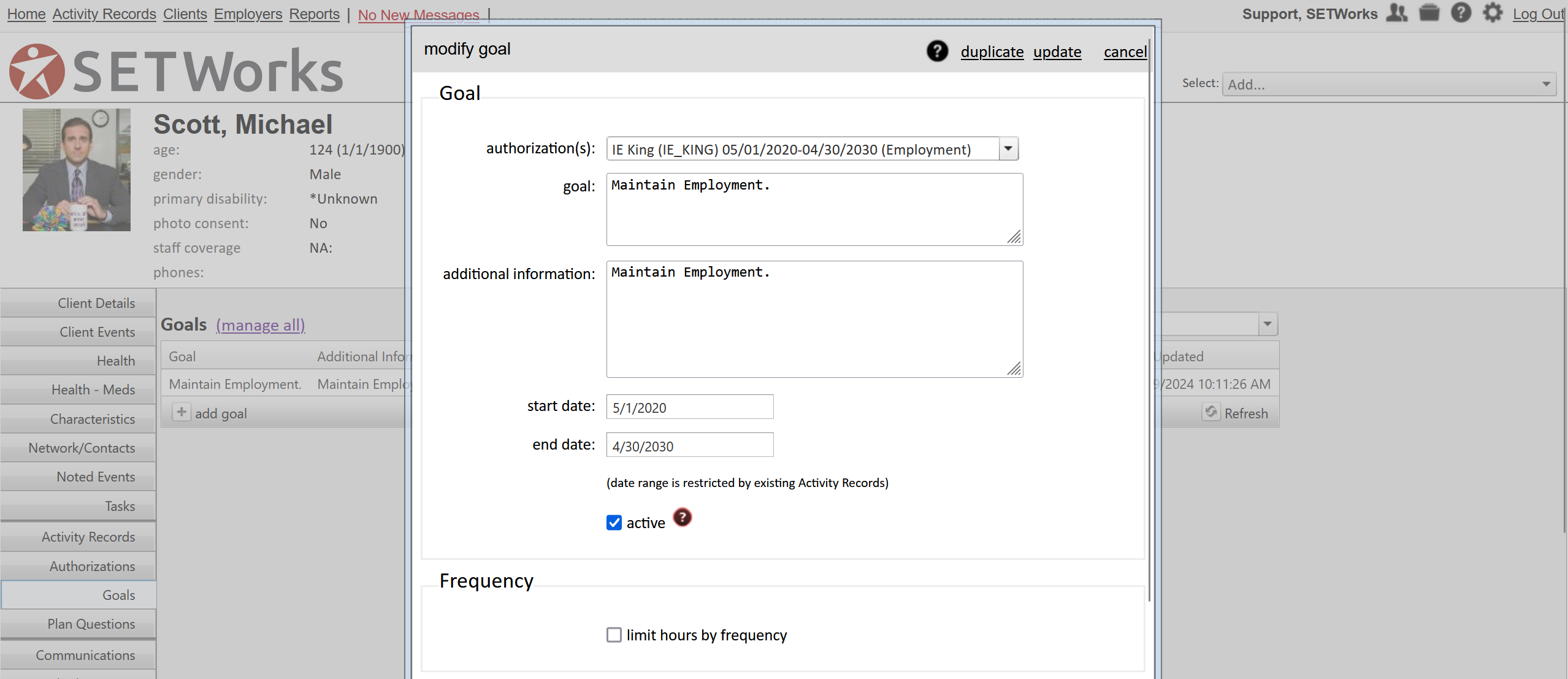
Goal - Two Text Boxes
Goal - Two Text Boxes:
Relevant Privileges:
Note: Is able to associate a goal to an outcome. (Disabling this privilege hides the Outcome section.) Enable the "Methods/Techniques/Strategies" field on the Outcome (not the goal). (Disabling this privilege moves the Methods/Techniques/Strategies box to the Goals section. It also hides the Goals description within an Activity Record.)
Note: Please note. Setup of the goals tab is typically handled under the guidance of your SETWorks onboarding manager. Before making changes to this area we'd recommend testing first to be aware of the impact of changes. Contact support@SETWorks.com with questions.