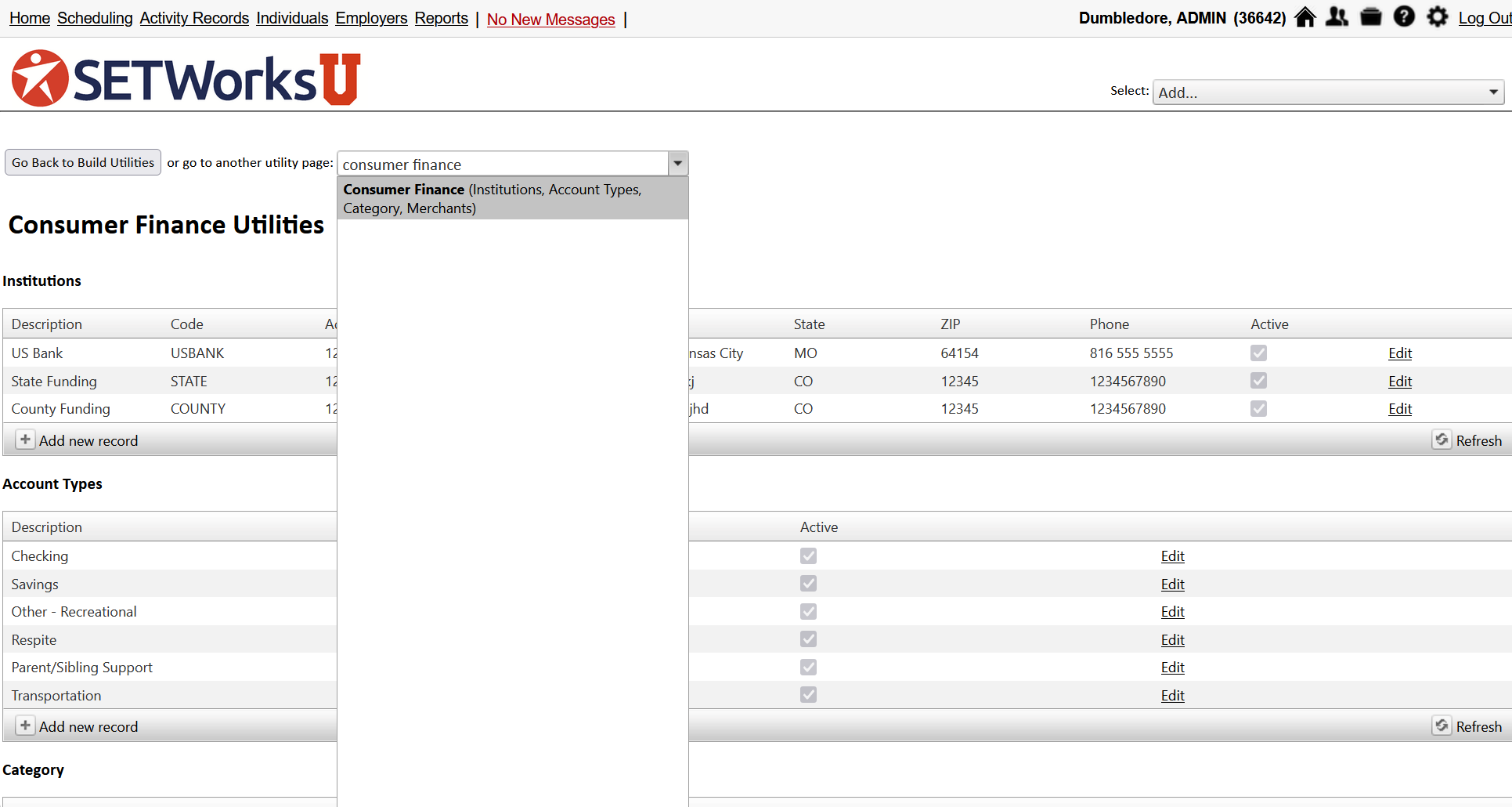
What Is the Consumer Finance tab?
Finance
The Finance tab is used to document consumer financial transactions. Within the Finance tab is a tab for Accounts and a tab for Transactions.
Accounts
The Accounts tab lets you define the account details for the consumer, including an initial balance.
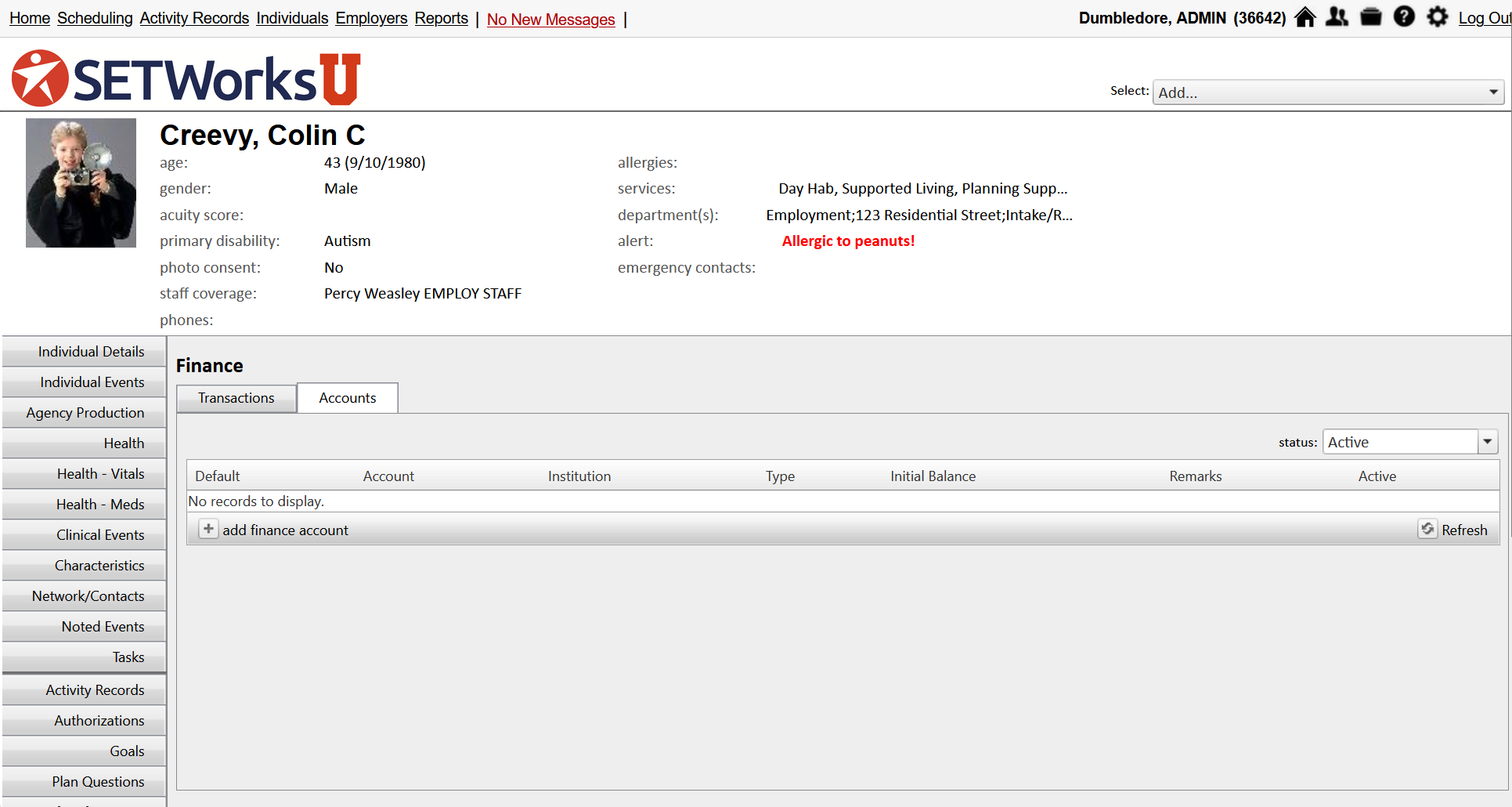
To get started, create a new account
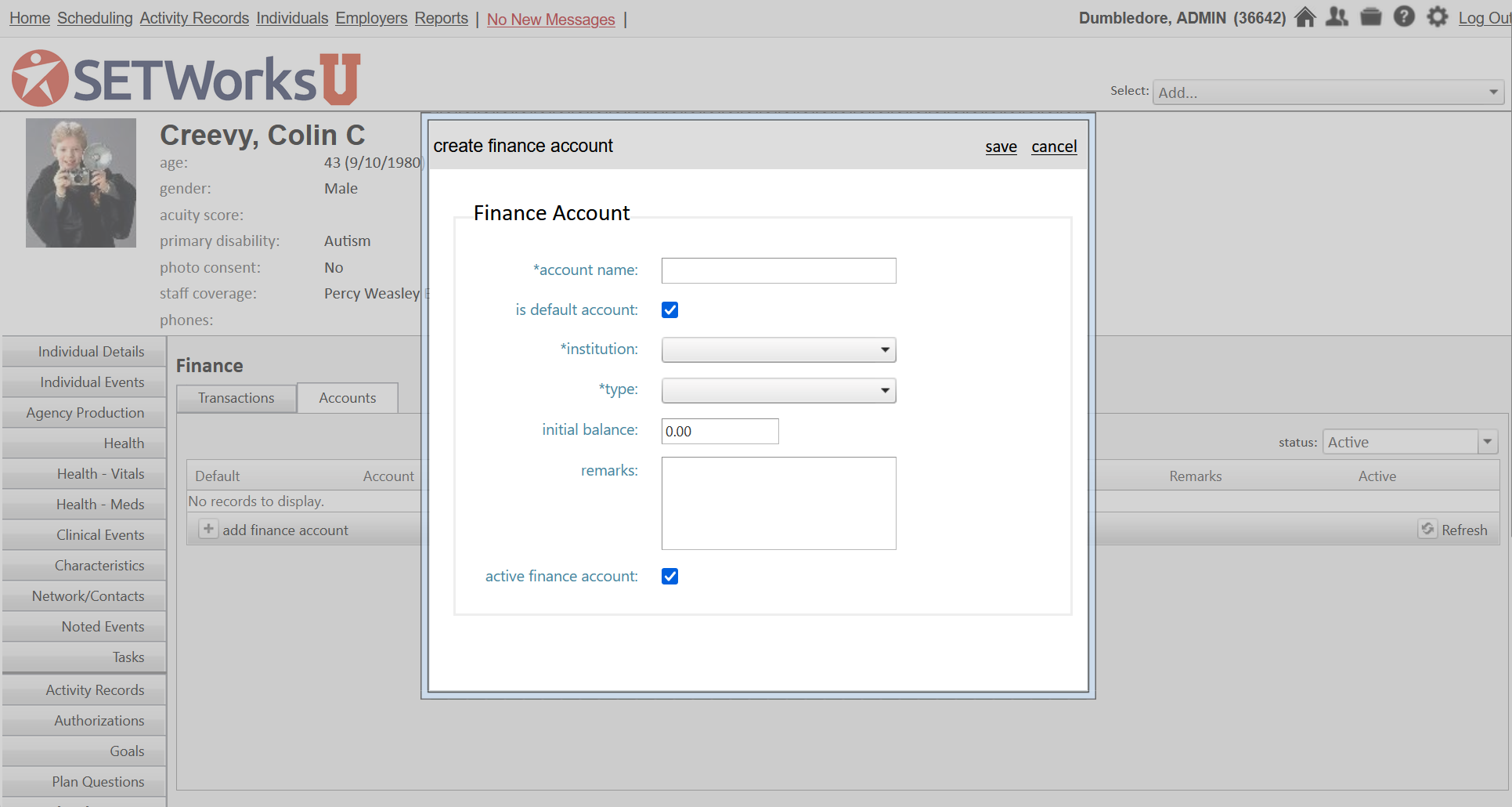
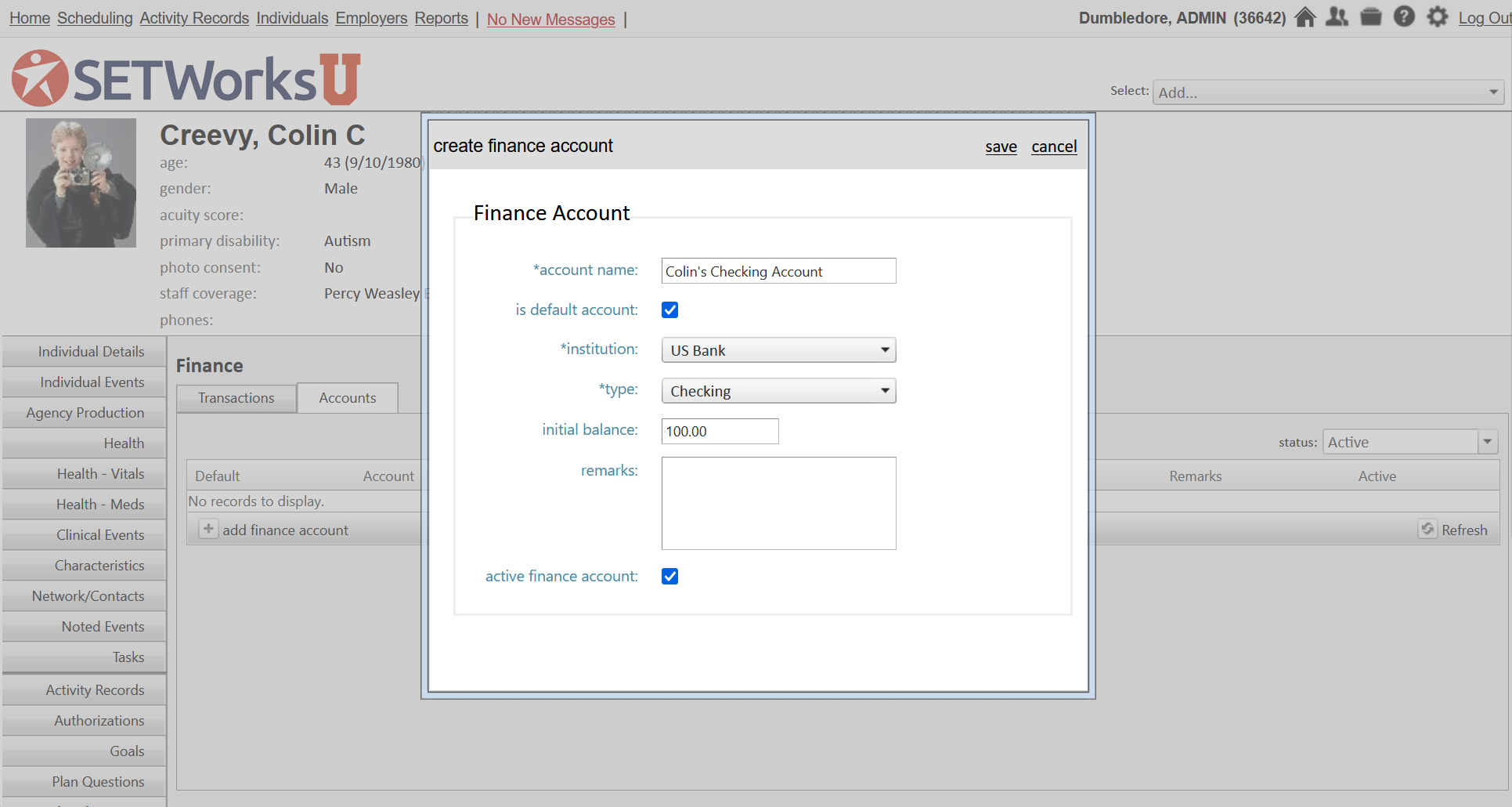
Type in a name for the new account, select the institution (institutions can be added from the Consumer Finance Utility), select the type of account (checking, savings, etc.) and set the initial starting balance for the account.
Now that the account has been created, we can go to the transactions tab and enter information about individual transactions.
Transactions
The Transactions tab is used to document any financial transaction (deposit/expense) associated with the consumers account(s). Details of the transaction are logged and the current balance is updated to reflect the deposit/expense.
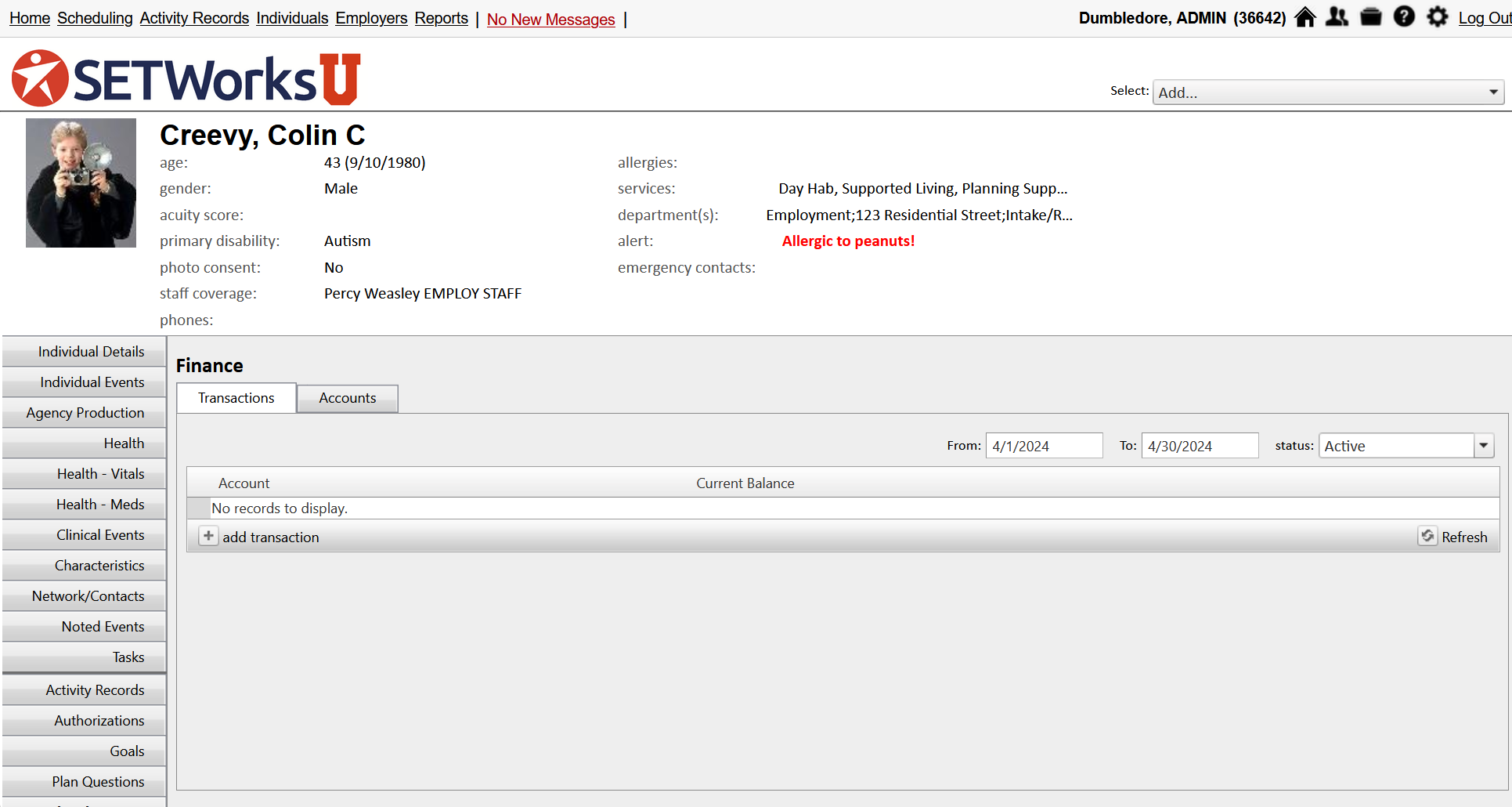
To record a new transaction, select the add transaction button:
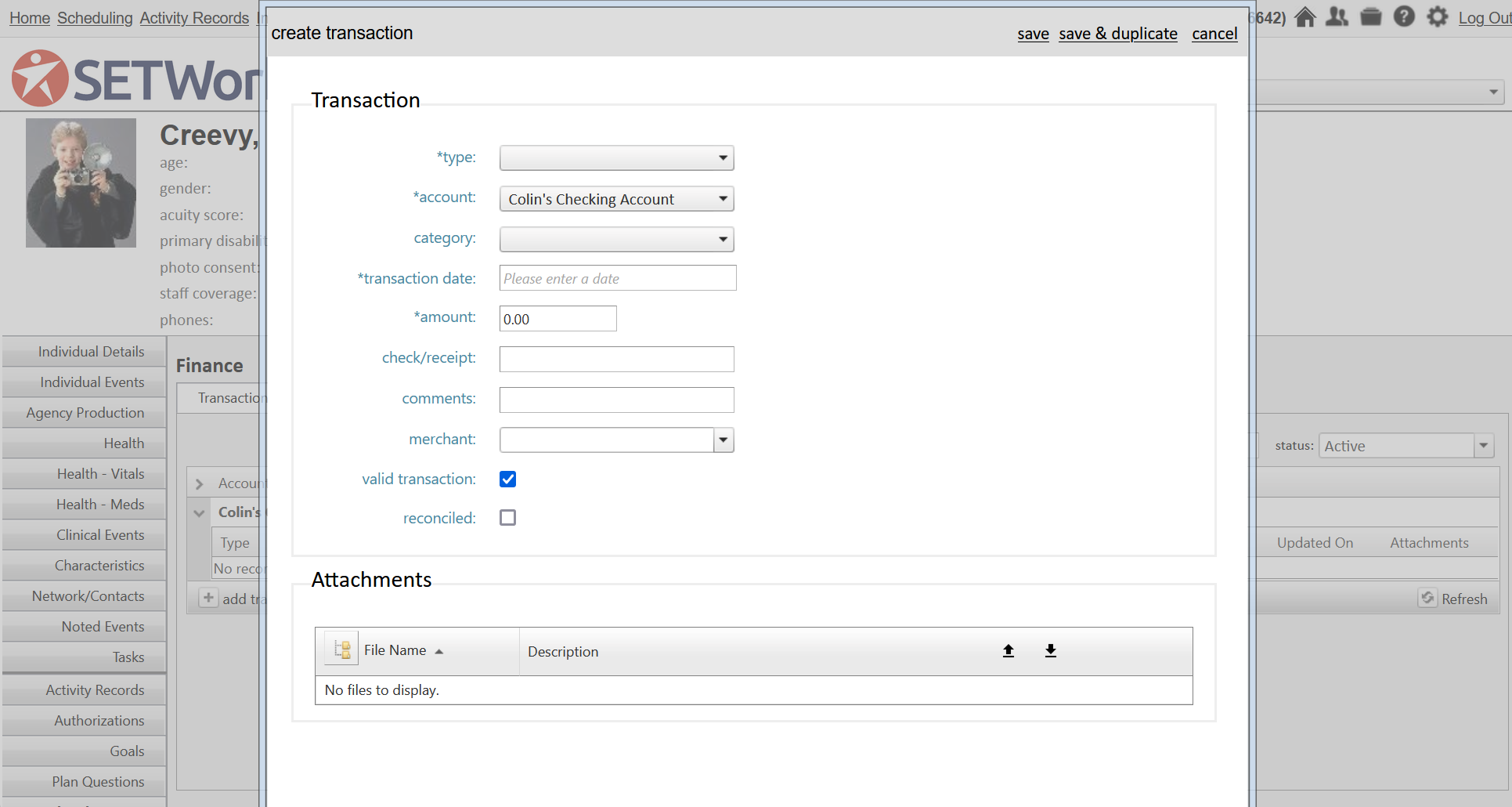
Enter details of the transaction and select save when done:
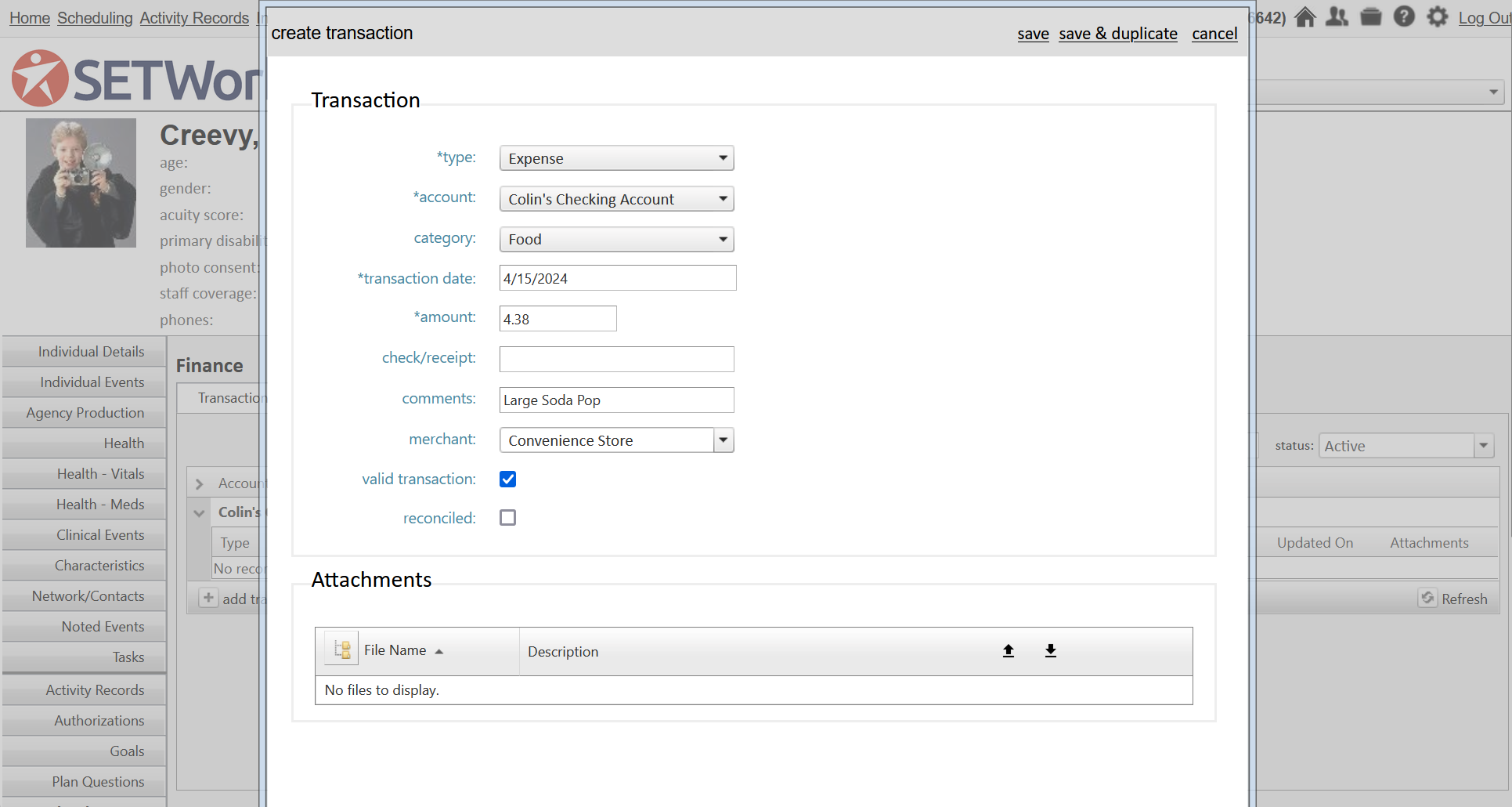
If applicable, you may upload attachments, such as a picture of the receipt.
A note about Merchants - if you don't see a merchant listed in the merchant dropdown, that is okay. Simply type in the name of the Merchant and it will automatically be created and it will appear in the dropdown next time.
Consumer Finance Utility
Use the Consumer Finance Utility to define banking institutions, types of accounts, transaction categories/types, and maintain the list of merchants. Please note that it is recommended you set up banking institutions and types of accounts before entering transactions, however it is not necessary to enter merchants in advance. Merchants will be automatically created as transactions are entered.