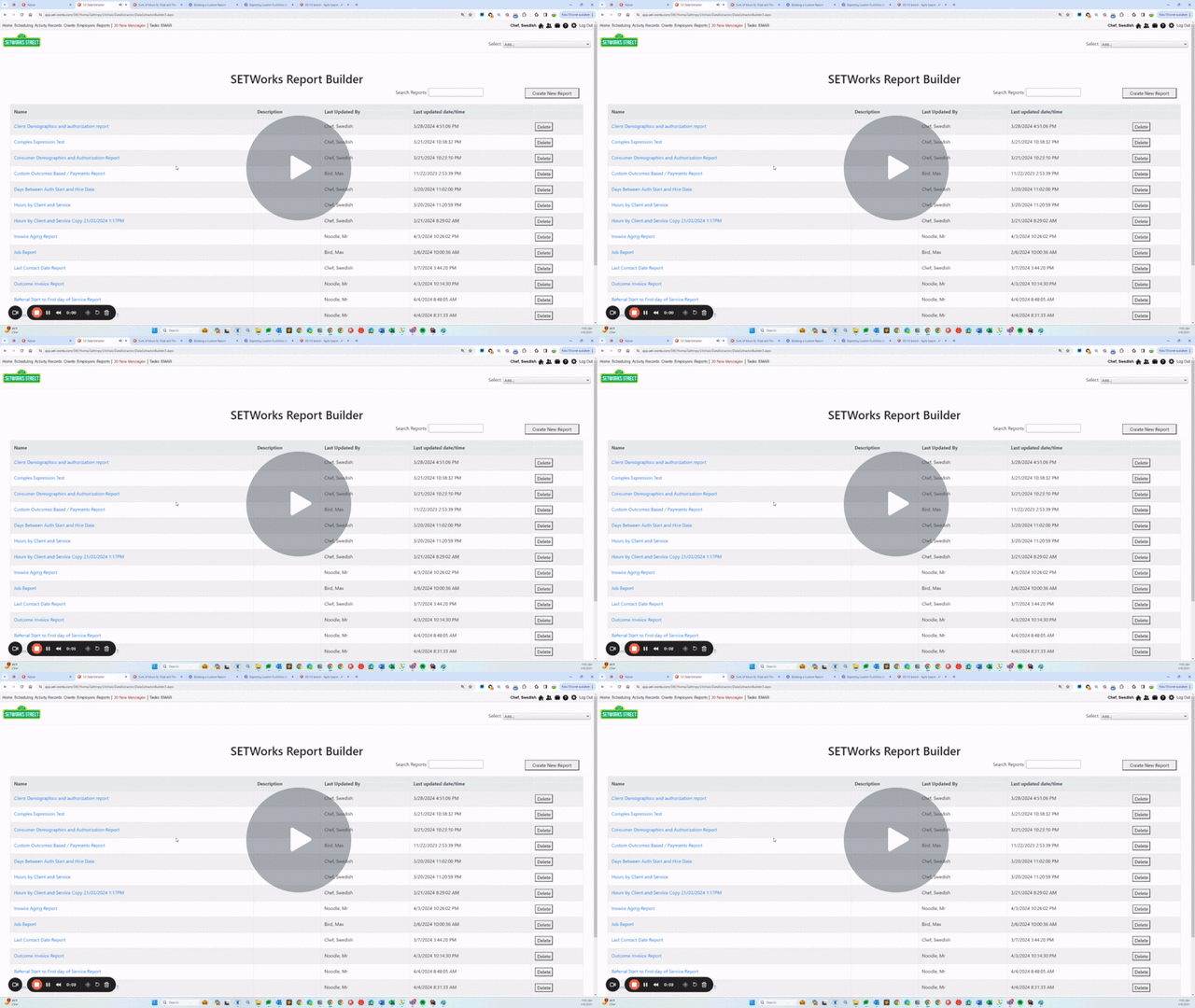
In this video we create a report that sums up activity record hours into two custom columns: Total Hours, Hours provided by Primary Staff (Primary Hours).
We use a number of techniques to do this, namely these transformations:
1. Complex Expression (If statements, e.g. to say "If this record was provided by the primary staff, then apply the hours to the Primary Hours column, otherwise don't.)
2. Combining columns (combining first and last name).
3. Math operation (to say "does this staff name column contain the name in the primary staff column").
4. Format (format a column to two decimal places)
5. Set Default Values: If a column is blank, we set a default value so when we did the "contains" math operation, a blank wouldn't be calculated as true, meaning the computer would think "yes, the primary staff column contains a blank, the staff name column contains a blank, so that's a match! And if that's a match, the hours would be applied to the Primary Hours column, which we don't want).
6. Insert a new column (creating a Primary Hours column)
7. Grouping and Aggregating (summing hours into the Total and Primary Hours columns)
Creating a Custom Report for Summing up hours into custom columns (by primary staff) - Watch Video