Access Onboarding Phase I in Zoho Learn
SETWorks uses the platform called Zoho Learn to begin SETWorks Onboarding. You can access the platform by walking through the following steps:
Creating Your Profile
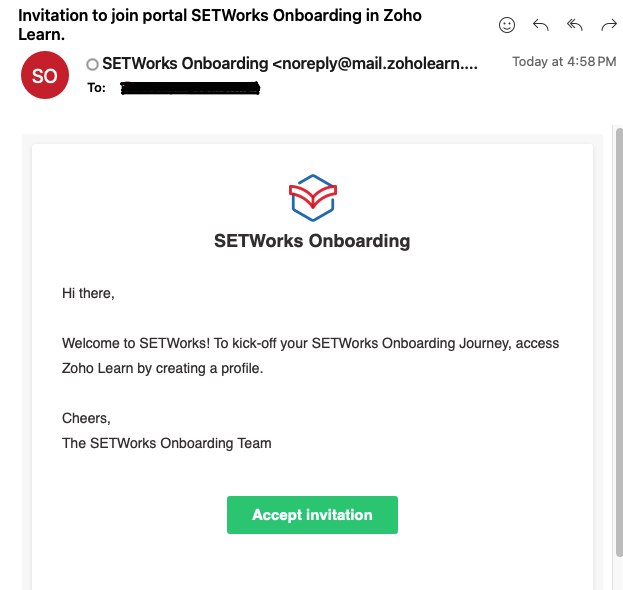
1. Upon given access, you can receive an invitation via email. Select Accept invitation.
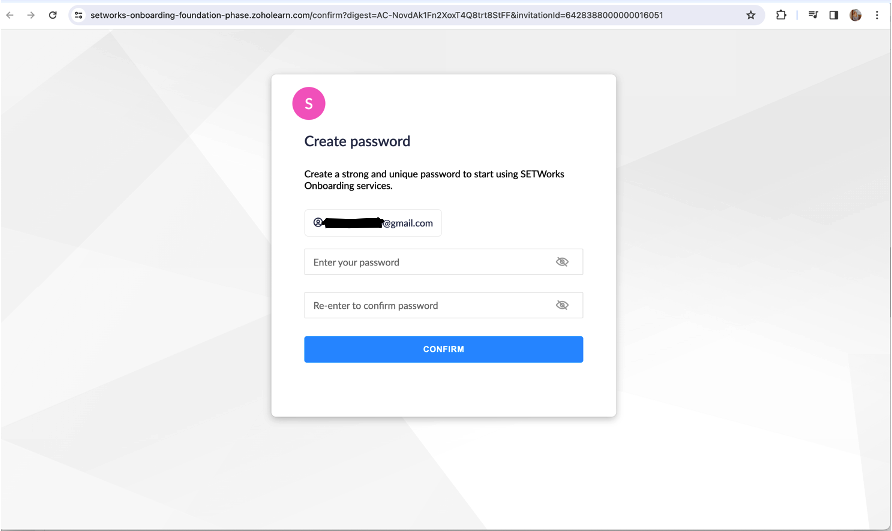
2. Setup your account by creating a password. Select CONFIRM.
3. Access the portal and Learning tab to begin your lessons.
NOTE: Favorite this page to come back to the lessons at a later date.
insert image
-------------
You've Been Assigned a Course
1. Upon assignment of a course, you will receive an email. Select Start Learning.
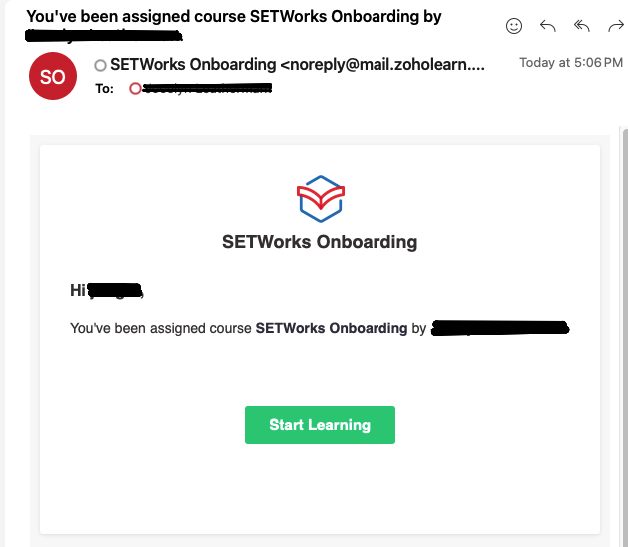
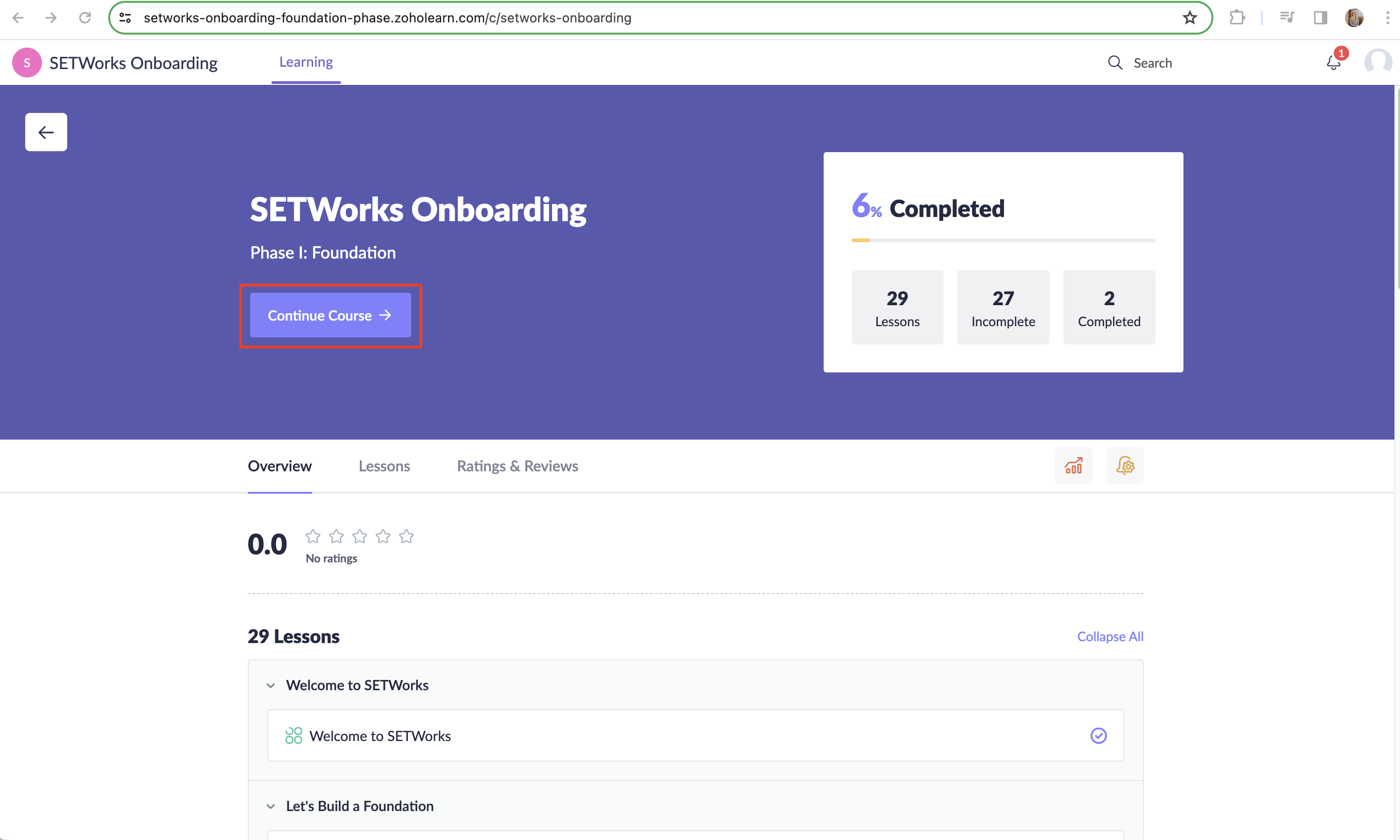
2. You now have access to Zoho Learn to begin SETWorks Onboarding Phase I: Foundation. Explore the Overview of the modules or Start Course (NOTE: If you've logged in before, you'll see Continue Course).
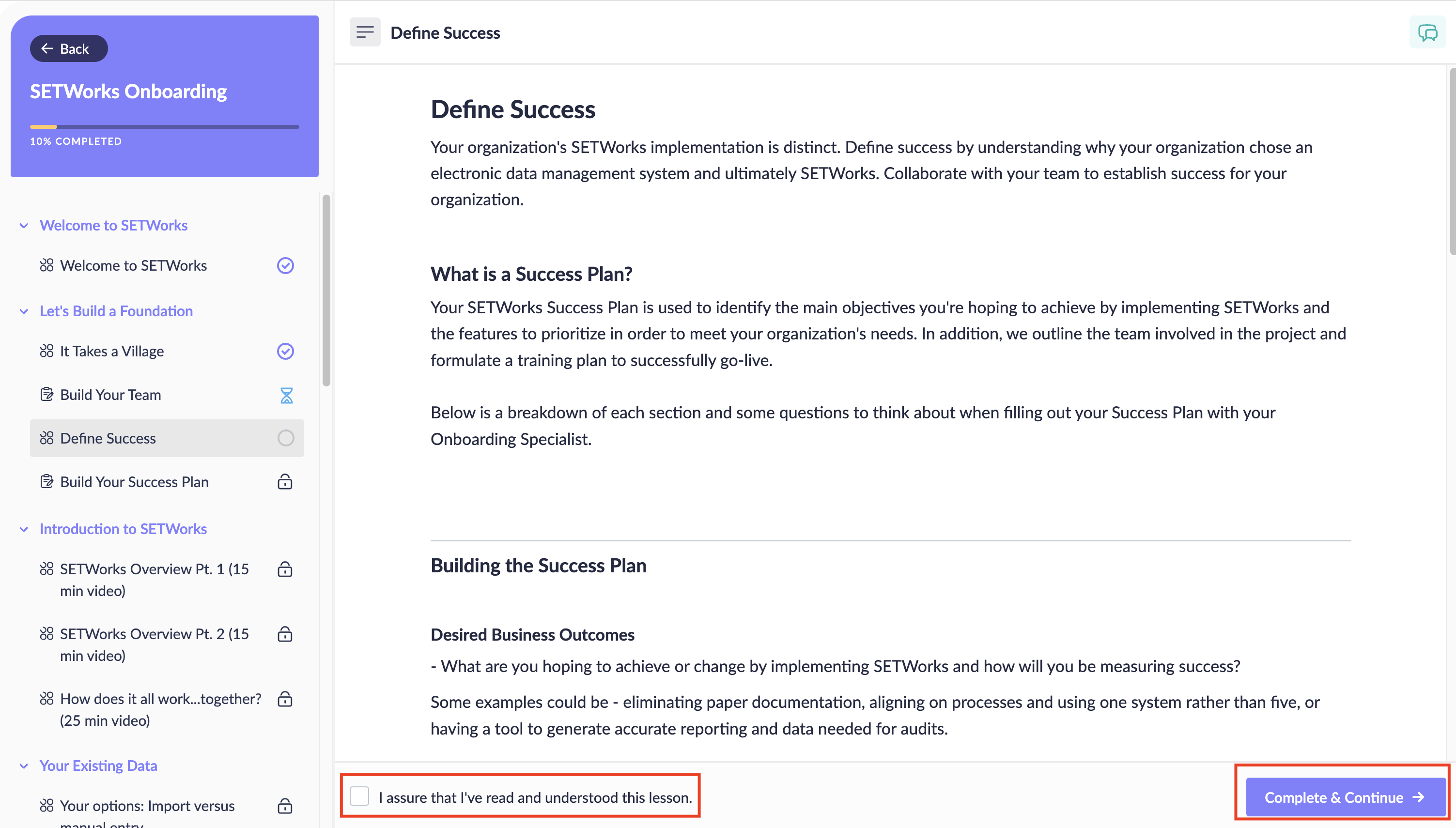
3. Upon completing a less, Acknowledge that you've read the material, then select Complete & Continue.
-----------
To Access Material at a Later Date
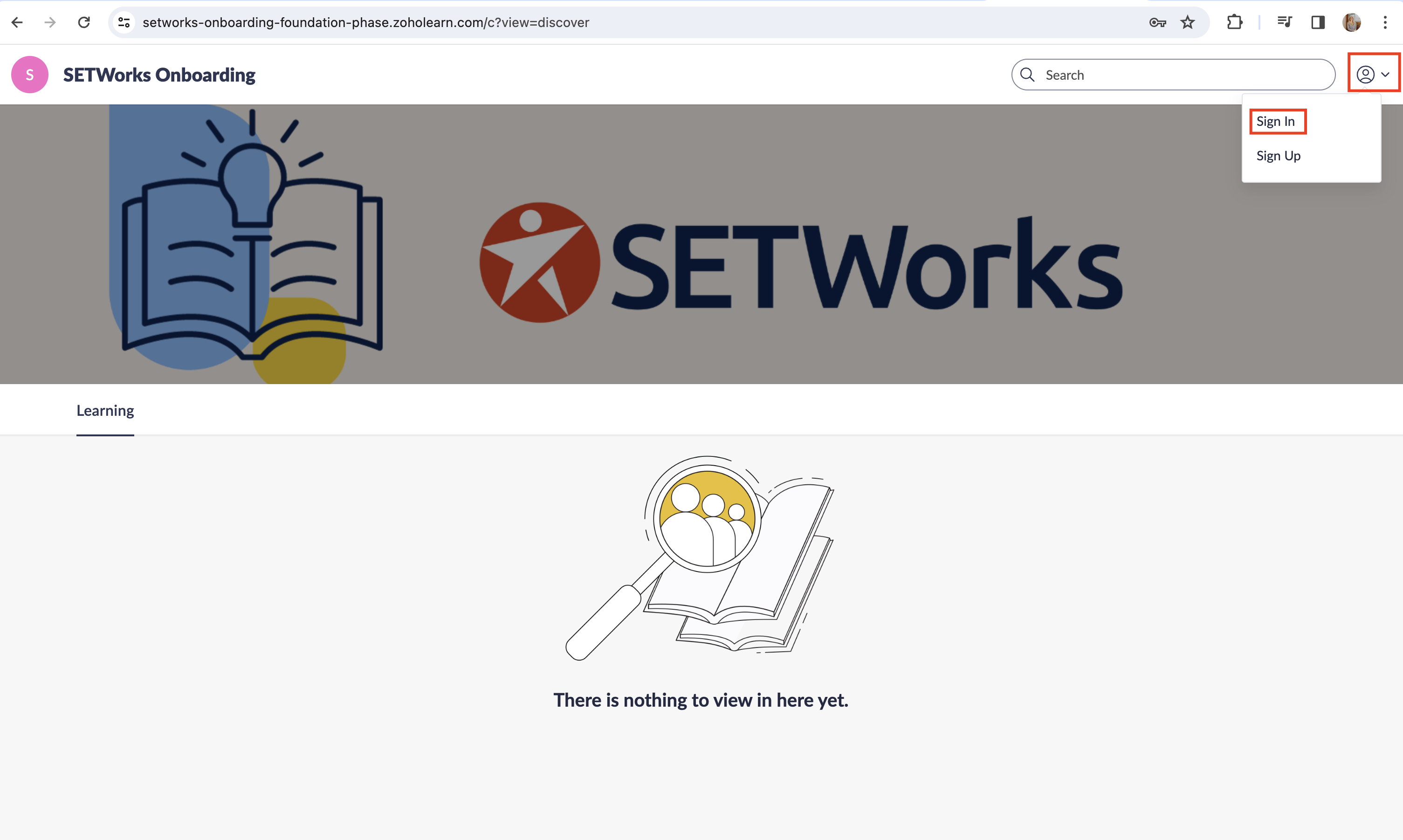
1. Access the training plan here: https://setworks-onboarding-foundation-phase.zoholearn.com/c?view=discover
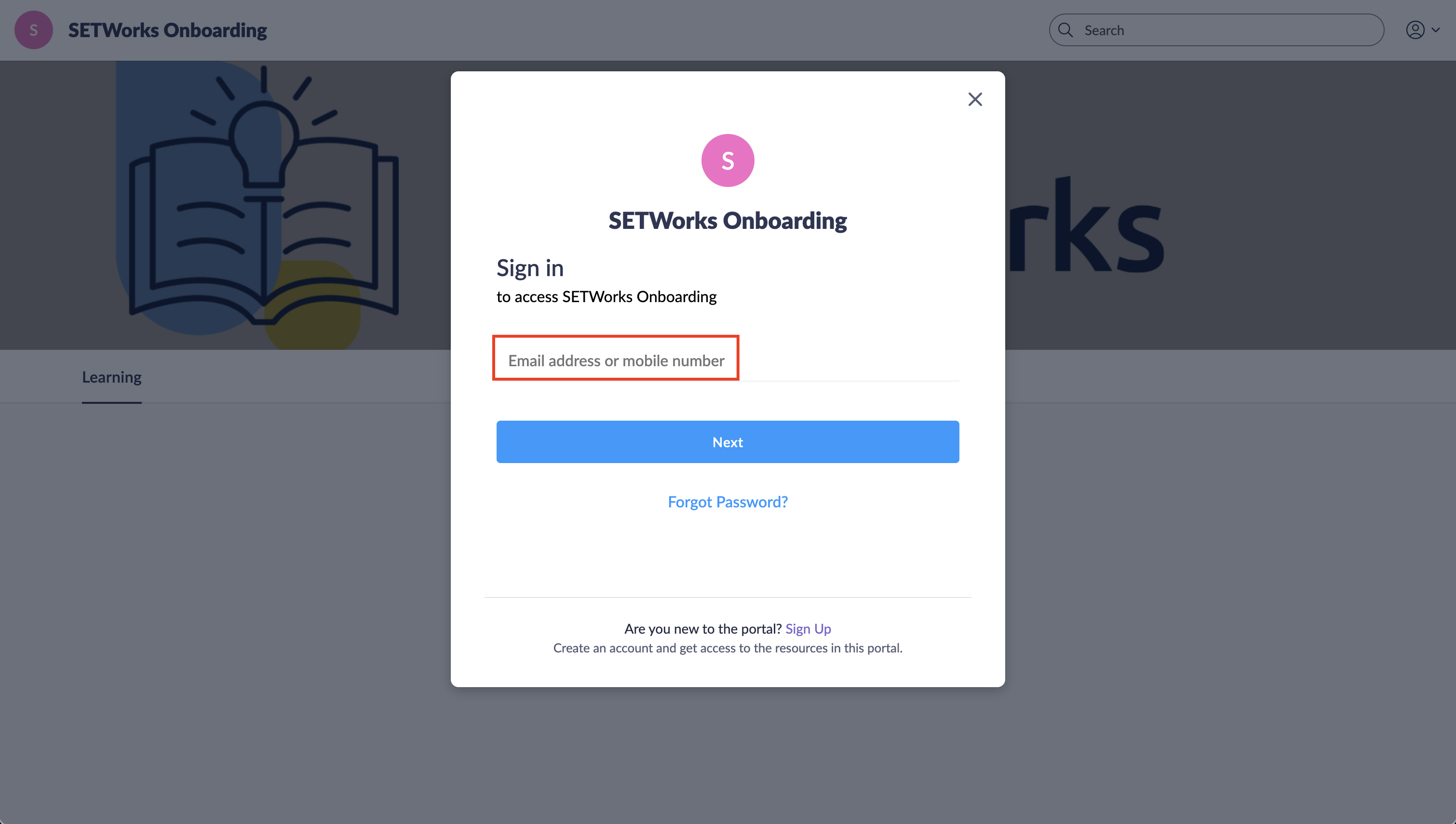
2. Select Sign In in the top right hand corner.
3. Enter your email.
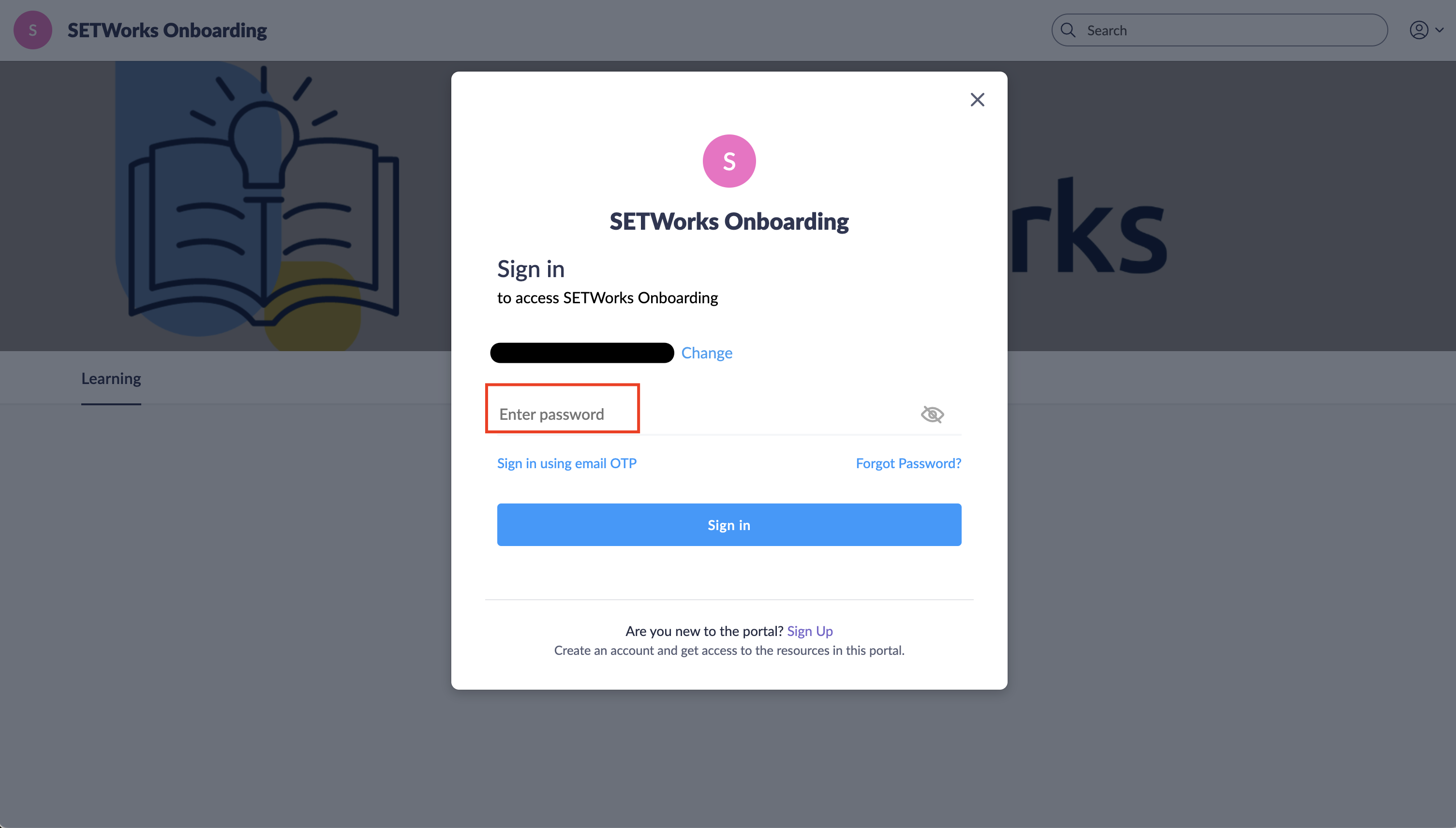
4. Enter your password.
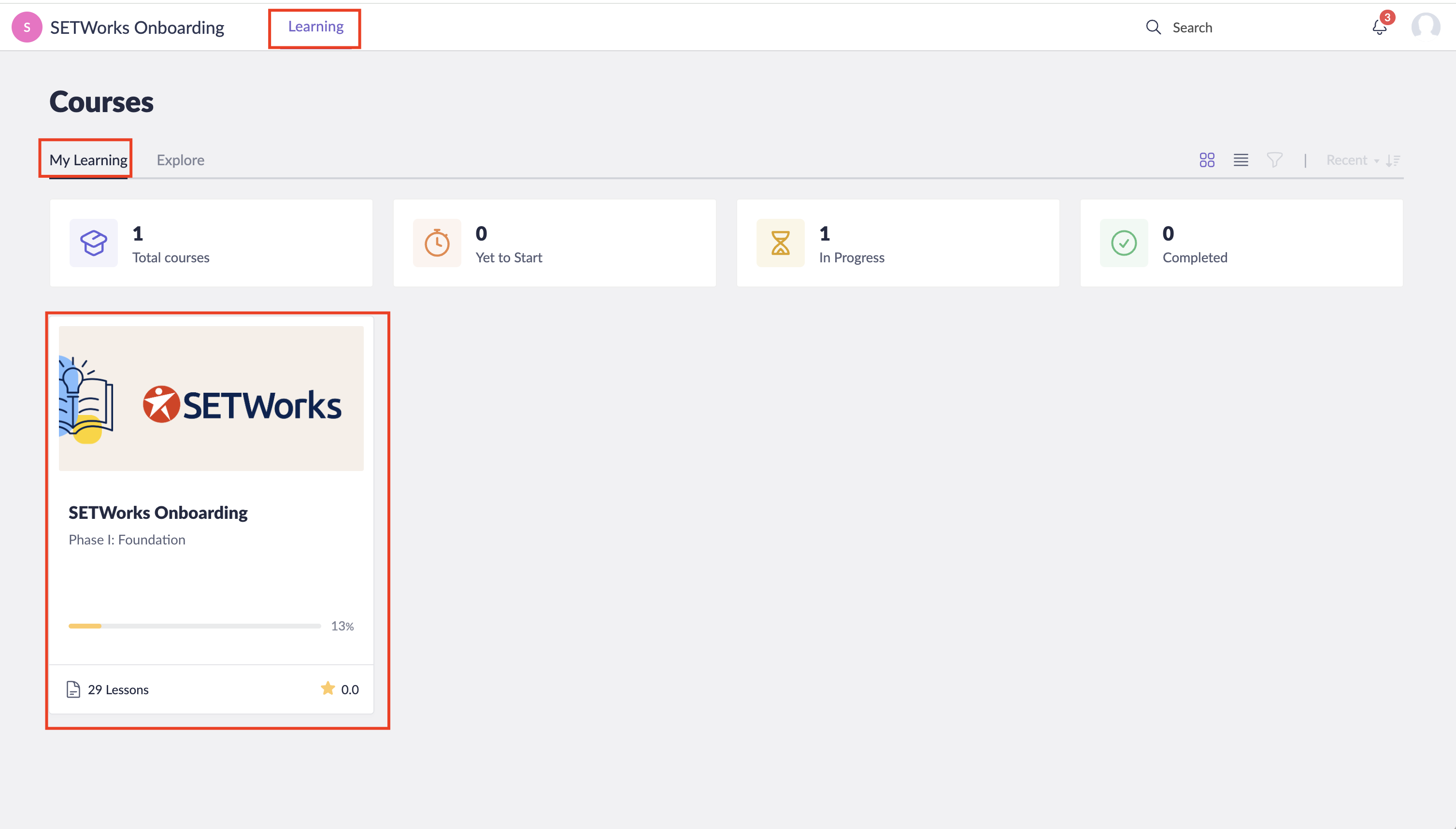
5. Access the Onboarding Foundation course in the My Learning tab.
-----------
Submit Assignments & Receive Feedback
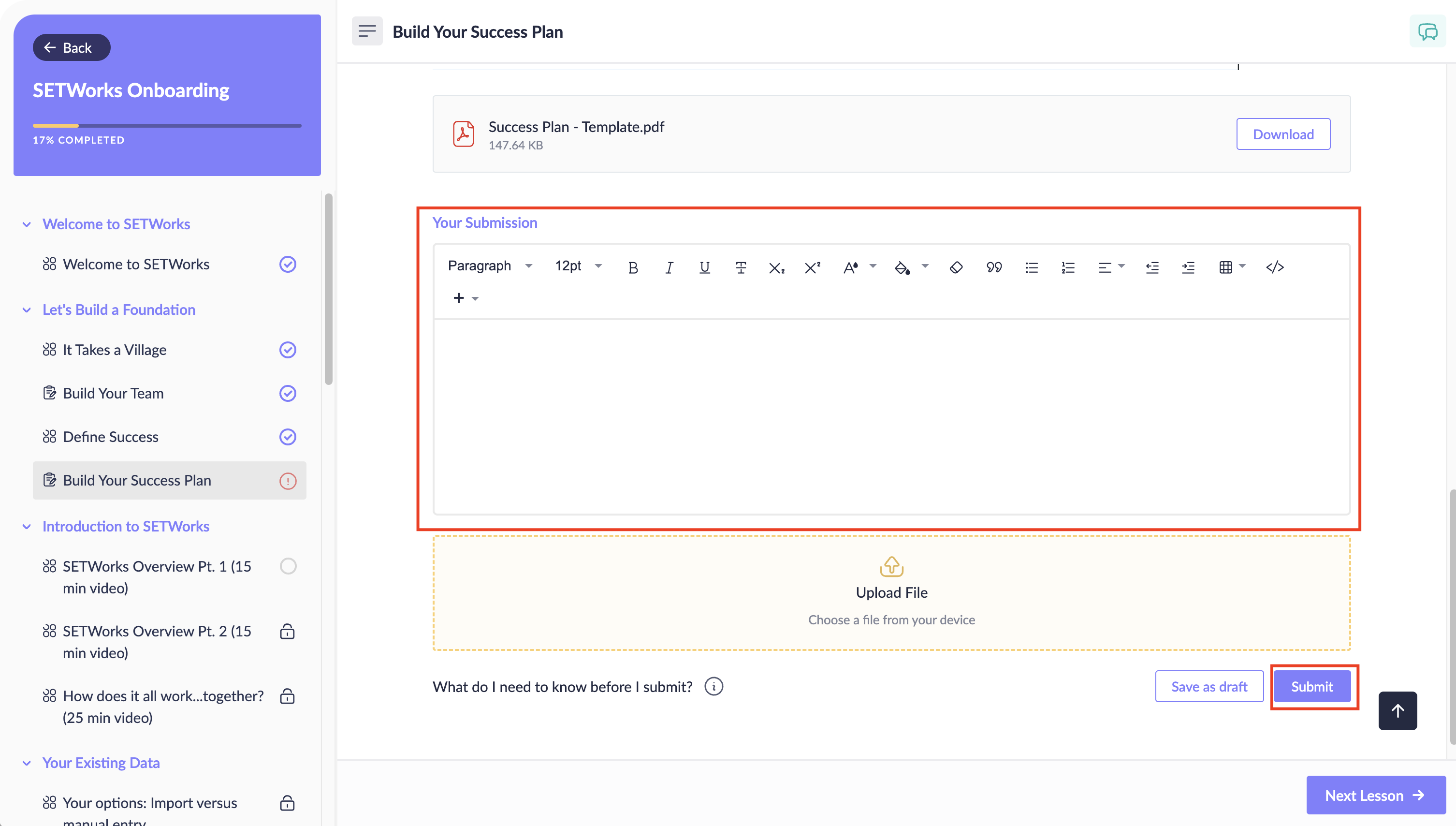
SETWorks uses assignments as a way to monitor your progress throughout Phase I of Onboarding and to provide feedback as you go.
Upon submission of assignments, your responses may be approved or rejected by an Onboarding Specialist and feedback provided.
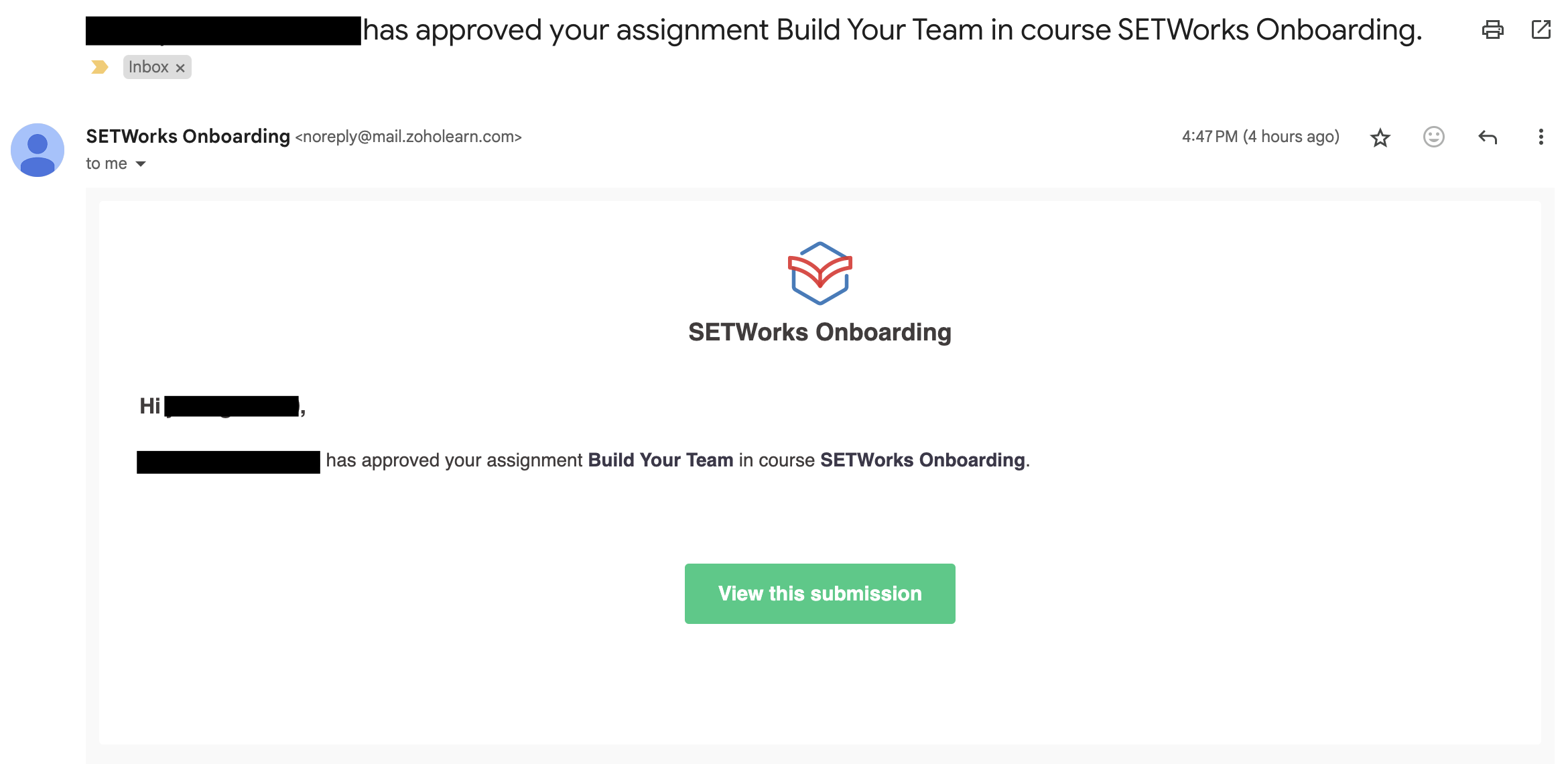
When this occurs, you'll receive an email:
1. Select View this submission.
2. Select the submission to review the status and feedback.
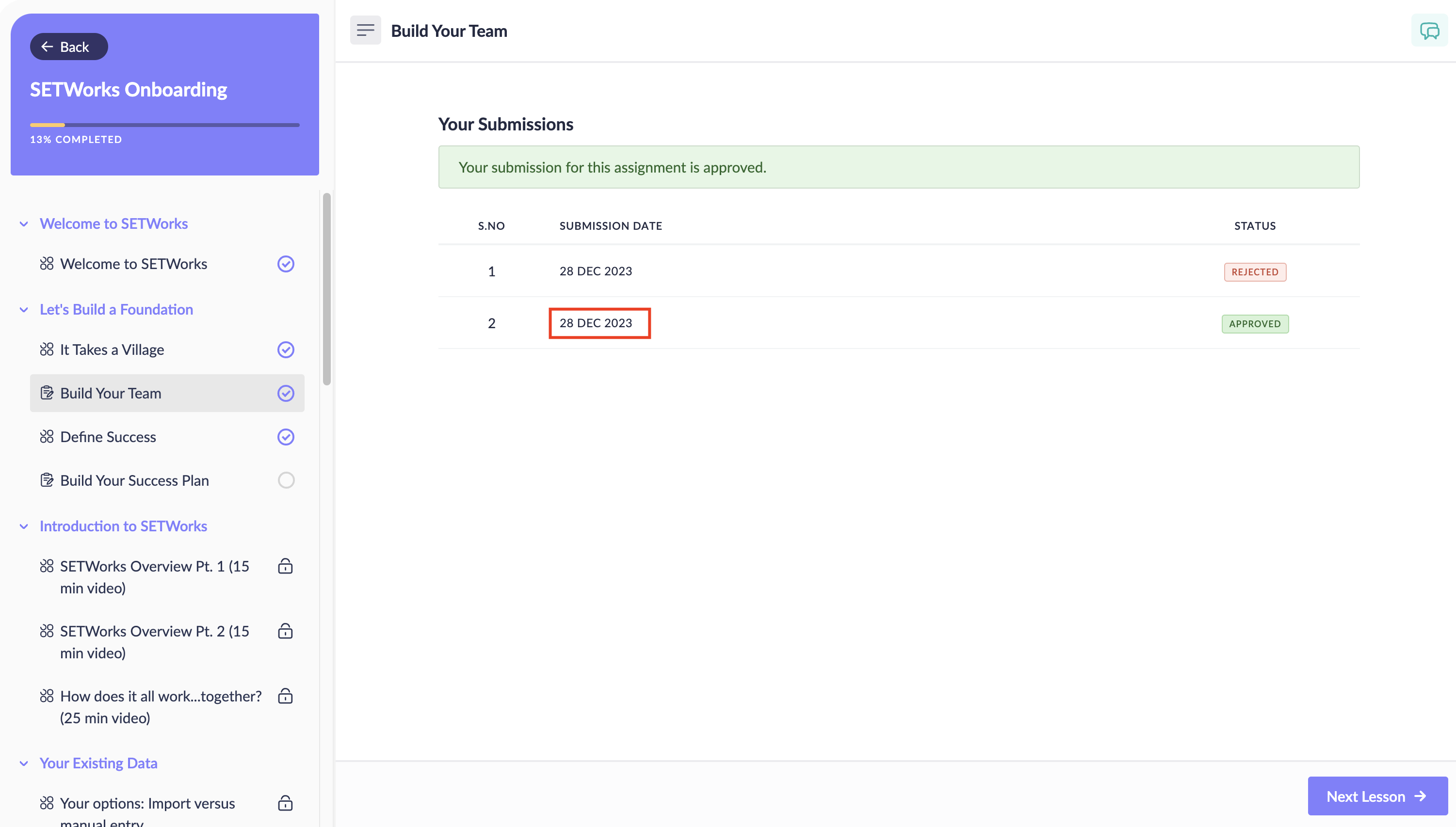
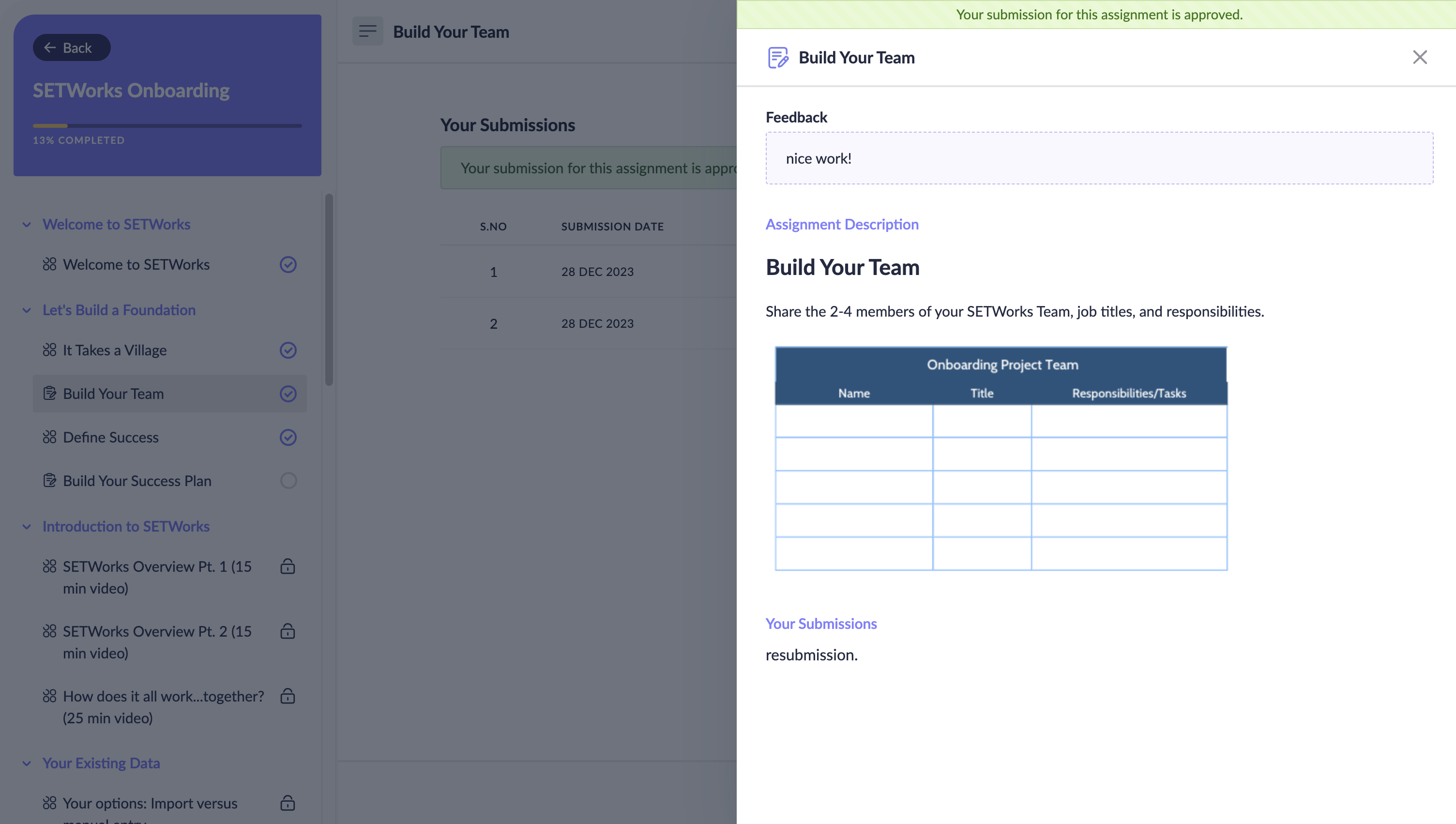
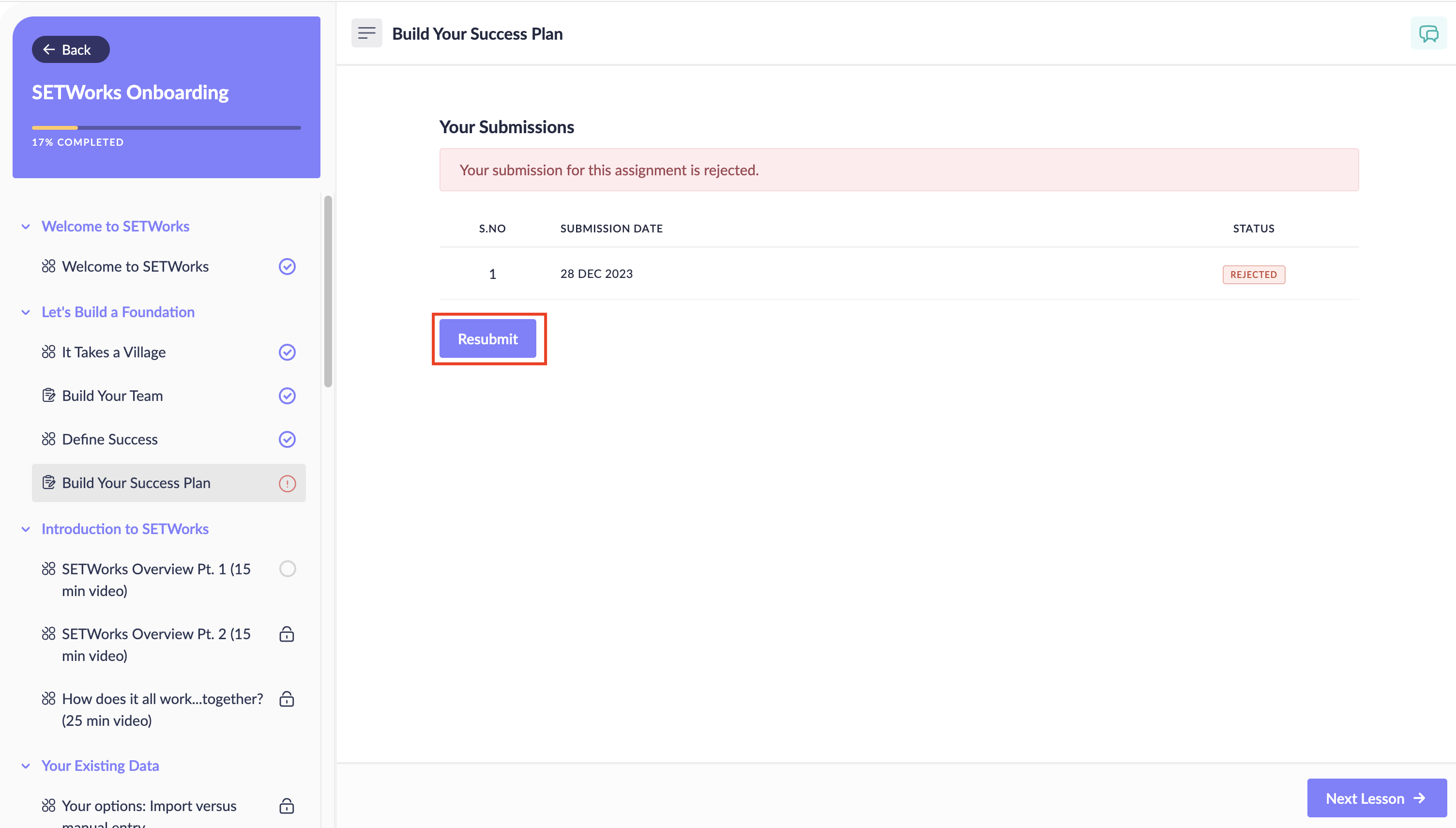
3. When an assignment is rejected, please read the feedback, make adjustments and resubmit.