How do I setup and configure Authorization Request?
Authorization Request is a payer-focused feature where providers authorized for services can access authorizations and then submit reimbursement for those services provided. Learn more about who benefits from this feature.
Note: Terminology can be modified within SETWorks to better fit the needs of your organization. If the terminology in our articles are not the same on your site, talk to your local administrator to assist in translation.
Authorization Request Privileges:
Settings > Provider Build > Maintain Privileges > Global:
Note: Turn on for Payer:
Is able to access agency funding billing submissions for all Service Providers.Note: NOTE: You need the Provider Staff Role in SETWorks to perform external provider tasks. Contact
support@setworks.com to enable this role and the Support Team will enable the following privileges:1) Turn on for Administrative Role: Is able to add Portal Users within the Add New User window.
2) Submit a dev request to add "Service Provider" to the Create New User window > User Type field.
3) Turn on for Provider Staff Role: Is able to access agency funding billing submissions.
Authorization Request Utilities
Agency Funding Utility
Providers. Add providers first as they will be associated to services.
Services. Configure services, including associating to a Service Provider, Service Type, and Service Billing Rule.
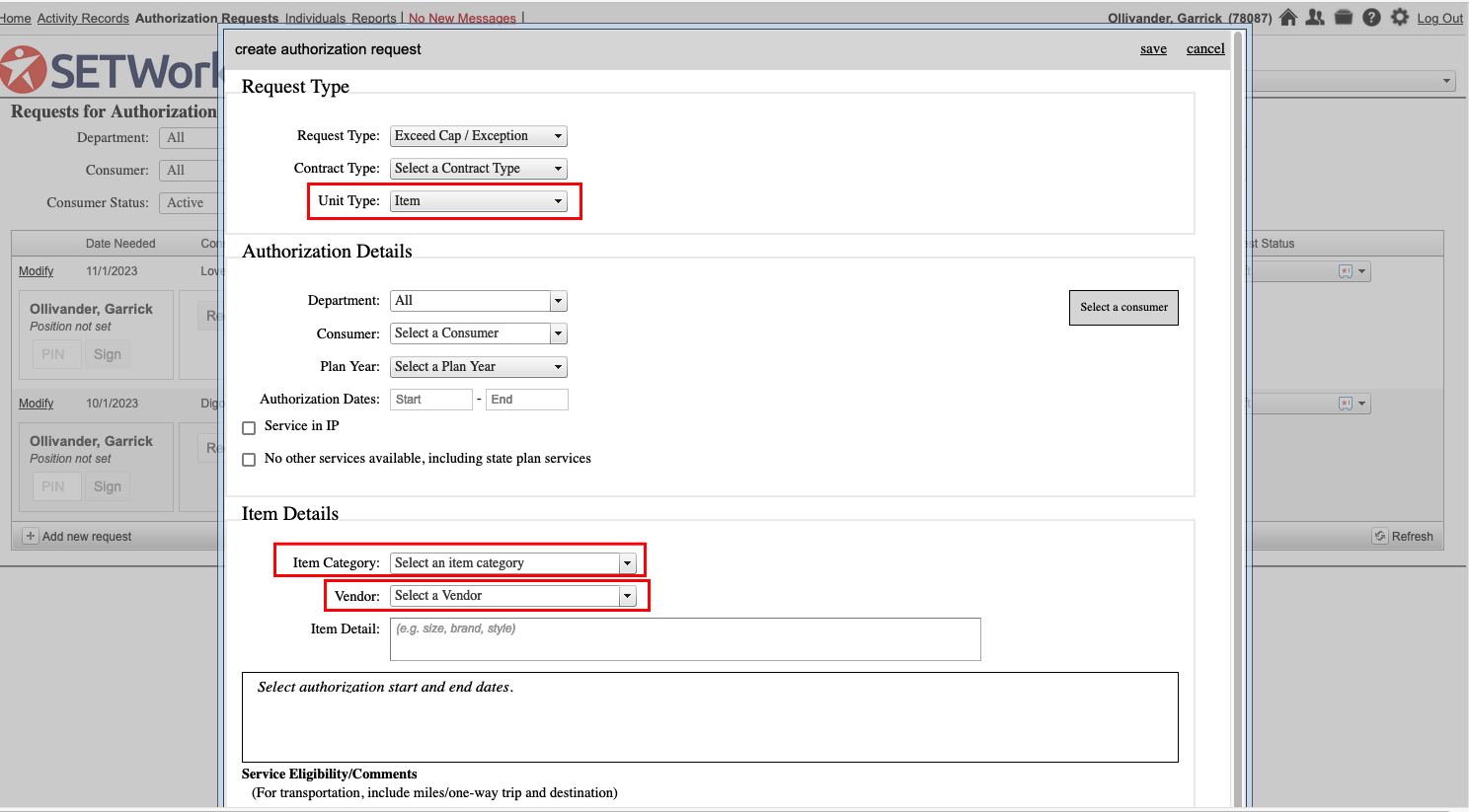
Item Category. Configure Items by providing a name.
Vendors. Add pre-set vendors within the Agency Funding Utility or they can be added from the Authorization Request screen.
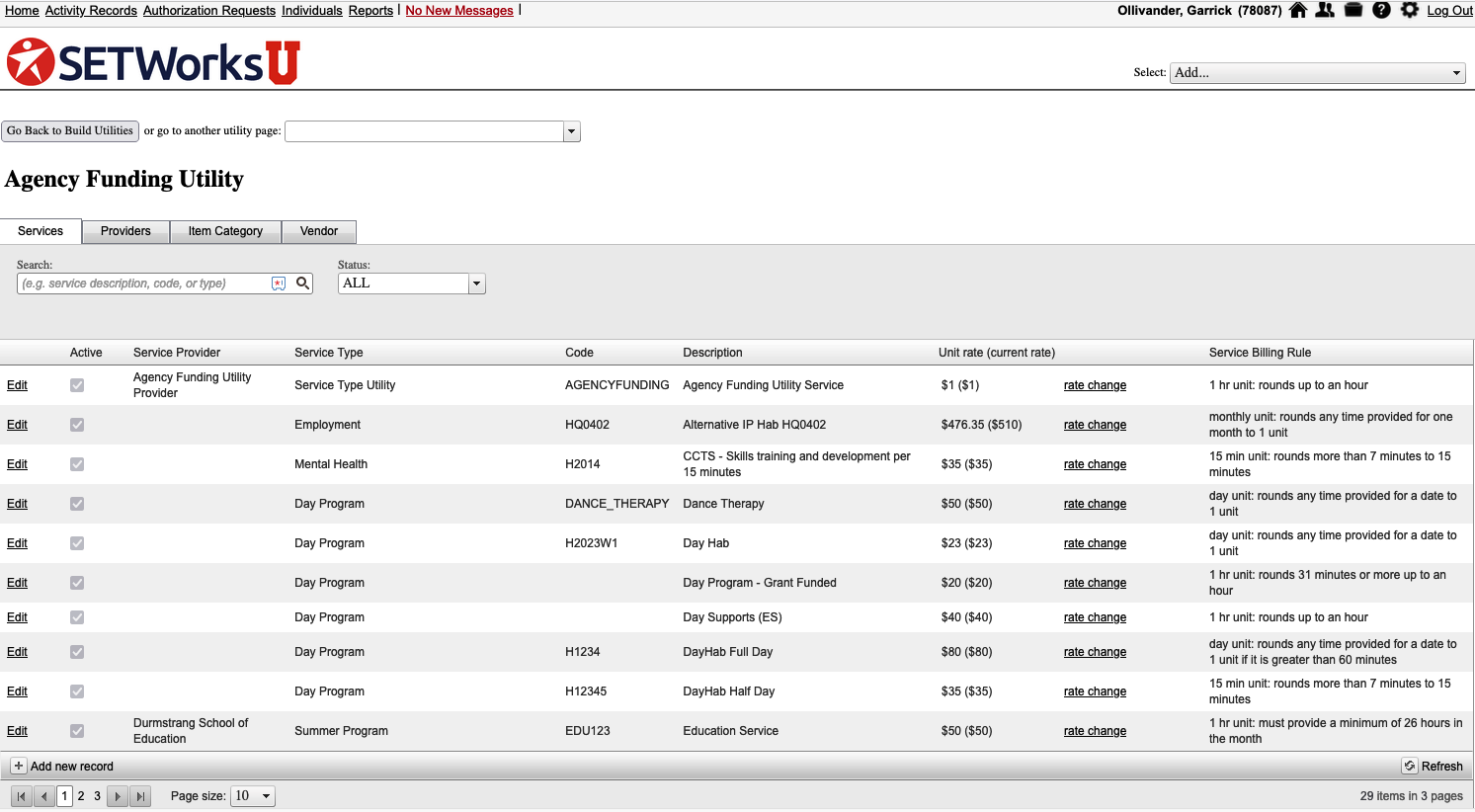
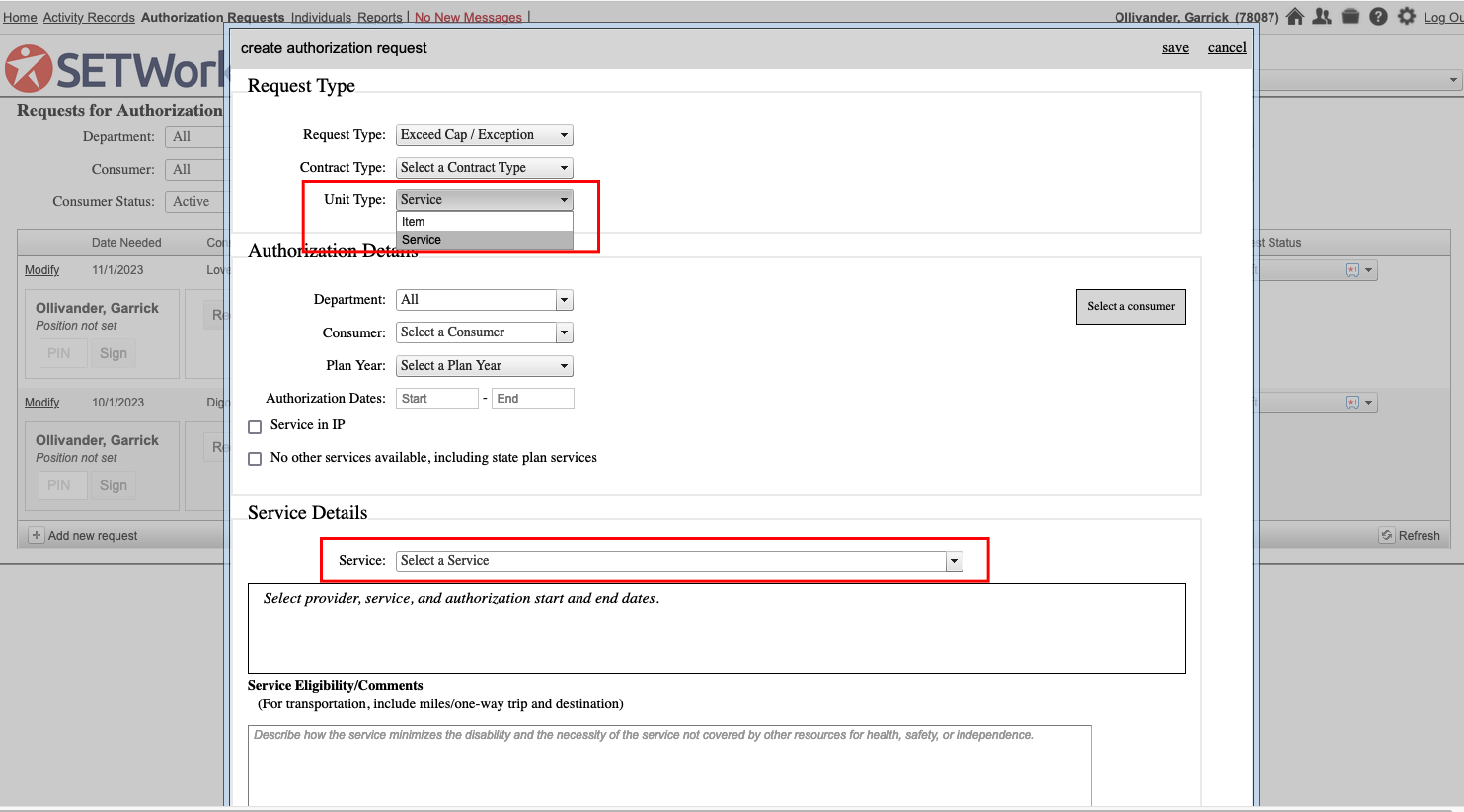
NOTE: Unit Type of Service shows the services configured within the Authorization Requests.
NOTE: Unit Type of Item shows the Item Category and Vendor
Contract/Funding Source/Funding Source Contacts Utility
NOTE: Funding Source/Contract is the Contract Type listed on the Authorization Request.
Learn how to create a Funding Source and Contract
Learn how to create a Funding Source Contact
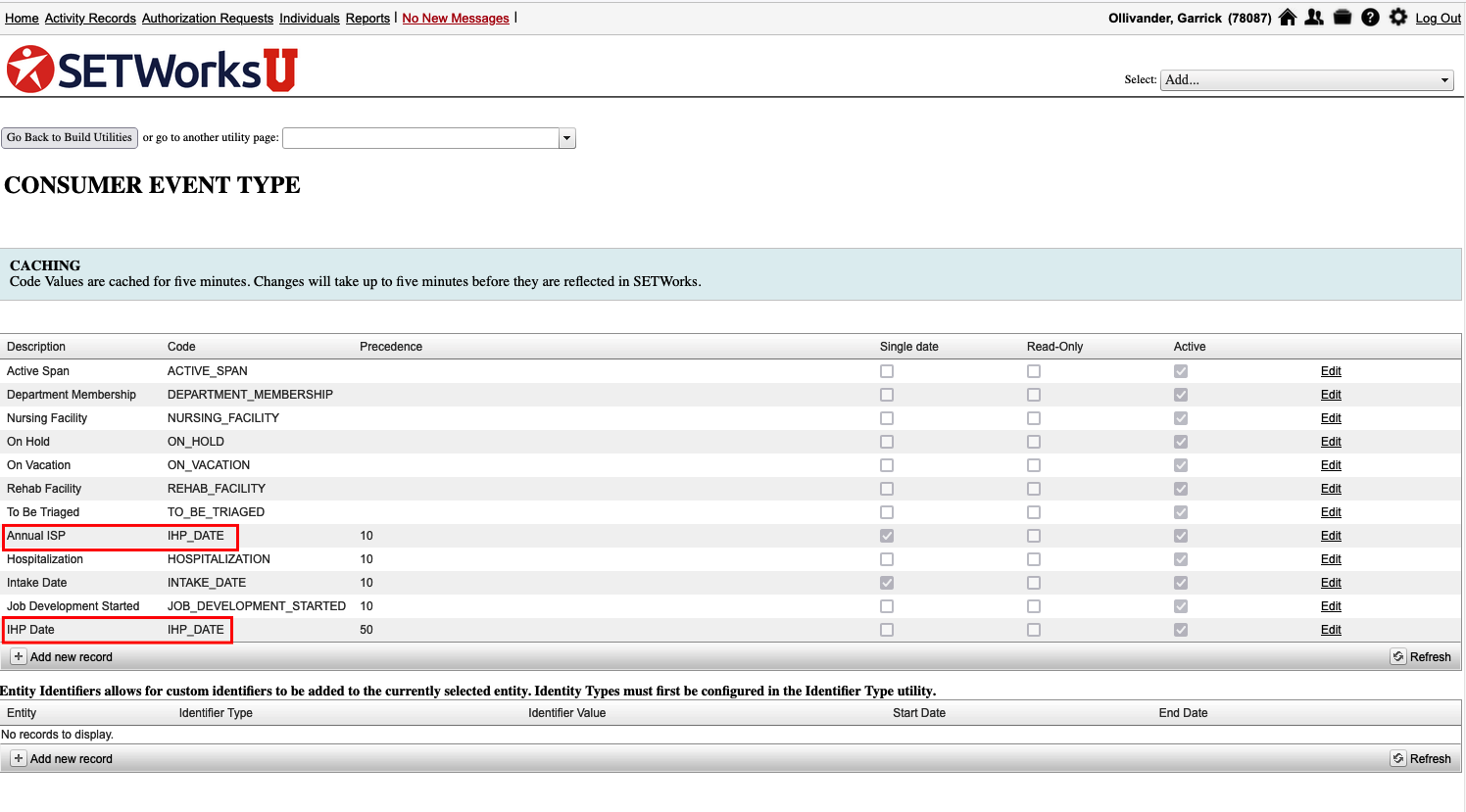
Consumer Event Type Utility
NOTE: Plan Year for the Authorization Request is pulled from the Consumer Event with a code of IHP_DATE.
Add new event type with IHP_DATE code.
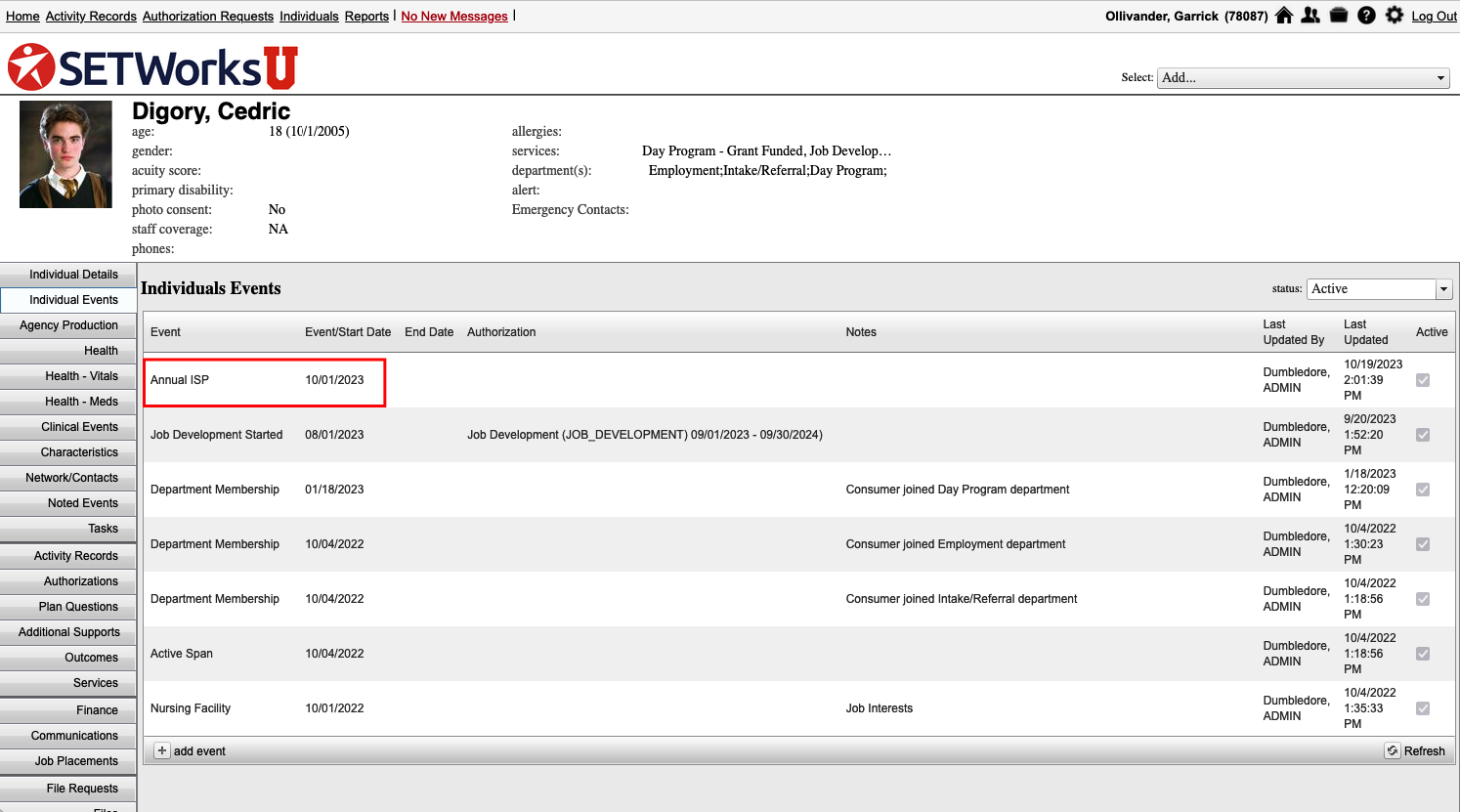
Add the consumer event to the individual served.
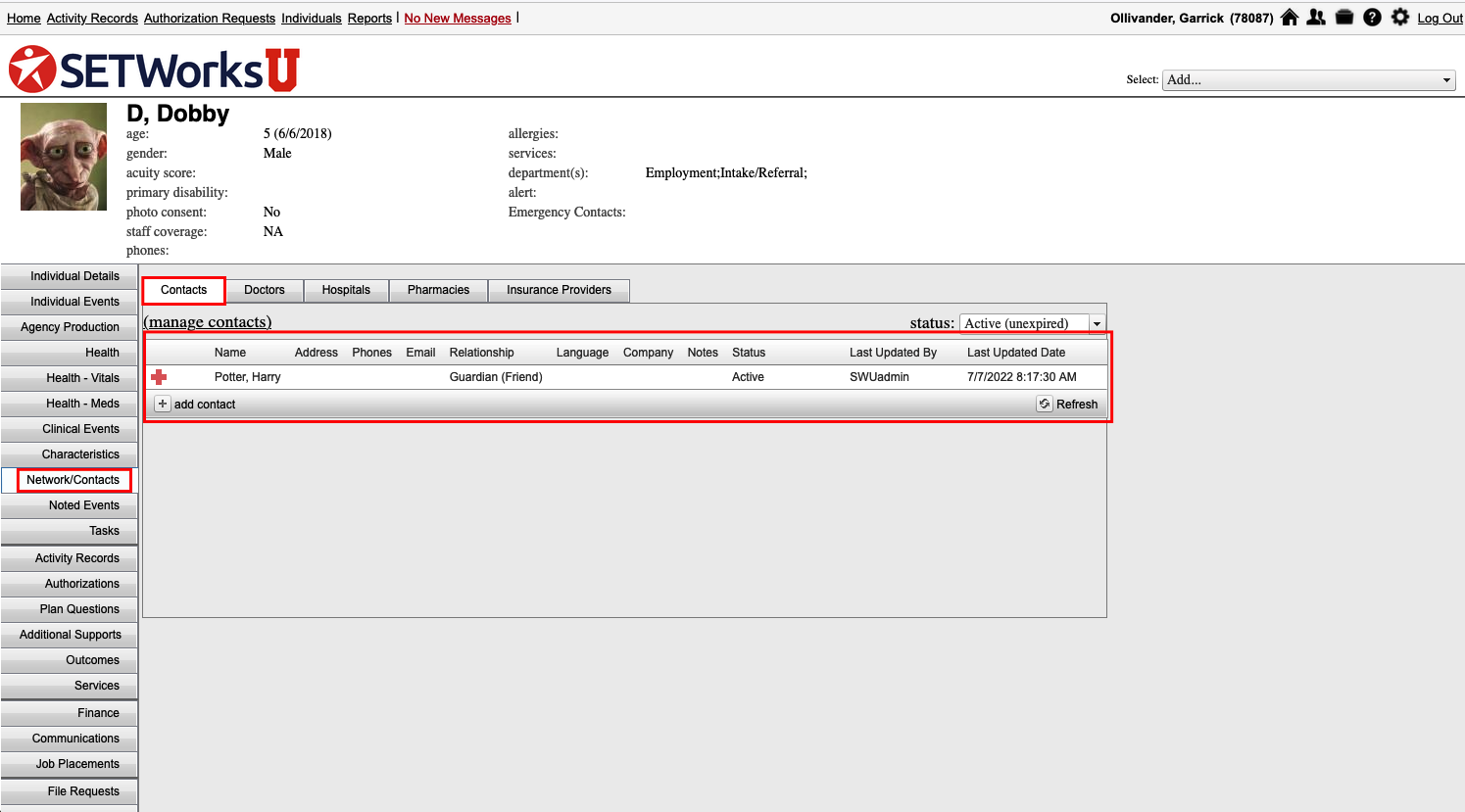
Network/Contacts
Contacts are pulled from the Networks Contacts set in the individual's profile.
Learn how to configure Network Contact Types
Learn how to configure Network Contact Relationships