
Going live with SETWorks can seem daunting, but we make it simple - there are just a few key requirements in order to get staff documenting on their own.
Once your Onboarding Manager has imported your data, please ensure the following is completed.
1. All of your individuals have a profile and are assigned to the correct department.
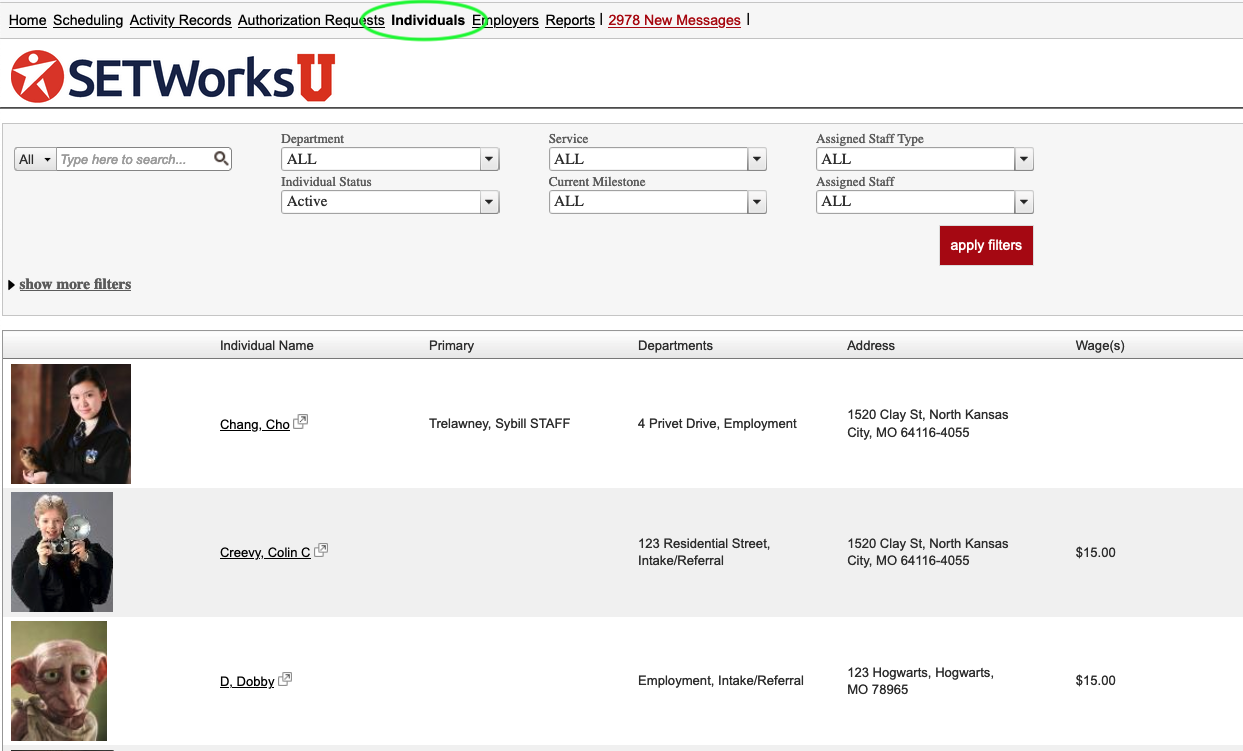
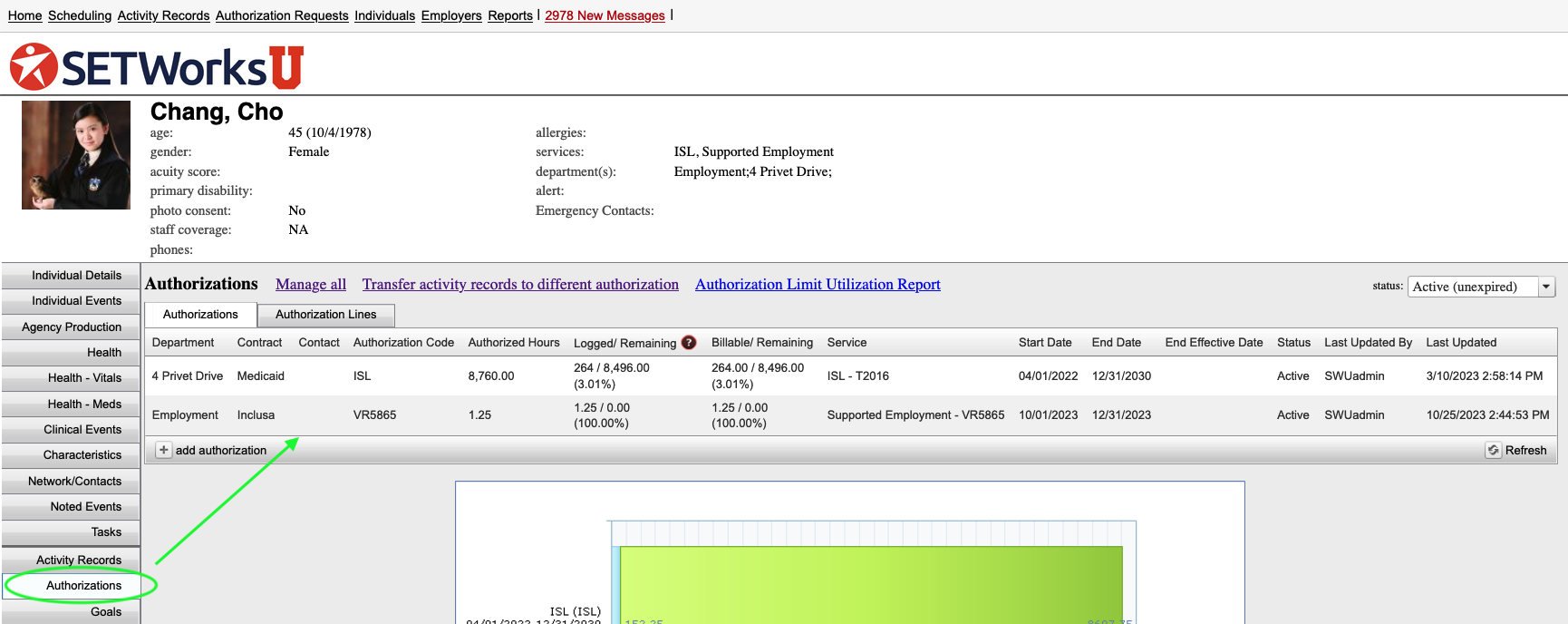
2. Each individual has an active authorization.
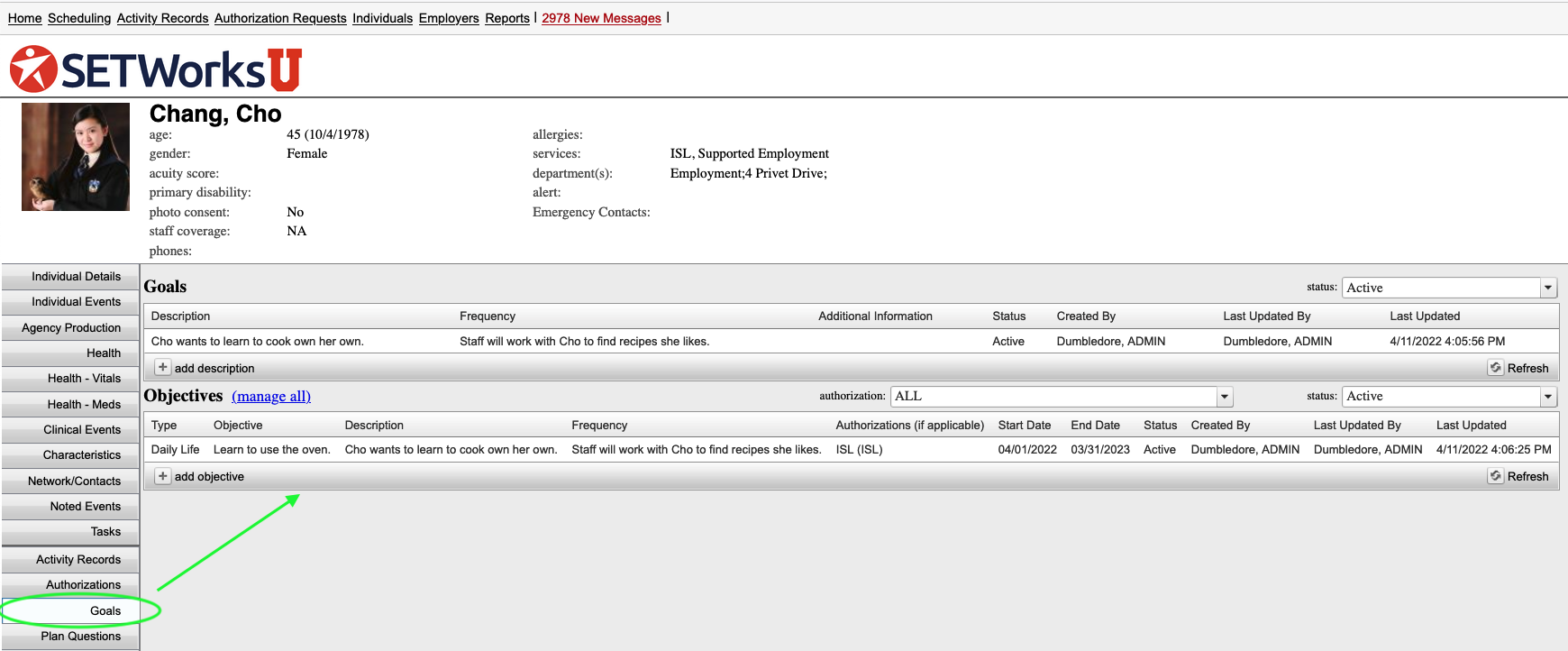
3. If goals and outcomes apply, these have been added and tied to an authorization.
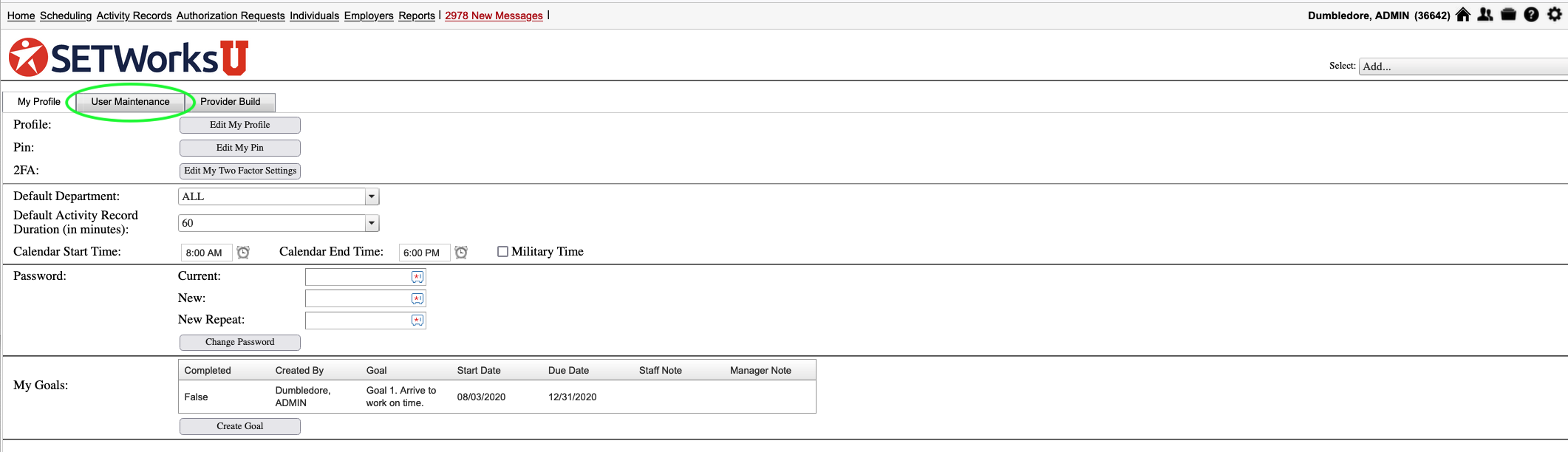
4. Lastly, all of your staff have been added as a user with a username and password (Settings > User Maintenance).
That's it! Staff can now login to create an Activity Record by clicking on their calendar.
Note: If you're not quite there yet or missing a piece that's preventing you from going live, this webinar is a great place to start.
As always, if you're having any trouble, please let us know at onboarding@setworks.com.