Production tracking can be done within the Billable Group Activity Record only.
Privilege to ensure is on: "Enable the Production section within Billable Group Activity Records."
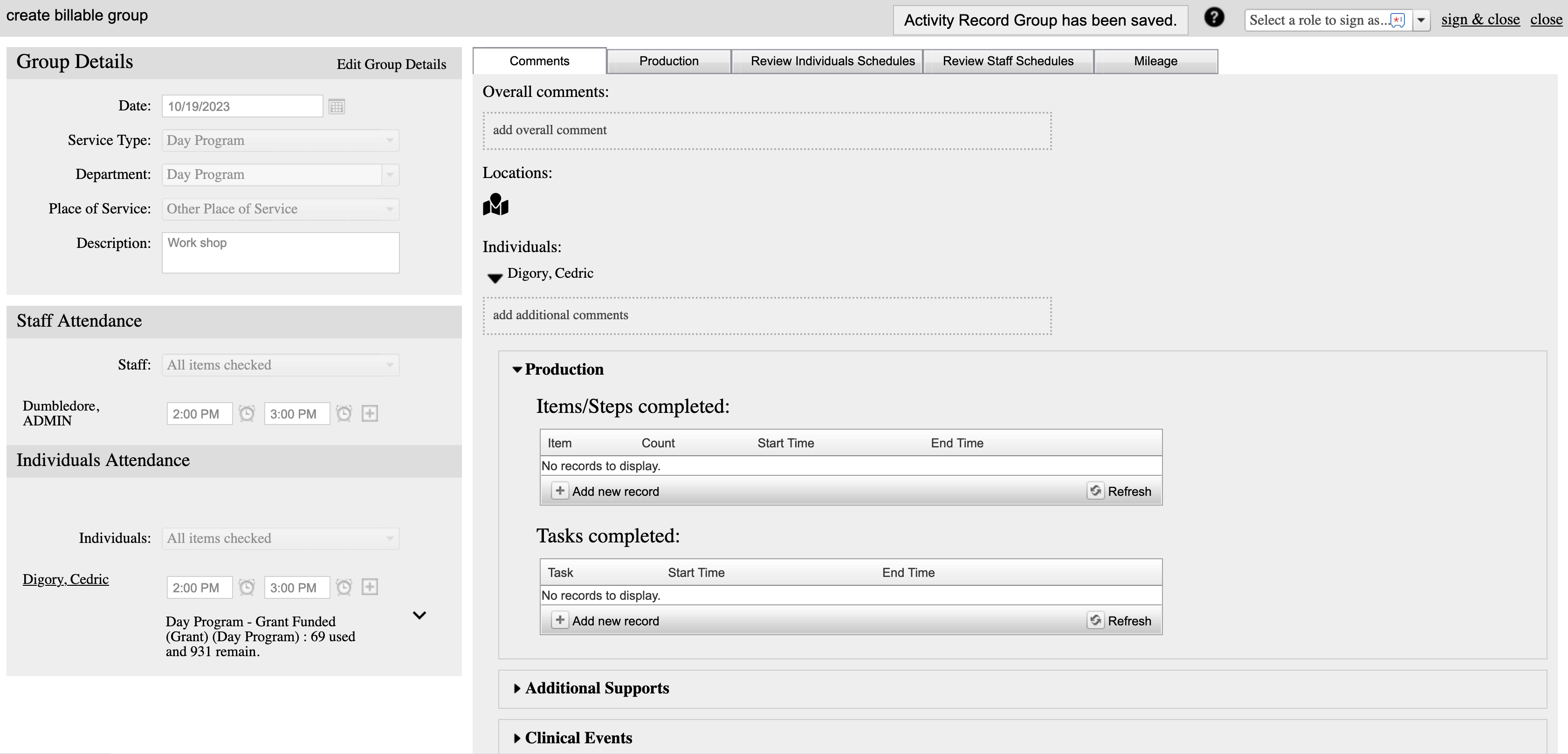
Prior to documenting on the production features in the Activity Record, Admins must first do some configuration in the utilities.
- Agency Production Item Utility
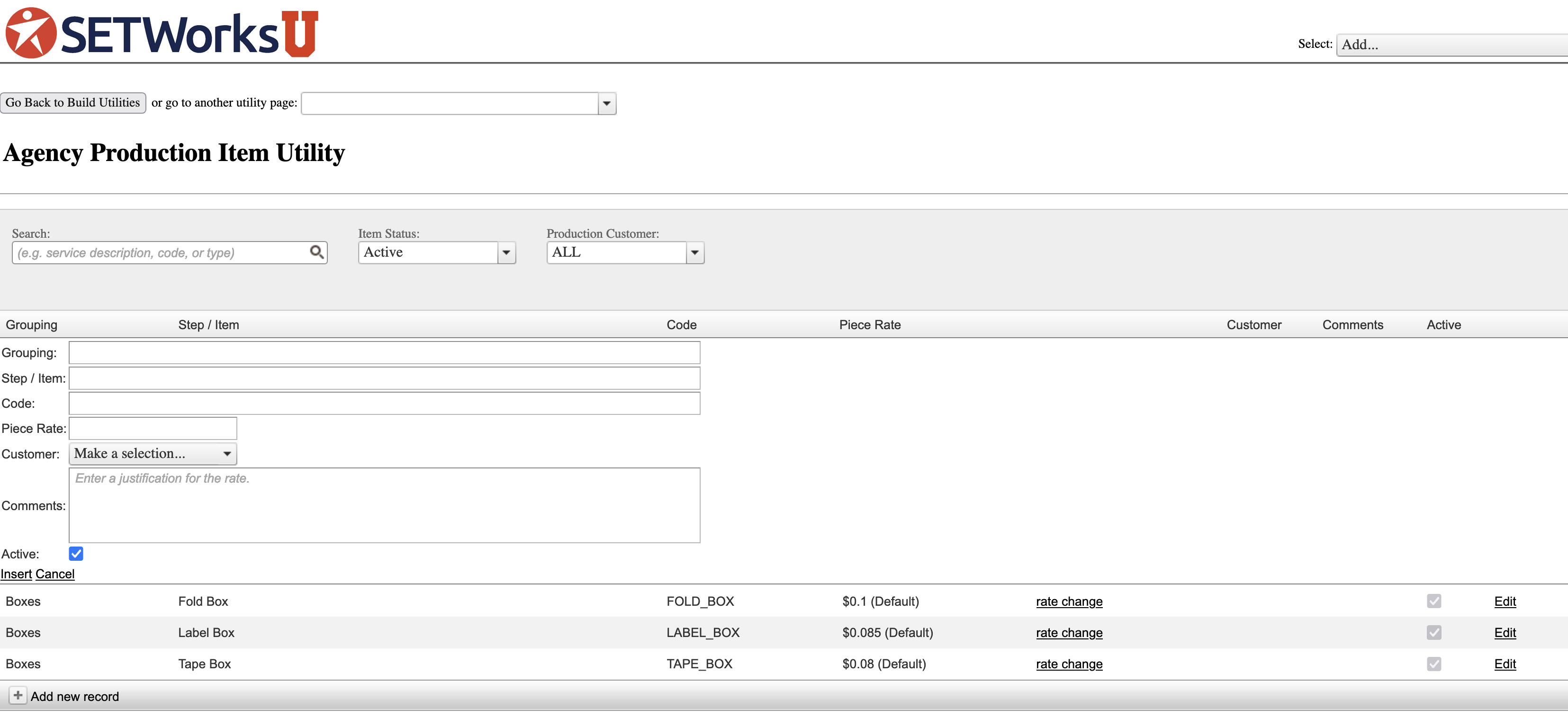
To add a new production item click "add new record" and enter the following:
- Grouping: title of the activity/job that will then be broken down into smaller steps
- Step/Item: name of the step the consumer is to complete. Ex: screw on lid
- Code: same word as the step/item in all caps and spaces indicated as an underscore "_"
- Piece Rate: how much does the Consumer get paid per item completed
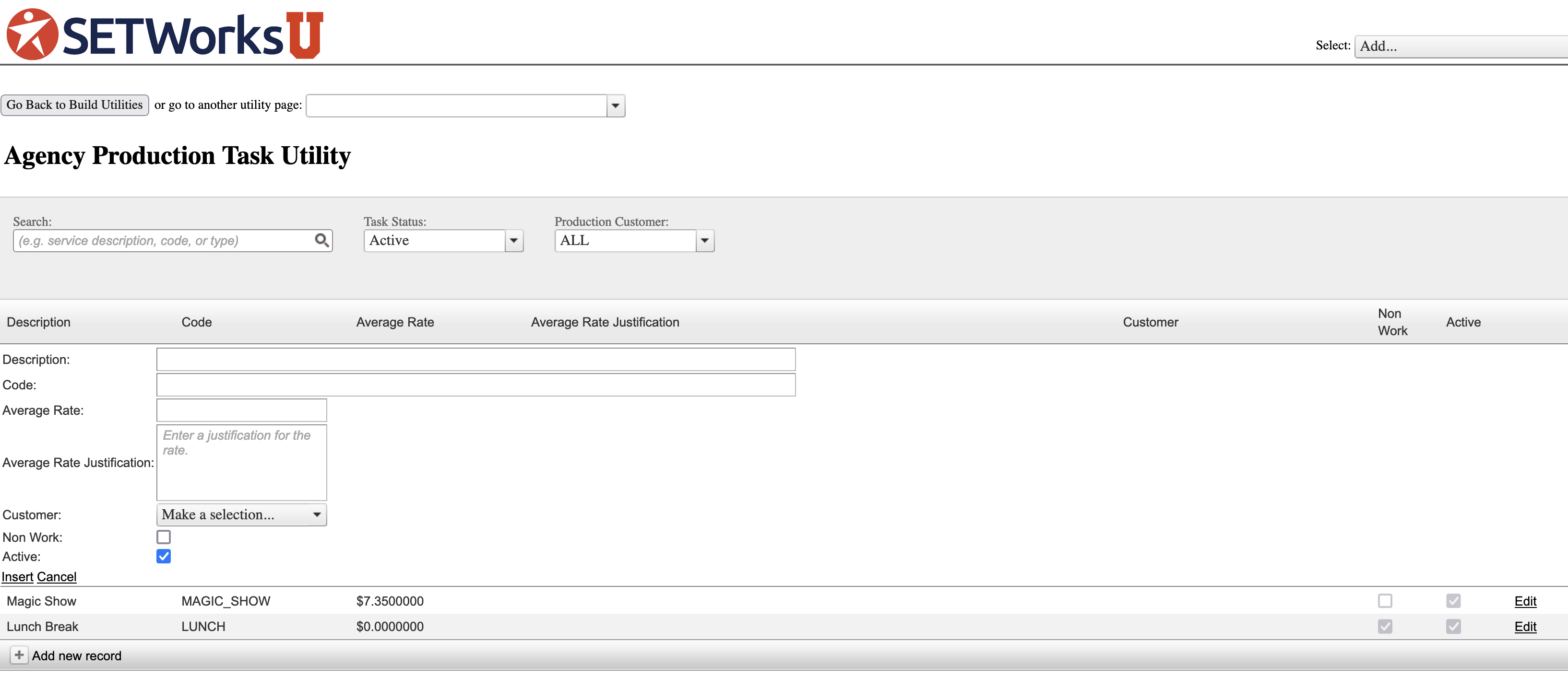
2. Agency Production Task Utility
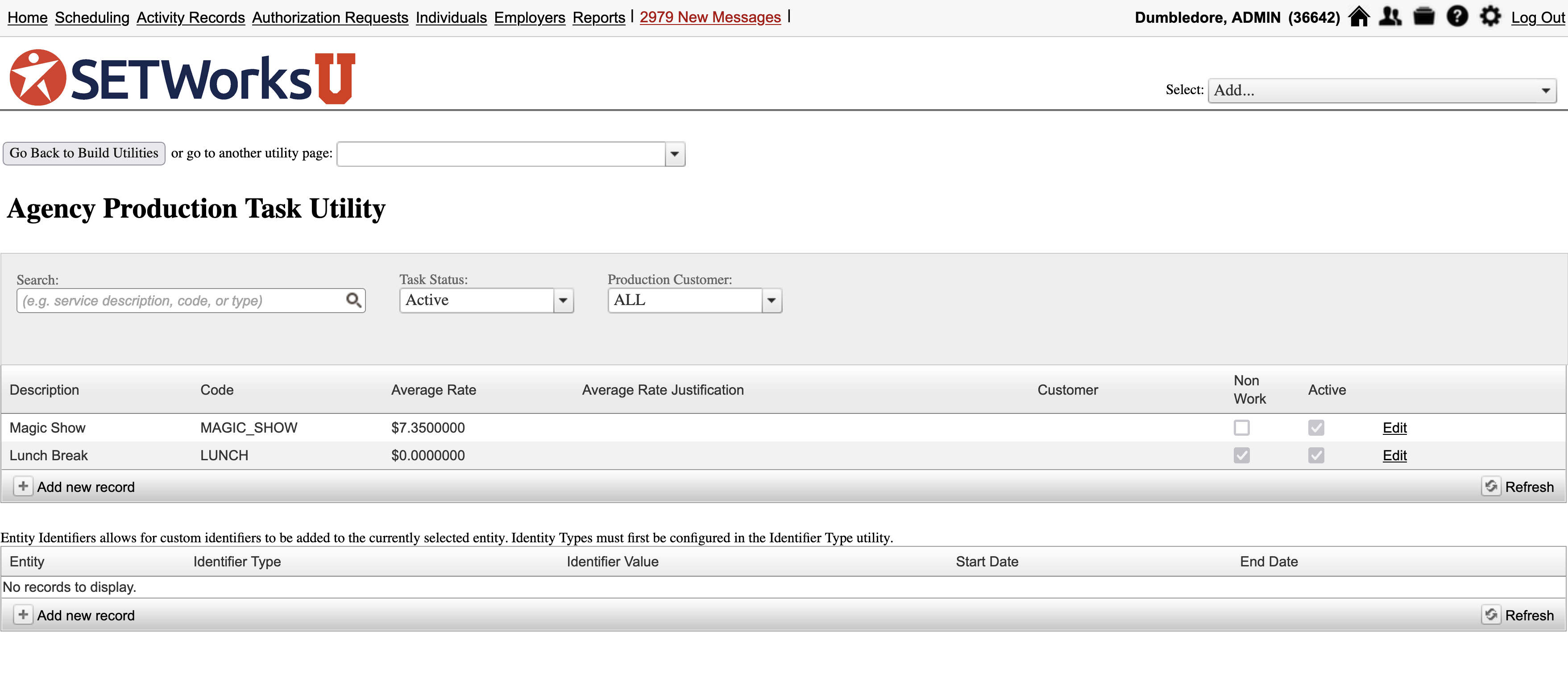
To add a new production item click "add new record" and enter the following:
- Description: name of an hourly task a Consumer may complete during a shift
- Code: same word as the step/item in all caps and spaces indicated as an underscore "_"
- Average Rate: what is the hourly rate for this task?
- Non-Work: select if task is not paid. Example: lunch