
Creating Medications in SETWorks
Administrators
How do I add a new medication to SETWorks?
Administrators can create new medications in SETWorks via the Medication Utility.
To access the utility, first navigate to Settings.
Then select Provider Build.
Finally, search for the word Medication in the Utilities dropdown:
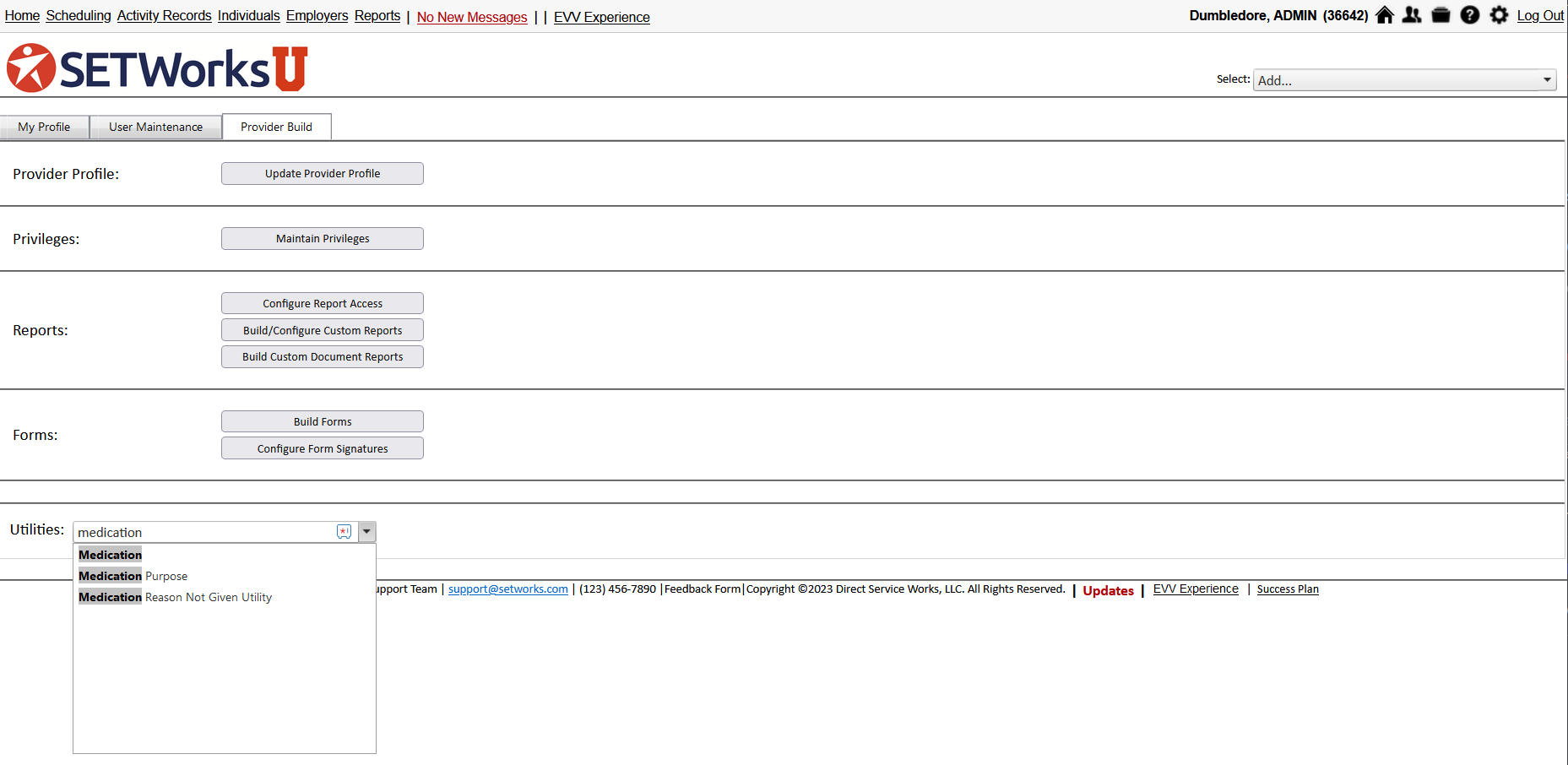
Select "Medication".
Once in the Medication Utility, select Add New Record:
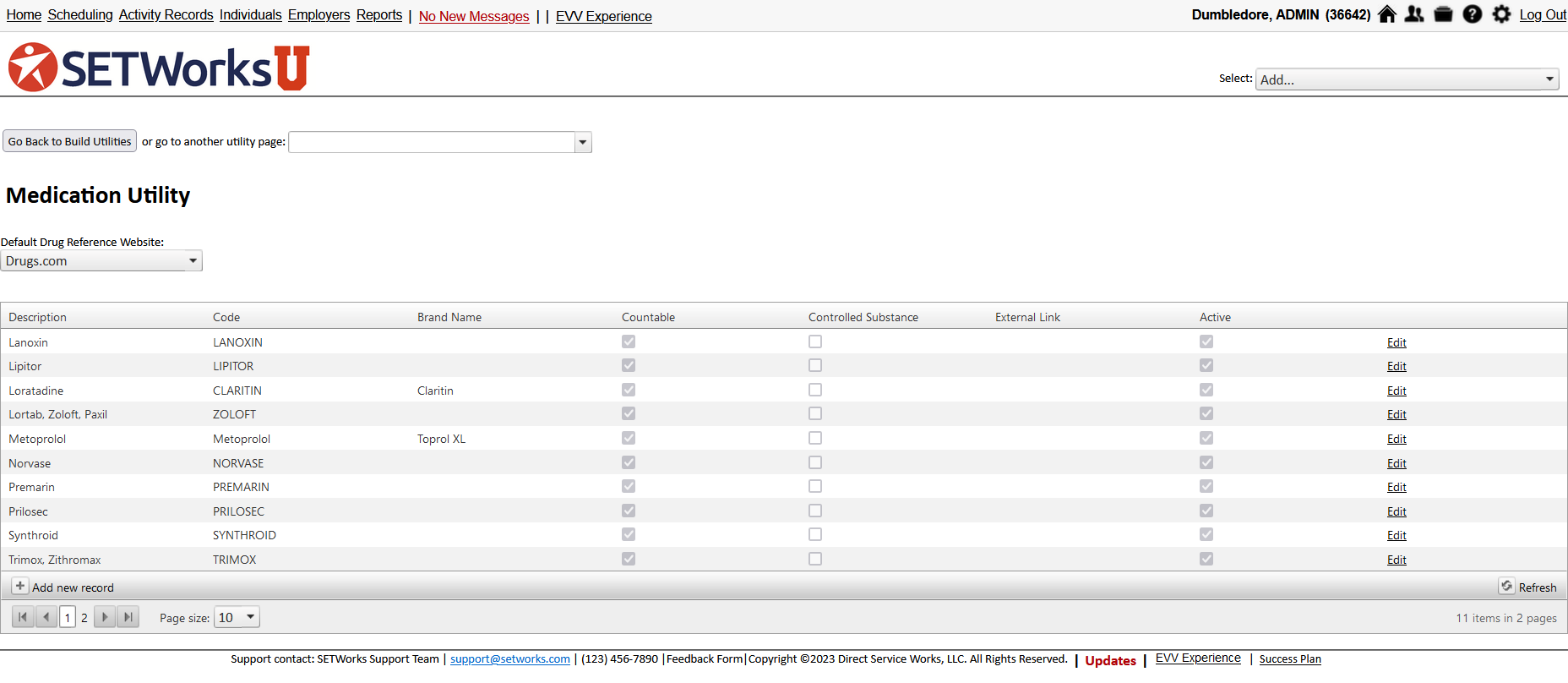
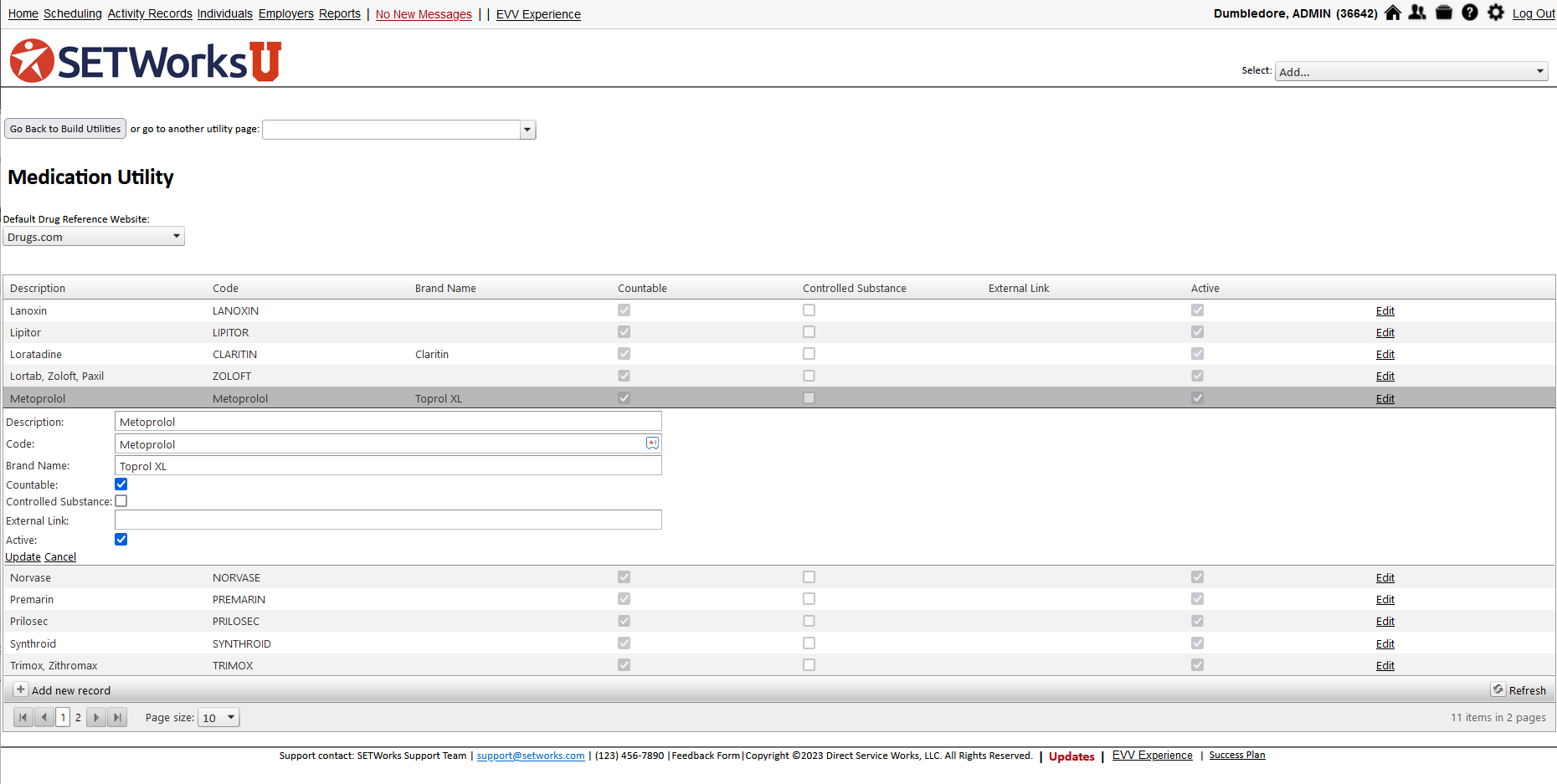
Enter the Description and Code for the Medication. These fields are required.
Brand Name and External Link are optional fields. Enter this information if desired.
For medications that are countable (tablets, pills, etc.) select the Countable checkbox.
If the medication is a Controlled Substance, you can select the Controlled Substance checkbox. You can make it so that Controlled Substances require a witness signature. Please review this article to learn more:
Medications - Controlled Substances
Select "Insert" to save the new medication entry.
That's it! The new medication will now be available to add to a Consumer.