
Overview
When billing for ICF services, SETWorks makes it easy for users to document without needing to know an individual's authorized services. The system will look through two areas - activity records and consumer events.
Staff
Services and Billing Codes:
Reserved Bed/Therapy (0183)
Hospital (0185)
Present (0120)
Consumer Events (learn how to add one here):
Hospitalization - up to 10 days per calendar month
- Date of Admission = Hospital (0185)
- Date of Discharge = Present (0120)
- Admitted and Discharged from the Hospital in the same day = Present (0120)
Therapy - up to 30 days per year
- Date of Admission = Therapy (0183)
- Date of Discharge = Present (0120)
- Admitted and Discharged from Therapy in the same day = Present (0120)
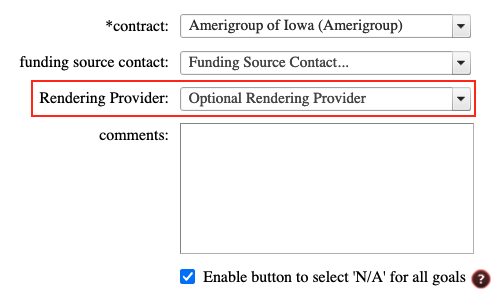
Rendering Providers
To add Rendering Providers, use the Clinical Provider Utility (Settings > Provider Build > Utilities).
The Rendering Provider is then added to the Authorization.
Privilege
Settings > Provider Build > Maintain Privileges:
Note: Show re-authorize ICF button on billing Screen. (Only applicable for IA ICF providers)
Steps
When going through the electronic billing process in SETWorks, it is best to use a separate Batch for ICF Services. Once a Batch is created, and records have been added in the Configuration tab, navigate to the Review tab. Select your batch in the Batches for submission drop down and click the "re-authorize ICF" button.
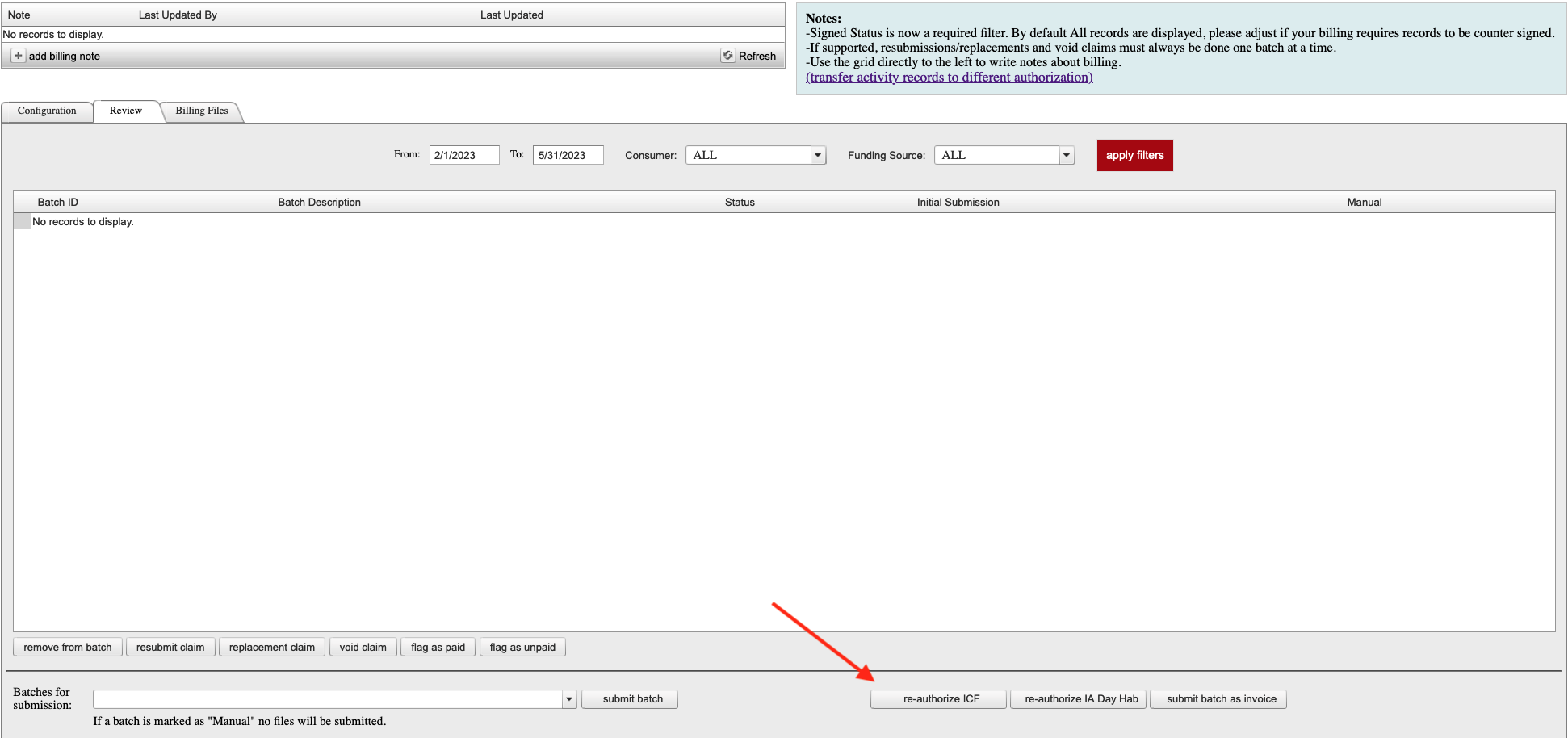
This will begin a backend process that looks through all documentation for Services with the ICF Billing codes and moves the authorizations for the activity records to the appropriate authorization based on the Consumer Events added.
Once the backend process is completed, you will receive a message in SETWorks letting you know which records had their authorizations modified. This message will also let you know if any activity records were not able to have the authorization updated due to any errors.
Note: Any Services should be set appropriately in the Service/Phase Utility .