Your SETWorks Project Plan is a tool used to help empower your team to learn, configure and use SETWorks as a tool to fulfill your mission, which includes the timeline of the project and your success objectives as well as where we track tasks and issues.
The Project Plan will be built by your assigned Onboarding Consultant based on your assignment submissions and reviewed during the Intro to Consultation meeting. After the Introduction meeting, you will get access to start contributing.
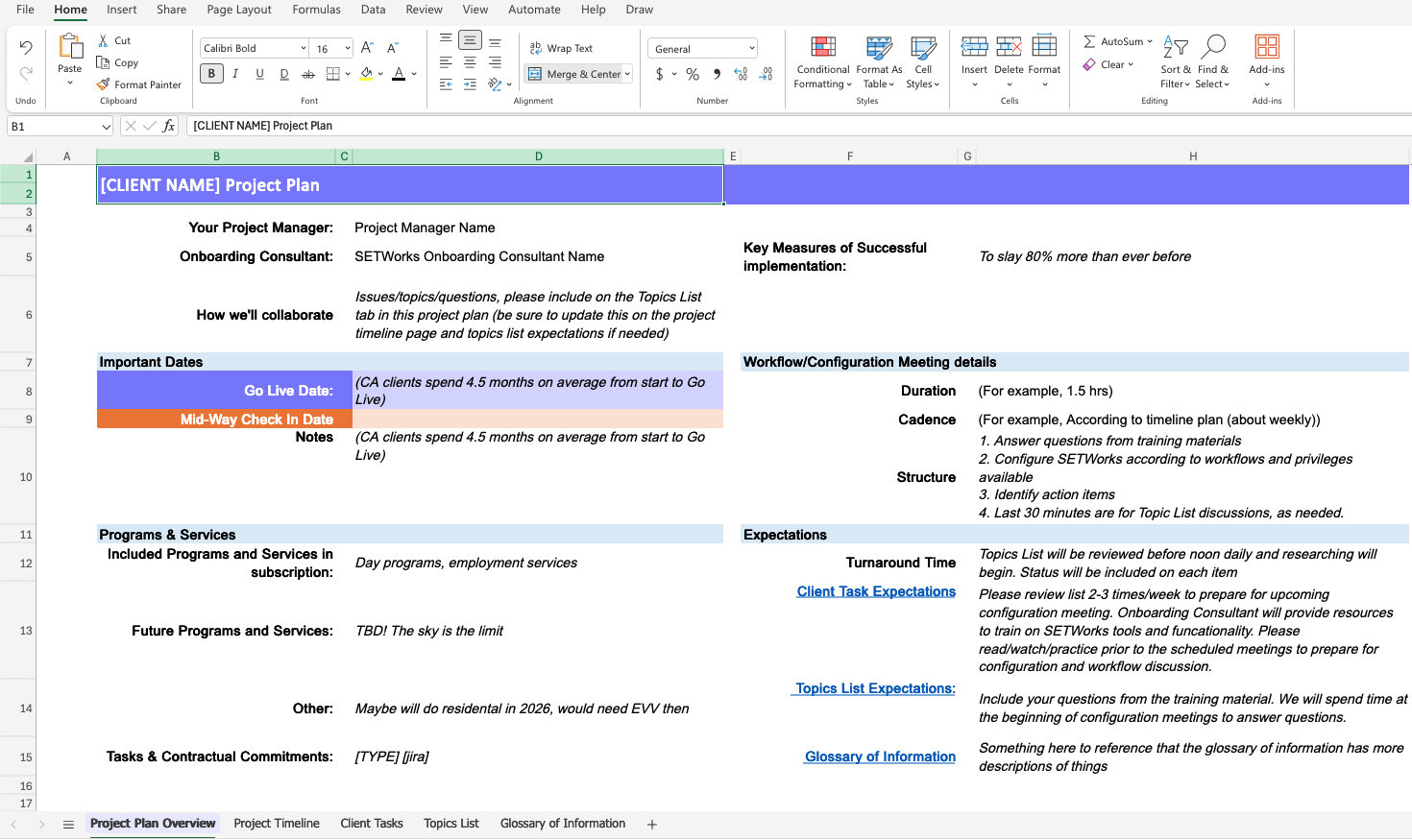
Sections of the Project Plan
Below is a breakdown of the different tabs you will find within the spreadsheet.
Project Plan Overview
Outlines key details regarding dates, what was purchased, programs and services you will be using SETWorks for, and meeting expectations.
Project Timeline
Lists the topics to be discussed on each call along with a date and time. We also include the recommended duration of each meeting according to the topic.
Client Tasks
Resources and material to read and watch prior to scheduled meetings to prepare for configuration and workflow discussion.
Topics List
A dedicated section for your questions from training materials on the Client Tasks tab. As topics are added, your Onboarding Consultant will monitor and review, then update the status on each item as it is researched and answered.
Glossary of Information
An overview of key terms you will see throughout the Onboarding Journey.
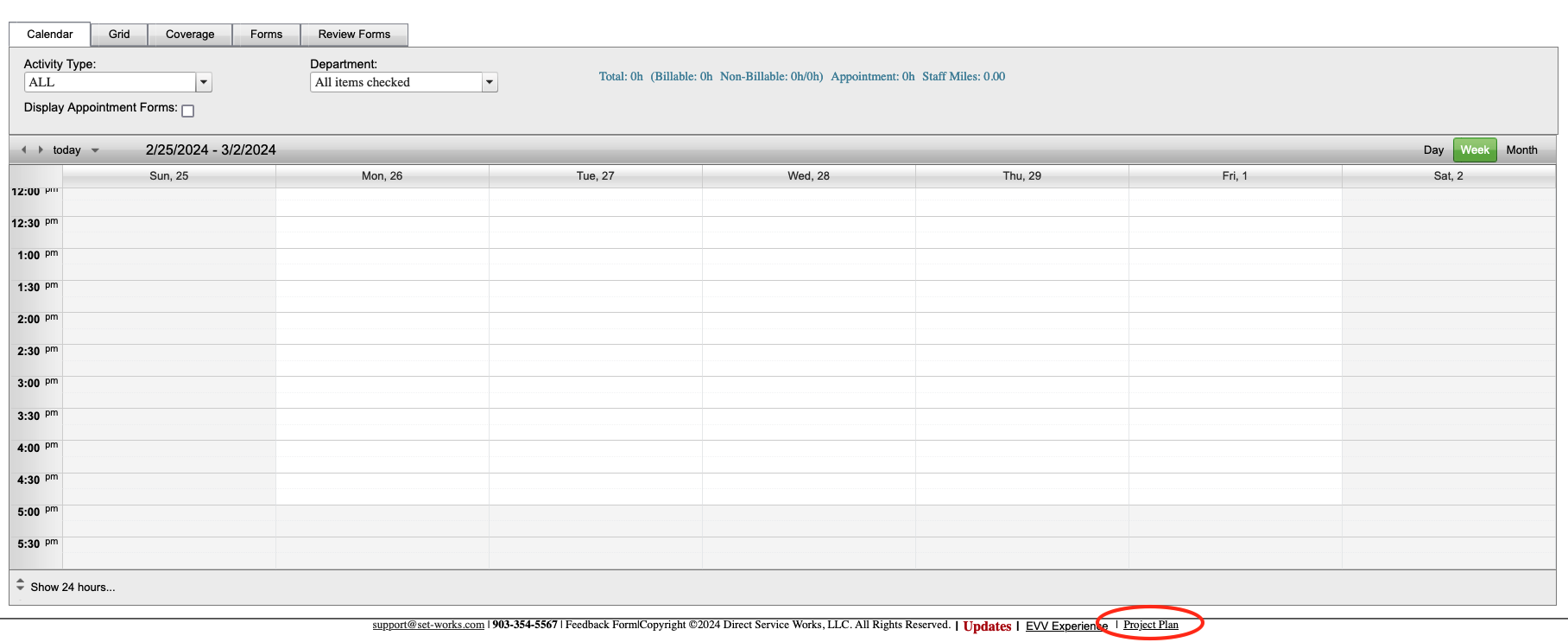
Note: Your Project Plan is a living document that can be modified and updated at any point throughout your Onboarding journey. You can review it at any time by clicking on the Project Plan link located at the bottom of your build on the Home page.