EVV submissions in Georgia was effective July of 2022. The articles below show how EVV works within SETWorks and how to configure your system so the EVV data is captured and submitted successfully.
Note: If you are not submitting EVV data in Georgia successfully, please contact support@setworks.com
to get additional support with configuration.Monthly Support Webinar - February 2022 - Mobile and EVV
This 1 hour webinar reviews EVV in SETWorks from start to finish.
Electronic Visit Verification (EVV) - The Basics
Electronic Visit Verification (EVV) Services
Electronic Visit Verification (EVV) - QA Process
Telephone Visit Verification (TVV)
About the Submission Process:
How To Submit EVV (article)
All about EVV (webinar)
Georgia-specific Configuration Notes
There are several privileges and settings that need to be enabled in order for EVV to work properly. Please review the Electronic Visit Verification (EVV) Services article for a full description of all settings. The most important things to enable are:
1. Enable the EVV Experience so that users can access the SETWorks EVV Experience.
2. Enable Check-In and Check-Out for all roles that will be using the EVV Experience.
3. Ensure any services that require EVV are set as "EVV Services".
4. Review access to the Manage Batches and Submit Billing page, which is where SETWorks administrators will submit EVV data to Tellus.
5. Enable Primary Location on activity record.
6. Enable EVV Exception Codes. NOTE: SETWorks updates these.
OTHER NOTES:
- Consumer diagnosis/disability description and code are required.
GA Identifiers
Ensure that the following three Identifiers are configured:
NOTE: There are three identifying numbers that need to be in your SETWorks system for the integration to be successful.
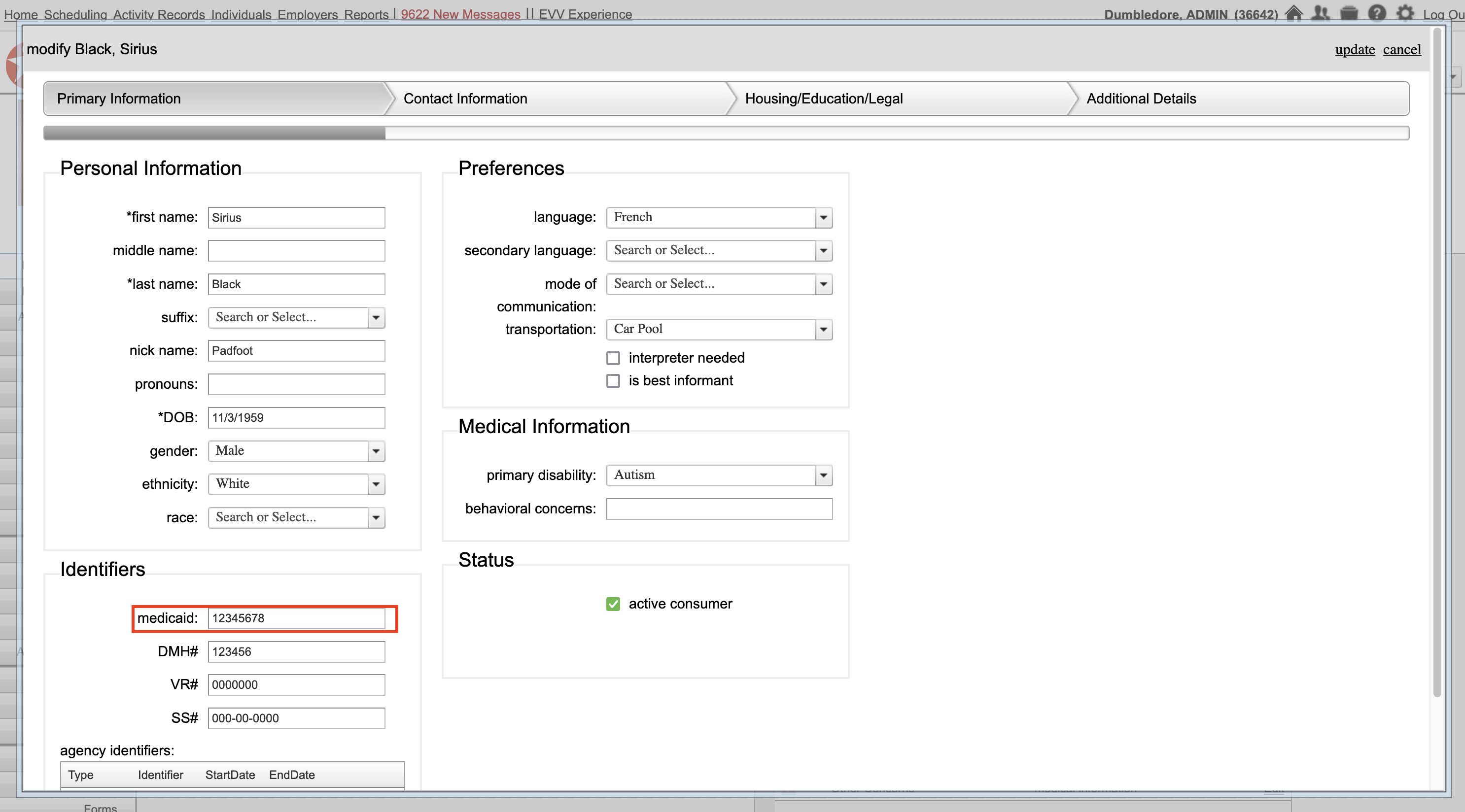
1. Consumer's Medicaid number in the Consumer's Profile. (12-digit Medicaid number).
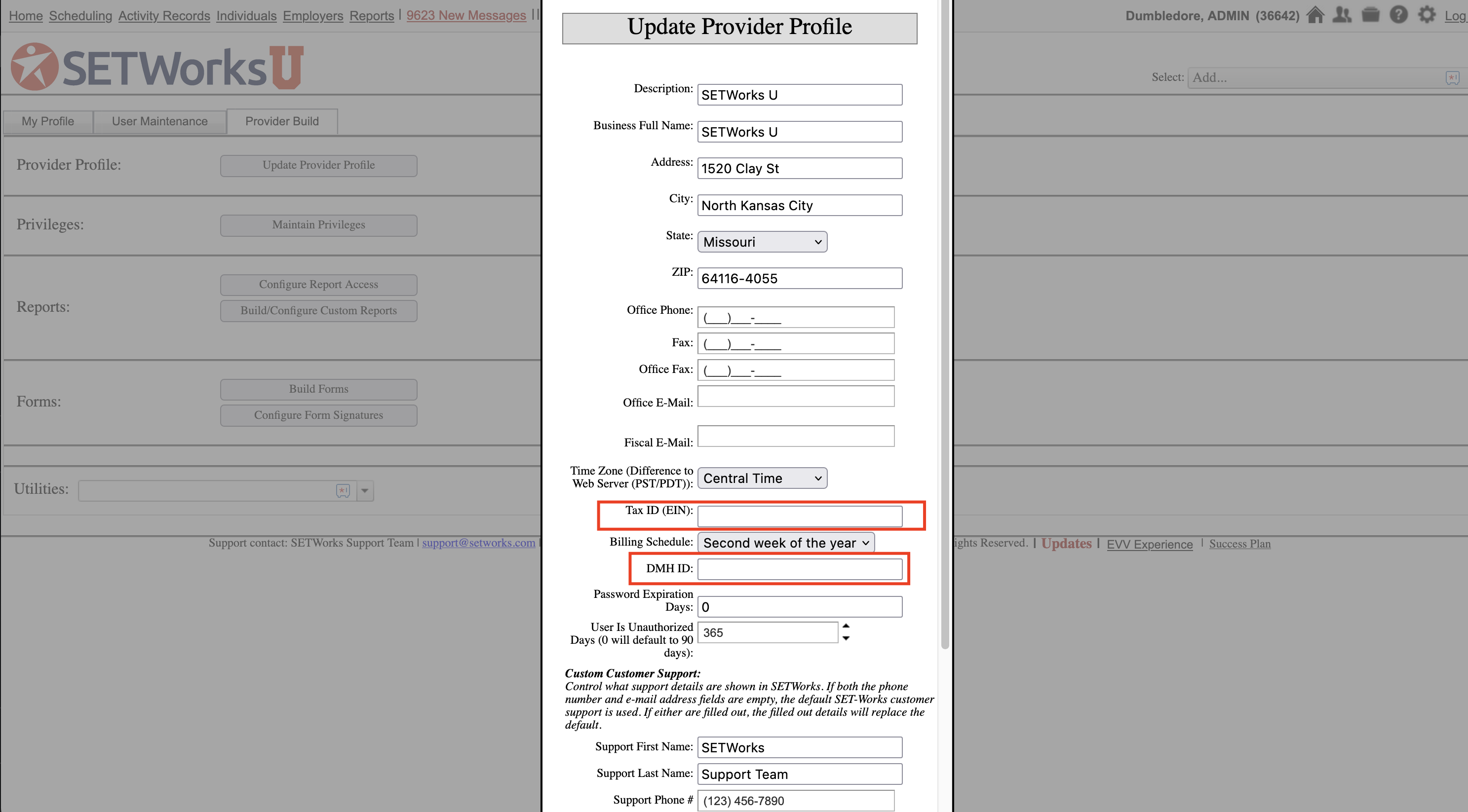
2. Provider's Medicaid ID in the Provider Profile. (9-digits + 1 letter, process in DMH ID).
3. Provider's Tax ID in Provider Profile (9-digits).
Medicaid number in Consumer Profile
DMH & Tax ID Provider Profile