How do I configure invoice templates?
Administrators
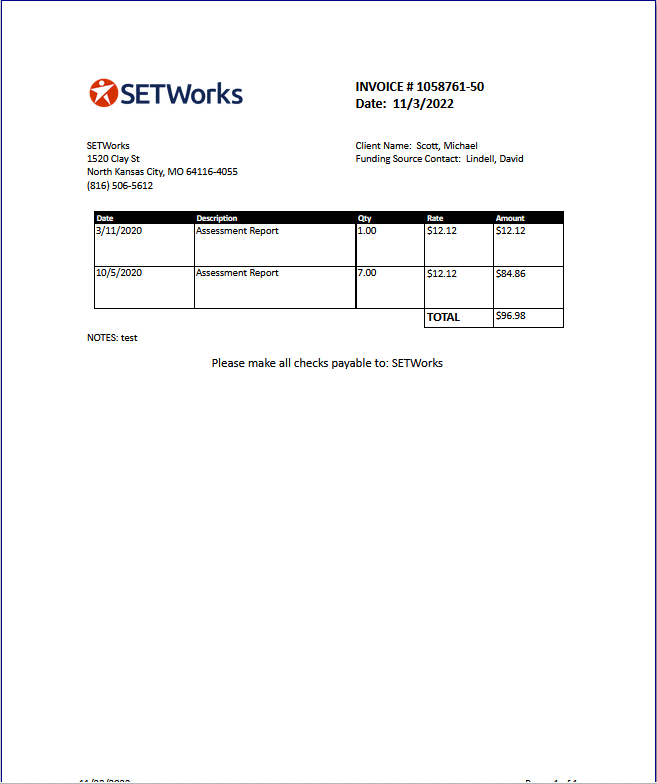
Employment service providers often create and send invoices to funders using SETWorks' Managing Invoices tool. The Invoice Report Utility offers four configurable invoicing templates for each funding source.
Accessing the Invoice Report Utility
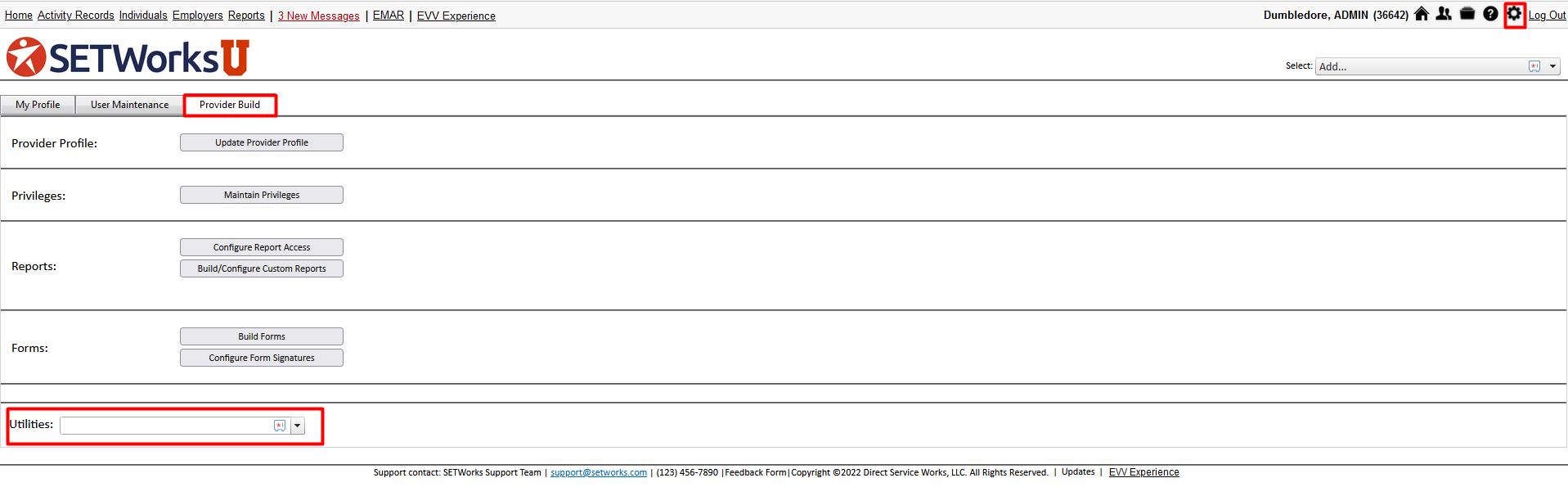
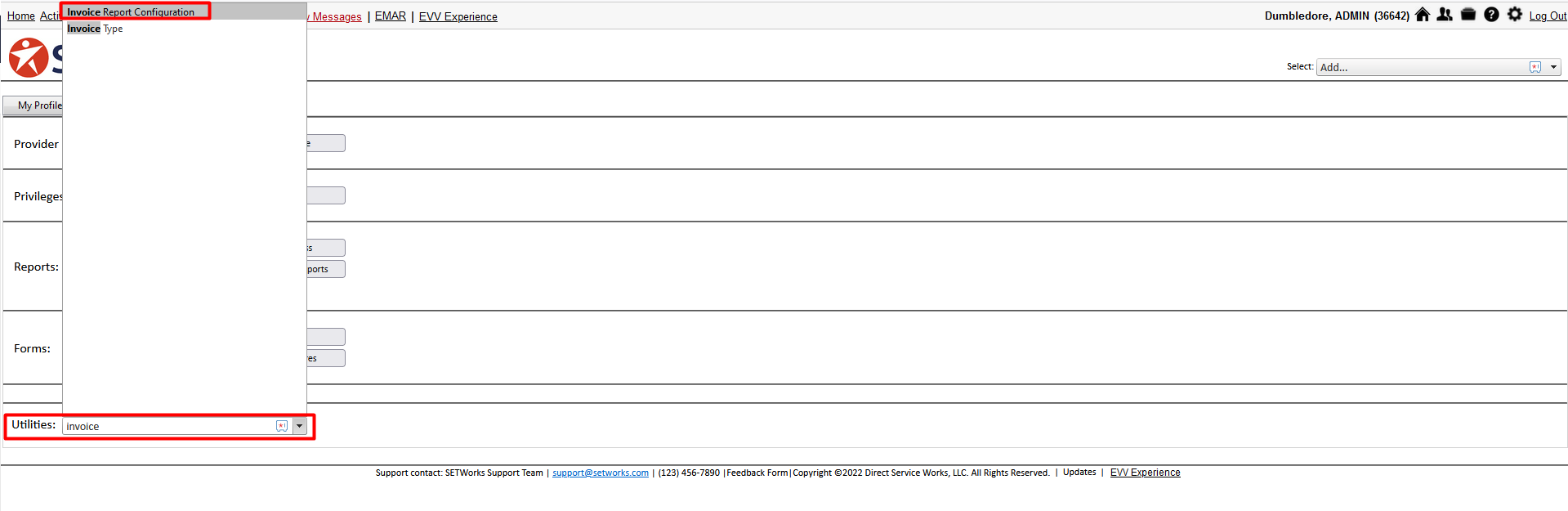
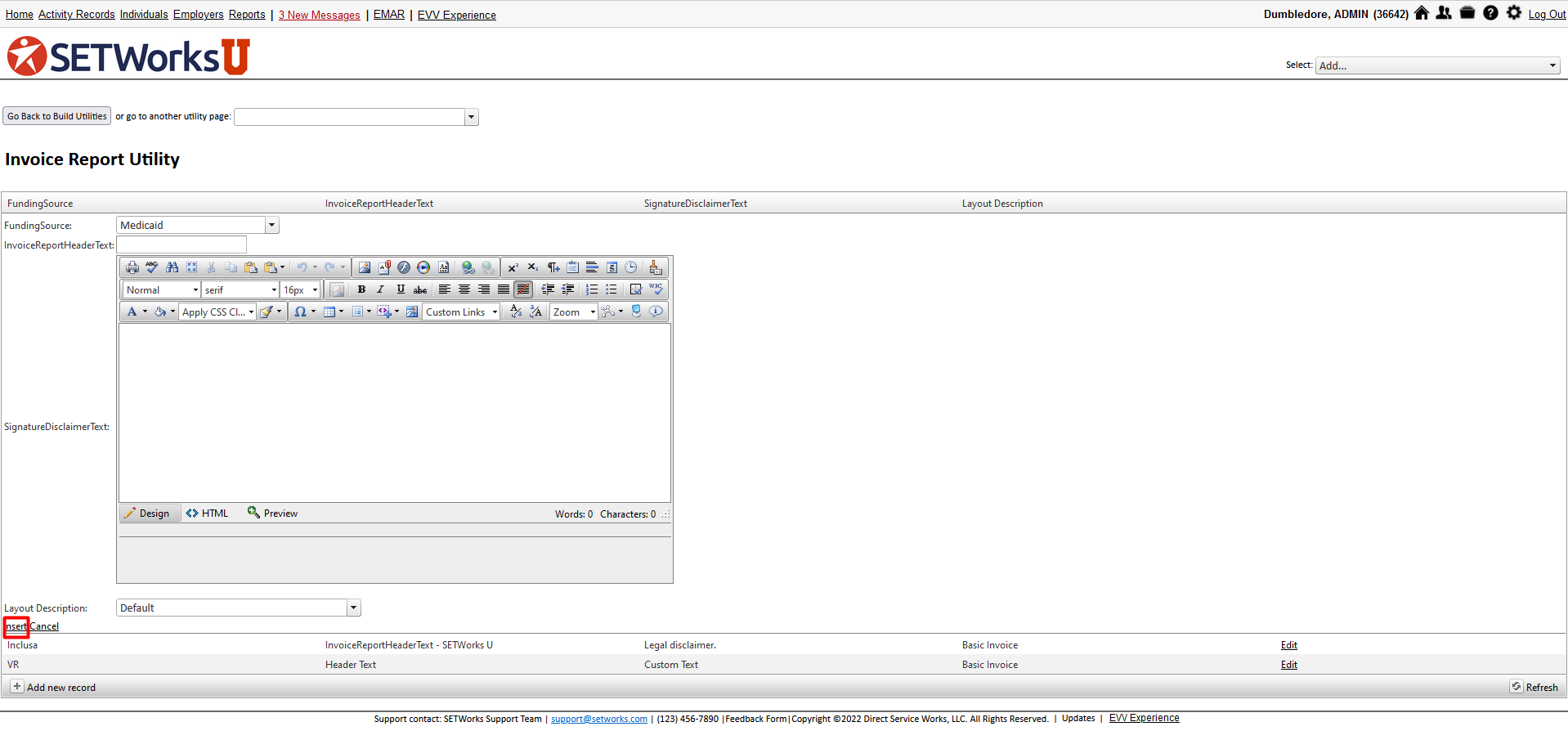
Navigate to Settings > Provider Build > Utilities: Invoice Report Configuration
Configure Invoice Reports
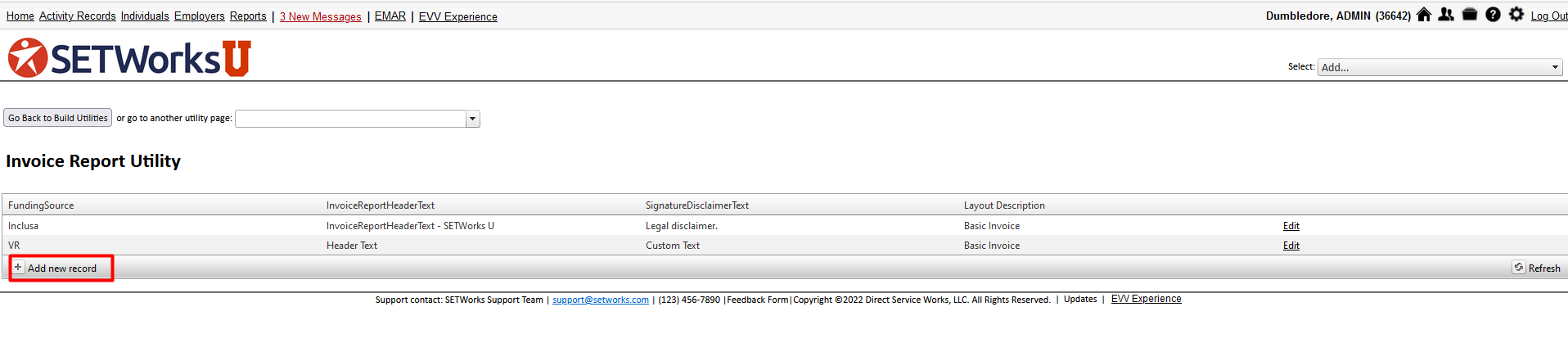
- Add new record
- Select the funding source
- Insert Invoice Report Header Text, as desired
- Type Signature Disclaimer Text, as desired
- Select the Layout Description
- Insert
Layout Description Options
Simple
Works well for outcome based services requiring details and total outcome amount.
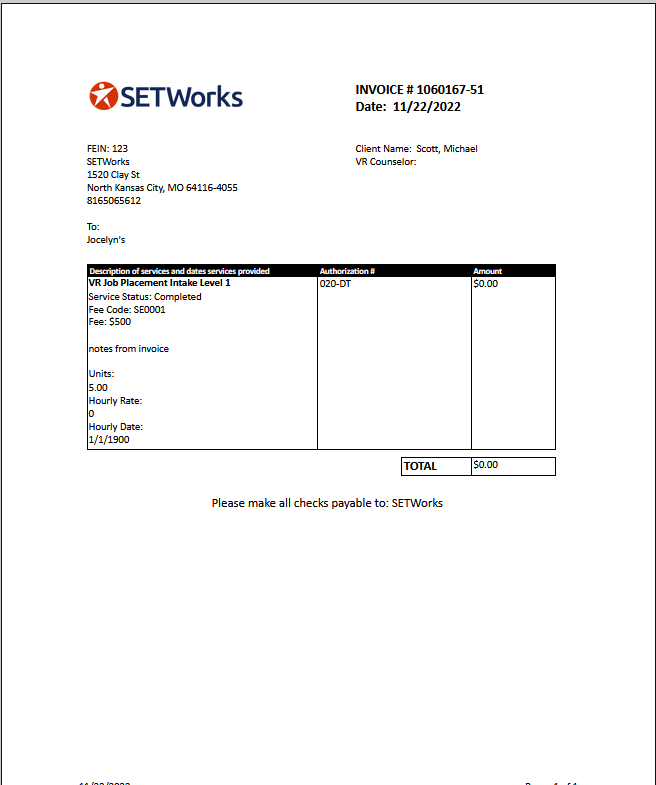
MO VR Invoice
Primarily used for Missouri Vocational Rehabilitation providers.
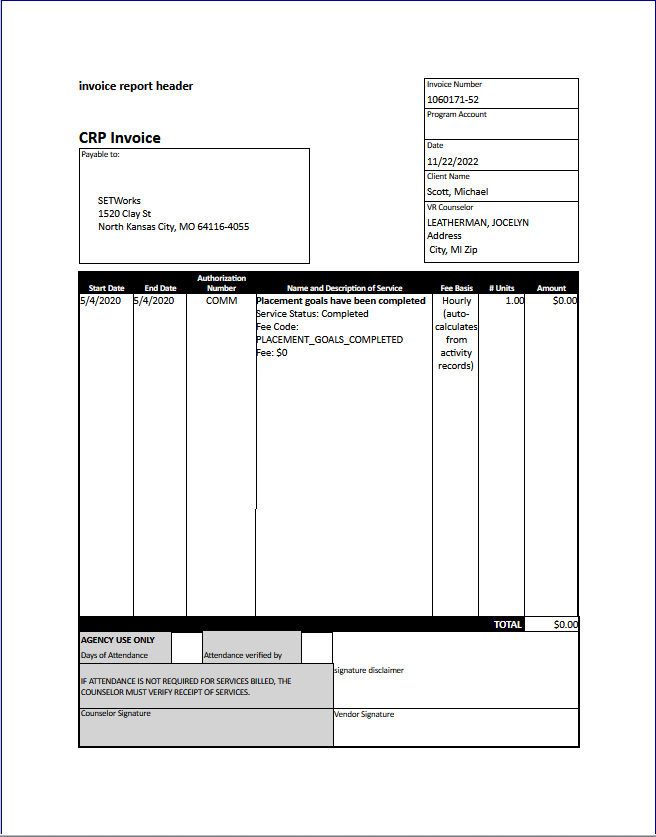
OR VR Invoice
Primarily used for Oregon Vocational Rehabilitation providers.
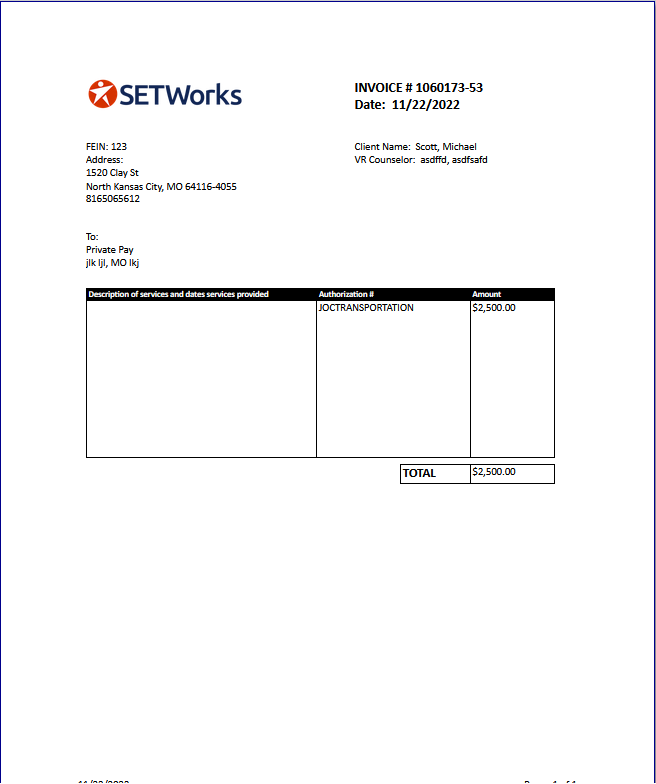
Simple 2
Works well for hourly based services requiring generation of an invoice where quantity and rates are used to calculate amounts.
Recommended: AuthLine Type of Hourly (auto-calculates from activity records)