How to complete the NEW OOD Form 07 - General Services
Managers, Staff
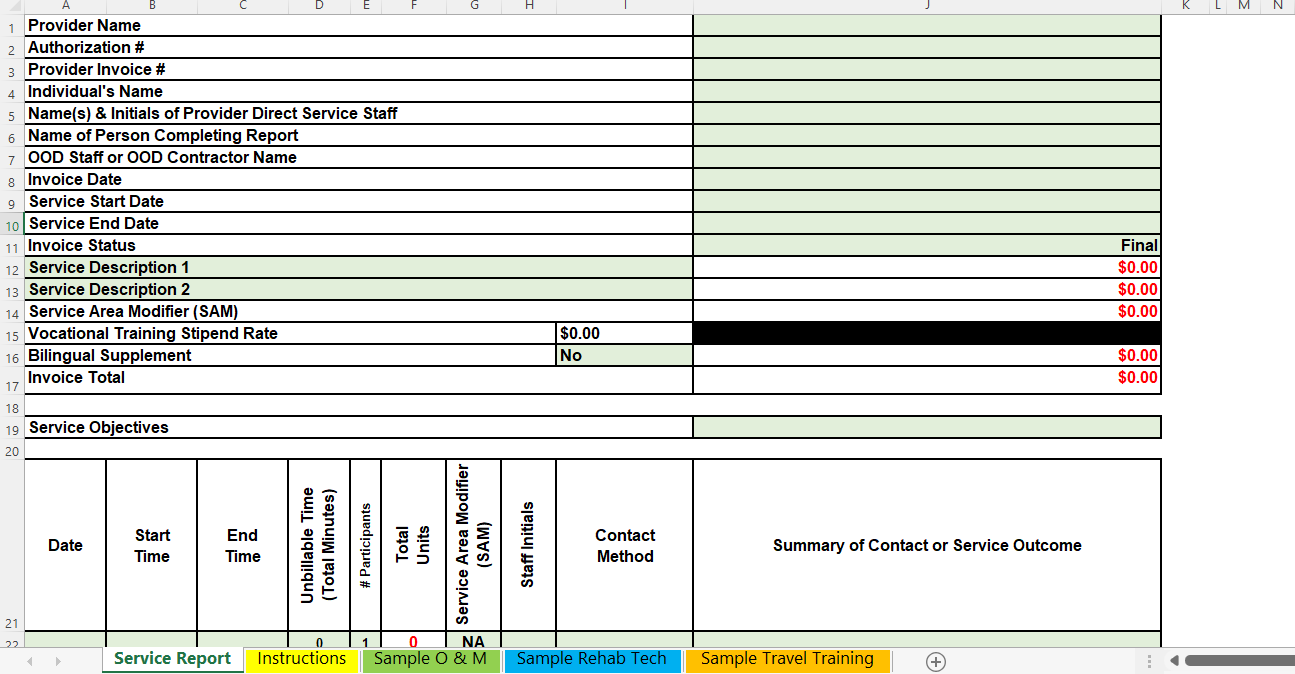
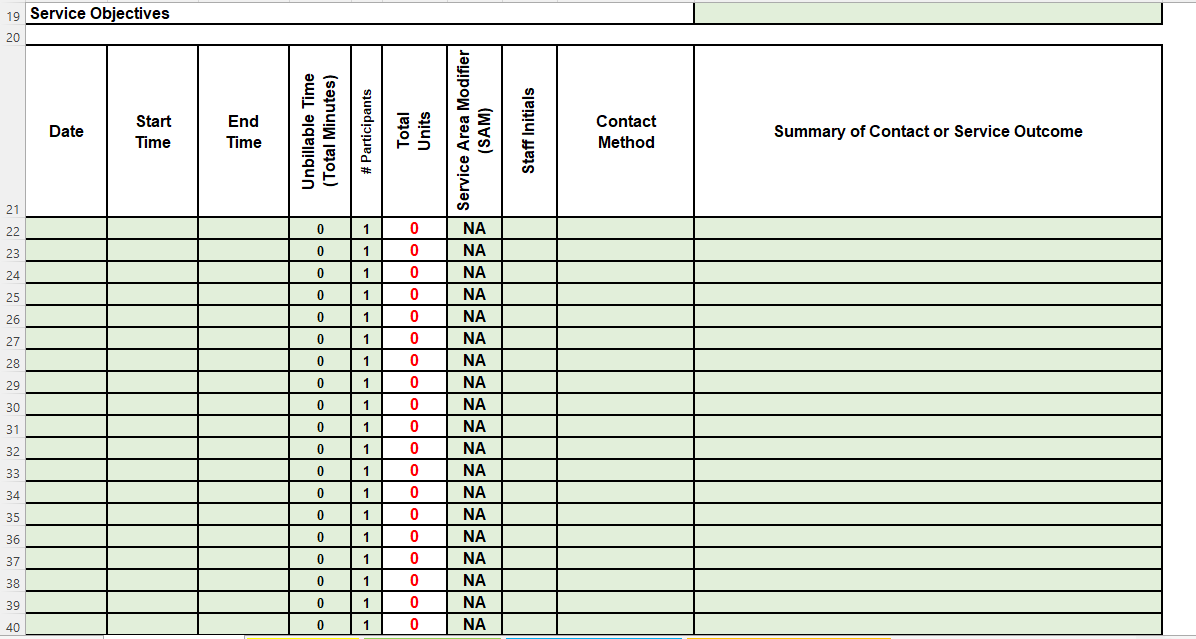
OOD Forms - General Services is comprised of Activities of Daily Living, Career Exploration, Job Seeking Skills Training, Start Up, Travel Training, Vocational Consultation, etc.
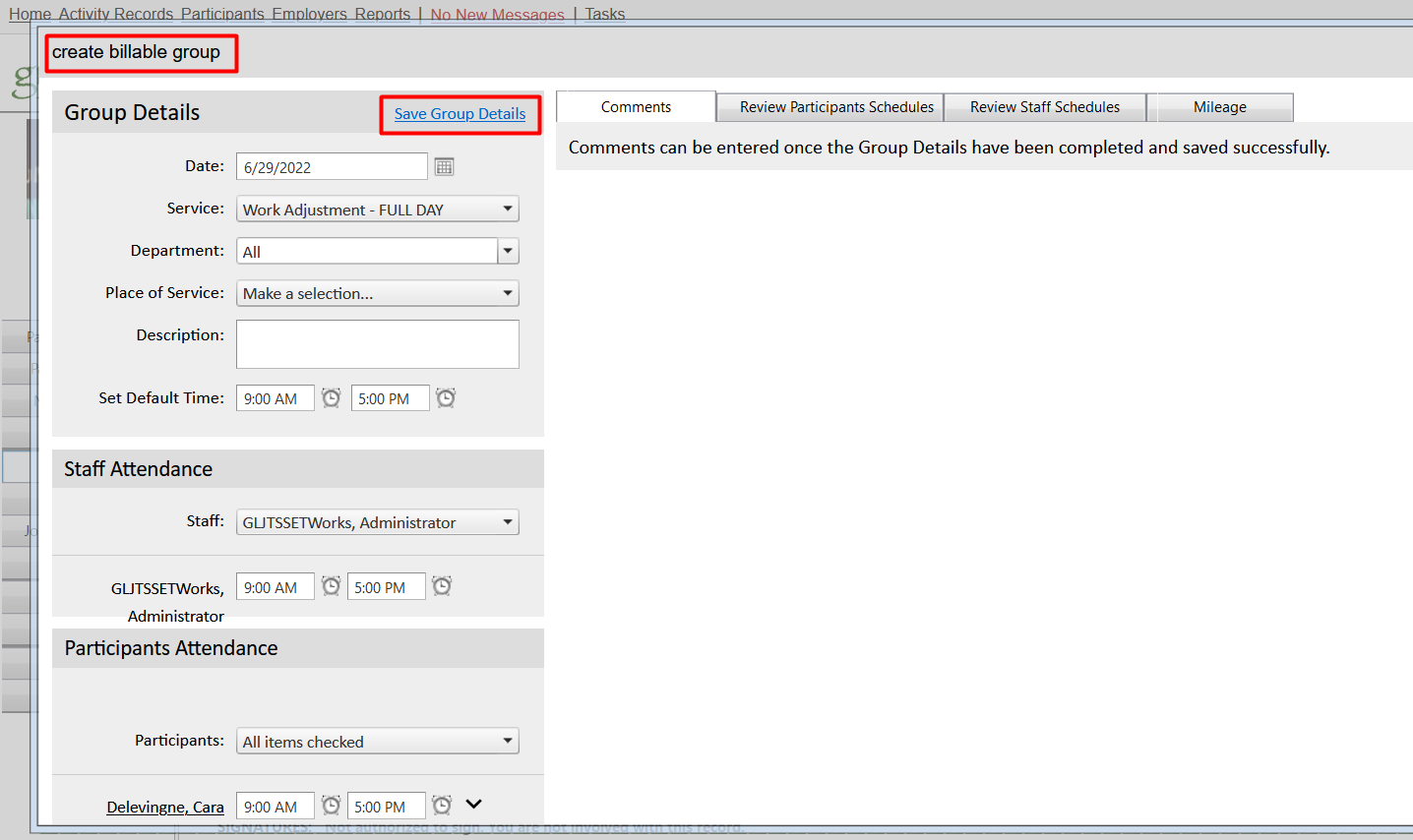
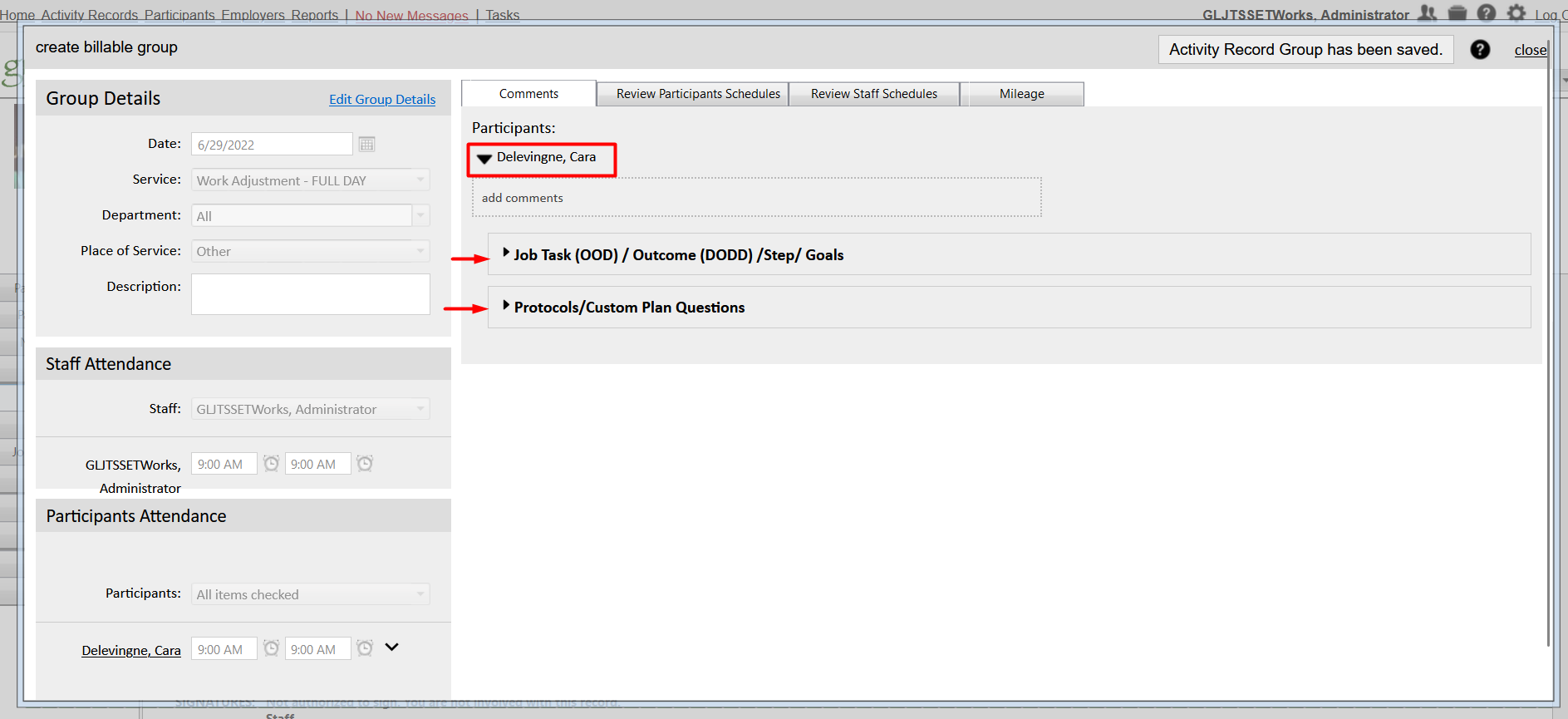
1. Create a Billable Group Activity Record
- Select the date, service, Place of Service, staff, consumer, and times. Save Group Details.
- Complete documentation per consumer.
- Add comments. Save comment.
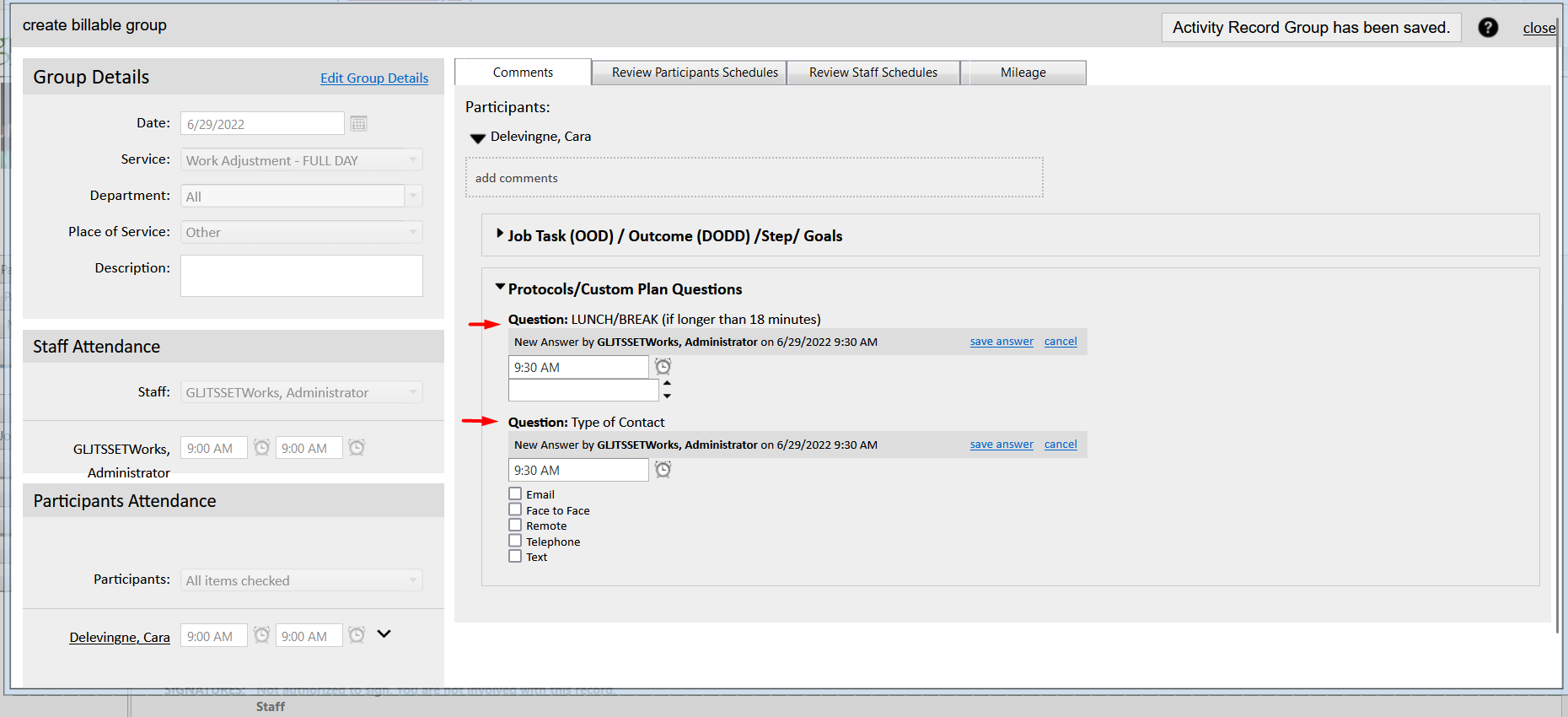
- Add Protocol/Custom Plan Questions: Types of Contact. Save answer.
- Add Protocol/Custom Plan Questions: Lunch/Break (as needed). Save answer.
2. Navigate to the consumer profile > Forms
- Create a new OOD Form 7 - General Services
- Insert From/To dates (the span of time covering services)
- Complete the form information. Save.
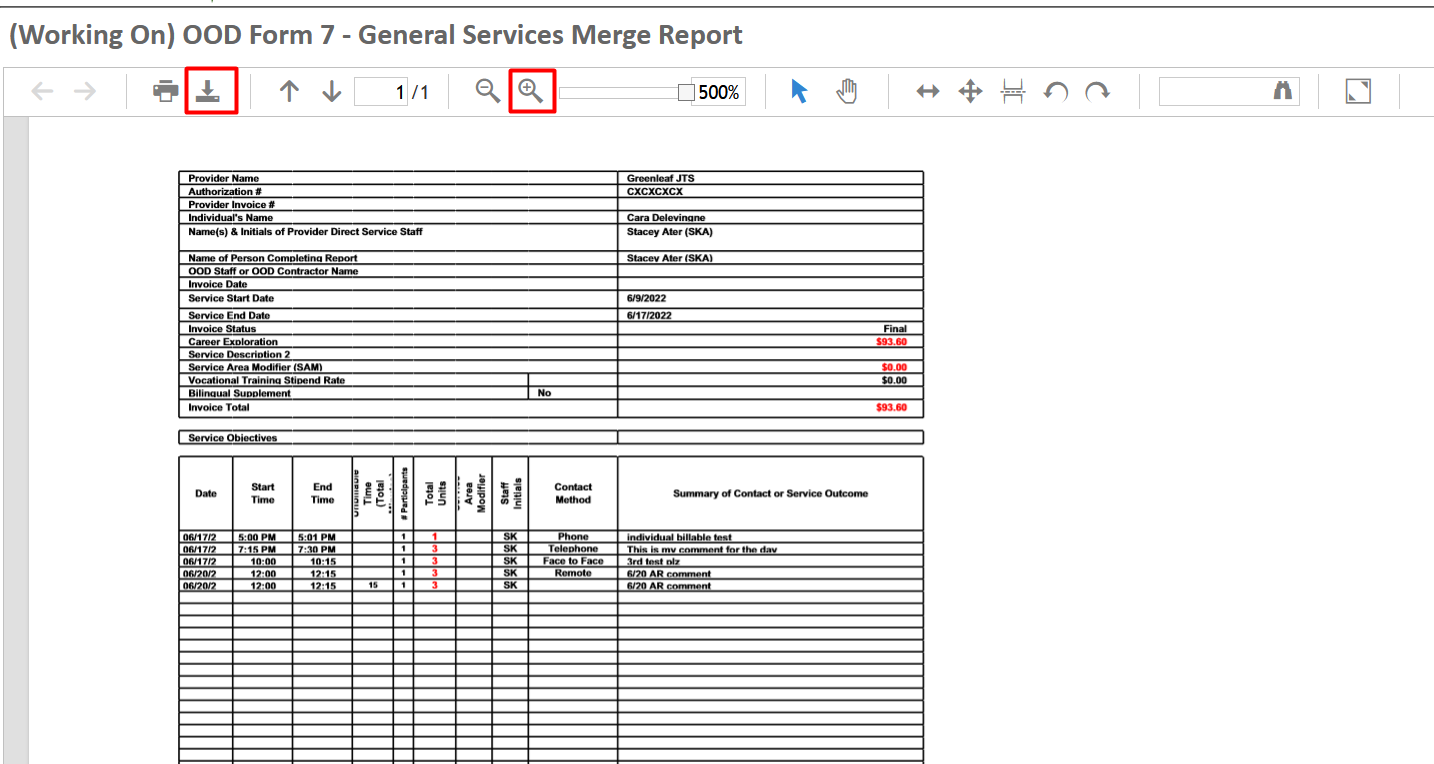
- View Report, download the form or zoom in, and double check information.
- Sign the form with your PIN.
Note: NOTE: If information is missing on the report, review the steps above, update, and save the report.
Note: NOTE: If information is in the database or on the form, but does not appear on the report, contact your organization's SETWorks Administrator or support@setworks.com .