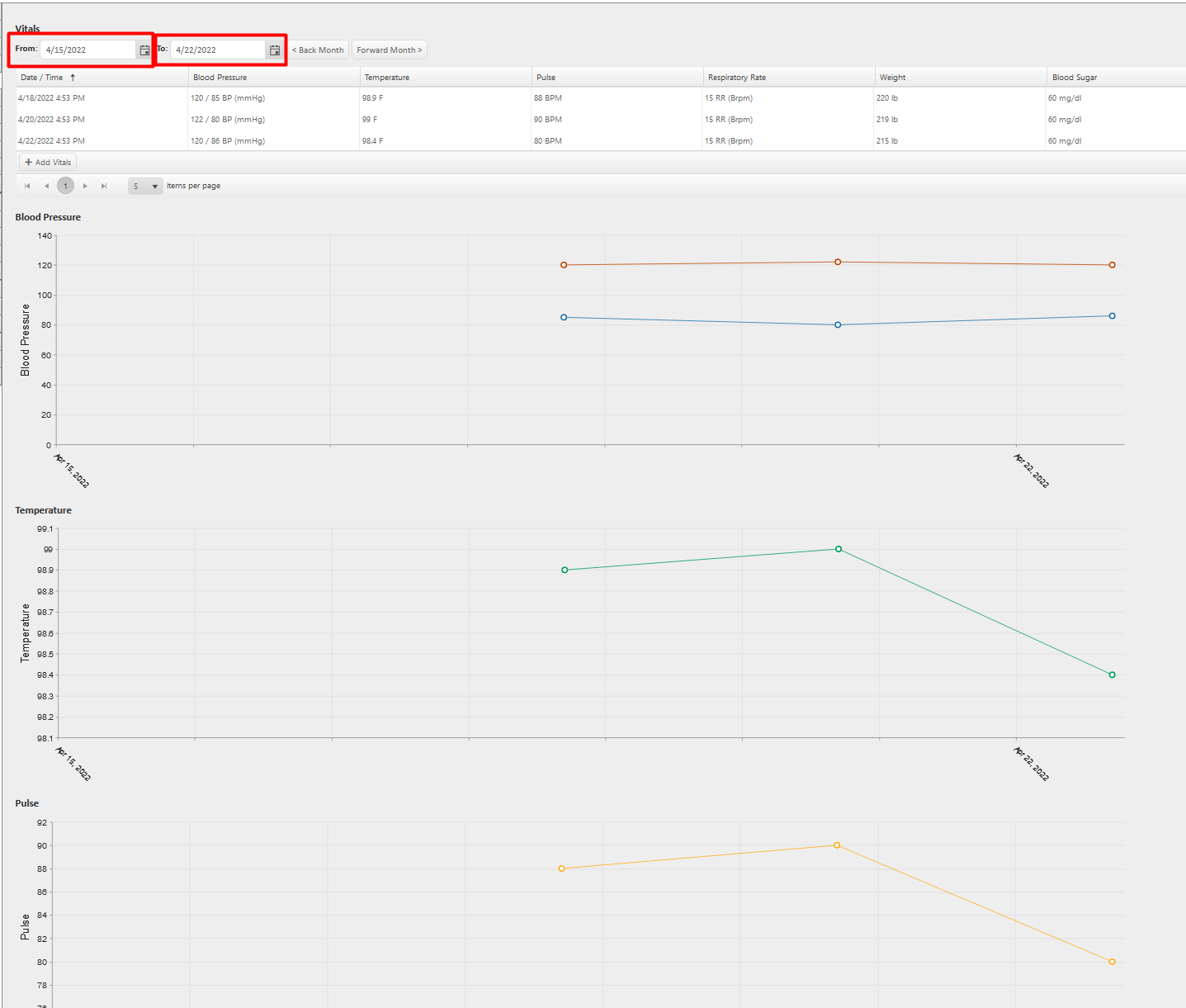
How do I add health vitals in SETWorks?
All
The Health - Vitals tab within the consumer profile is the recommended location in SETWorks to track vitals.
Note: Terminology can be modified within SETWorks to better fit the needs of your organization. If the terminology in our articles are not the same on your site, talk to your local administrator to assist in translation.
Health - Vitals
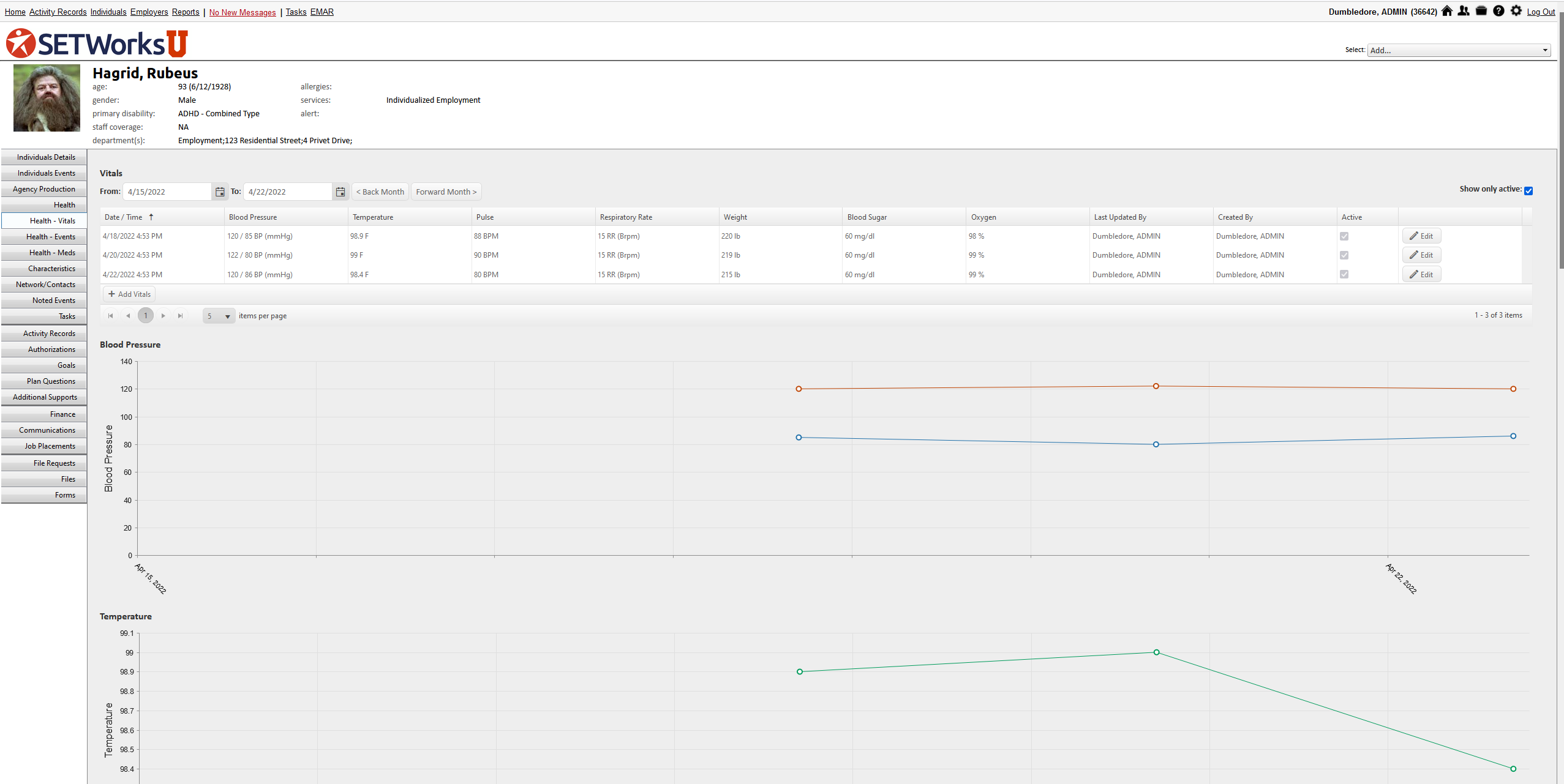
Health - Vitals Privileges
Settings > Provider Build > Maintain Privileges > Consumer Profile:
Note: Enable the Health - Vitals tab.
Add Vitals
1. Navigate to the consumer's profile > Health - Vitals.
2. Select +Add Vitals
3. Complete the fields listed including Date/Time, Blood Pressure, Temperature, Pulse, Respiratory Rate, Weight, Blood Sugar, and Oxygen.
4. Select Update.
NOTE: The graphs chart the readings and frequencies. Use the date range to control the chart readings visuals.