How do I login to SETWorks?
All users
Login to SETWorks
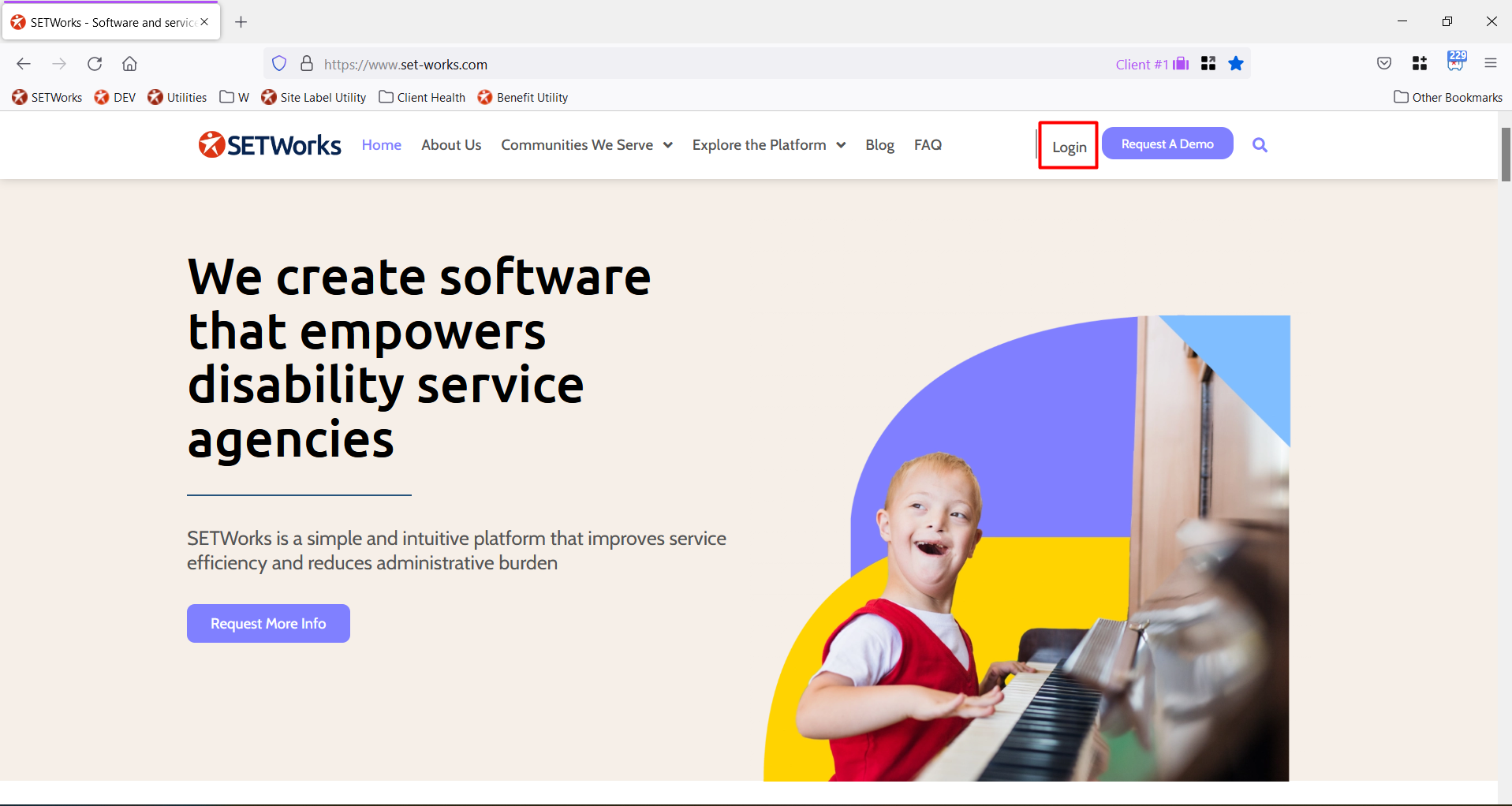
1. Access a browser on your device (e.g., Google Chrome, Safari, Mozilla Firefox, etc.).
NOTE: SETWorks is most compatible with Google Chrome.
2. Type www.SETWorks.com in your browser.
3. Select 'Login'.
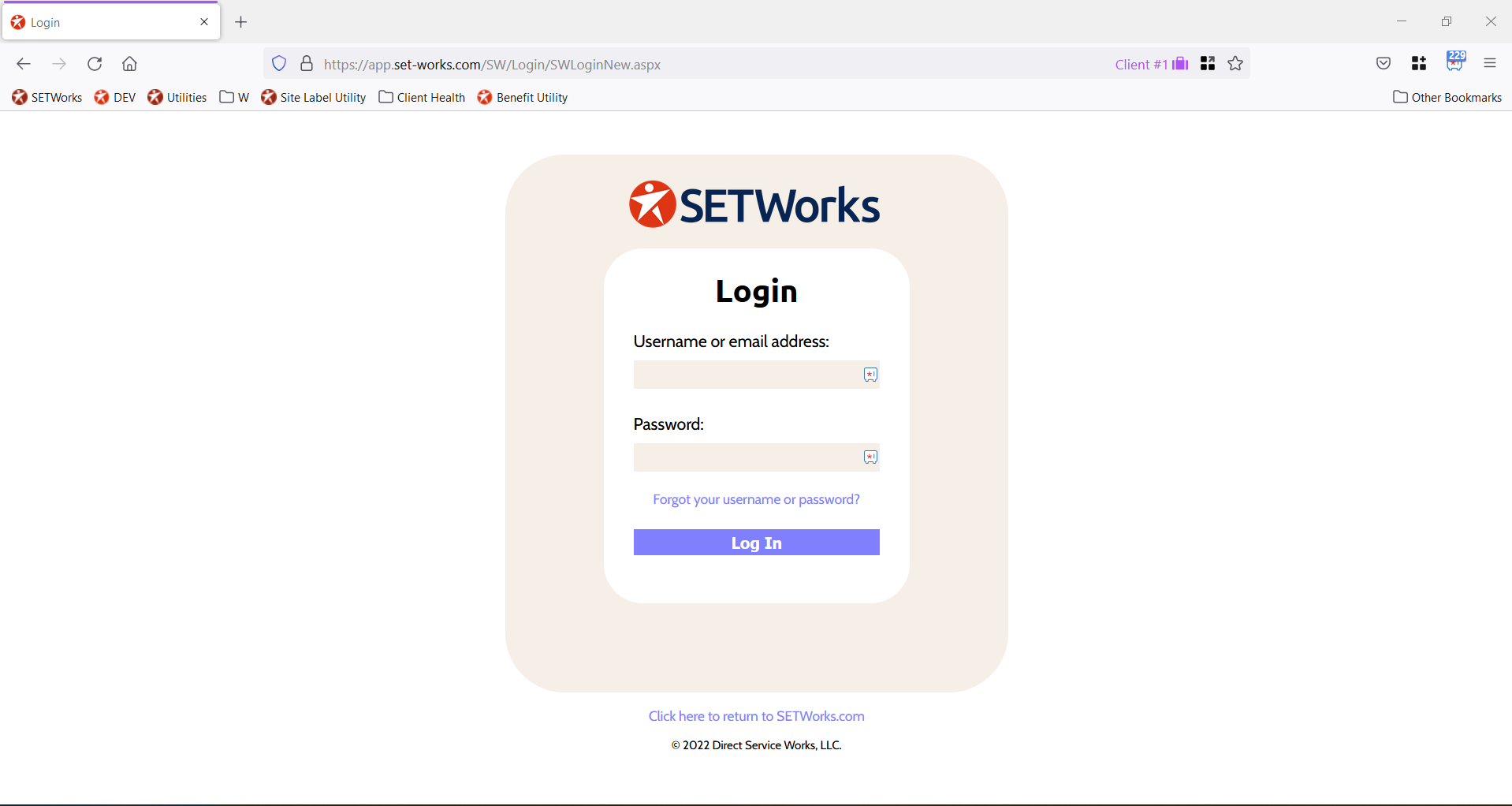
4. Enter your Username.
5. Enter your Password.
6. Select 'Log In'
NOTE: Contact your supervisor or local administrator if you do not know your Username or Password.
New Users
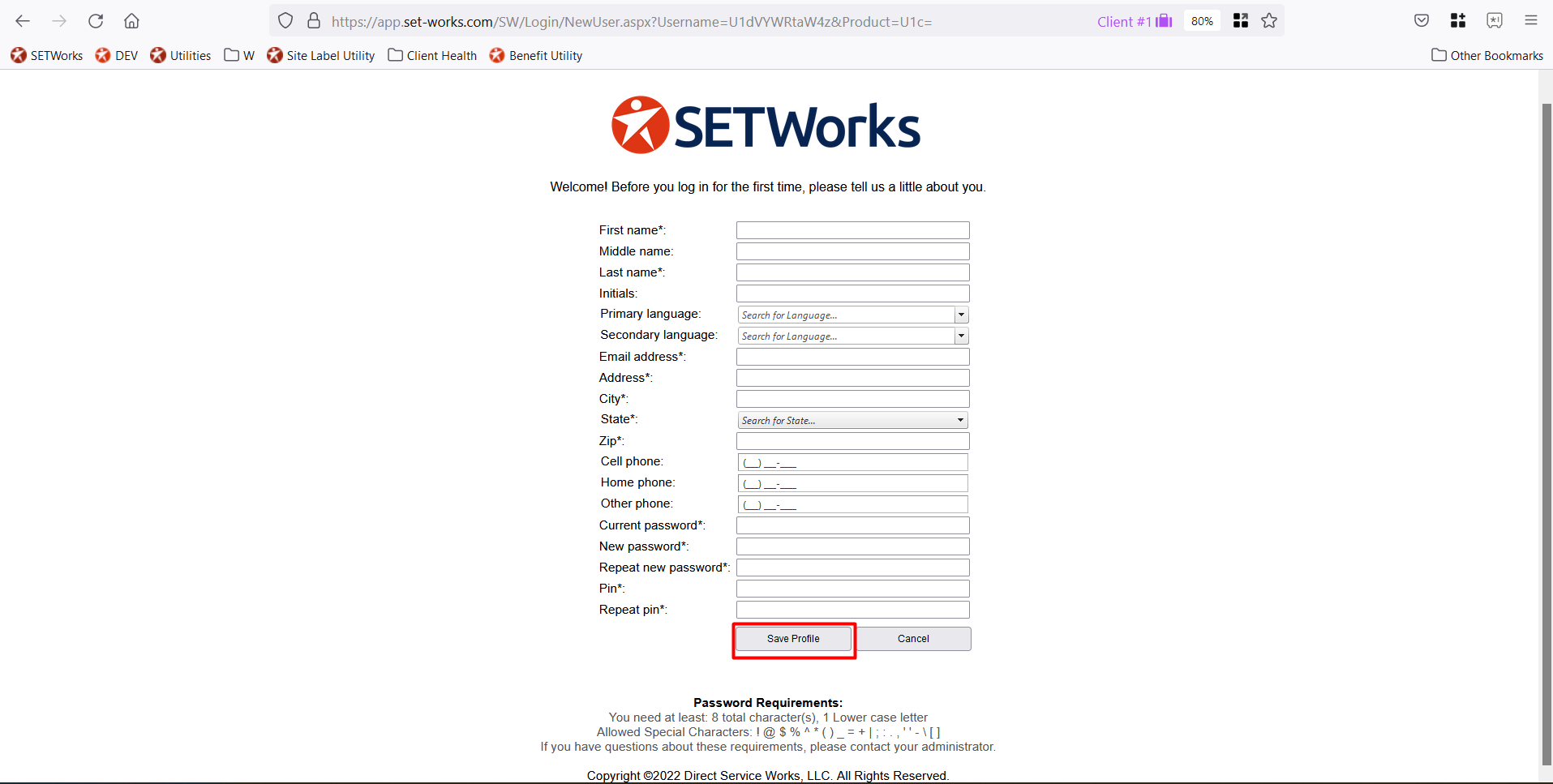
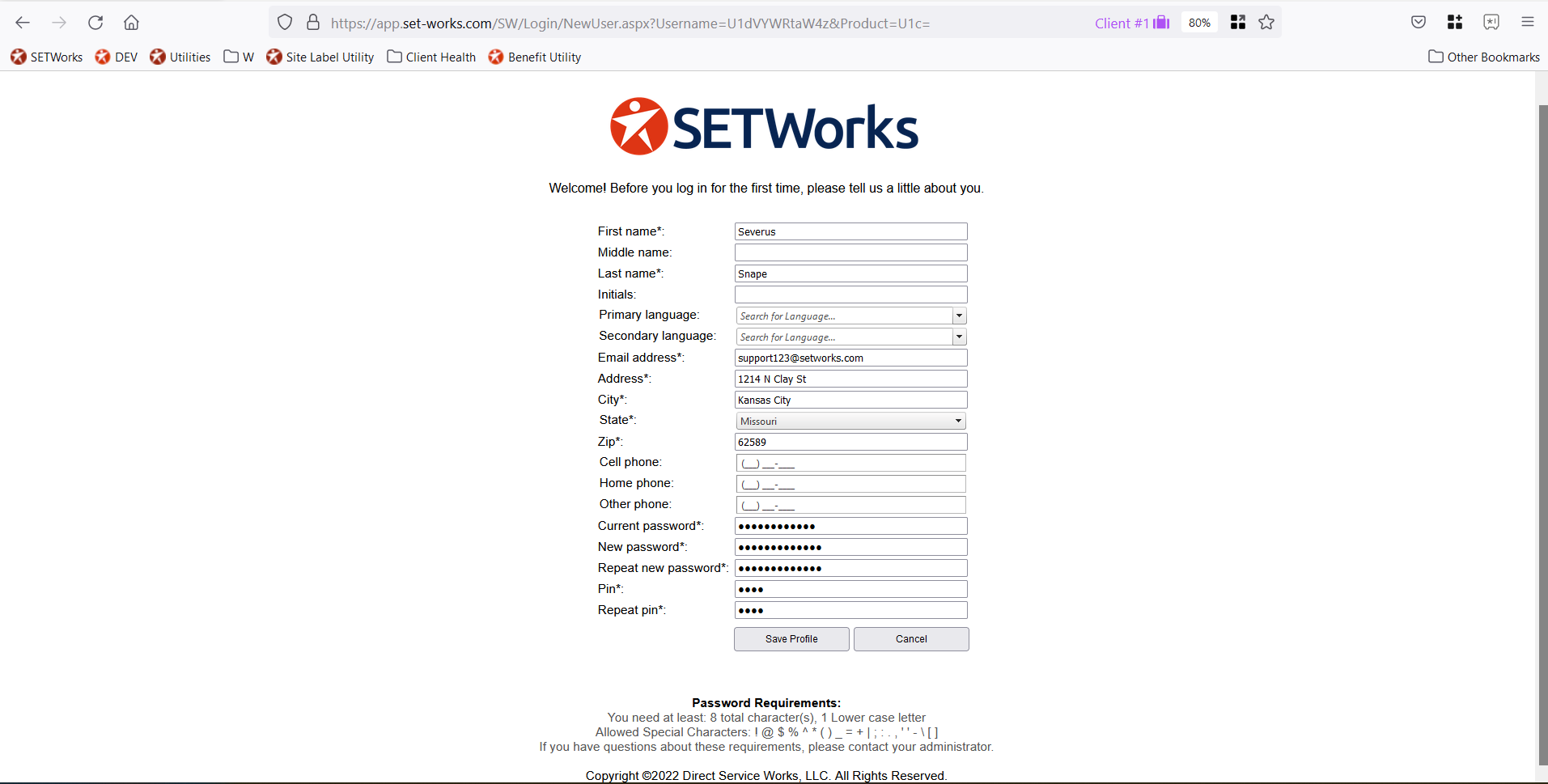
If you're a new user to SETWorks, complete the user information. Required fields are indicated by an *asterisk.
NOTE: Password requirements are listed at the base of the screen.
NOTE: PIN should be a 4-digit number used for electronic signatures.