How do I save a SETWorks Form into the Files tab?
Administrator
Forms and Files are viewed in separate tabs throughout SETWorks (e.g., Consumer profile, Department Management, Provider files, Staff Management, etc.). Two different locations (e.g., Forms and Files) to access similar information may confuse your auditors. SETWorks offers the ability to save a Form as a File thus storing a PDF of the completed form into the files tab in a Consumer profile.
NOTE: Expansion of Forms to Files for other form entities (e.g., Department, Provider, Staff Management) is coming soon!
Note: Terminology can be modified within SETWorks to better fit the needs of your organization. If the terminology in our articles are not the same on your site, talk to your local administrator to assist in translation.
Accessing Forms to Files
- Navigate to the individual's profile.
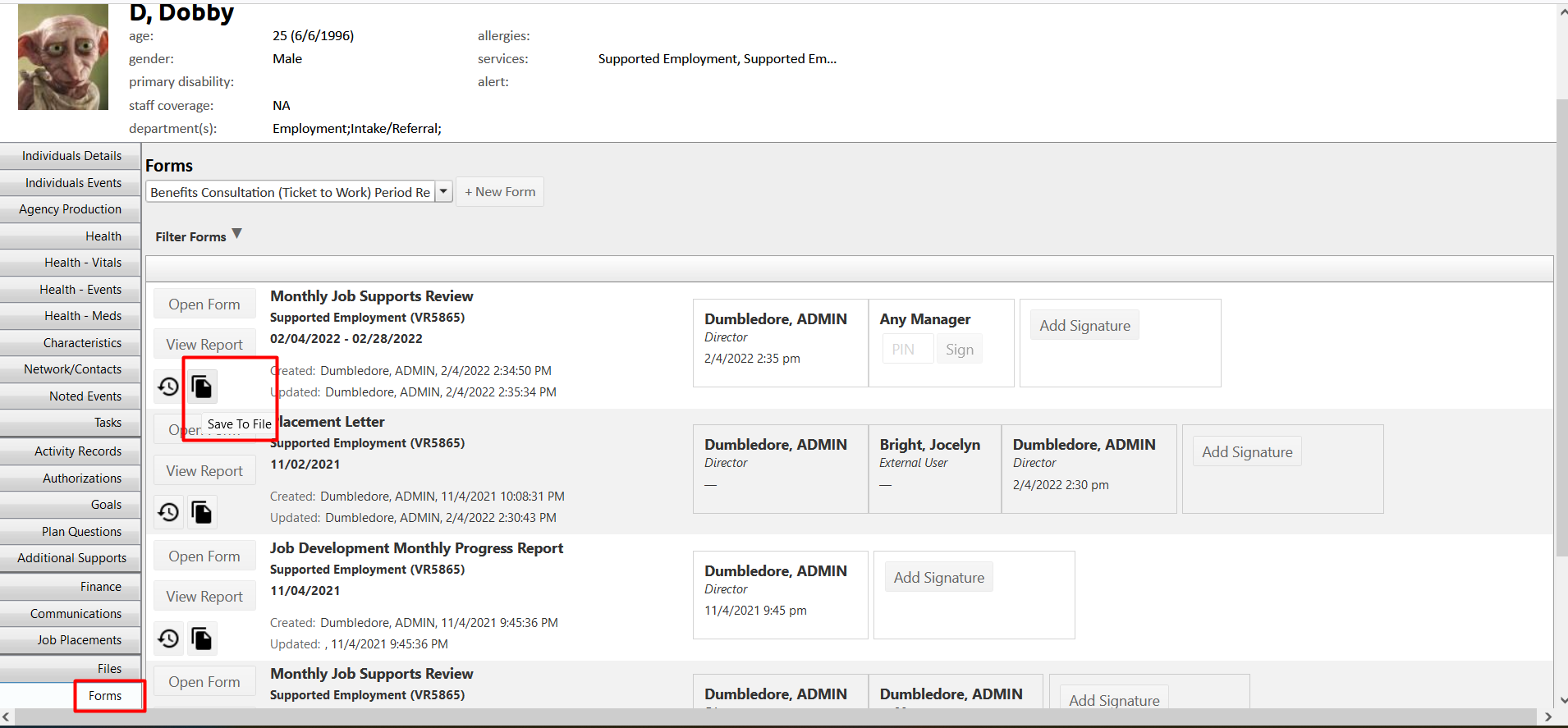
- Select the Forms tab.
- Find the form to save in Files.
- Select Save to File.
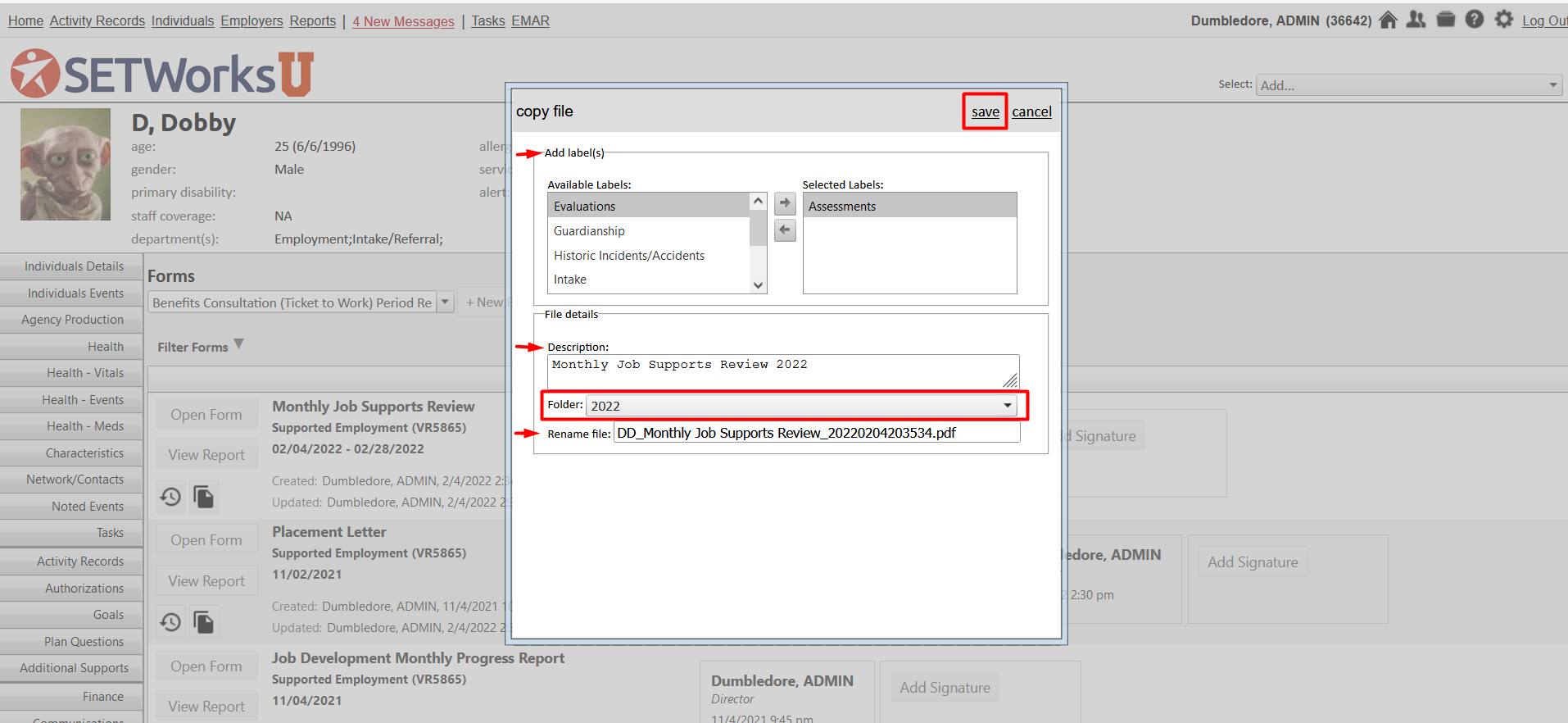
- Assign labels, modify description, select the Folder, and rename the file.
- Save.
Accessing the Saved File
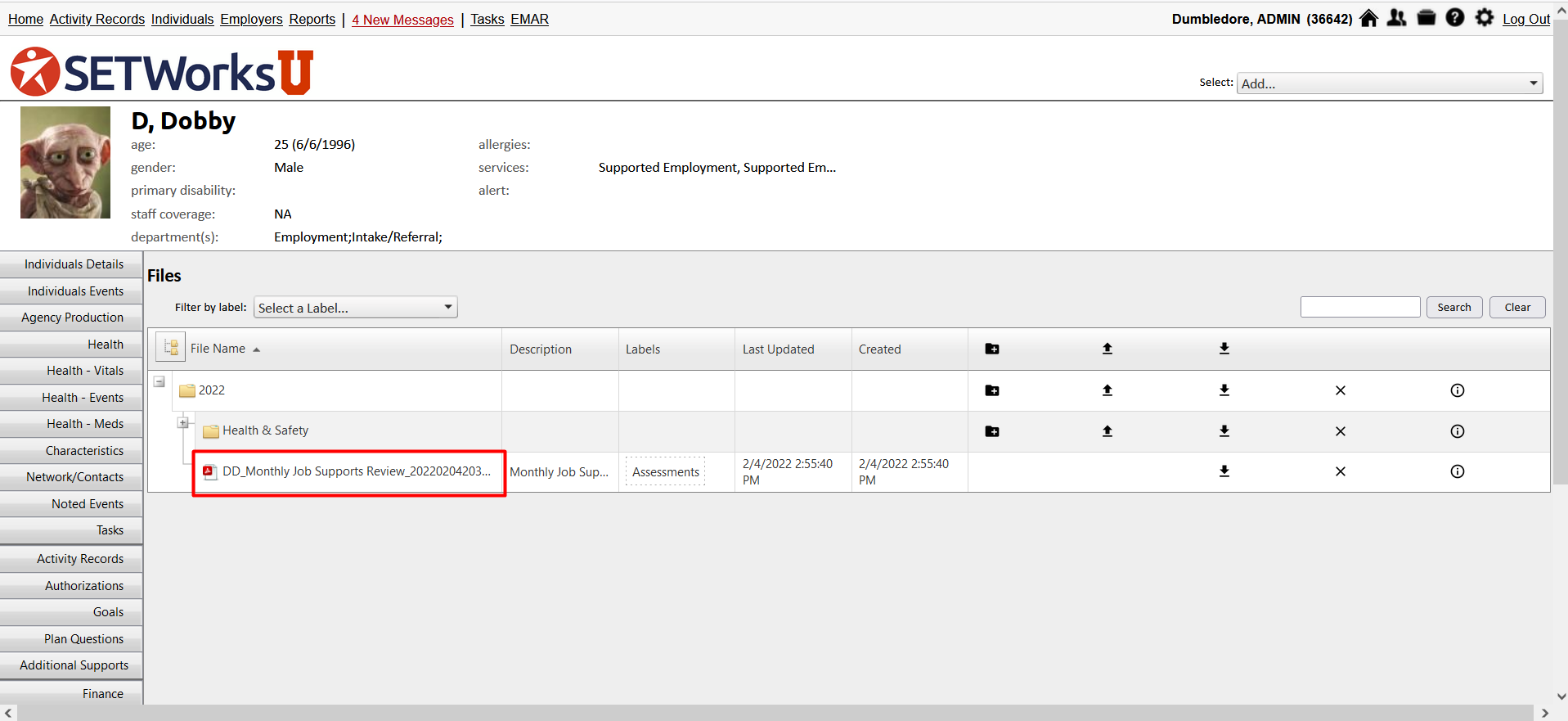
- Navigate to the files tab
- Expand folders
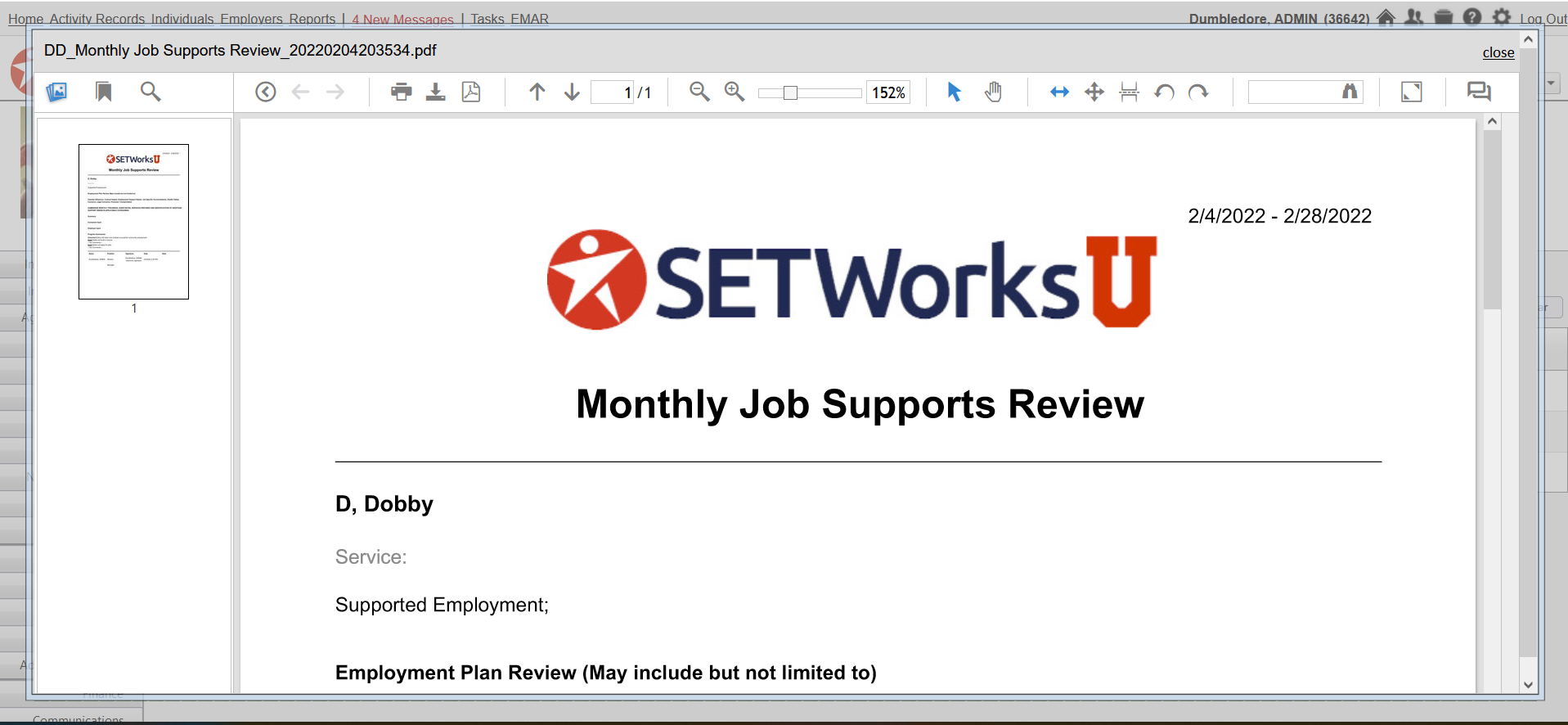
- Access the saved file, select to view