in progress - internal - setworks only
The aggregator is requesting a JSON file. What does that mean and how do I download it?
JSON stands for java open
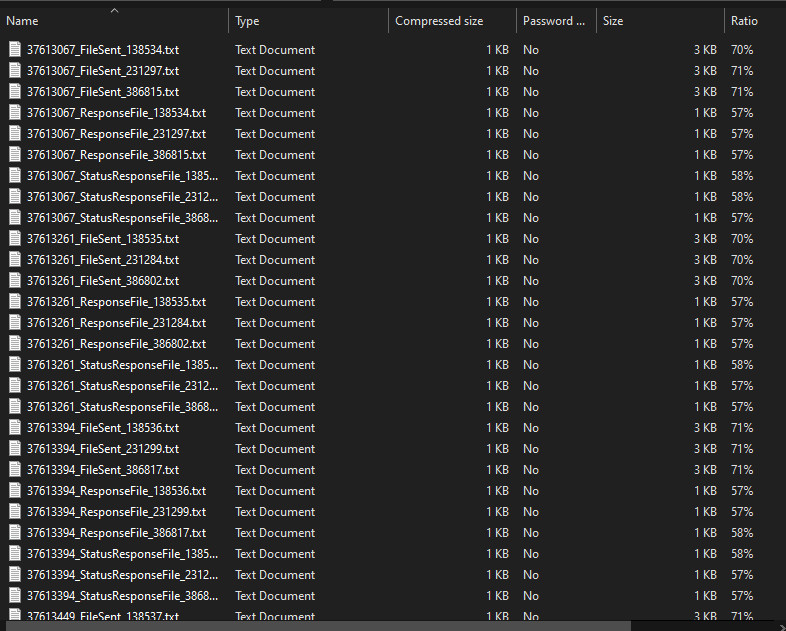
JSON files are sent from SETWorks to an aggregator
UUID files are sent back to confirm the file was received
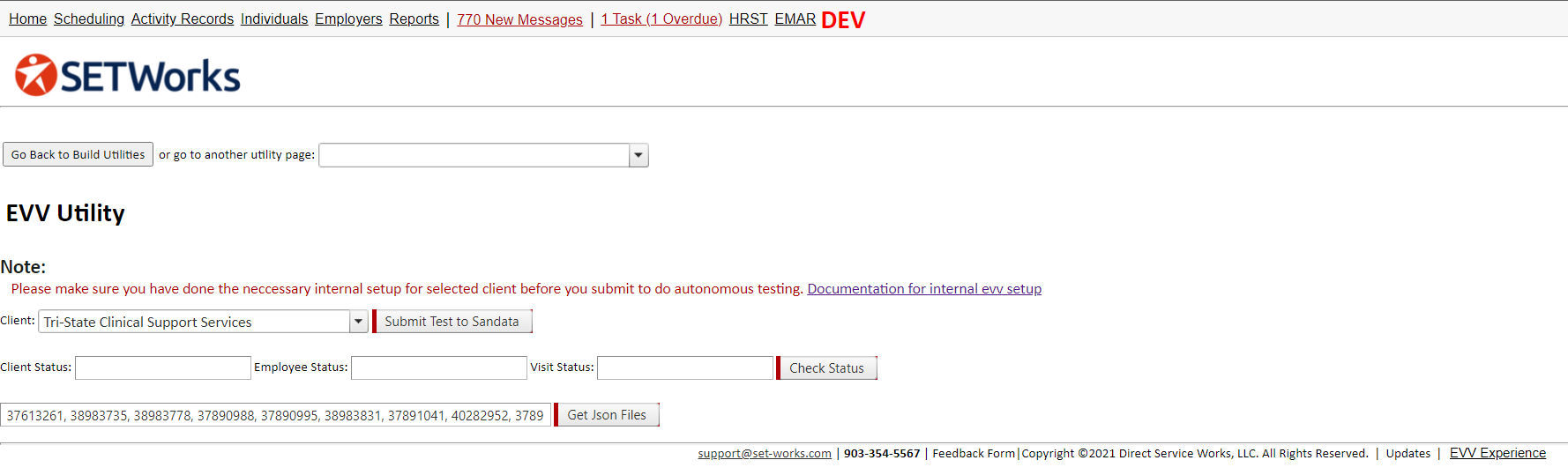
In SETWorks you can use the EVV Utility to pull JSON and UUID files
To download a file for a specific record, you'll need to activity record ID.
This can be accessed easily from the consumer hours dashboard

Filter for the records you need, then export the widget to excel.
copy and paste the activity record ID into the EVV utility and save the file.
Brandon's amazing enhancements support bulk downloads of evv data
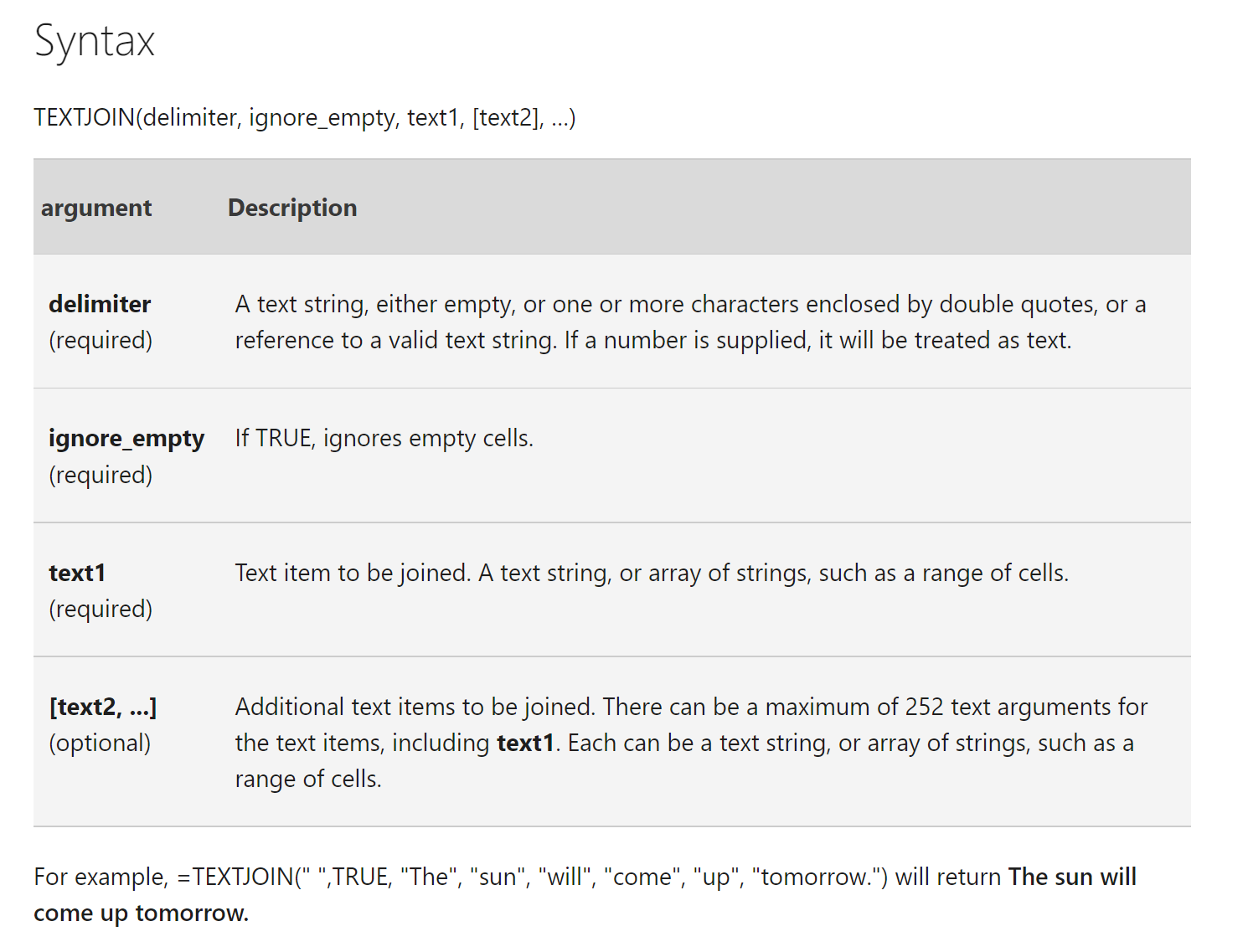
use the textjoin function in excel to take the whole column of AR IDs and make it one string:

Example:
=TEXTJOIN(", ",TRUE,J2:J67)
EVV util:
finished export: