How to Create an Area Program / LME (Local Management Entities)
Administrator
This article will explain to create a Area Program and Local Management Entities with the Area Program / LME Utility to add options to the Drop Down in the Authorization.
Note: Terminology can be modified within SETWorks to better fit the needs of your organization. If the terminology in our articles are not the same on your site, talk to your local administrator to assist in translation.
1. Navigate to the Area Program / LME Utility
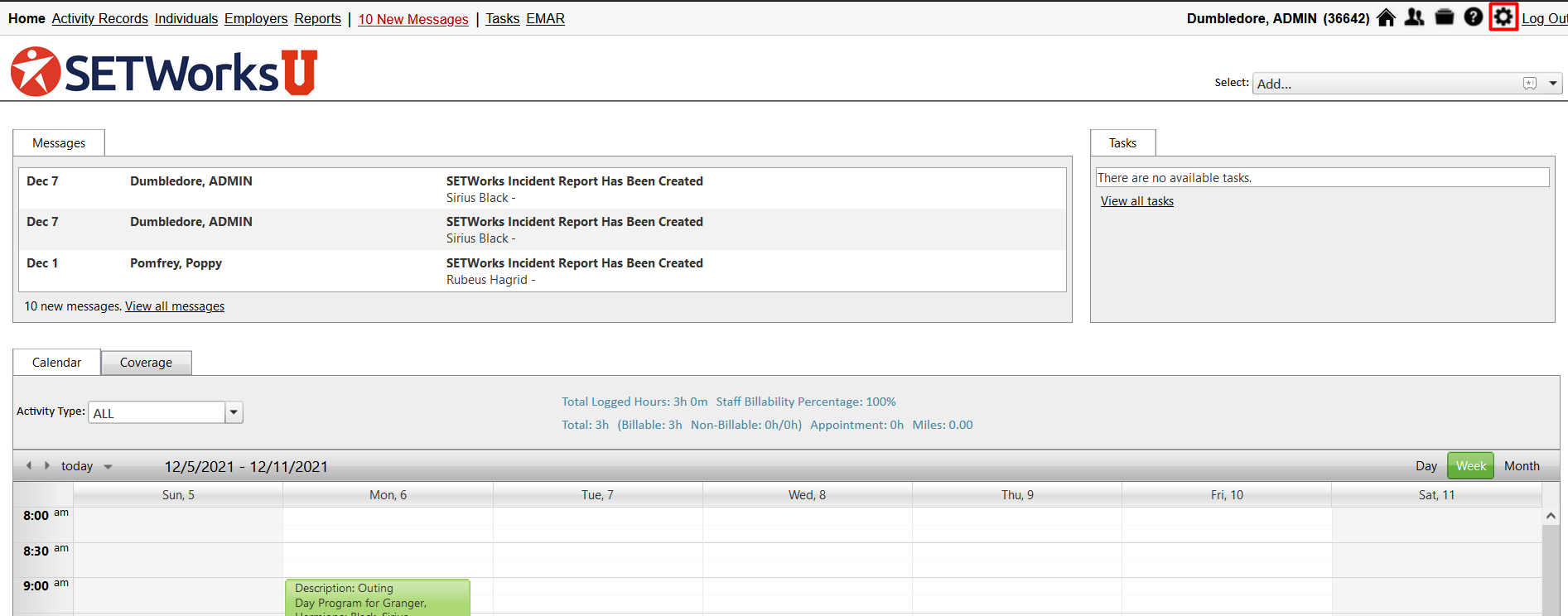
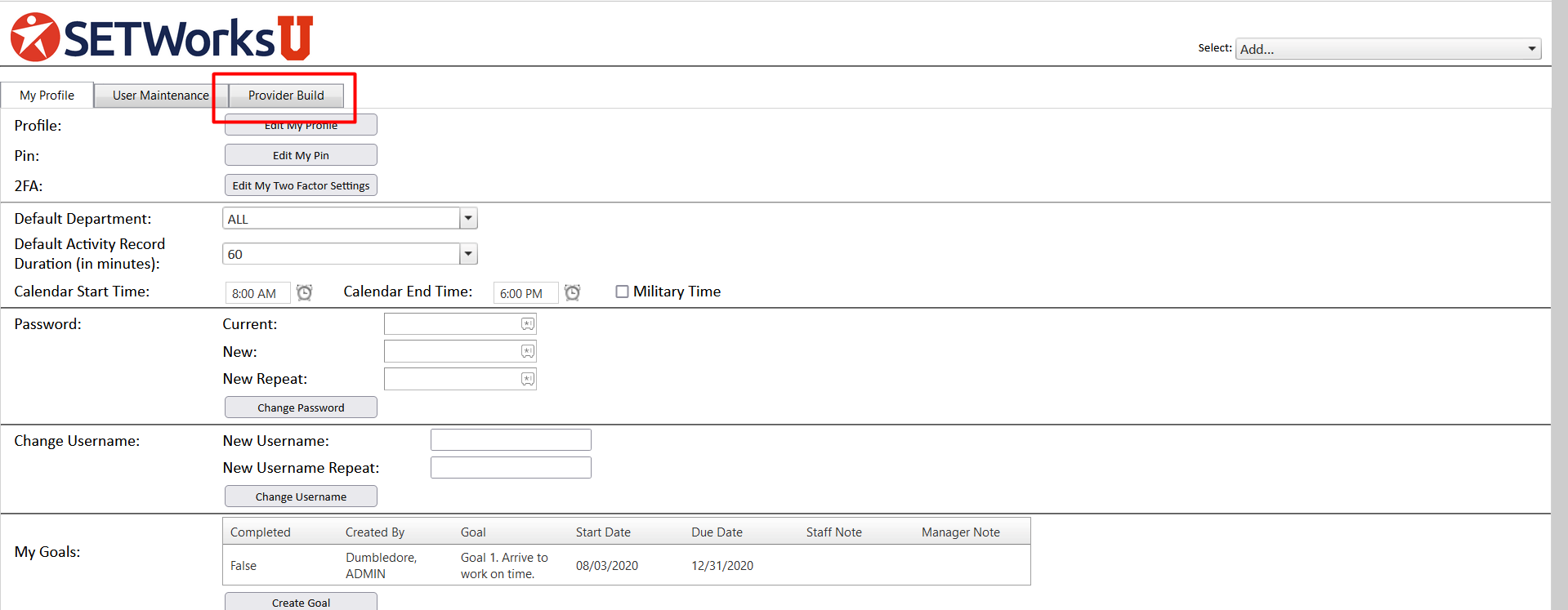
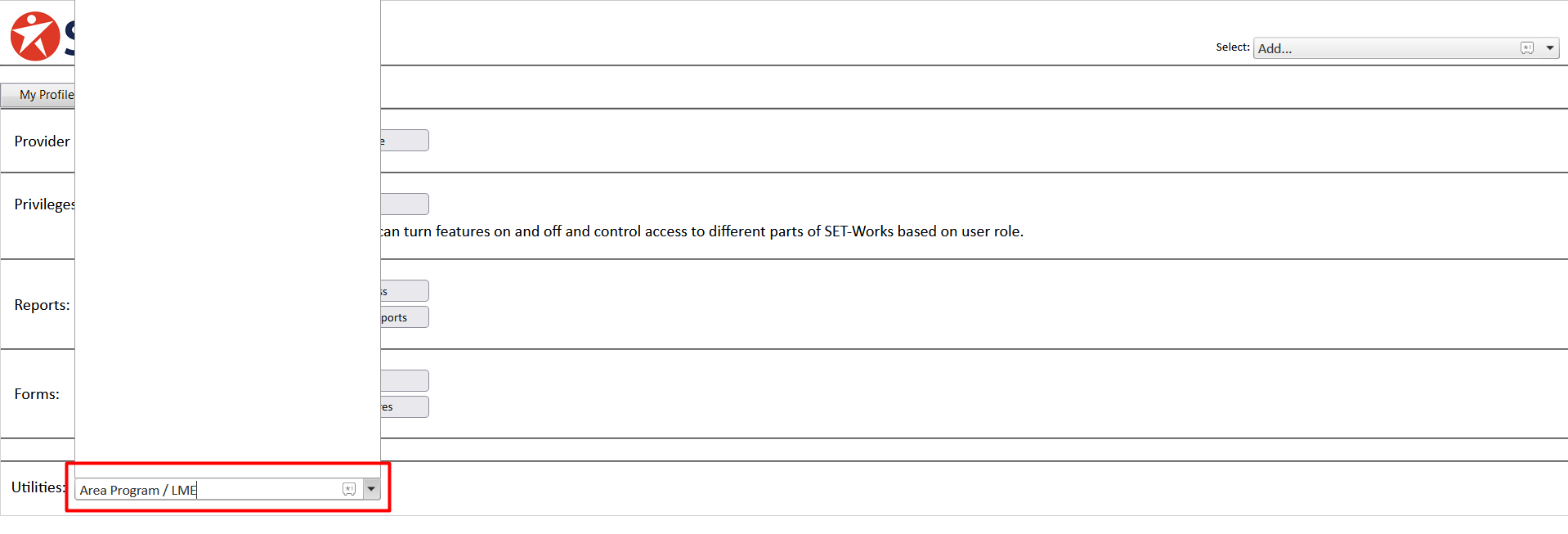
Settings>Provider Files>Utility Drop Down>Area Program / LME Utility
2. Select "Add new record"

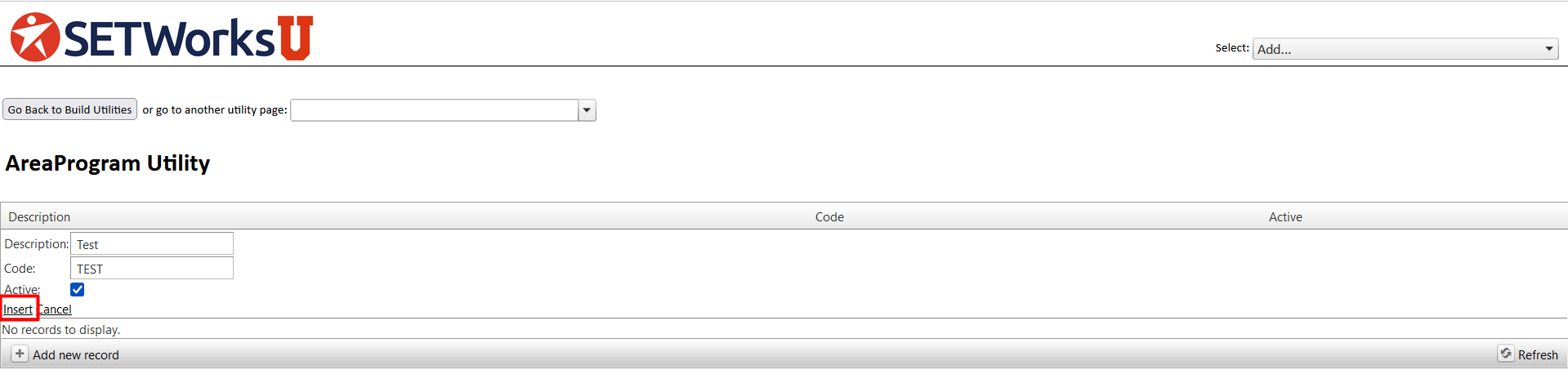
3. Add in the corresponding information and select "Insert" to save.