General Files Overview
Administrator
This article explains a General overview of Files in SETWorks, types and where they files can be stored.
Note: Terminology can be modified within SETWorks to better fit the needs of your organization. If the terminology in our articles are not the same on your site, talk to your local administrator to assist in translation.
Where to store your organizational files?
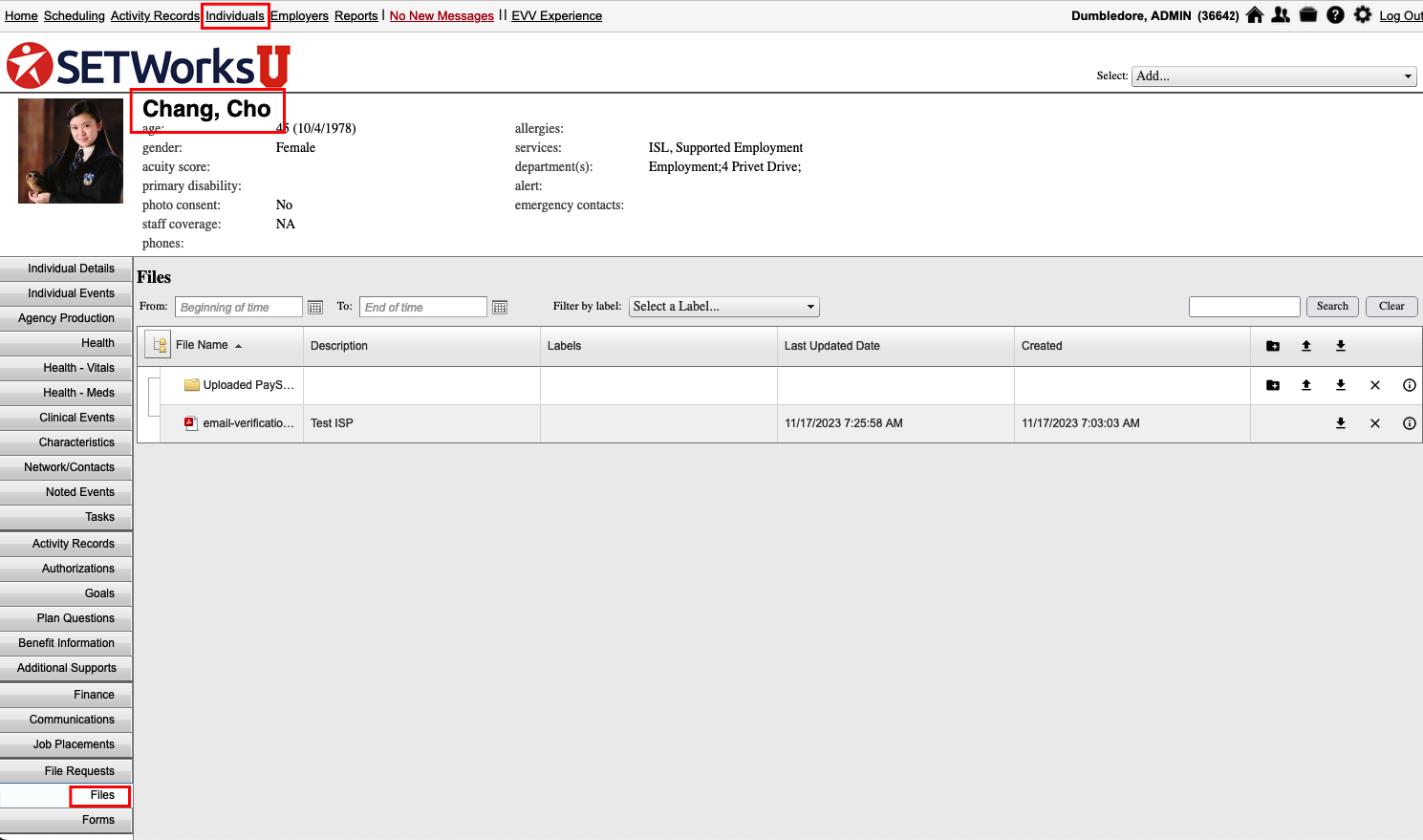
Individual Files.
- Live in the individual’s profile and can contain Individual Support Plans (ISPs), Health Consults, Annual Consent Forms, and more!
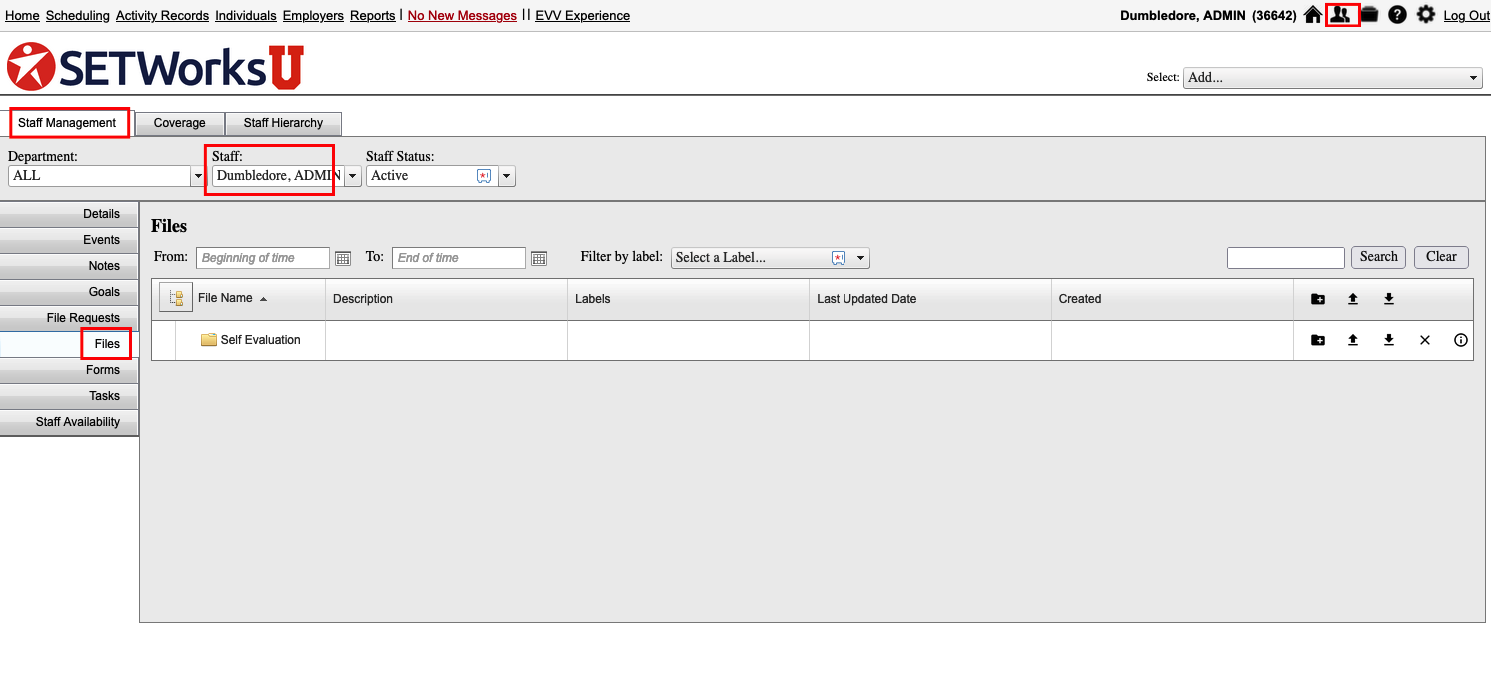
Staff Files.
- Perfect for Annual Reviews, Staff Training evidence, Drivers License images, and Vacation requests (even better if you start from a form!).
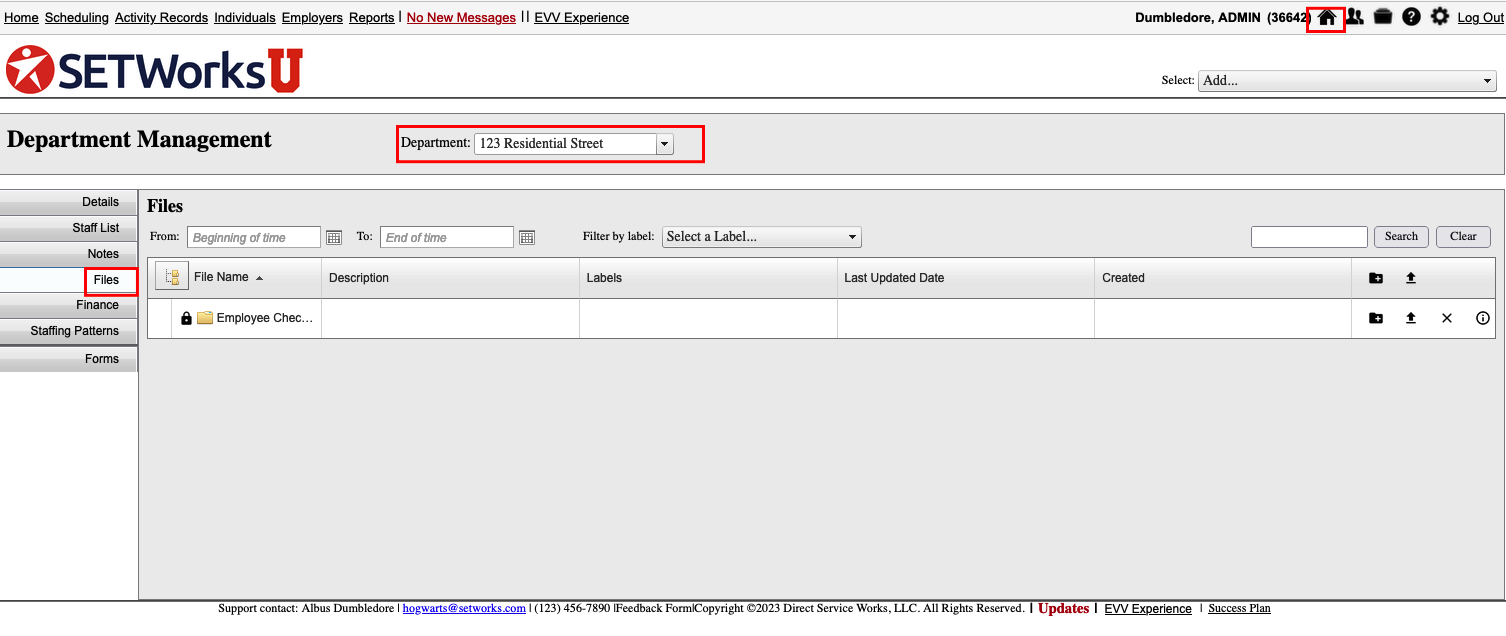
Departmental Files.
- Often used to store documents specific to a physical office location such as fire safety drill results and building walk-through checklists.
Provider Files.
- For the organization-wide documents like policies and procedures. Accompany these with Forms and capture those signatures for policy updates!
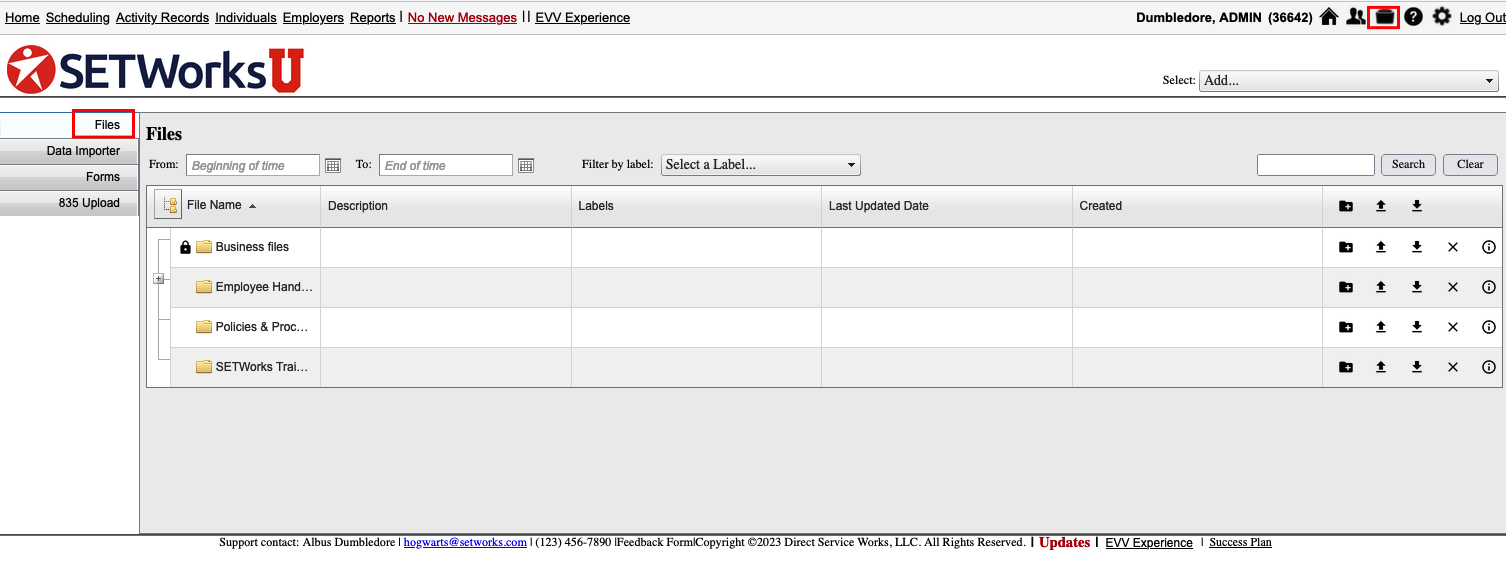
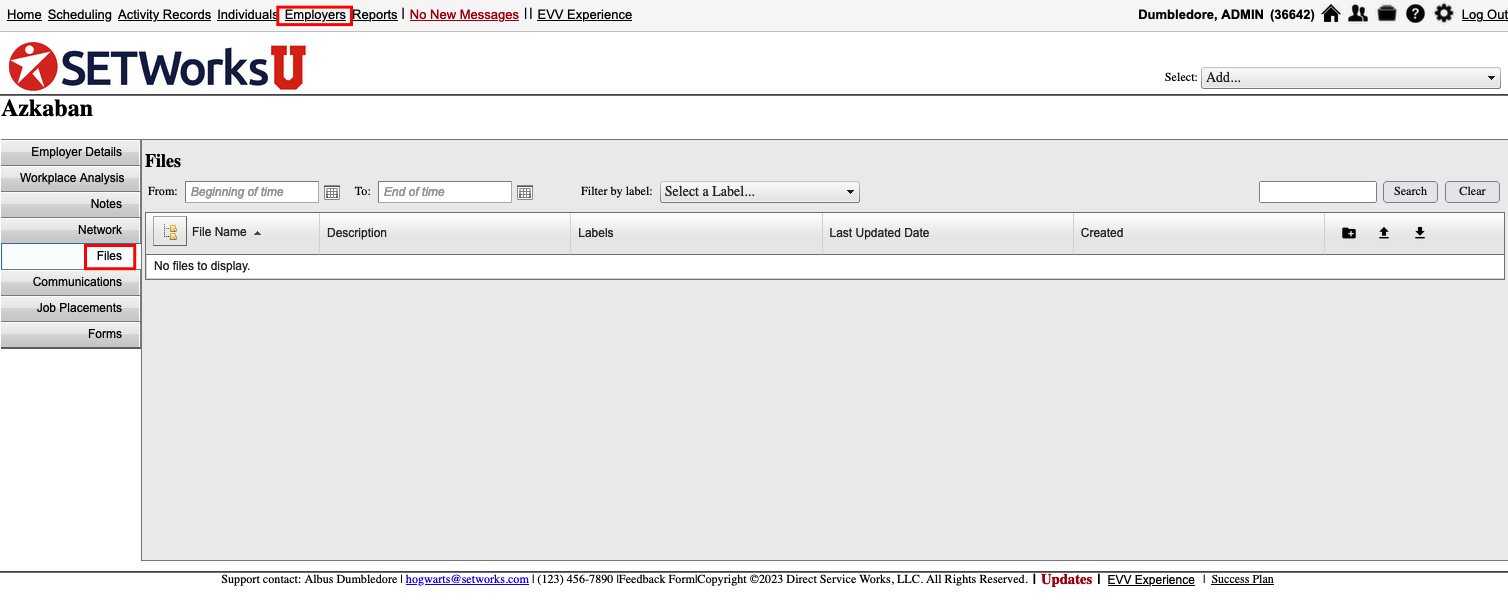
Employer Files.
- For employer and partner entity documents like an application example and environment assessments.
File Q&A
What happens when I delete a folder?
Deleting a folder will delete all files and folders inside that folder.
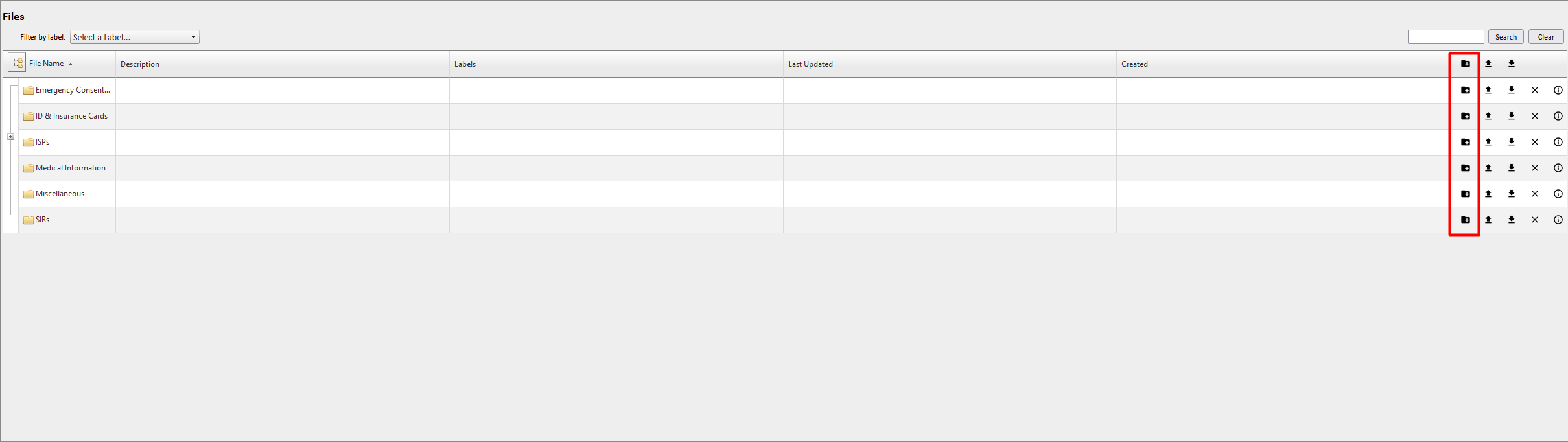
How can I add a folder?
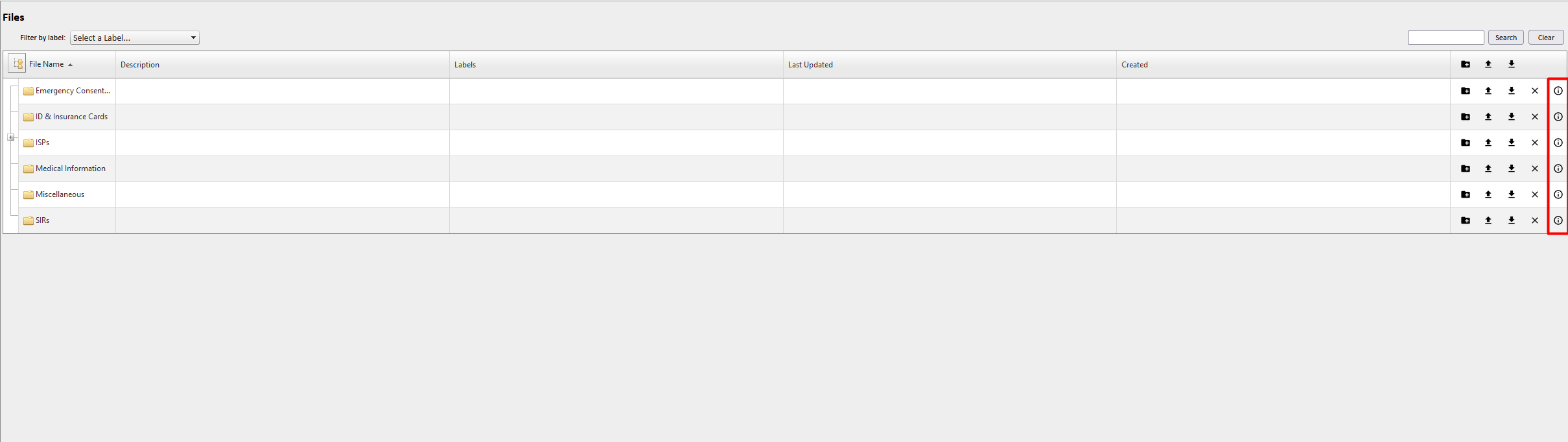
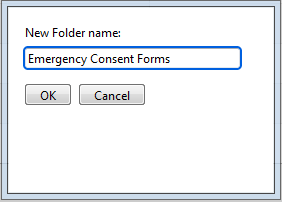
Click on the add file icon to the right of the files window, then type the name of the file into the space for new directory name and click ok to add the folder.
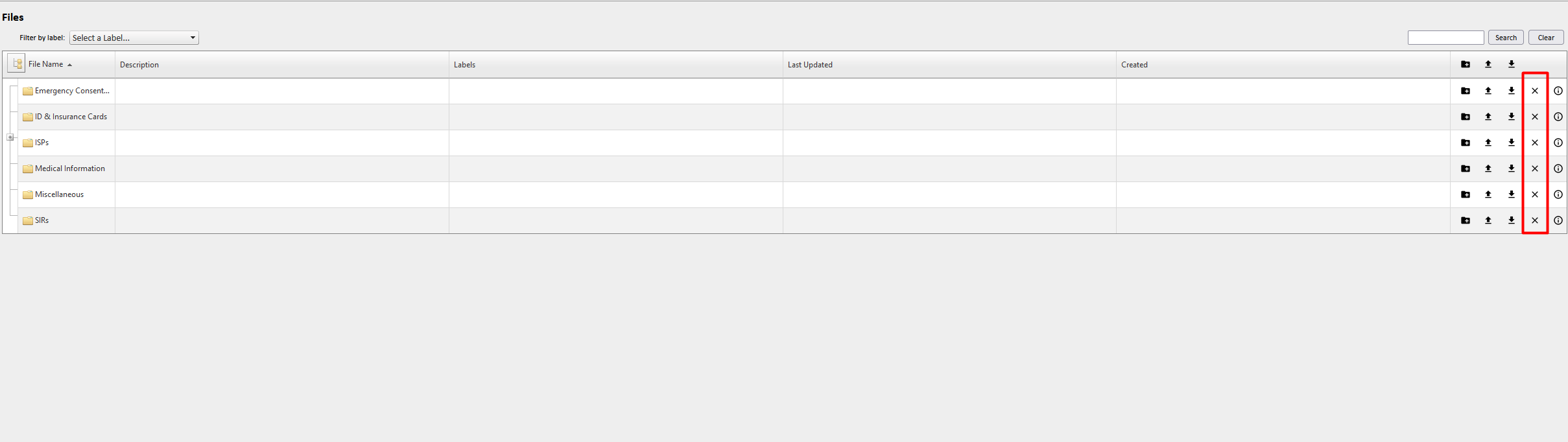
How can I delete a folder?
Click on the delete icon to the right of the files window (shown below circled in green). Click ok when prompted, "Are you sure you you want to permanently delete this folder and all files within the folder?" (Note that if the does not appear, access to delete folders has not been granted. Please contact your administrator if you believe this is a mistake.)
How can I rename a file or update its label or folder?
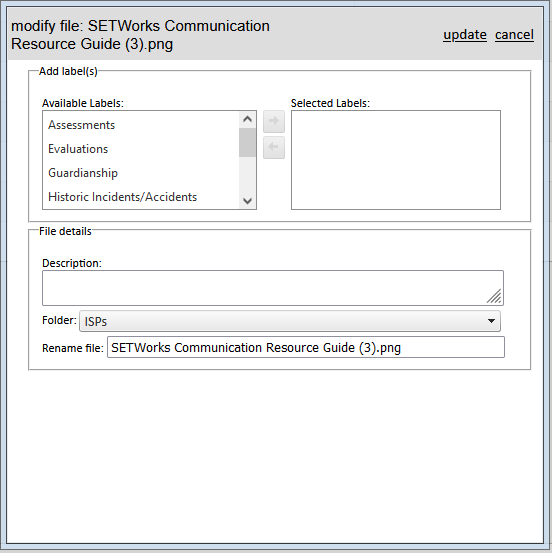
Click on the file properties symbol to modify the file's description, as well as place it into a different folder, or add or update labels.
How can I preview a file?
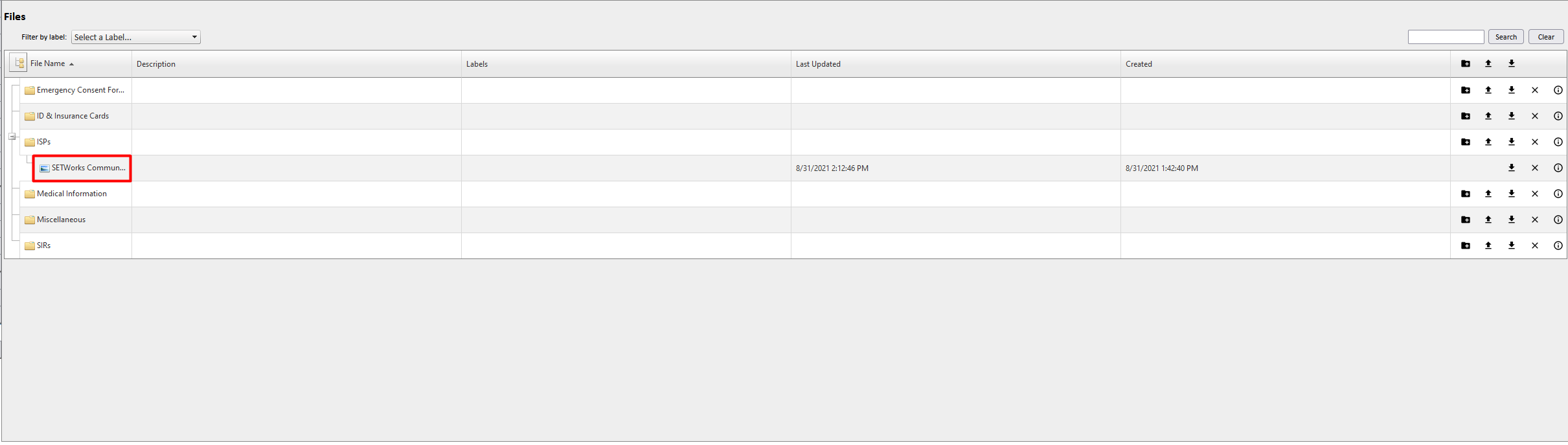
Click on a file name in SET-Works to preview the file in the browser.
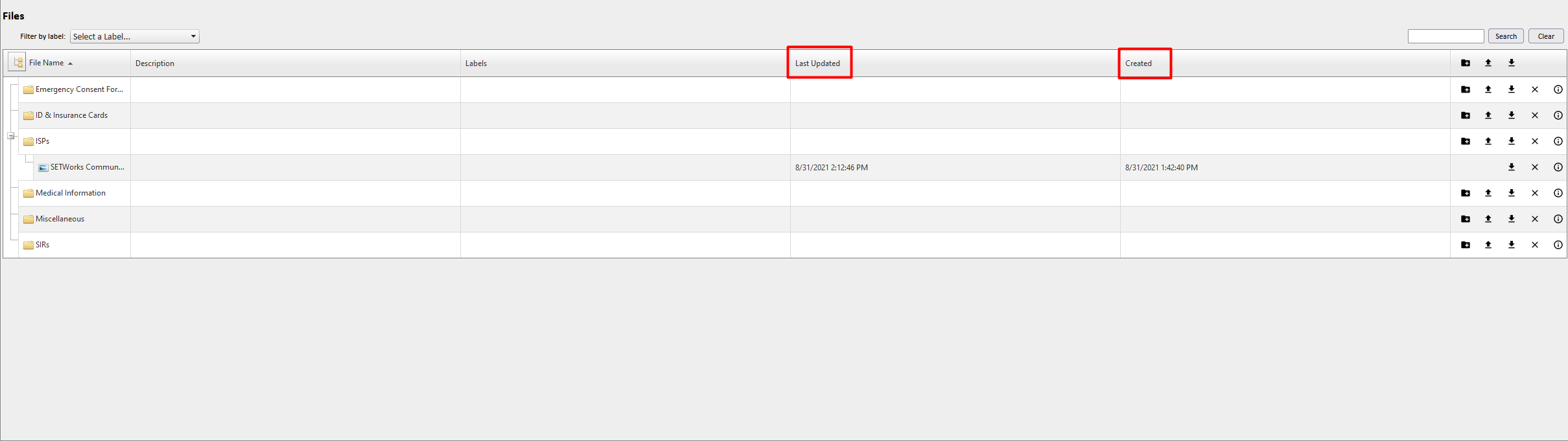
Where can I view the last updated/created dates for a file?
These are visible in the Last Updated and Created columns. Clicking on the column names will toggle between sorting by newest at top or oldest at top.