How to Download a File out of SETWorks
Administrator
This article will explain how to download a file into SETWorks. This method of downloading files will work in Consumer, Staff, Department, and Provider Files section
Note: Terminology can be modified within SETWorks to better fit the needs of your organization. If the terminology in our articles are not the same on your site, talk to your local administrator to assist in translation.
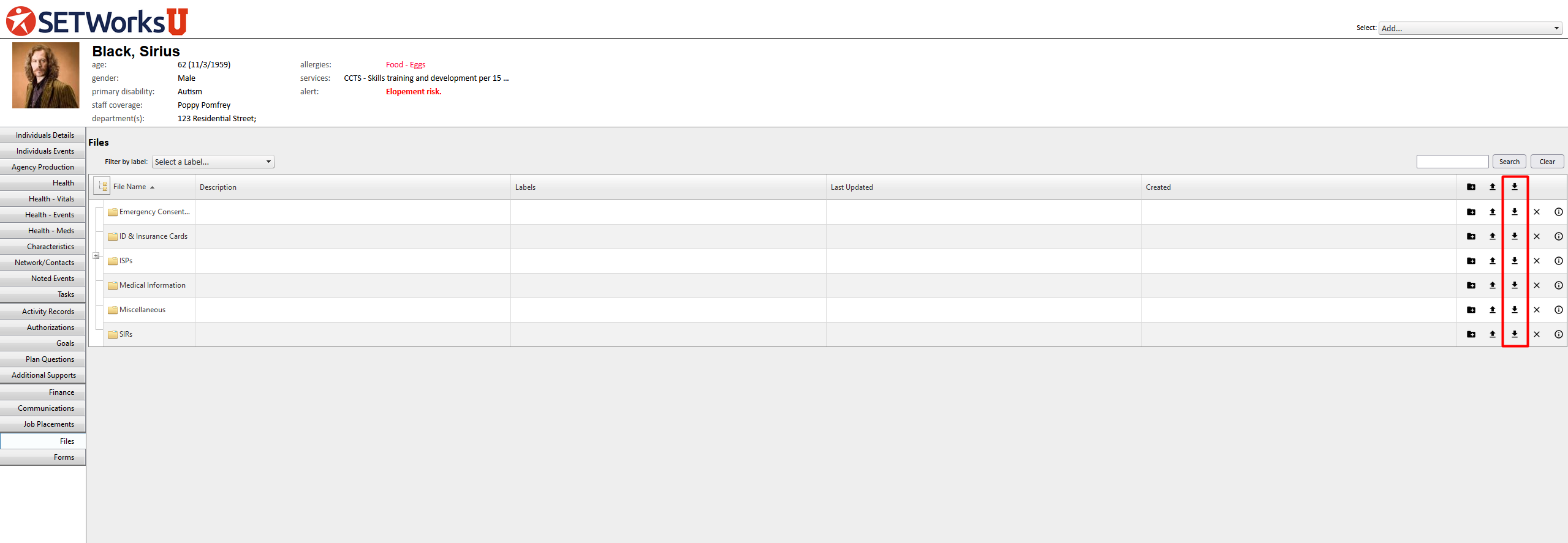
1. Click on the Download icon the right of the file to download it to your device.
Note: If you are downloading an entire Folder it will be downloaded as a .zip file and will need to be decompressed