How to Update the Service Word List
Administrator
This Article will explain how to add/remove Words from the Logging Words Utility
Note: Terminology can be modified within SETWorks to better fit the needs of your organization. If the terminology in our articles are not the same on your site, talk to your local administrator to assist in translation.
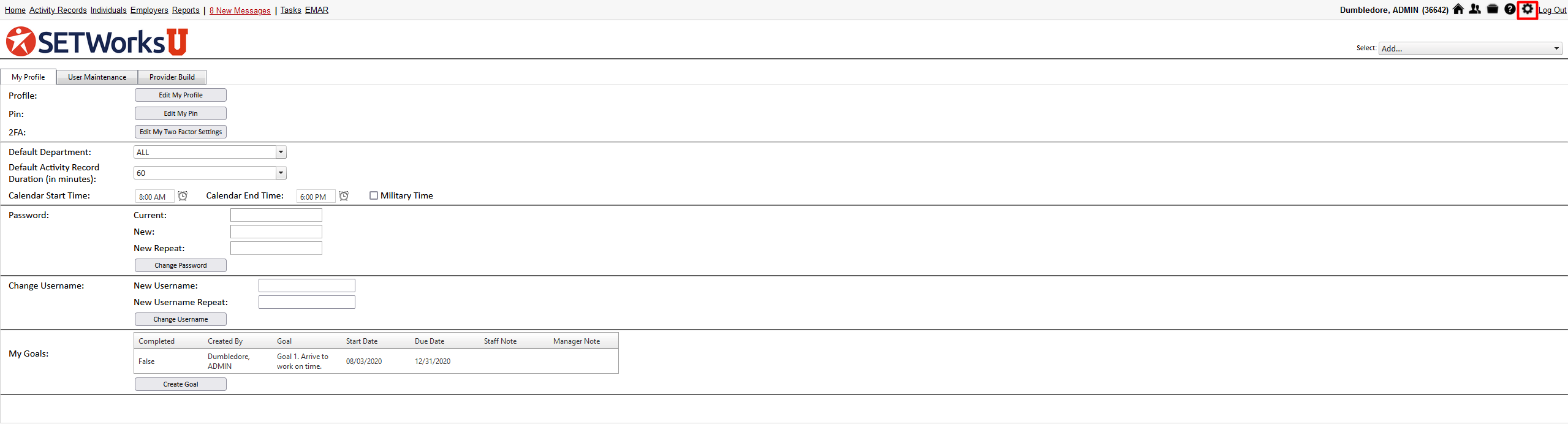
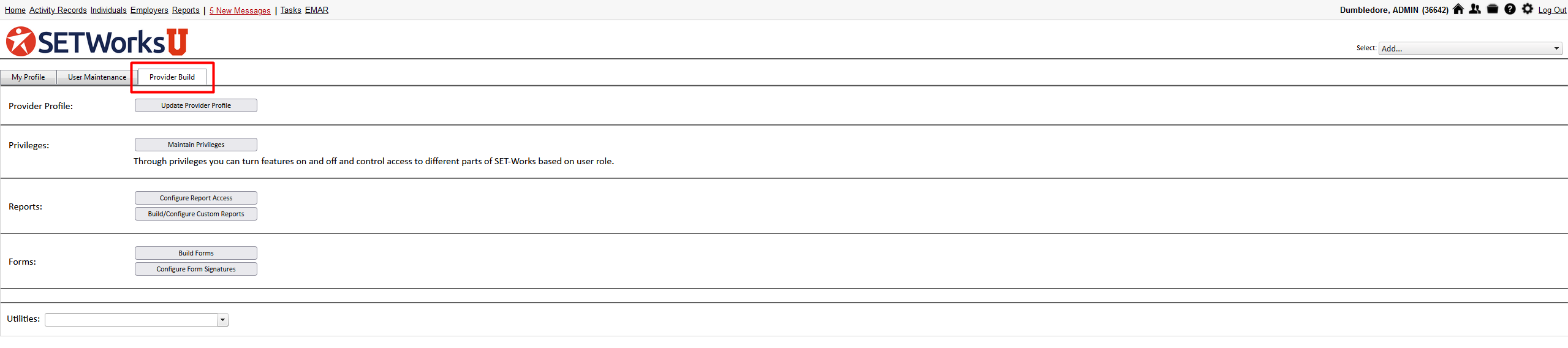
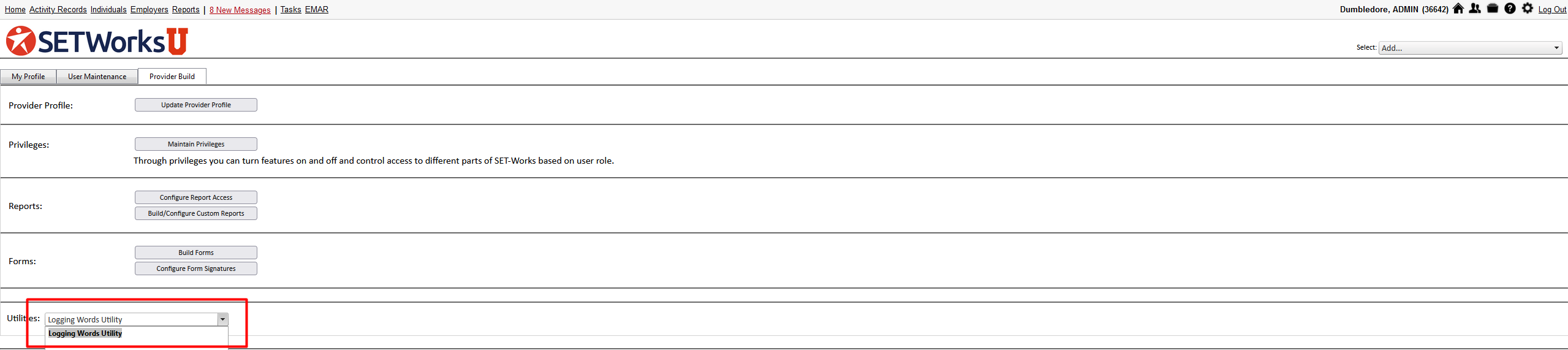
To add Words to the Service Word list you need to navigate to the Logging Words Utility in the Utility drop down
Settings>Provider Build>Utility>Logging Words Utility
2. In the Utility find the Service Logging Word Utility section and select "Add new Record"

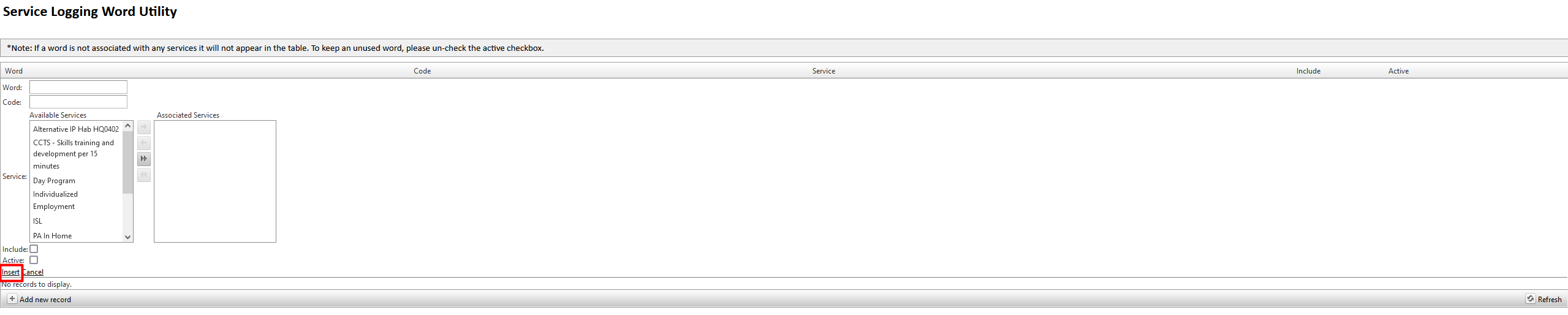
3. Fill in the Word you would like to log and a unique code for it. Use the Arrows to add the Available Services over to the Associate Section. Make sure to select Include and Active.

4. Once everything has been entered select the "Insert" button