
Assigning Services to Departments
Administrator
This article will show you how to assign Services to a specific Department
Note: Terminology can be modified within SETWorks to better fit the needs of your organization. If the terminology in our articles are not the same on your site, talk to your local administrator to assist in translation.
Note: You may only have access to add a service to departments if you are a SETWorks Administrator
Assigning a Service to a Department is done via the the Service / Phase Utility.
1. To add a Service to an existing Department, scroll down to the Departments section (if no Departments are selected, all will apply).
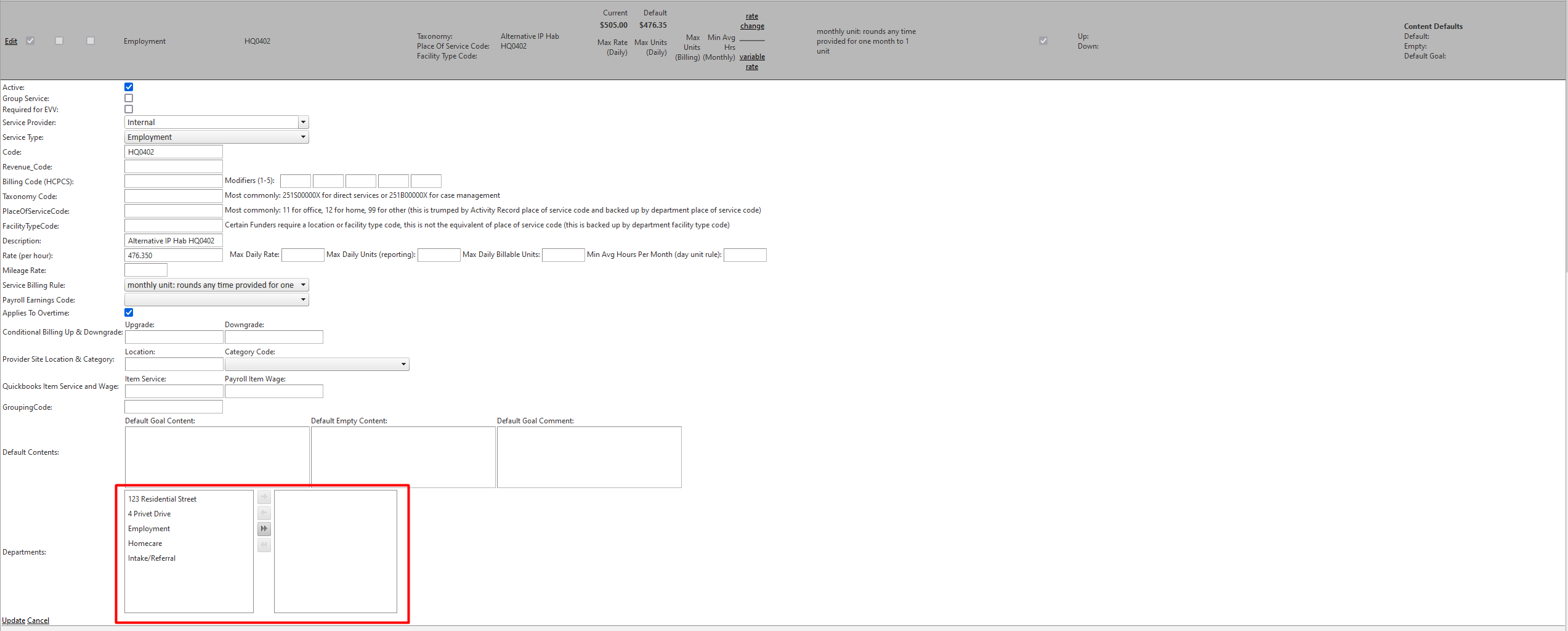
2. Select a Department from the Available list.
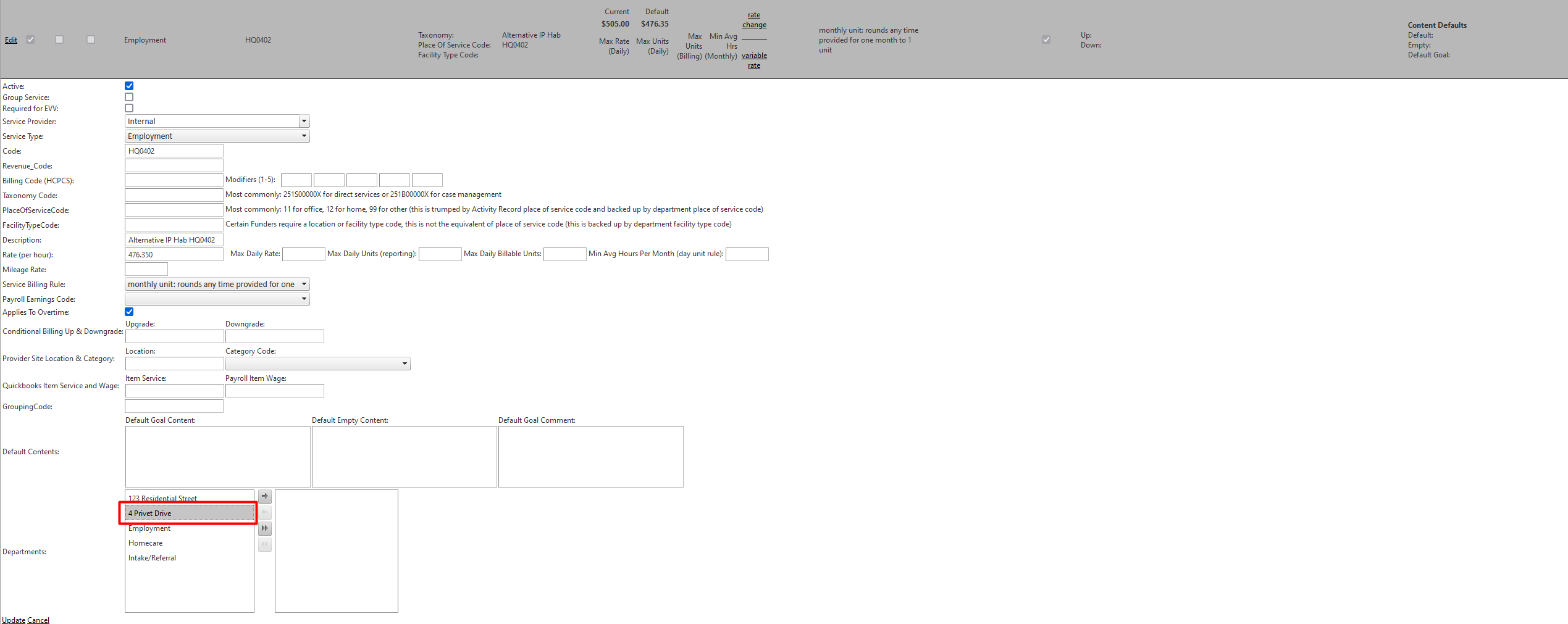
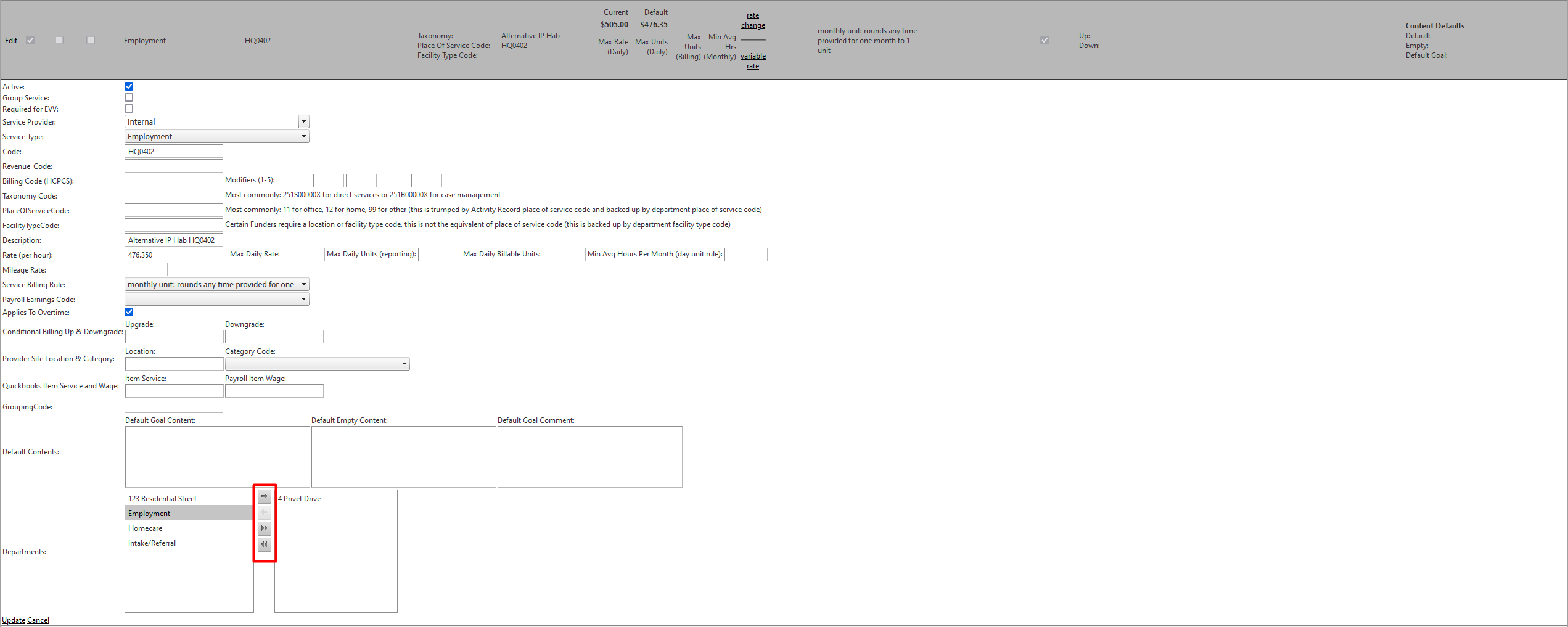
3. Use the single arrow button to assign the highlighted Department to the Selected list. Alternately, use the double arrow button to assign all departments to the Service in the drop down menu.
Note: To add a Service to a new Department, first add the new Department via the Department Utility, and then proceed using the instructions above. Remember to add yourself to the newly created Department from the user maintenance tab of
user settings so that it will be visible to you in the drop down menus.