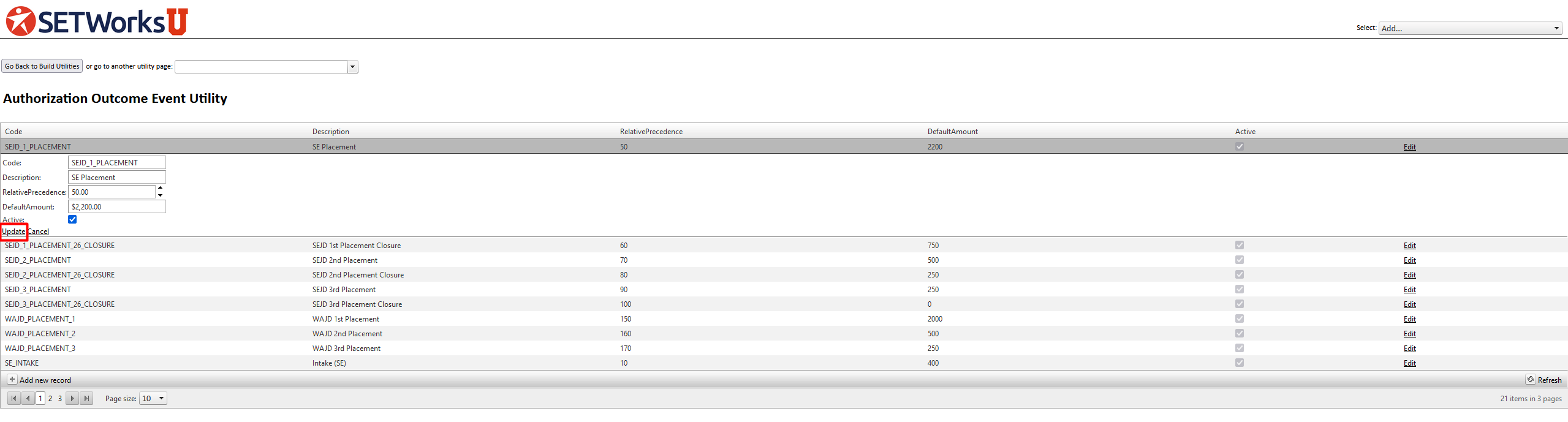
How to Change Outcome/Milestone Rates
Administrator
This article explains how to change the Rates for Outcomes and Milestones
Note: Terminology can be modified within SETWorks to better fit the needs of your organization. If the terminology in our articles are not the same on your site, talk to your local administrator to assist in translation.
Outcome/Milestone rates are changed within the Authorization Outcome Event utility
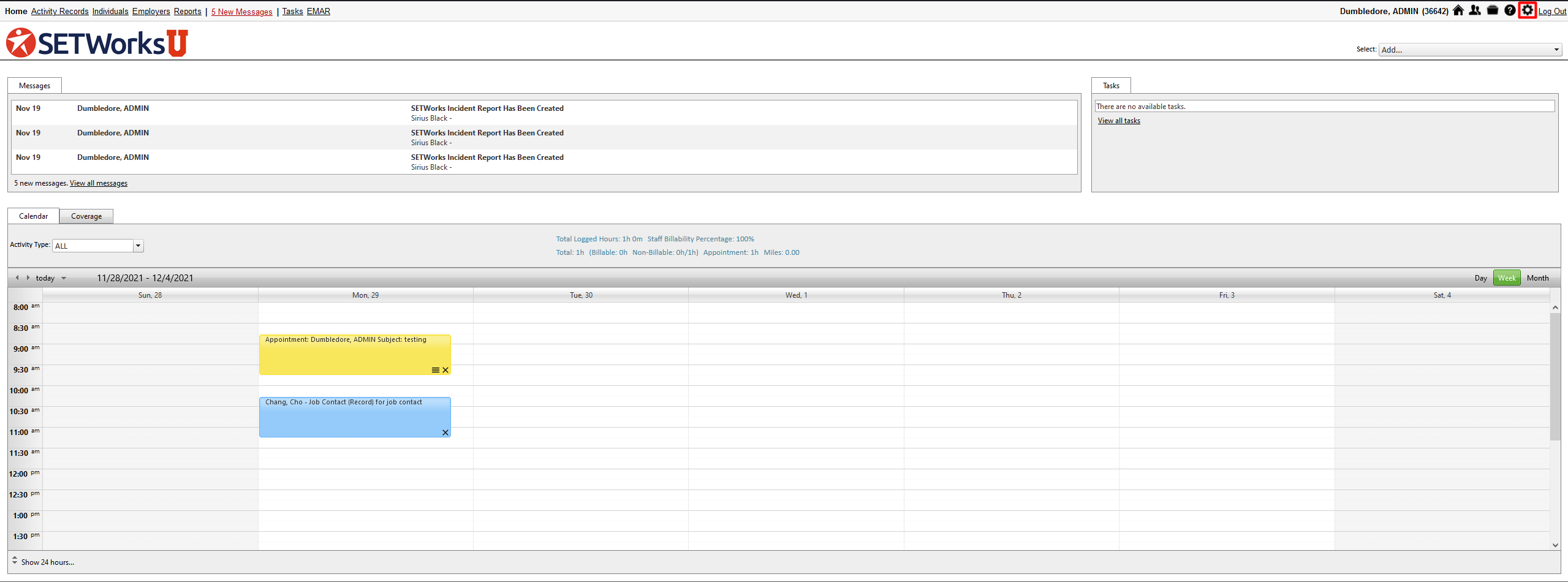
1. Click on Settings (the gear in the top right).
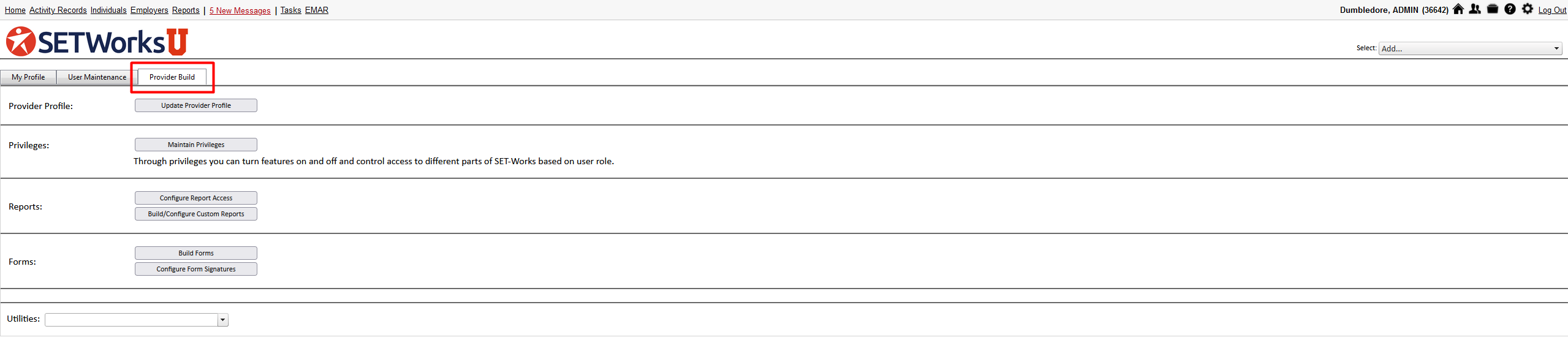
2. Select the Provider Build tab.
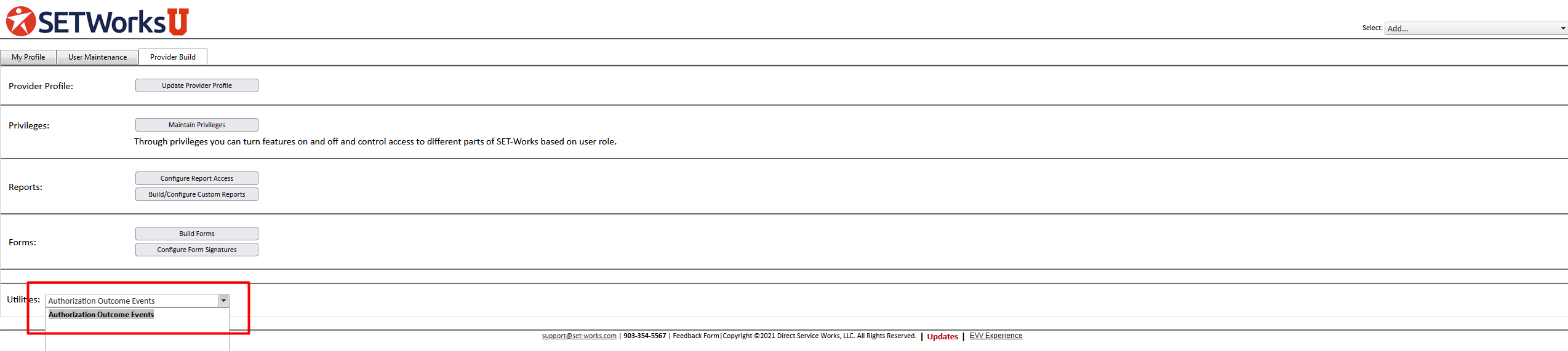
3. In the Utilities dropdown field, select Authorization Outcome Events.
4. Find the outcome/milestone with the changed rate click Edit and enter the new rate in the Default Amount field.
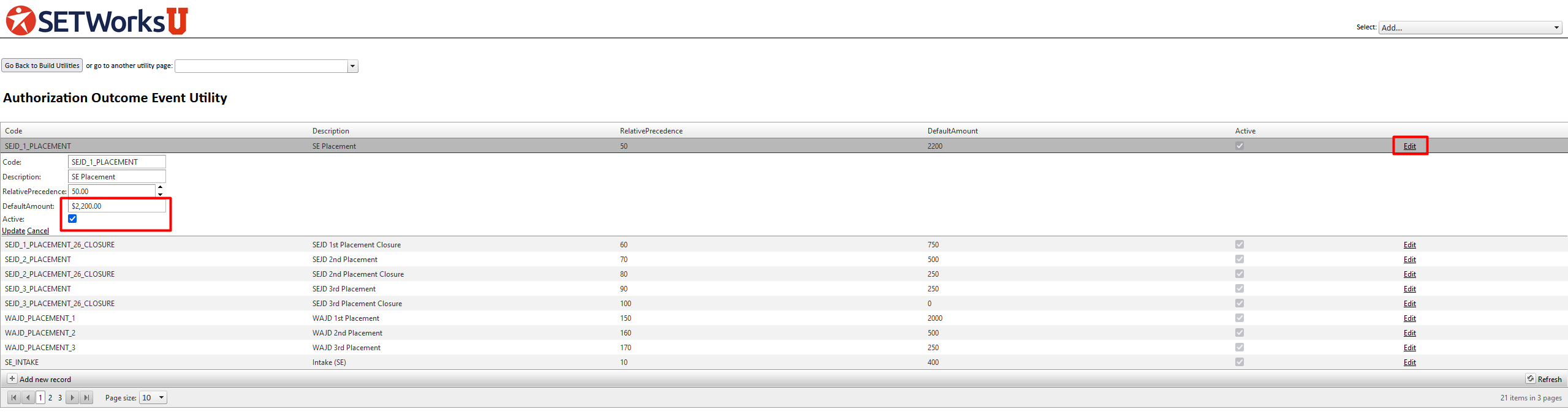
5. Click Update.