
How do I configure Allergy Severity?
Administrators
The Allergy Severity Utility is used to create & maintain your agencies allergy severities. Allergy Severities are captured within the Health tab of the Consumer's Profile when adding an allergy. This article will explore how to configure the Allergy Severity dropdown when adding allergies to a consumer.
Access the Allergy Severity Utility
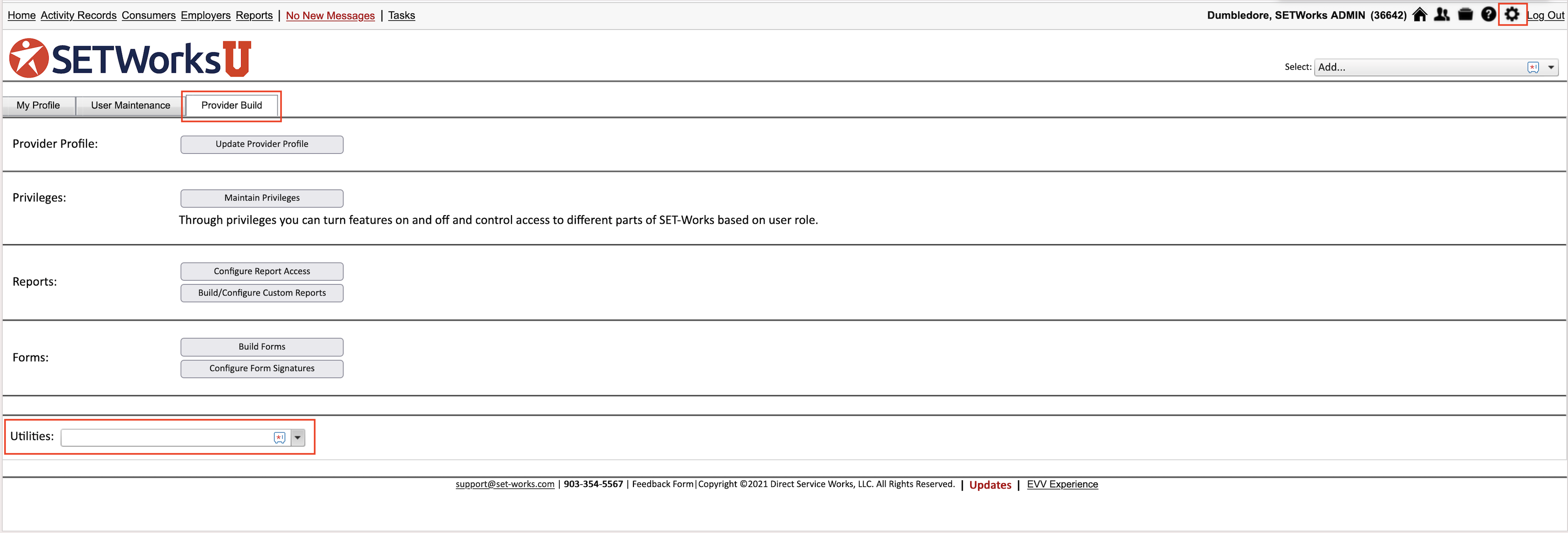
- Click on the Settings
 icon in the top right of the navigation bar.
- Select the Provider Build tab.
- Expand the Utilities drop-down and search for the "Allergy Severity" utility.
Adding Allergy Severities
- Select + Add new record.
- Complete the necessary fields:
- Description: The name of the Allergy Severity that will display within the Allergy Severity dropdown.
- Code: a unique internal code needed for SETWorks configuration. Best practice is to simply copy the description in ALL CAPS. **Certain reports pull data based on specific codes. Reach out to SETWorks support if you have any questions.**
- Active: Ensure this is selected if you want this to be enabled in your domain.
- Click Insert