Summary
We've made major enhancements to all Ad Hoc reports in SETWorks.
We’ve removed the individual filters on each column and instead made the reports faster, more reliable, and easier to export.
Please note that you can still filter using the dropdown options before generating the report, but the filters accessed via the ellipsis button on each column have been removed to increase performance.
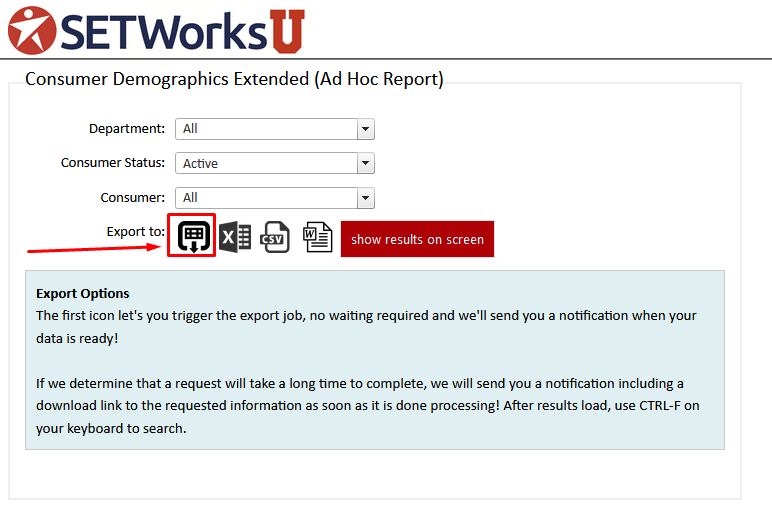
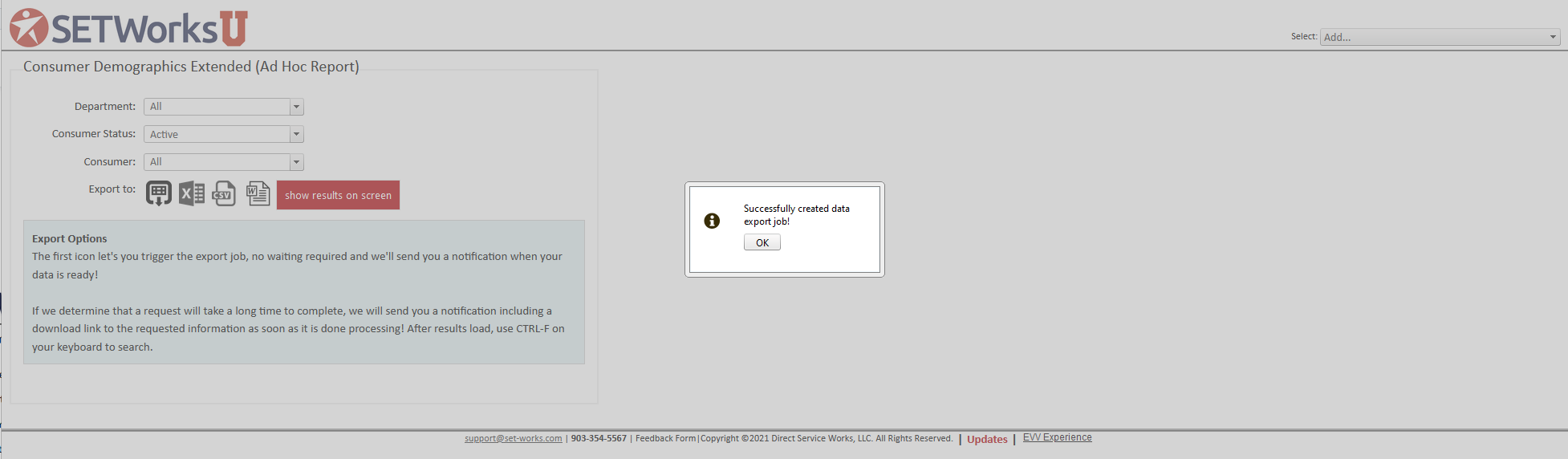
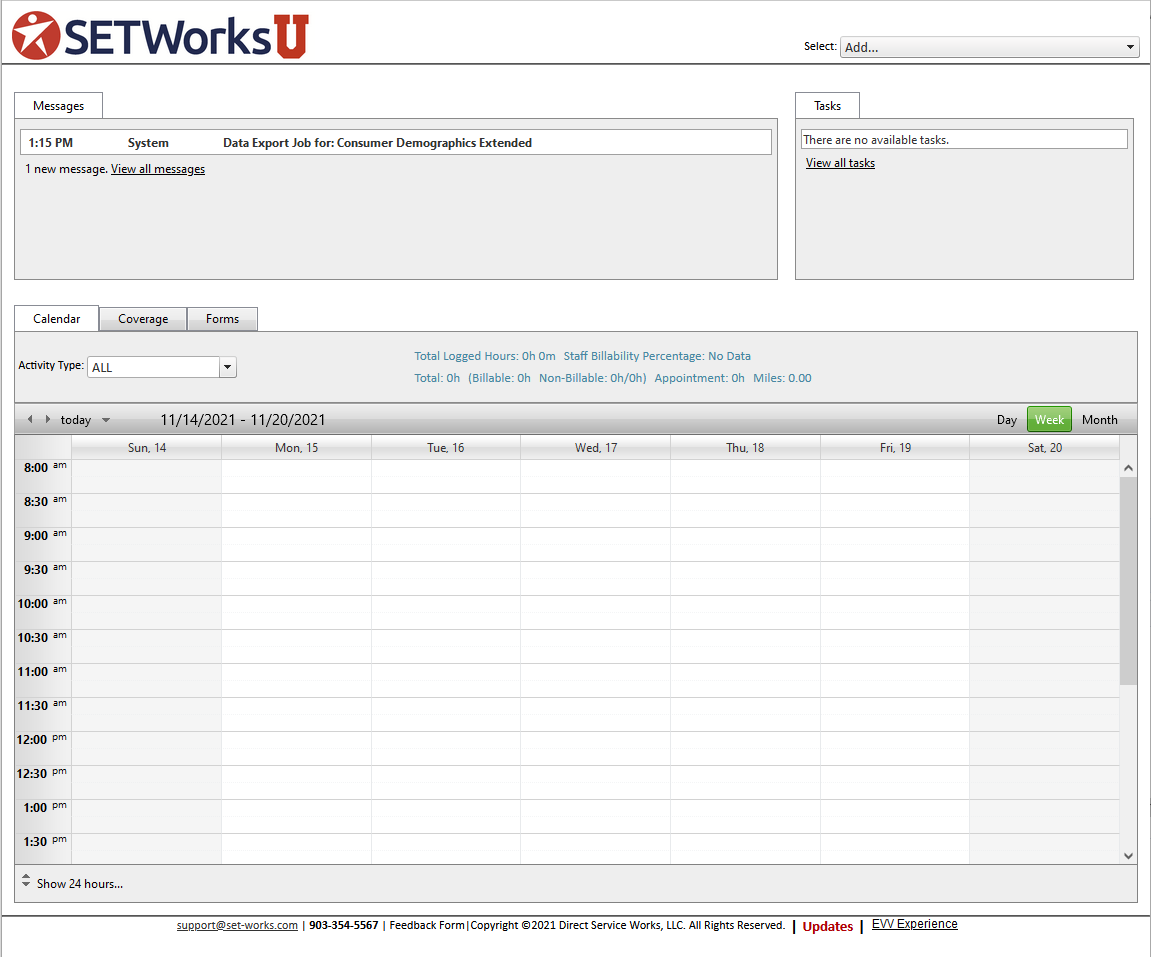
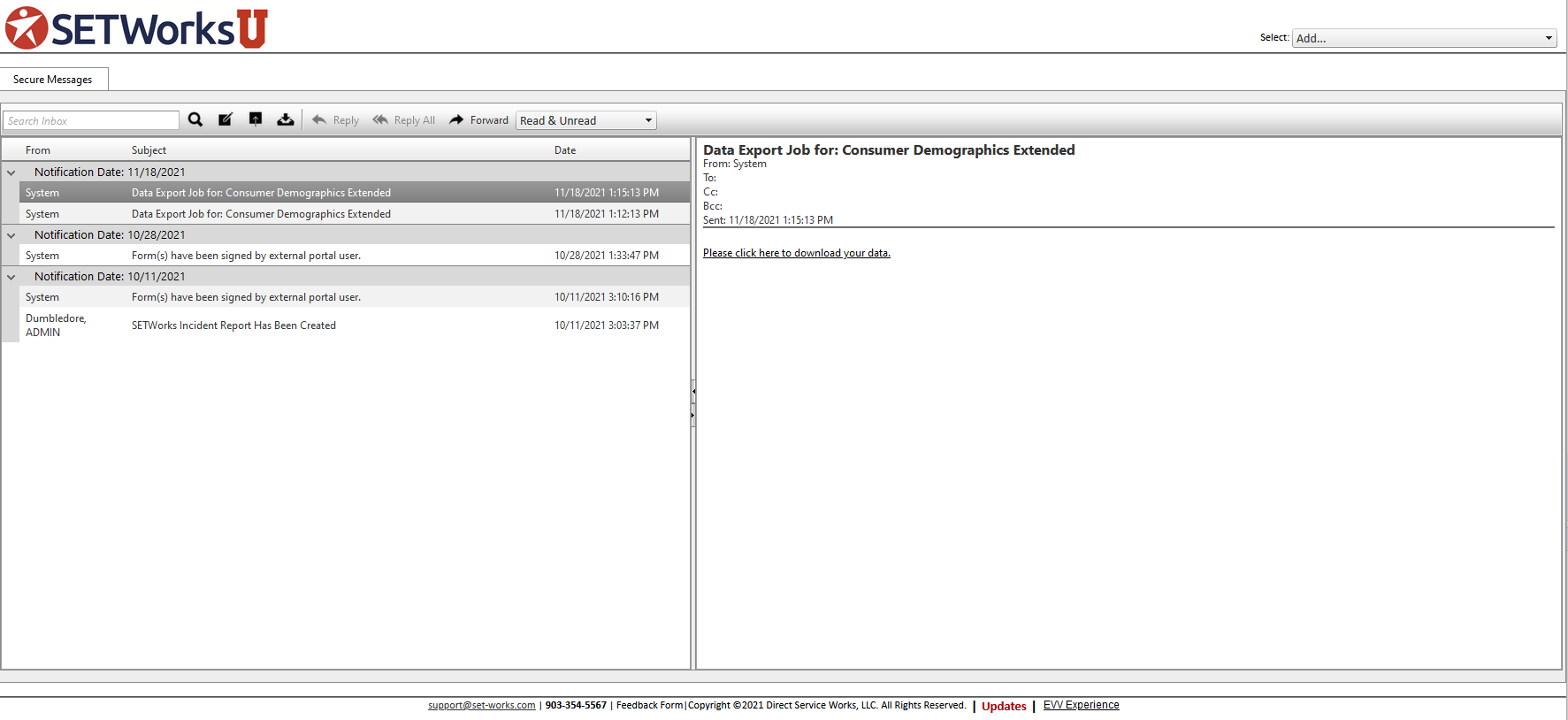
All Ad Hoc reports now have an option to start the export request and notify you once the report has finished. Furthermore, if SETWorks determines that the requested amount of information is too large to handle immediately, you’ll receive the following message: “We've determined that the requested report will take a long time to complete. We will send you a notification including a download link to the requested information as soon as it is done!”
For more information please watch the video and review the information below.
Examples
For the examples below we'll be using the Consumer Demographics Extended Report, one of many Ad Hoc reports available in SETWorks.
Before:
Originally, Ad Hoc reports in SETWorks allowed the user to filter each column directly within SETWorks. Observe the ellipsis icon beneath each column header in the screenshot below:
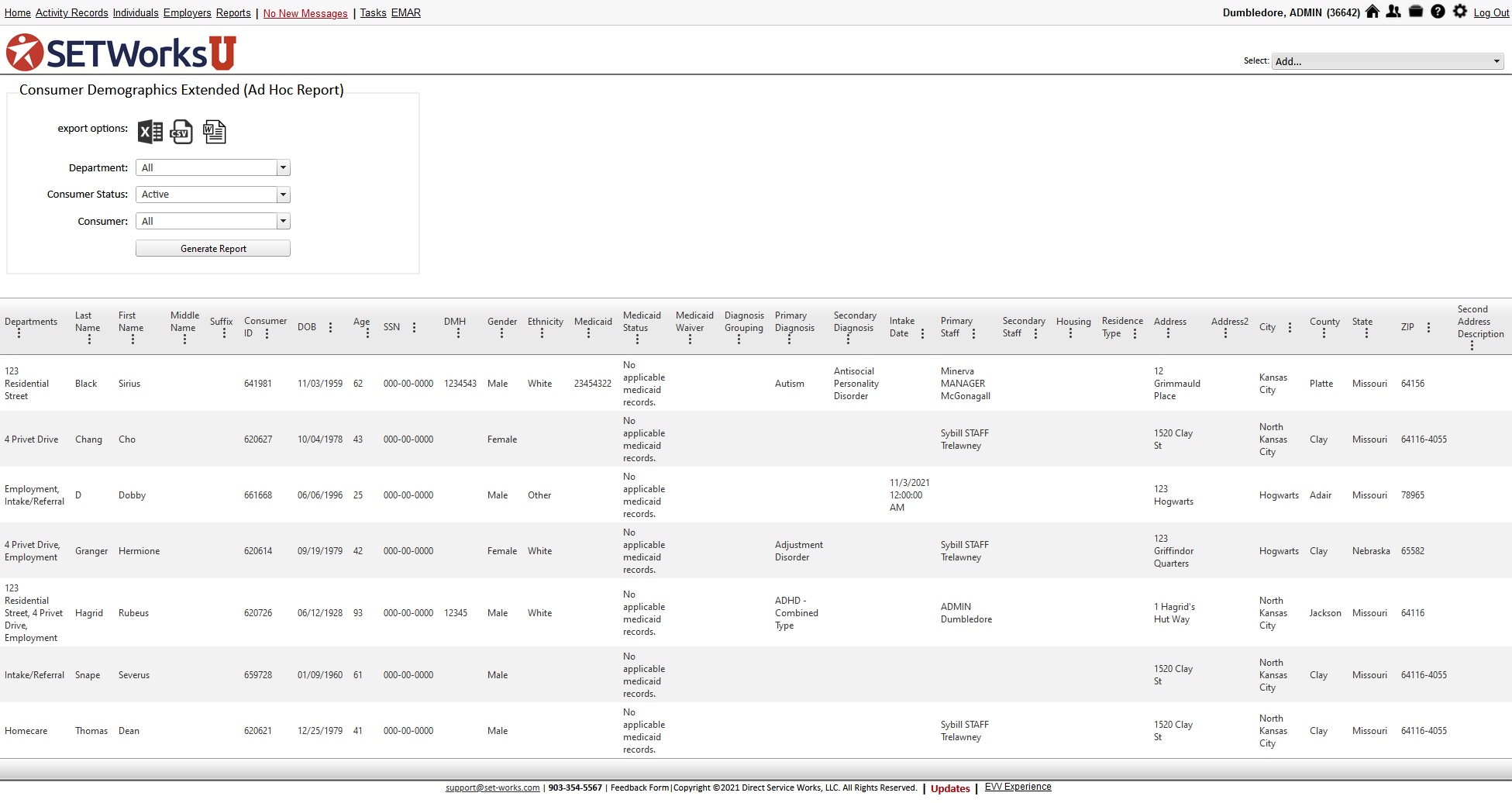
Based upon user feedback, we've deprecated this feature in favor of reports that are faster, more reliable, and easier to export.
After:
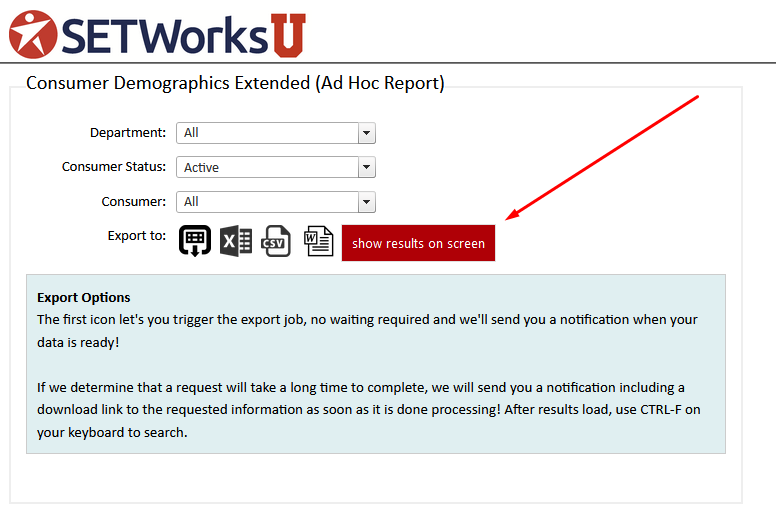
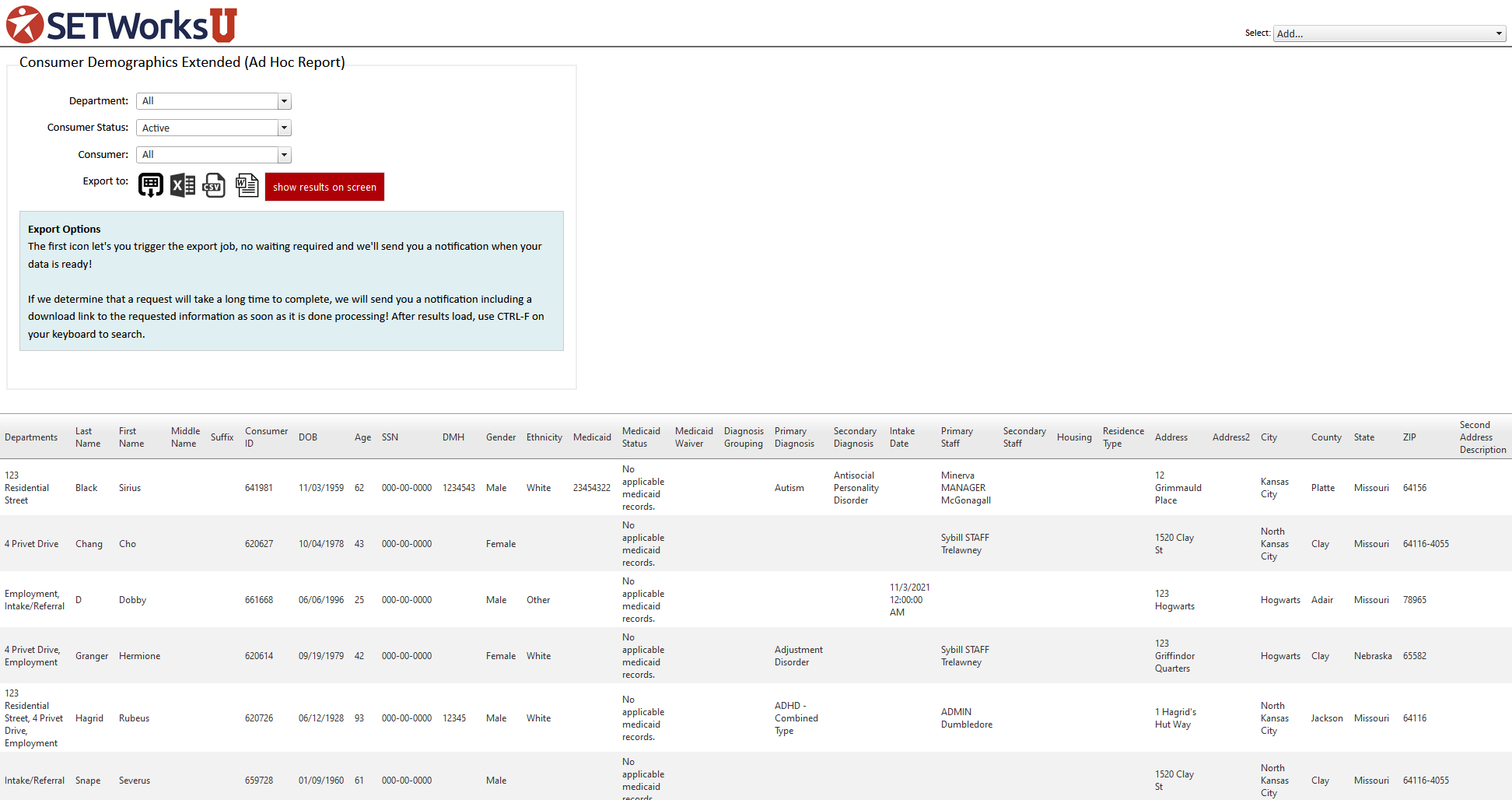
Now, Ad Hoc reports will only display the information on screen if the user selects "show results on screen". Otherwise, the report will run and export to your preferred format.
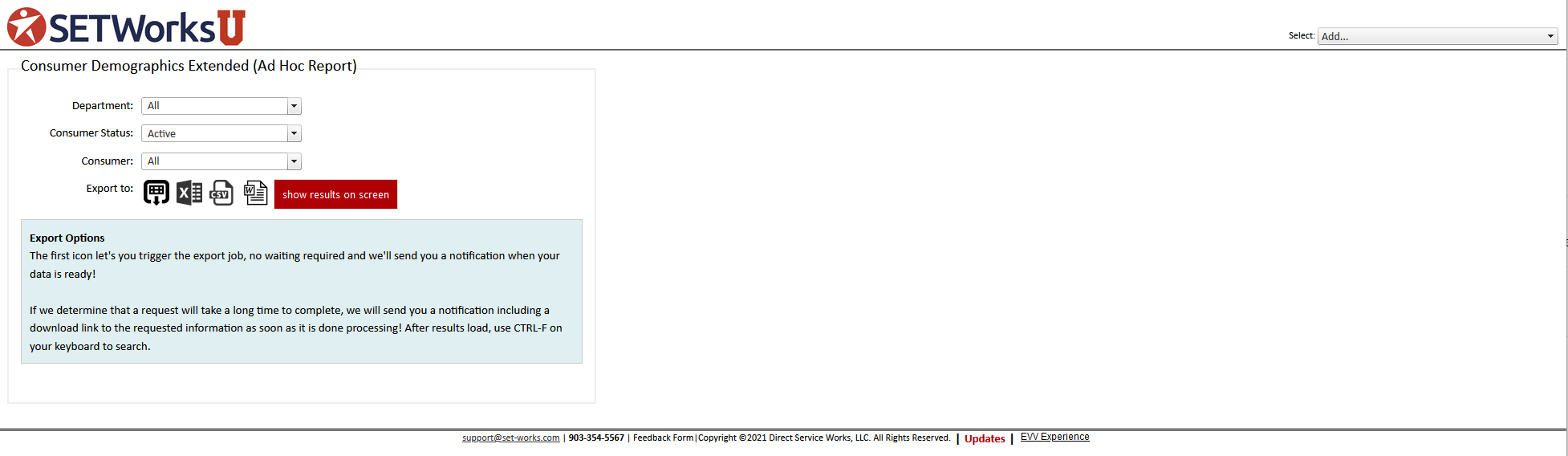
Export to Excel, deferred:
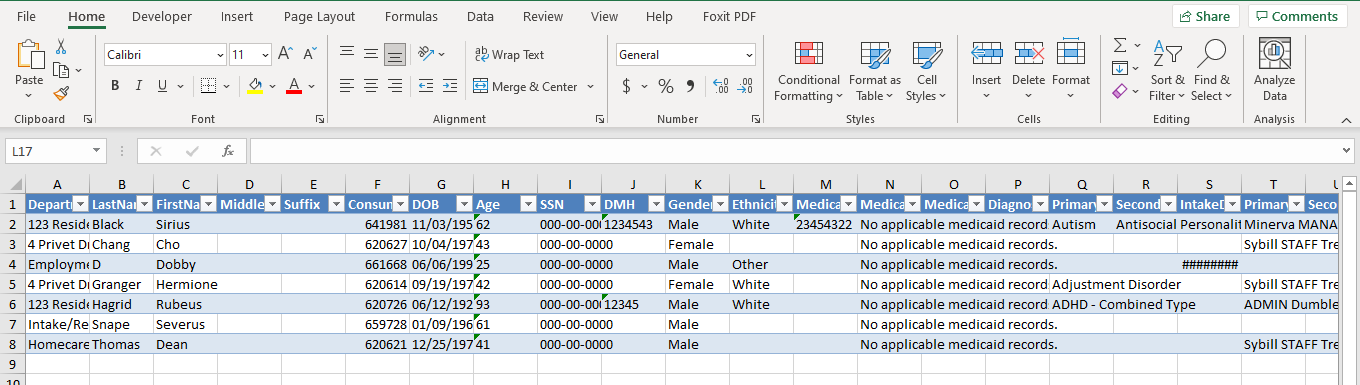
View Results on Screen:
Alternately, the user can request to view the results directly on the screen instead of exporting: