
Missouri EVV Requires the FCSR (Family Care Safety Registry) ID Number. Reference the article below to learn more:
Adding FCSR ID
Learn how to set up FCSRID as an Identifier Type. Code must be FCSRID.
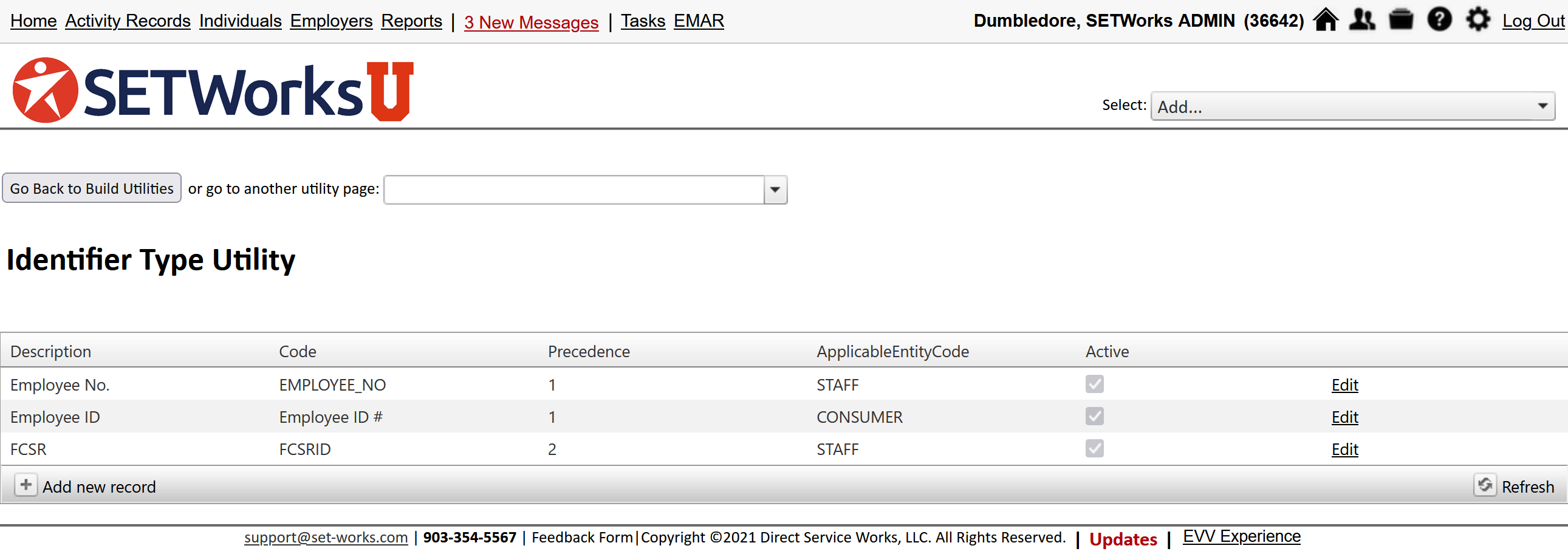
Navigate to the Identifier Type Utility.
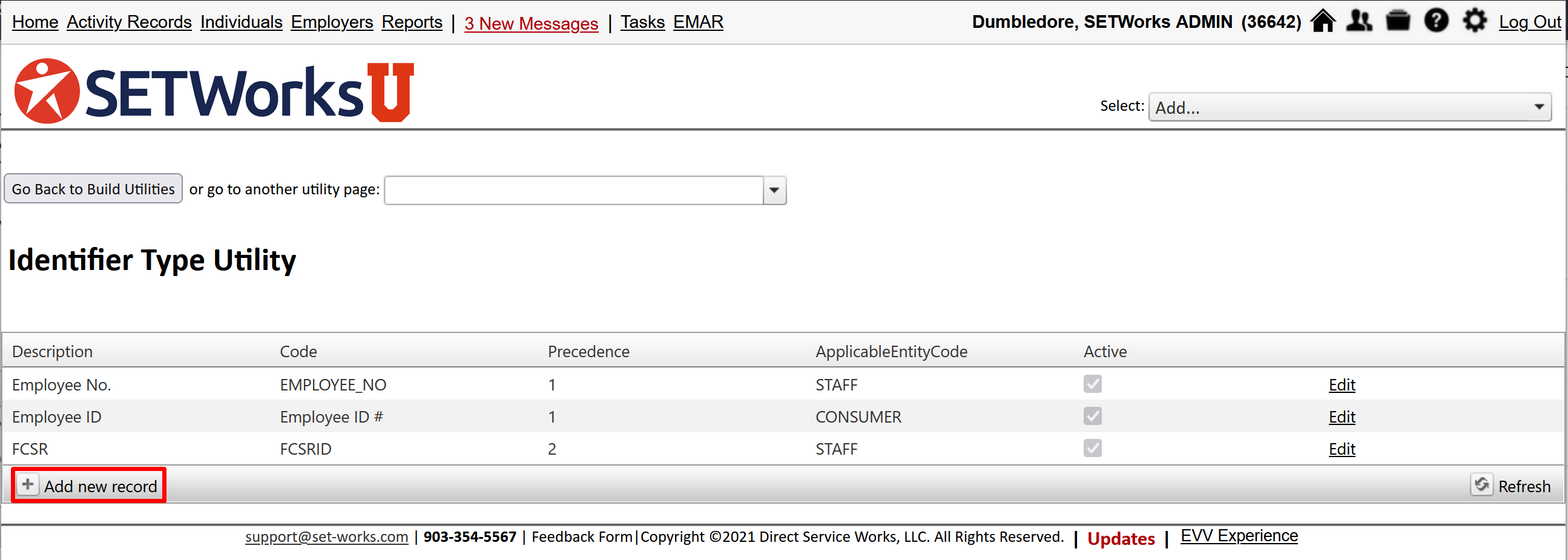
Select Add new record:
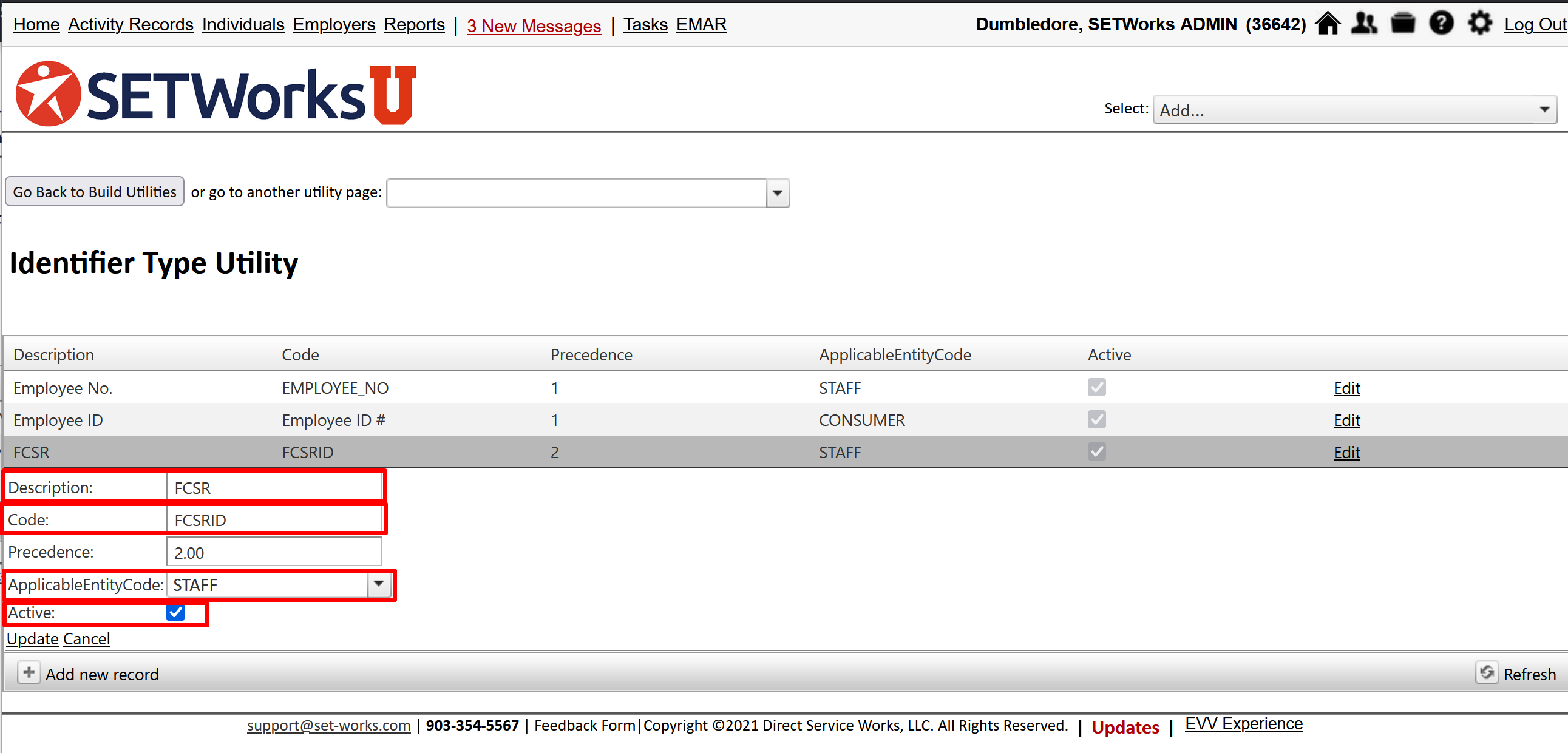
Enter the following information into each field:
Description: FCSR
Code: FCSRID
Applicable Entity Code: Staff
Active: Yes (Ensure Checkbox is Checked)
Precedence is optional - this only determines the order in which it appear on the page.
After configuring the field, navigate to the Staff Management page:
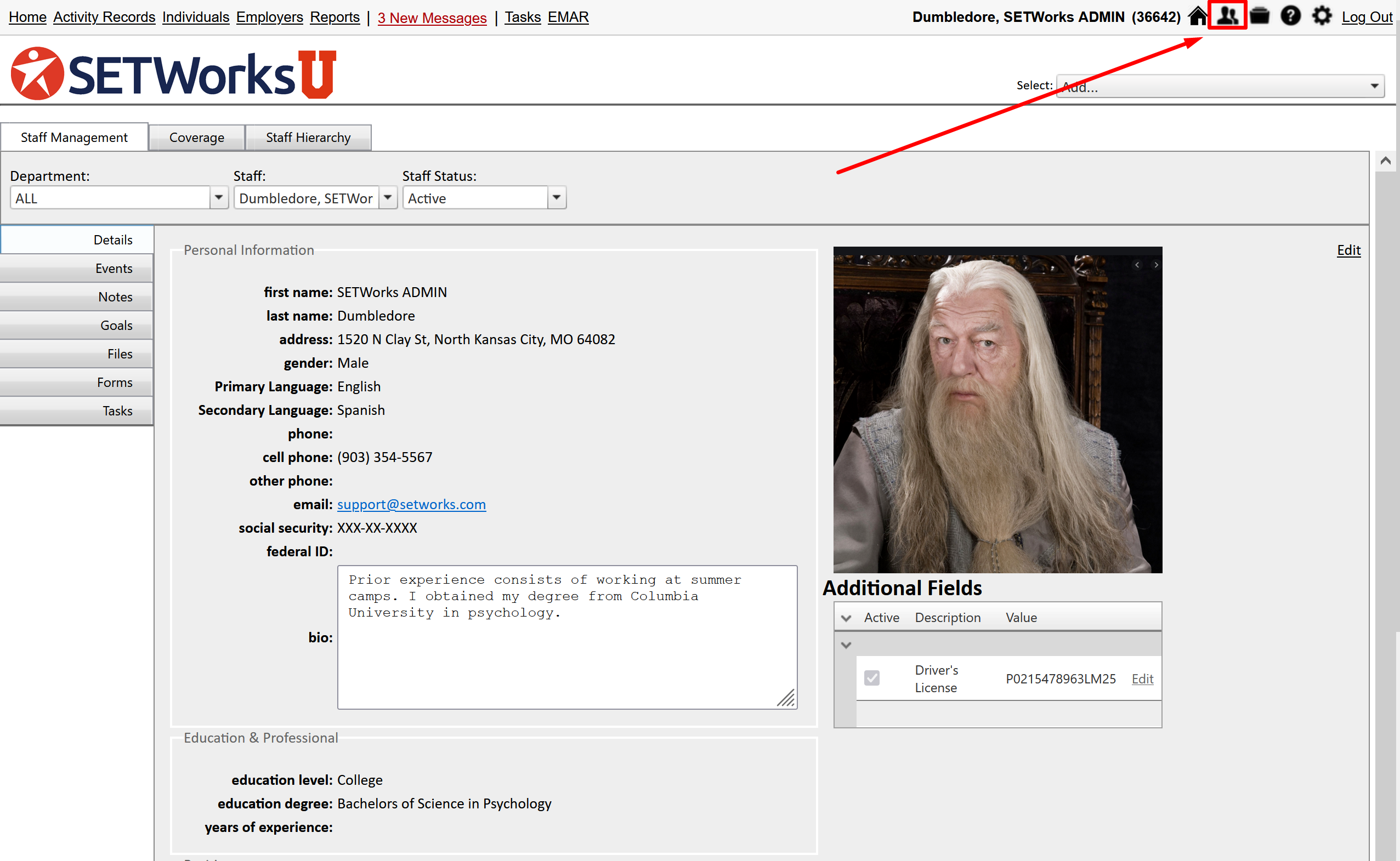
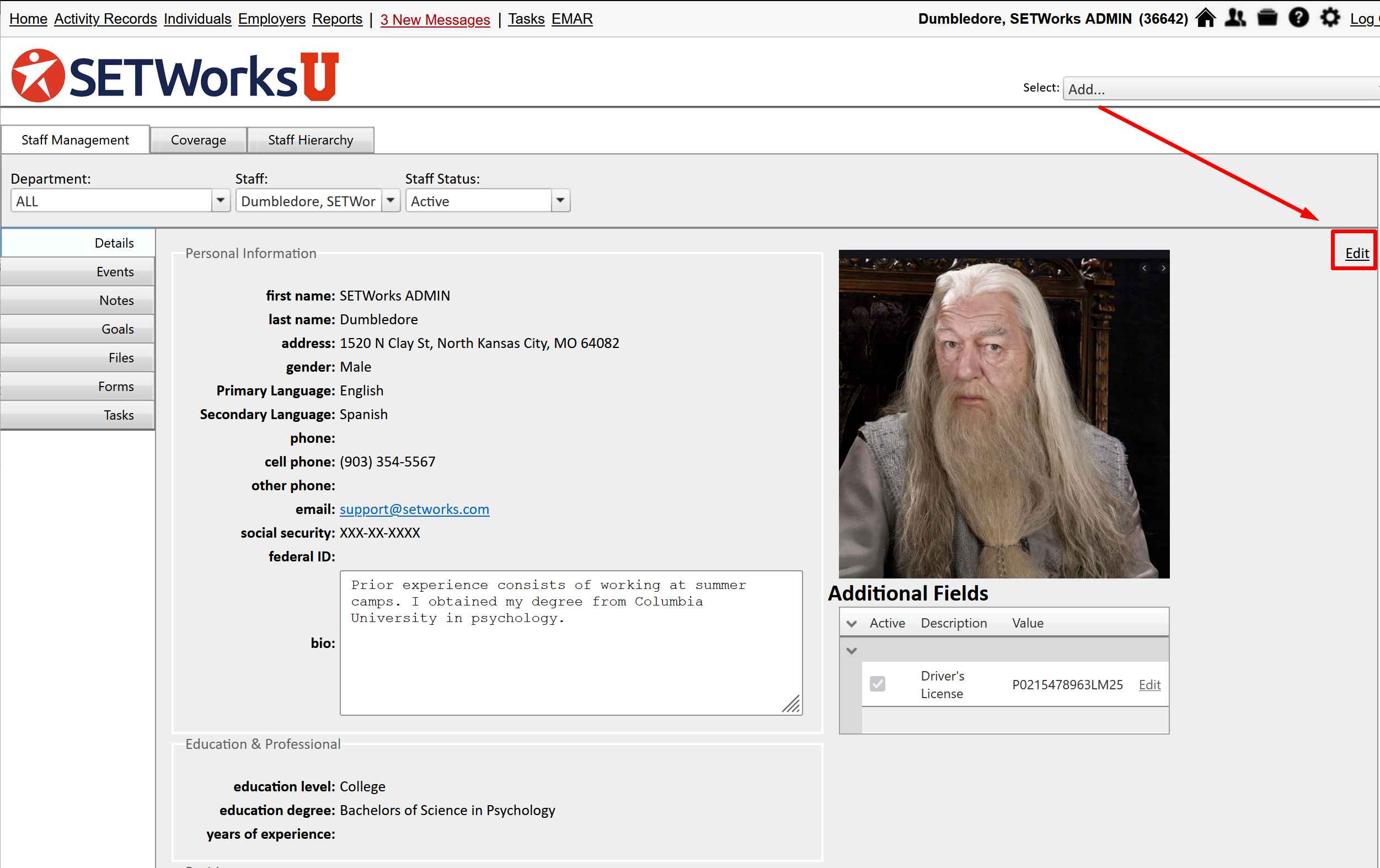
Navigate to the profile you wish to modify and select Edit:
Scroll to the very bottom of the page and enter the FCSR ID:
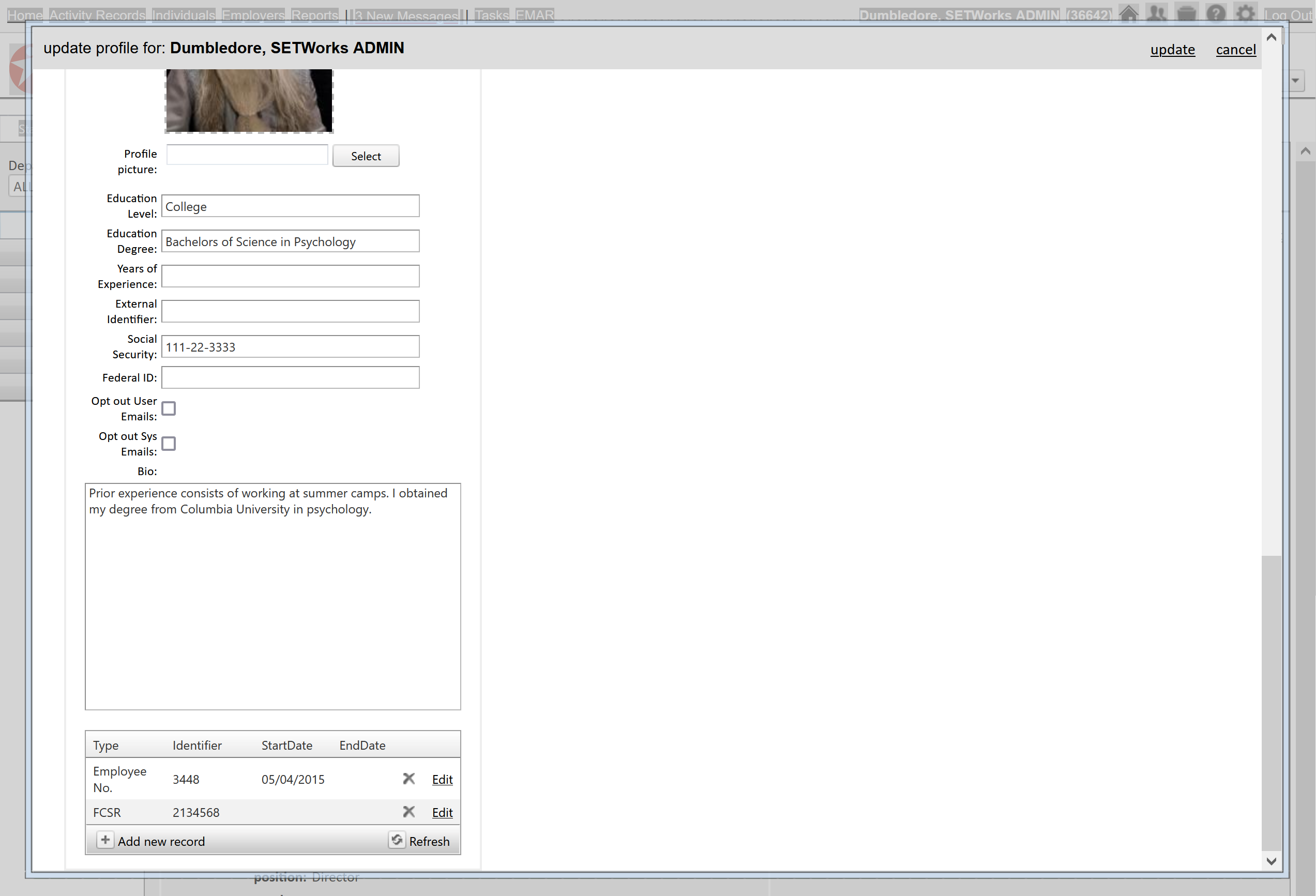
Note: FCSR ID should be 8 digits in length.
Reviewing FSCR Data
If you need to check whether the FCSR ID has been entered for all staff, you can run the Staff/ User Custom Identifier (Ad Hoc Report) to easily see a list of all users with a custom identifier entered. Use the filters on the report to narrow the results, or export to Excel for further analysis.