How do I create service types?
Administrators
The Service Type Utility is used to create & maintain your agencies Service Types. Service Types are used to group like services together and are strictly used within the Billable Group Activity Record. Service Types allow you to include and document on numerous individuals with different services, so long as the services have the same Service Type. This article will explore how to configure Service Types.
Service Type Privileges
Settings > Provider Build > Maintain Privileges > Activity Records Group
Note: Enable the Service Type drop-down instead of the Service drop-down when creating a Billable Group Activity Record.. This allows multiple services within one group.
Access the Service Type Utility
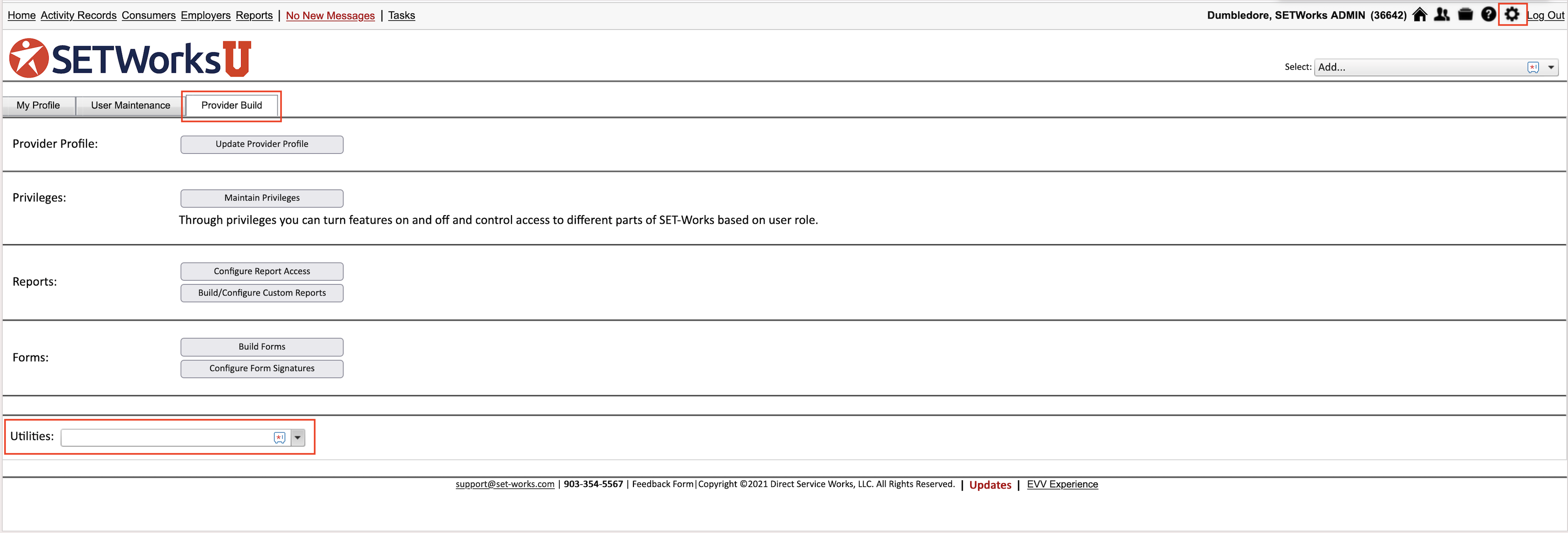
- Click on the Settings
 icon in the top right of the navigation bar.
- Select the Provider Build tab.
- Expand the Utilities drop-down and search for the "Service Type" utility.
Adding a Service Type
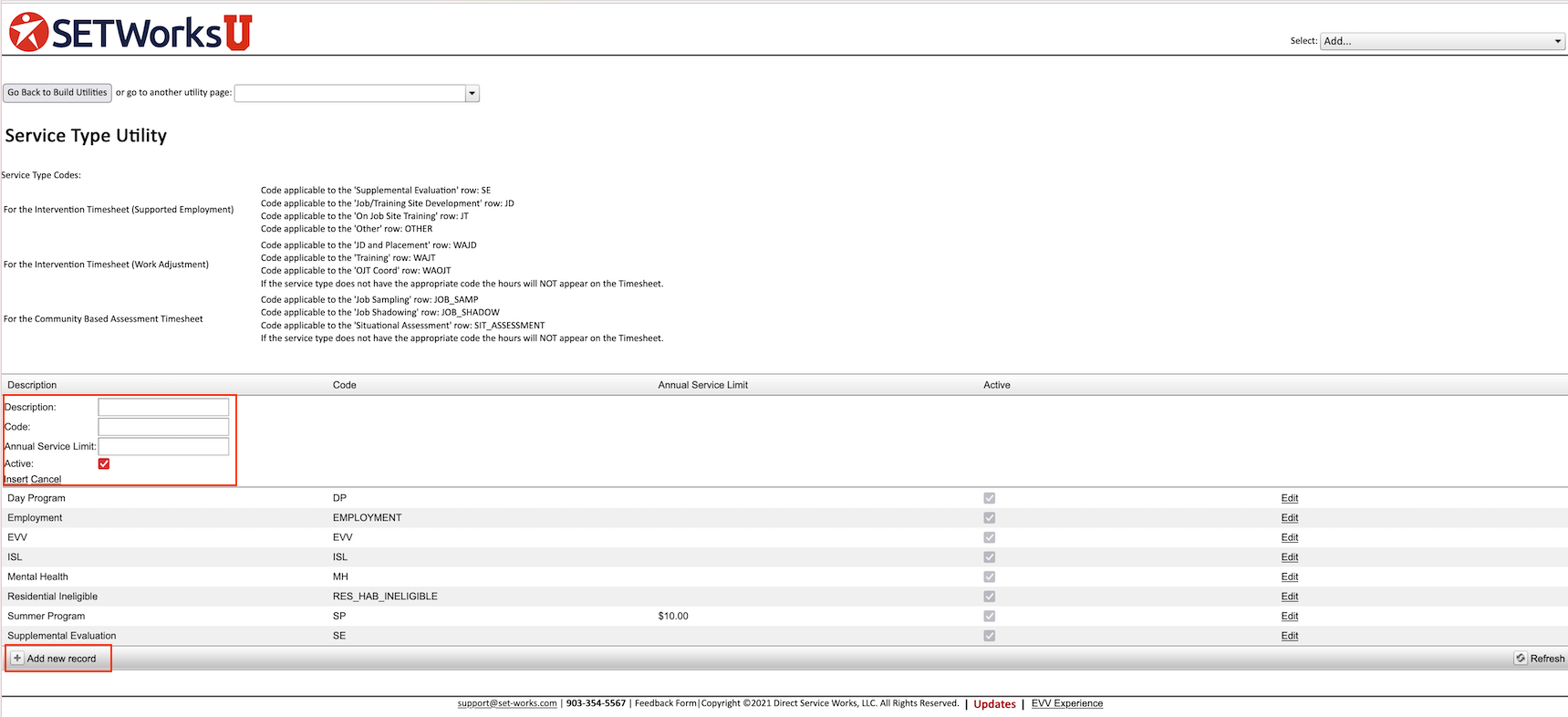
- Click Add new record in the bottom left of the grid.
- Complete the following fields:
- Description -- what will display within the Service Type drop-down within the Billable Group Activity Record.
- Code -- a unique internal code needed for SETWorks configuration. Best practice is to simply copy the description in ALL CAPS. **Certain reports pull data based on specific codes. Reach out to SETWorks support if you have any questions.**
- Annual Service Limit -- deprecated field and no longer in use. Leave blank.