
CaraSolva MedSupport EMAR Sync
Administrators
This Support Article will explain how to setup what should sync and what shouldn't, and when data syncs.
We sync 3 main concepts from SETWorks into MedSupport:
- Users
- Clients/Consumers
- Departments
Note: Terminology can be modified within SETWorks to better fit the needs of your organization. If the terminology in our articles are not the same on your site, talk to your local administrator to assist in translation.
Selecting Users to Sync
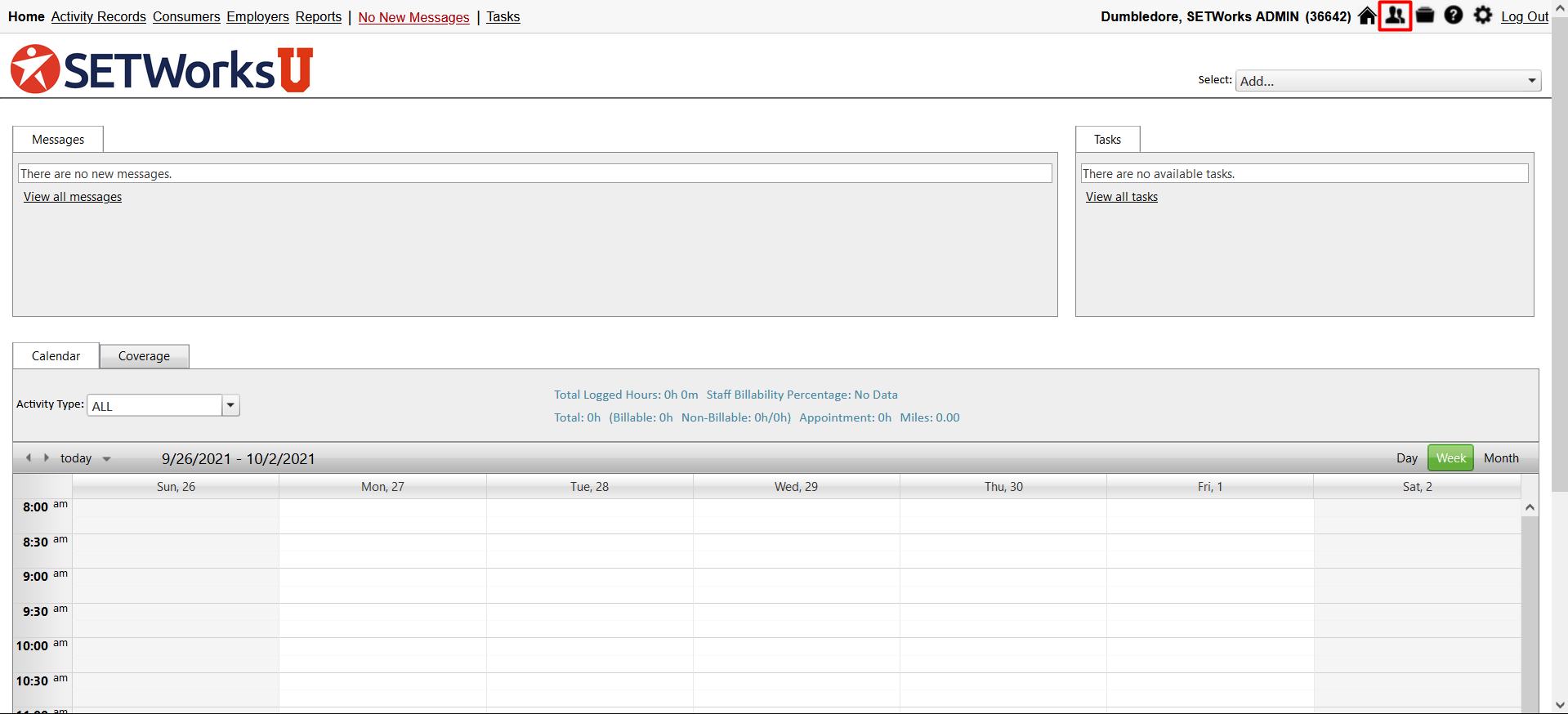
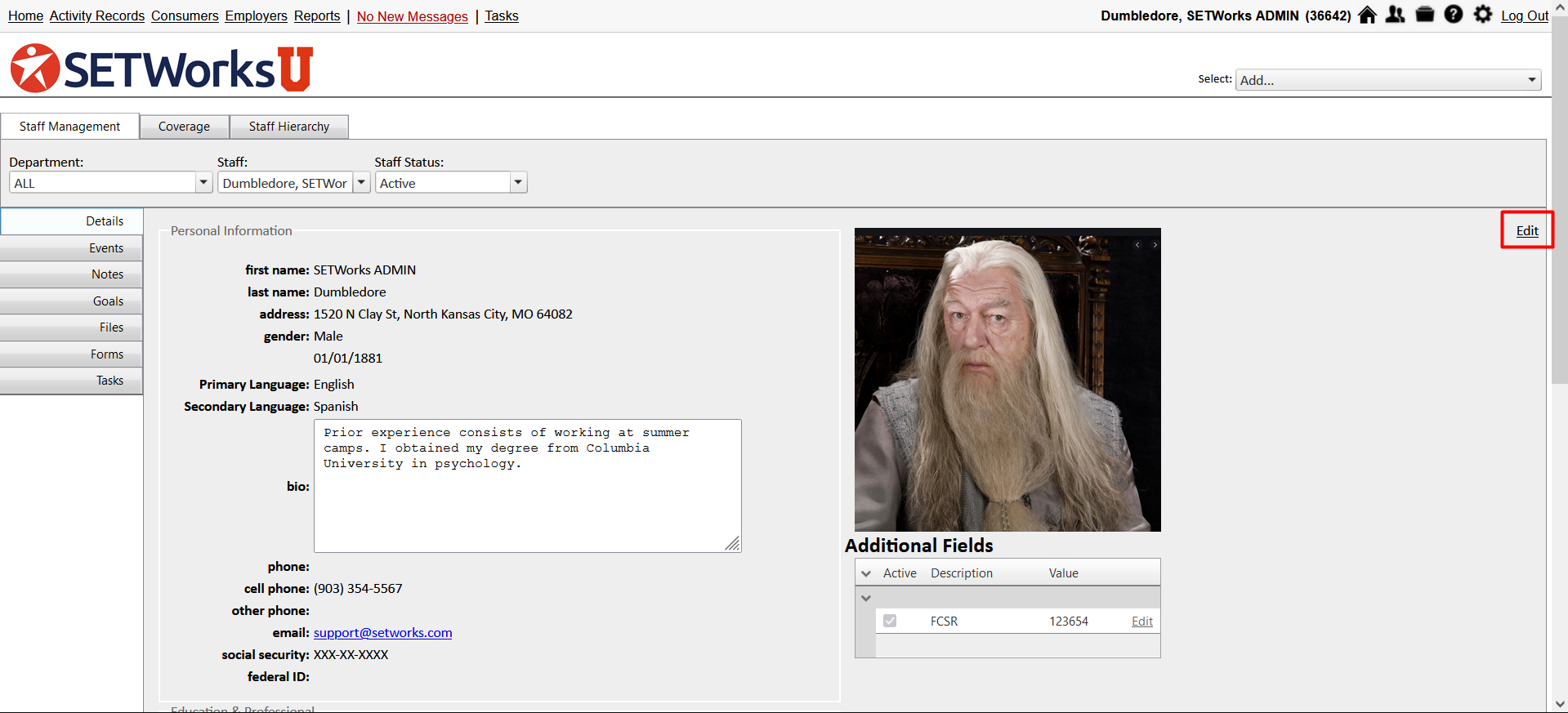
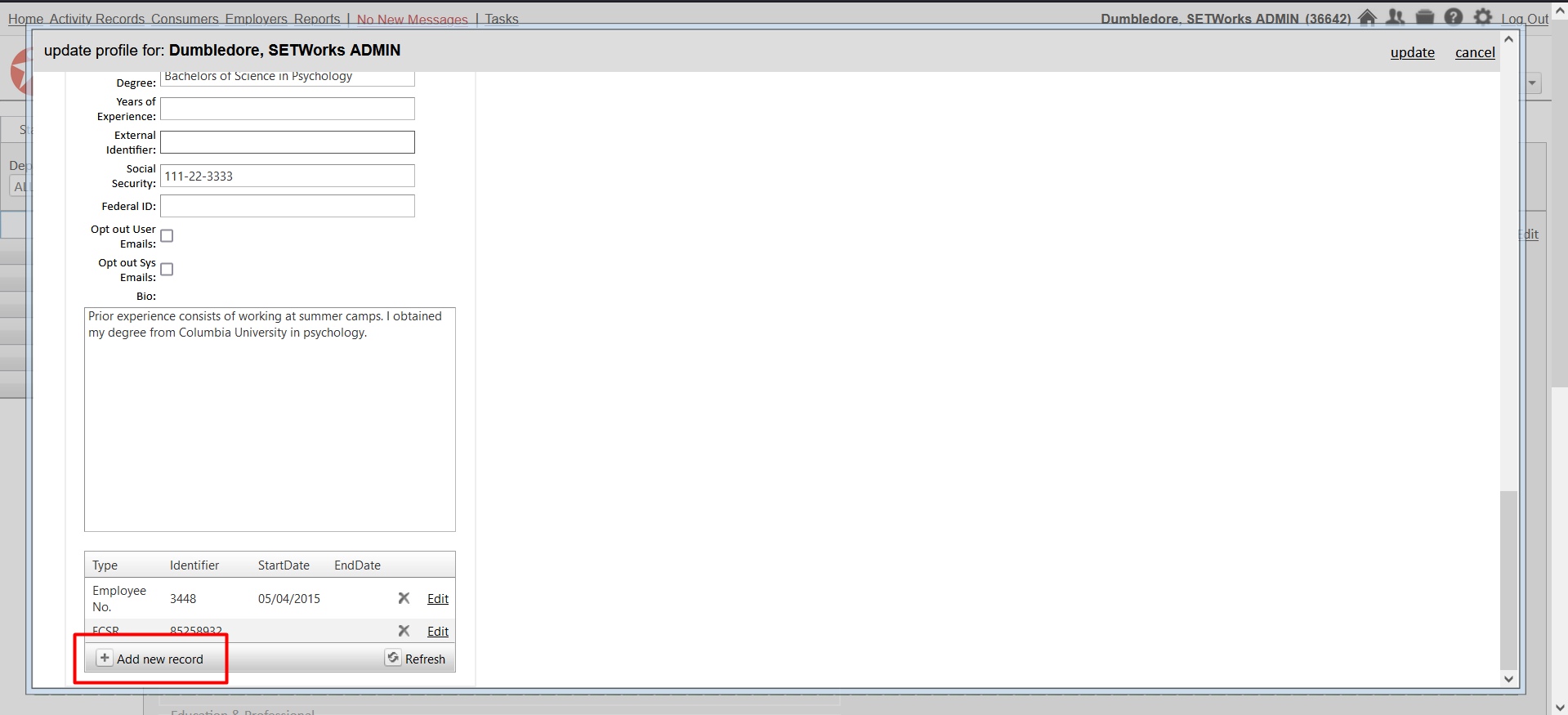
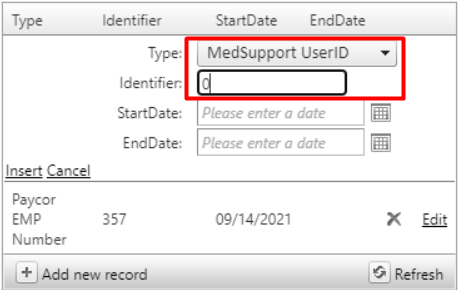
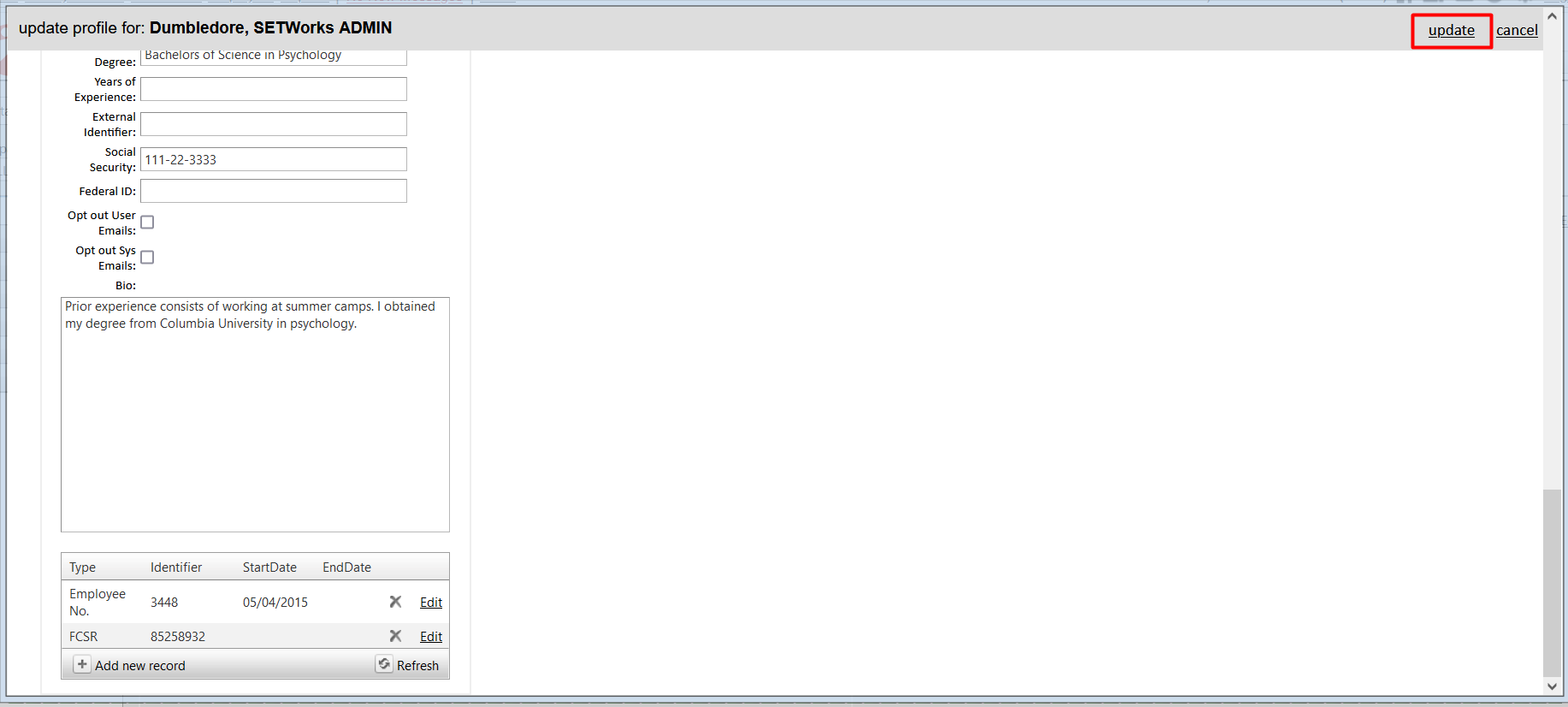
Go to either Staff Management or User Maintenance, and Edit the Profile of a selected User. At the bottom of the Additional Information section, add a User Identifier, and put a zero “0” in the “Identifier“ field. See below. This flags to SETWorks that this is a user that should be sync’d. As soon as you click ”Update“, the user will sync.
Staff Management
User Maintenance
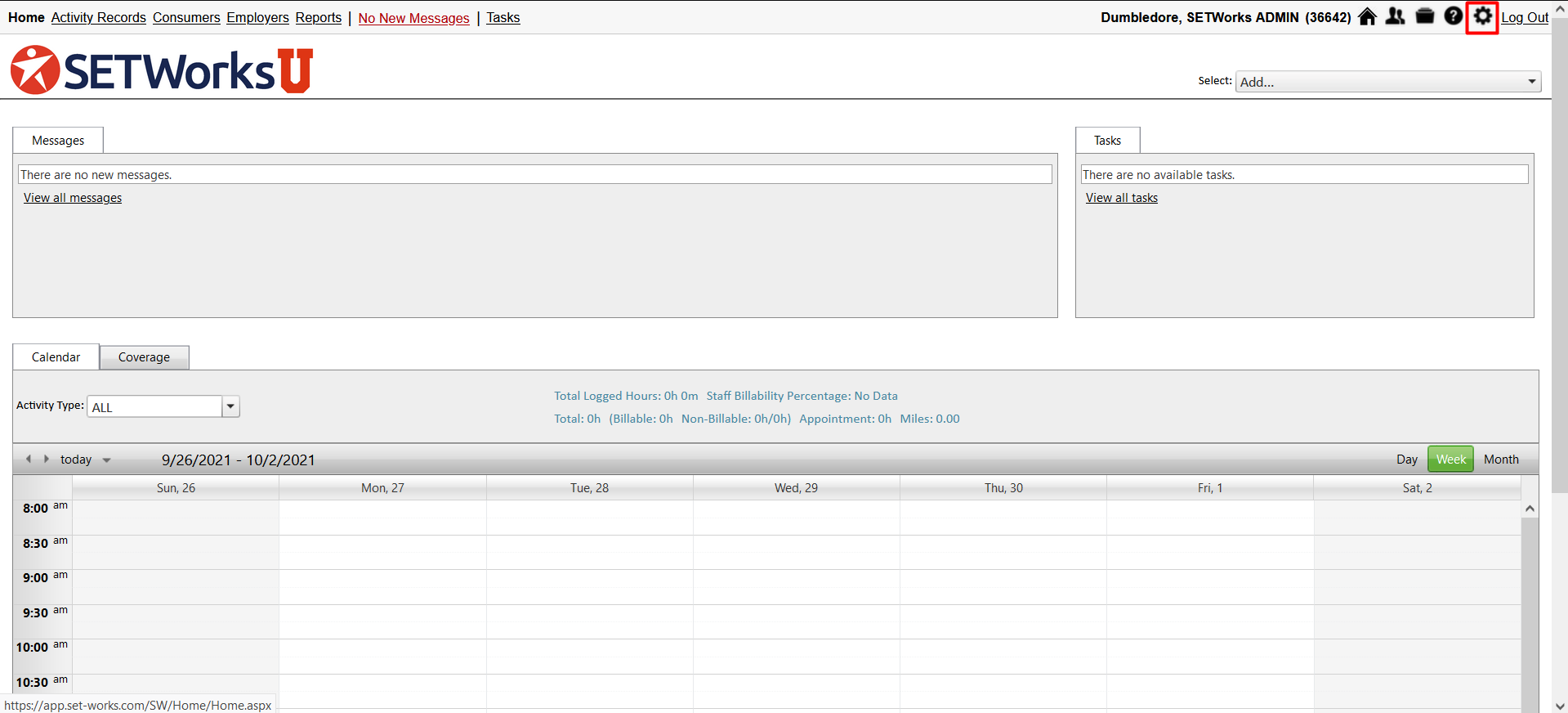
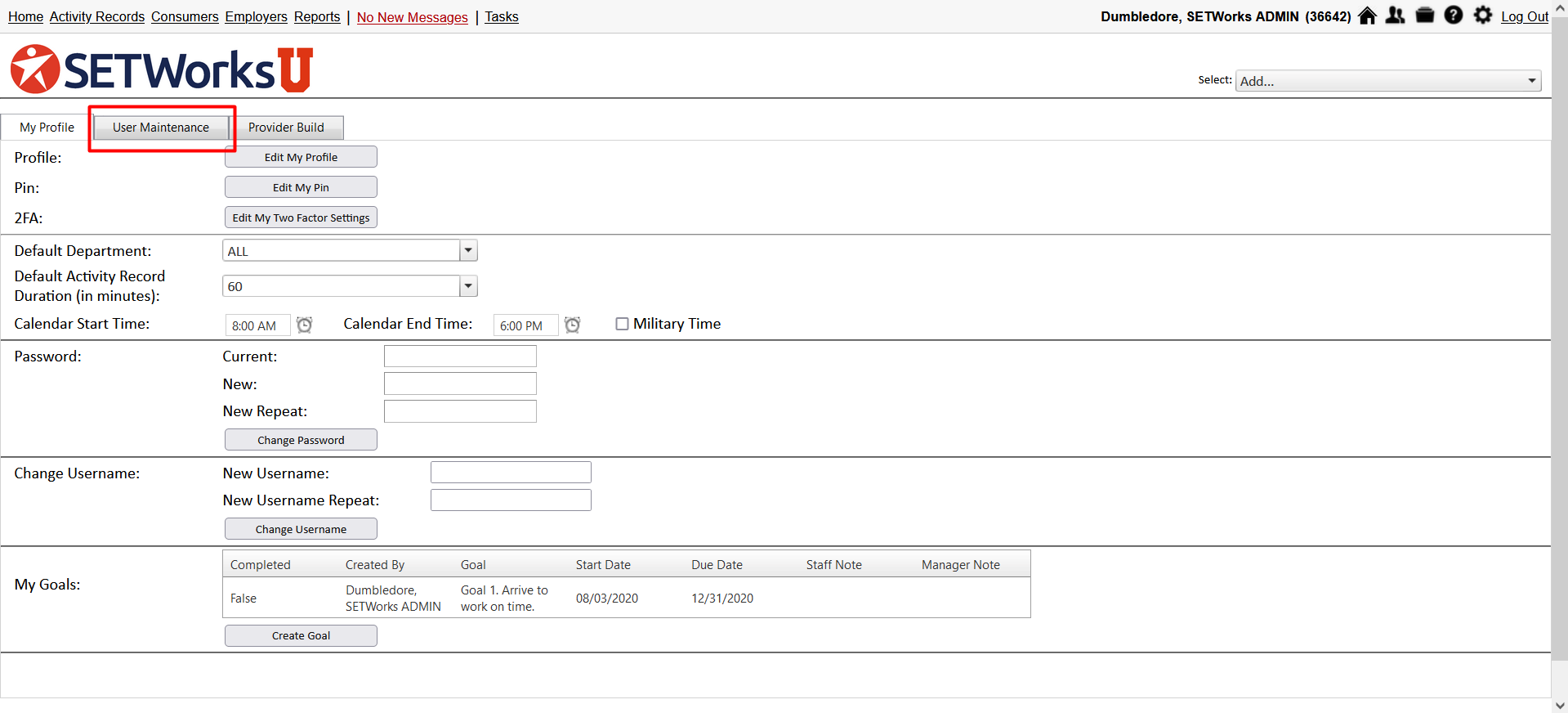
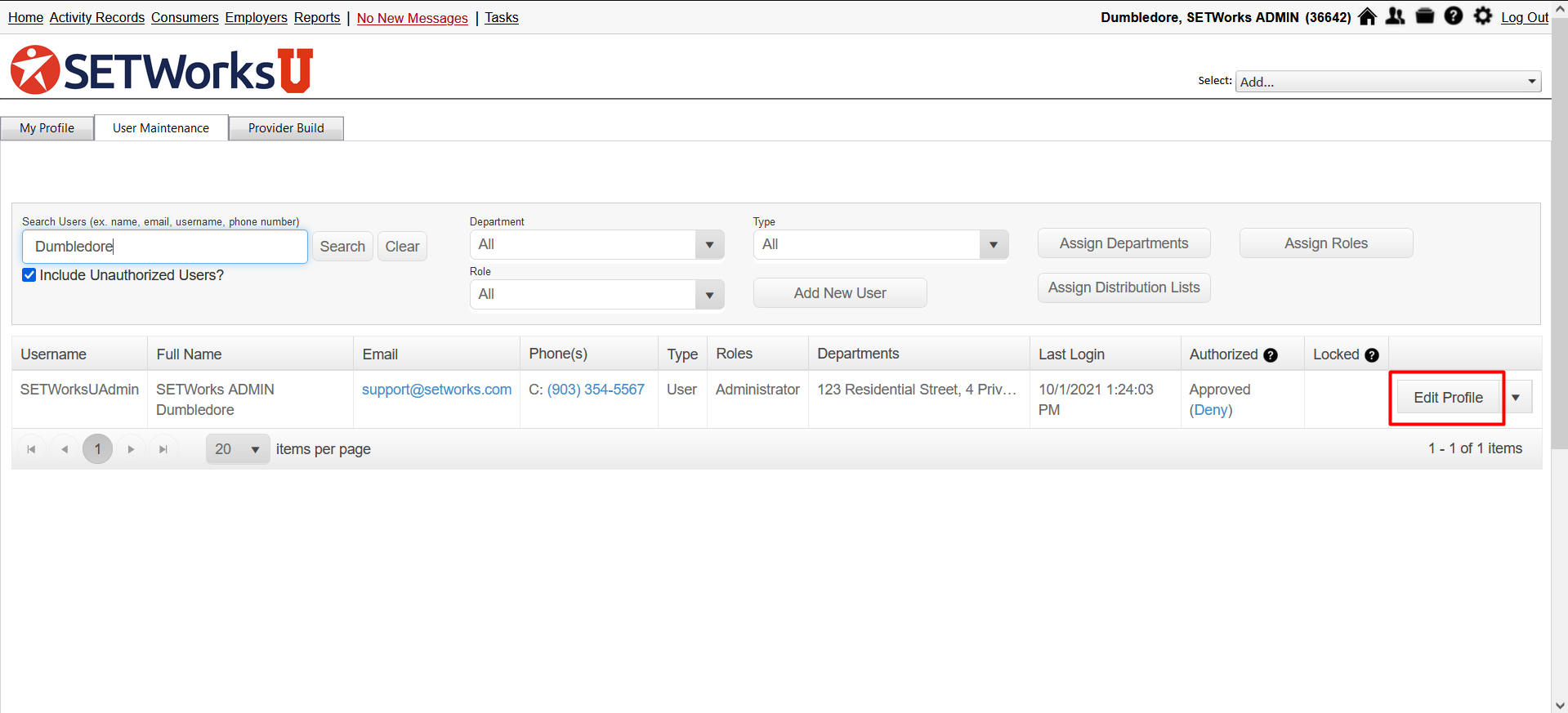
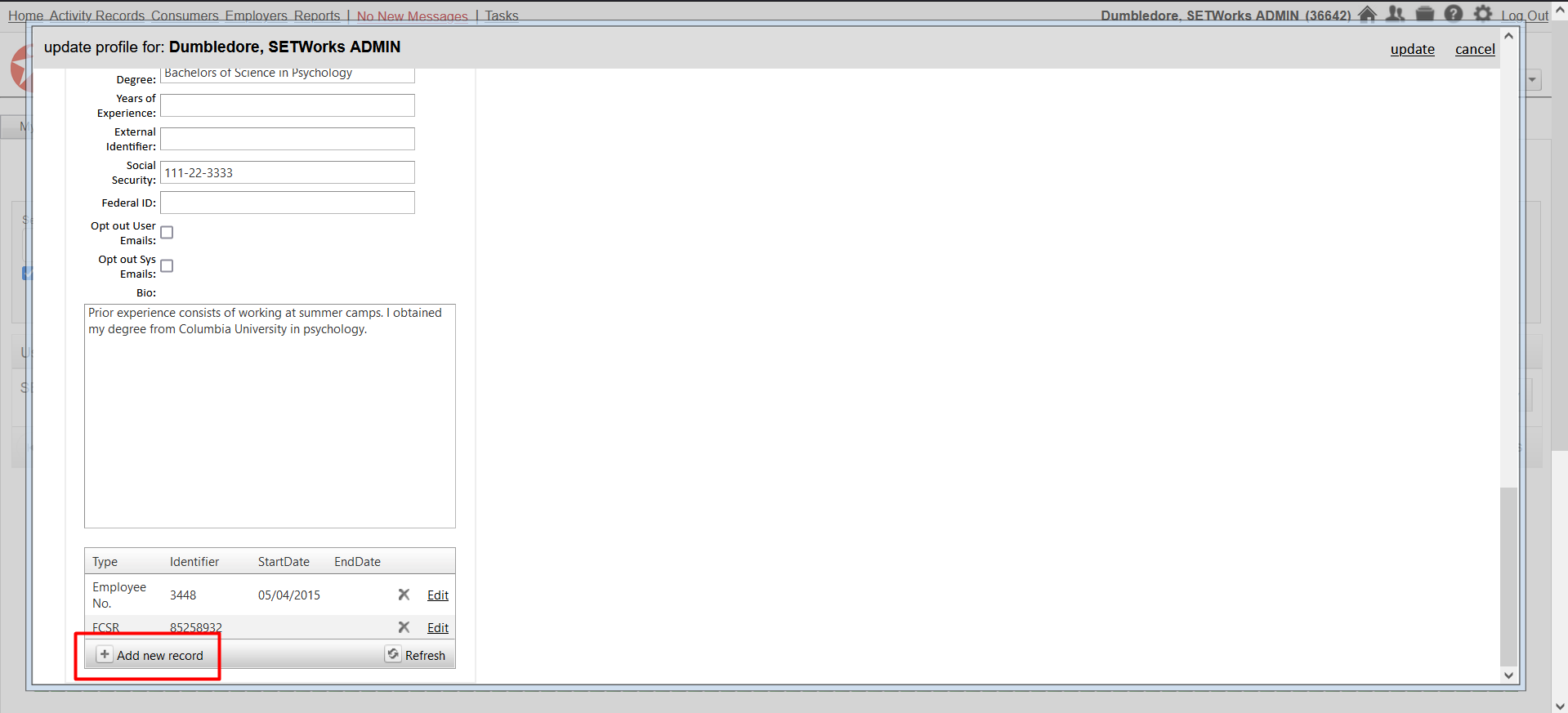
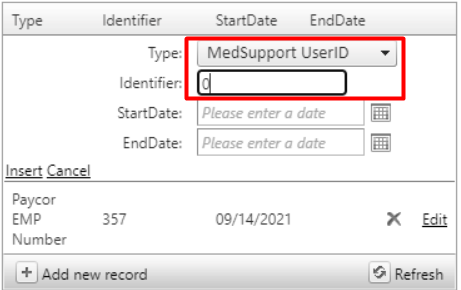
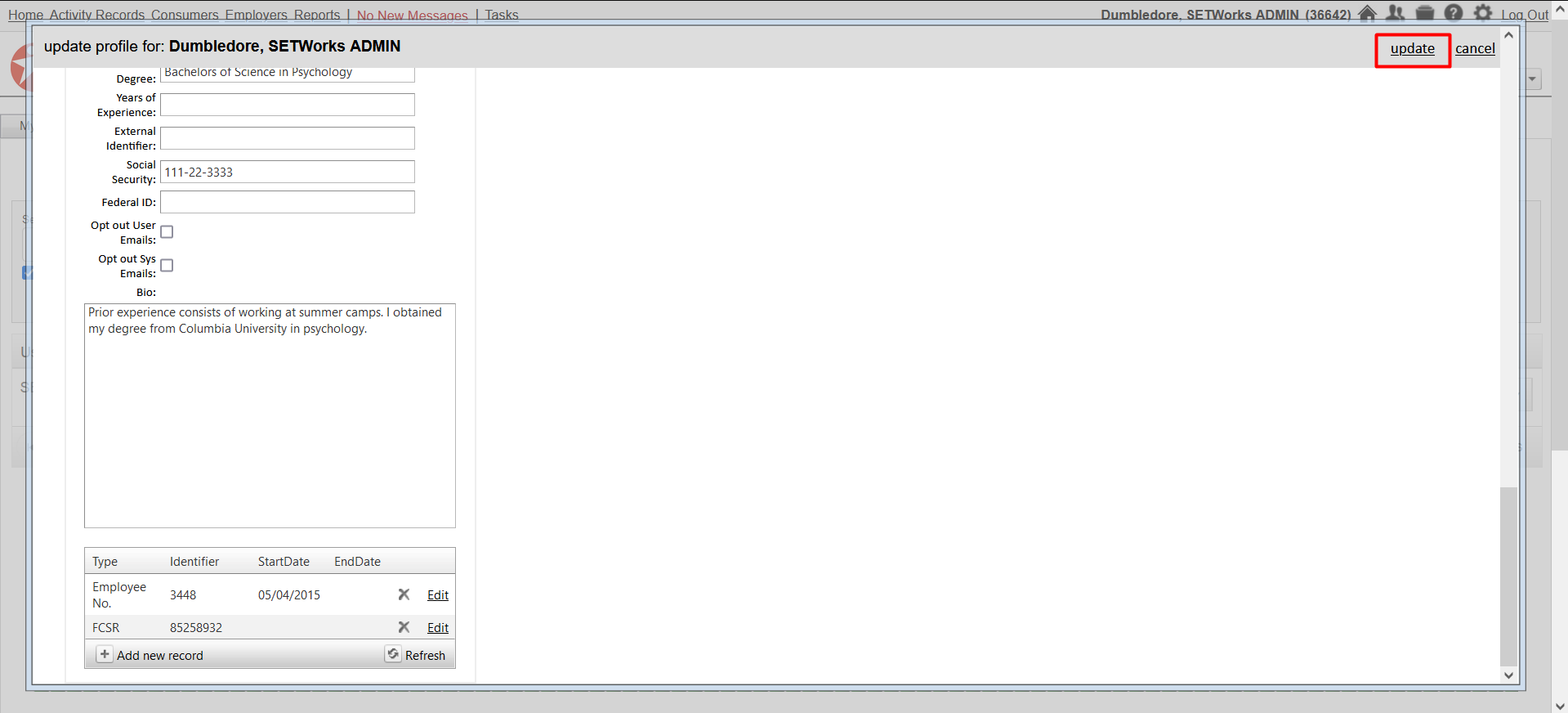
When you’re adding a brand new user, once the user has been added, you will simply do the above to then sync the user.
Selecting Clients to Sync
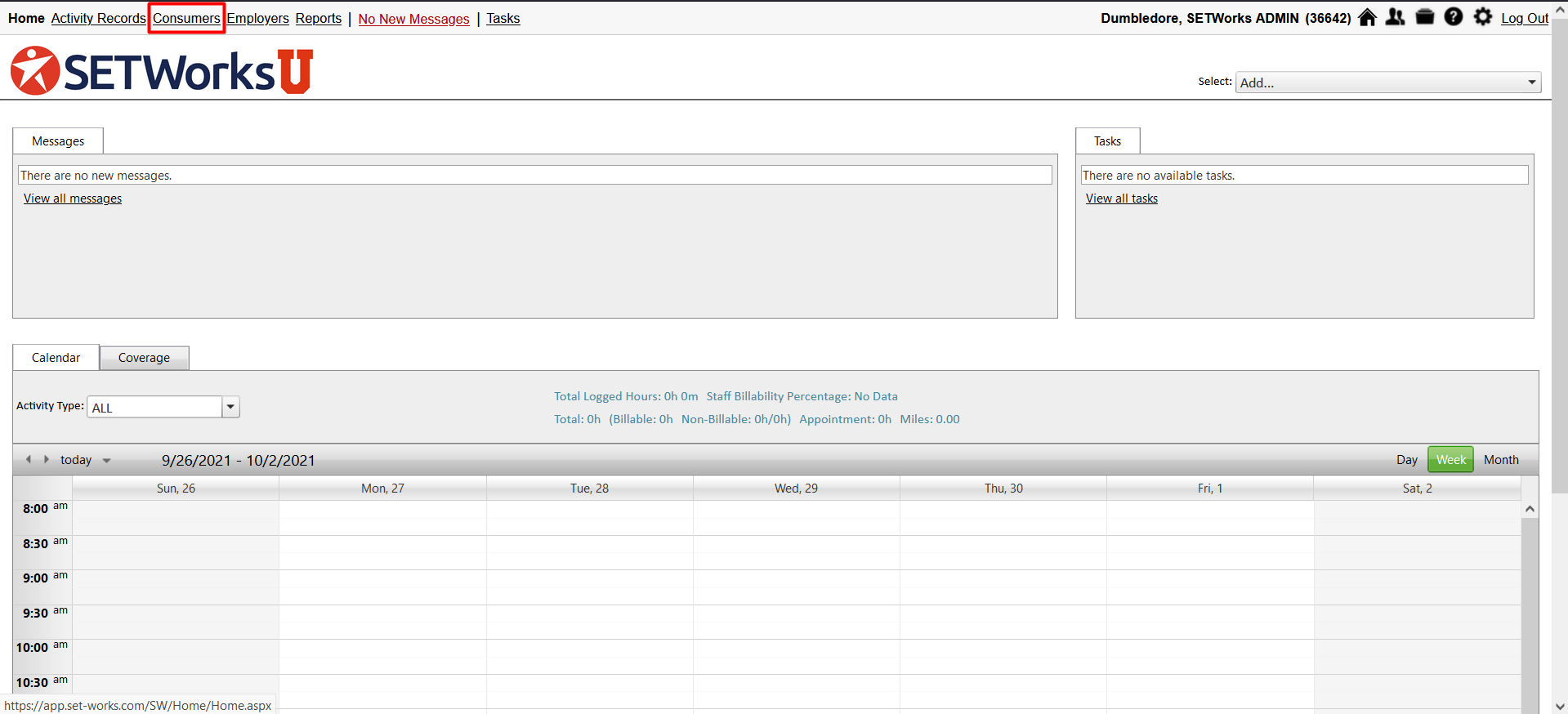
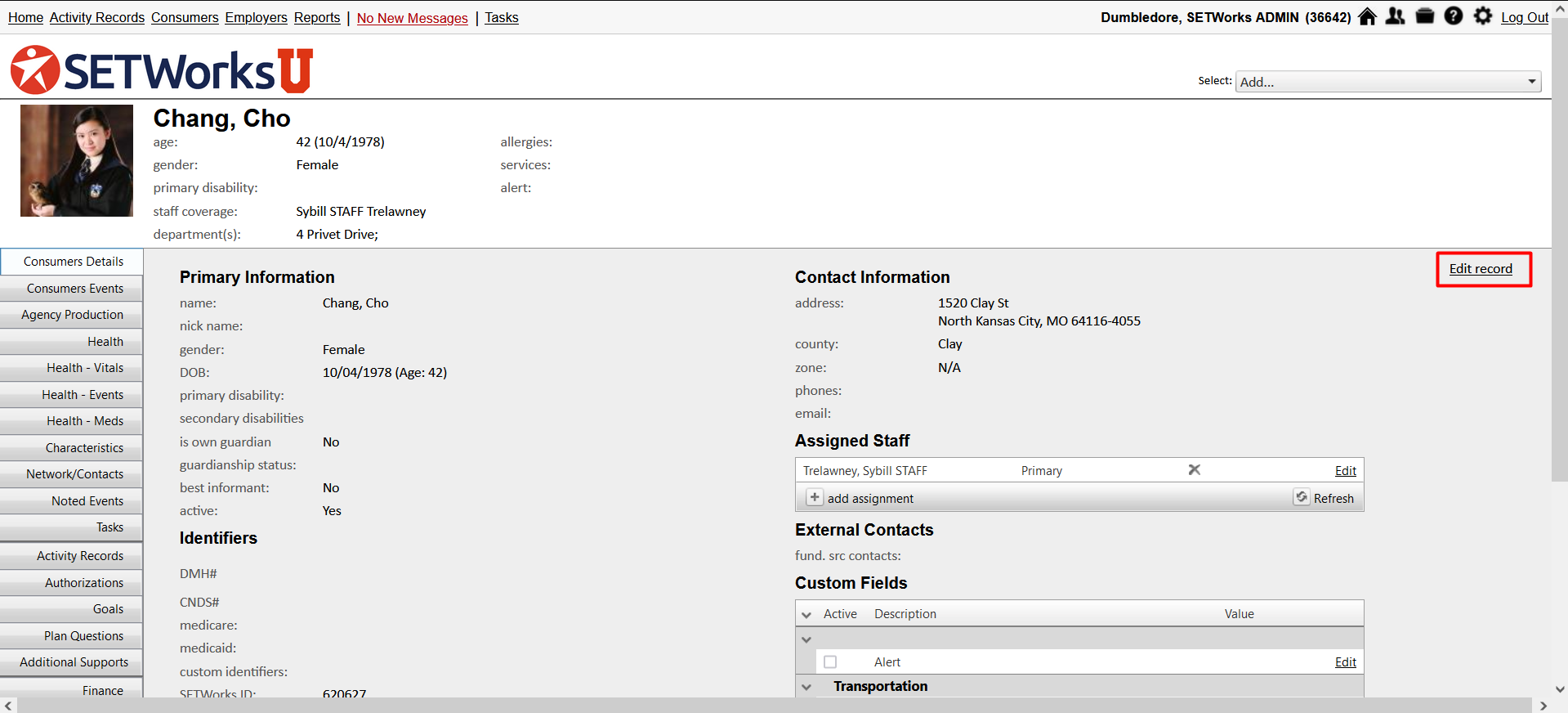
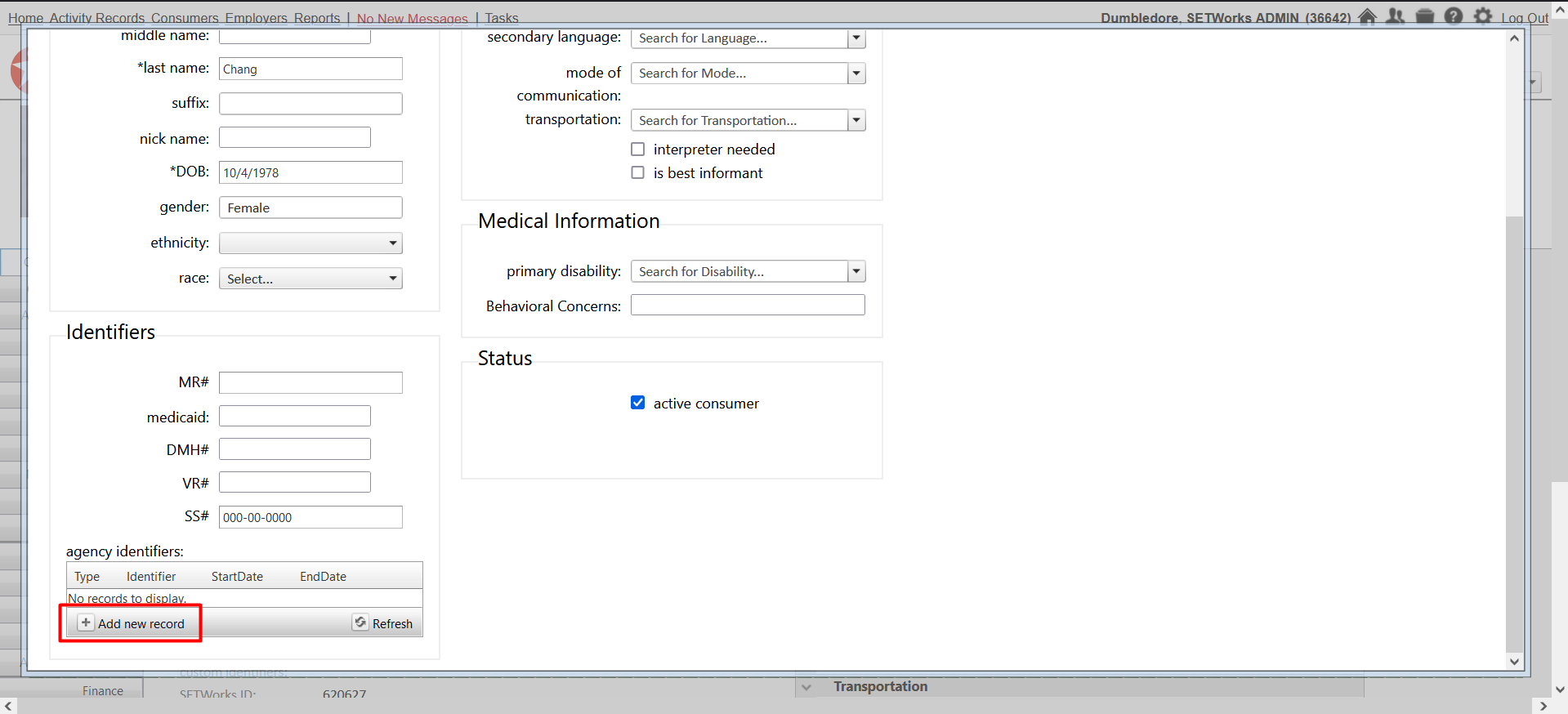
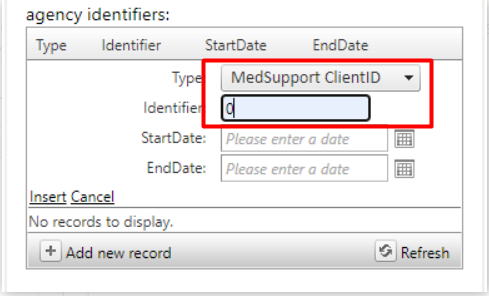
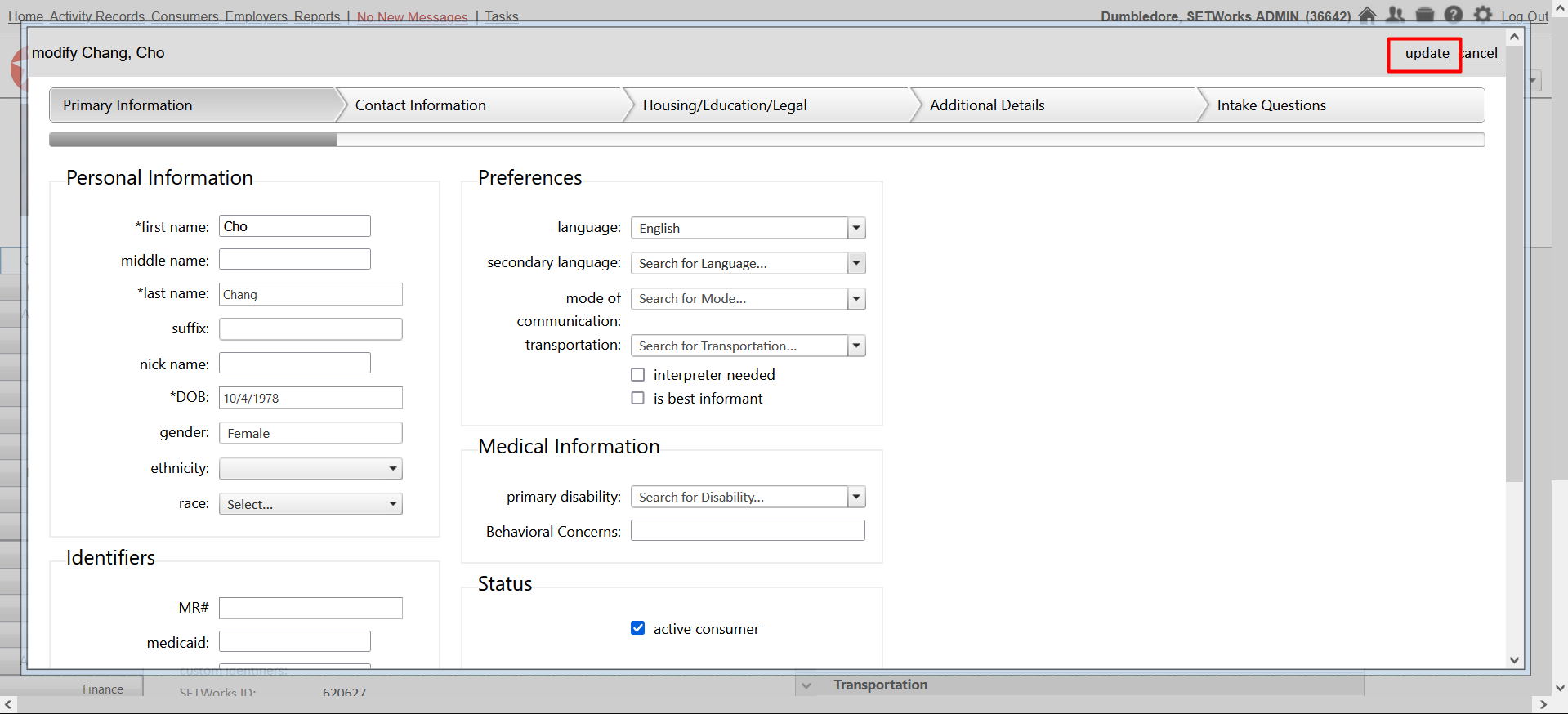
Go to the Client/Consumer profile, and edit the Client/Consumer. On the Primary Information tab in the Identifiers section, add an Agency Identifier, and put a zero “0” in the “Identifier“ field. See below. This flags to SETWorks that this is a client that should be sync’d. As soon as you click ”update“, the client will sync.
Selecting Departments to Sync
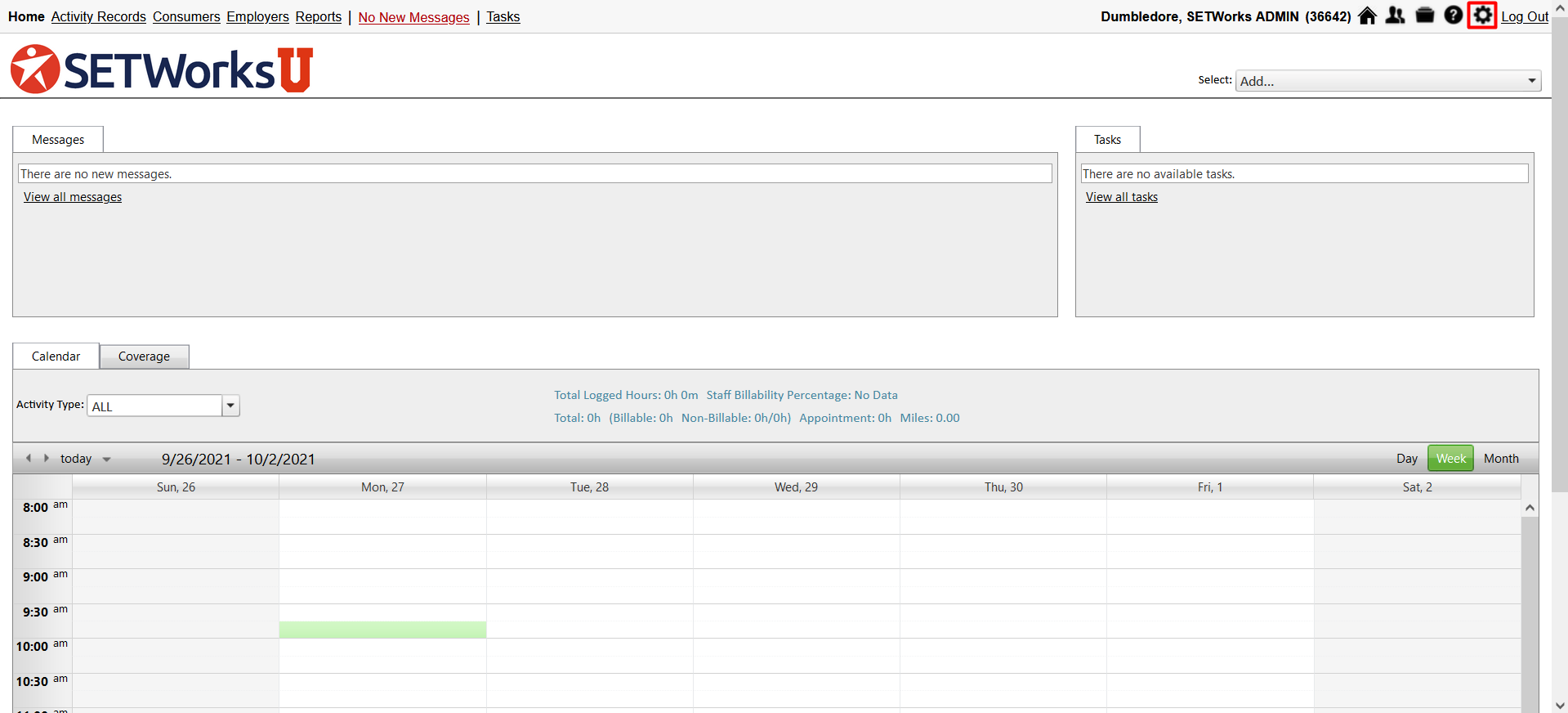
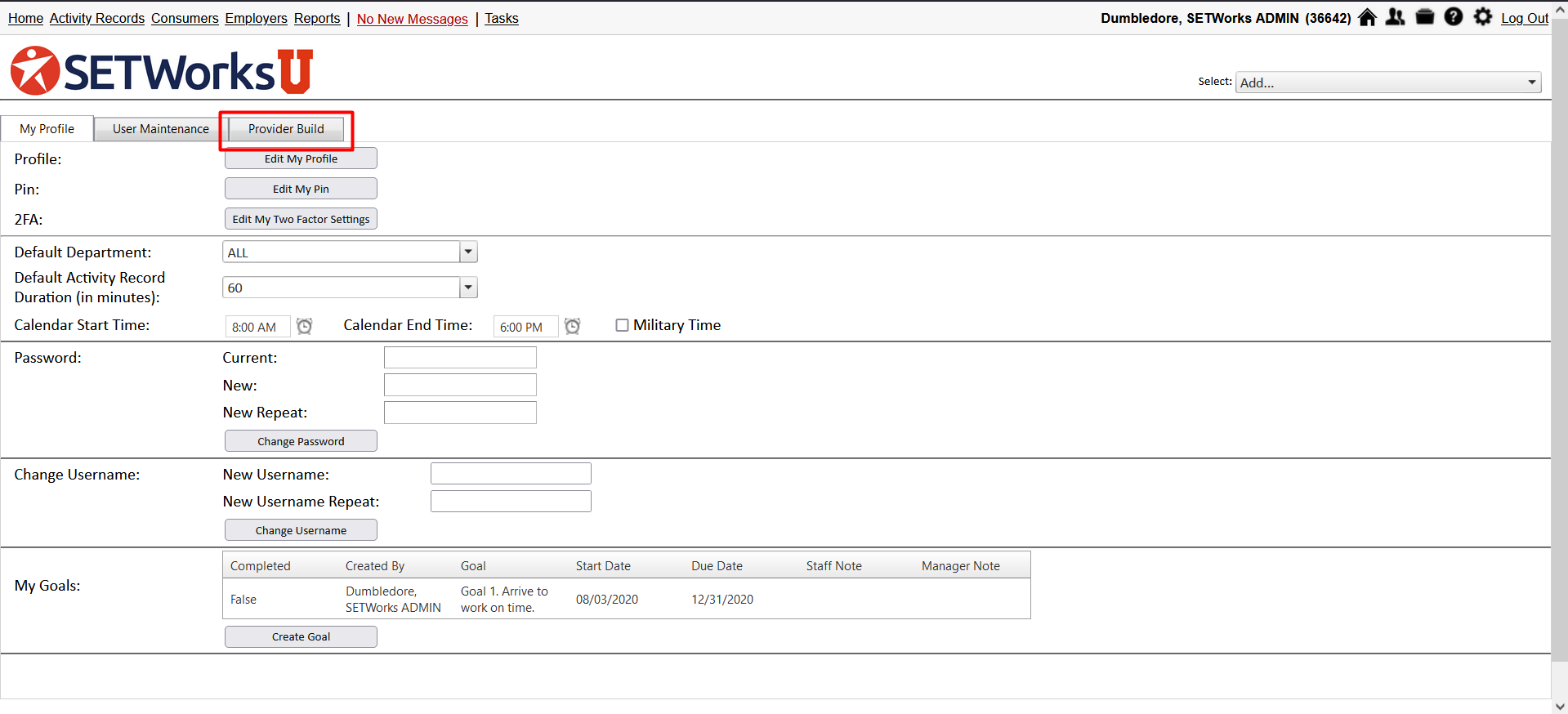
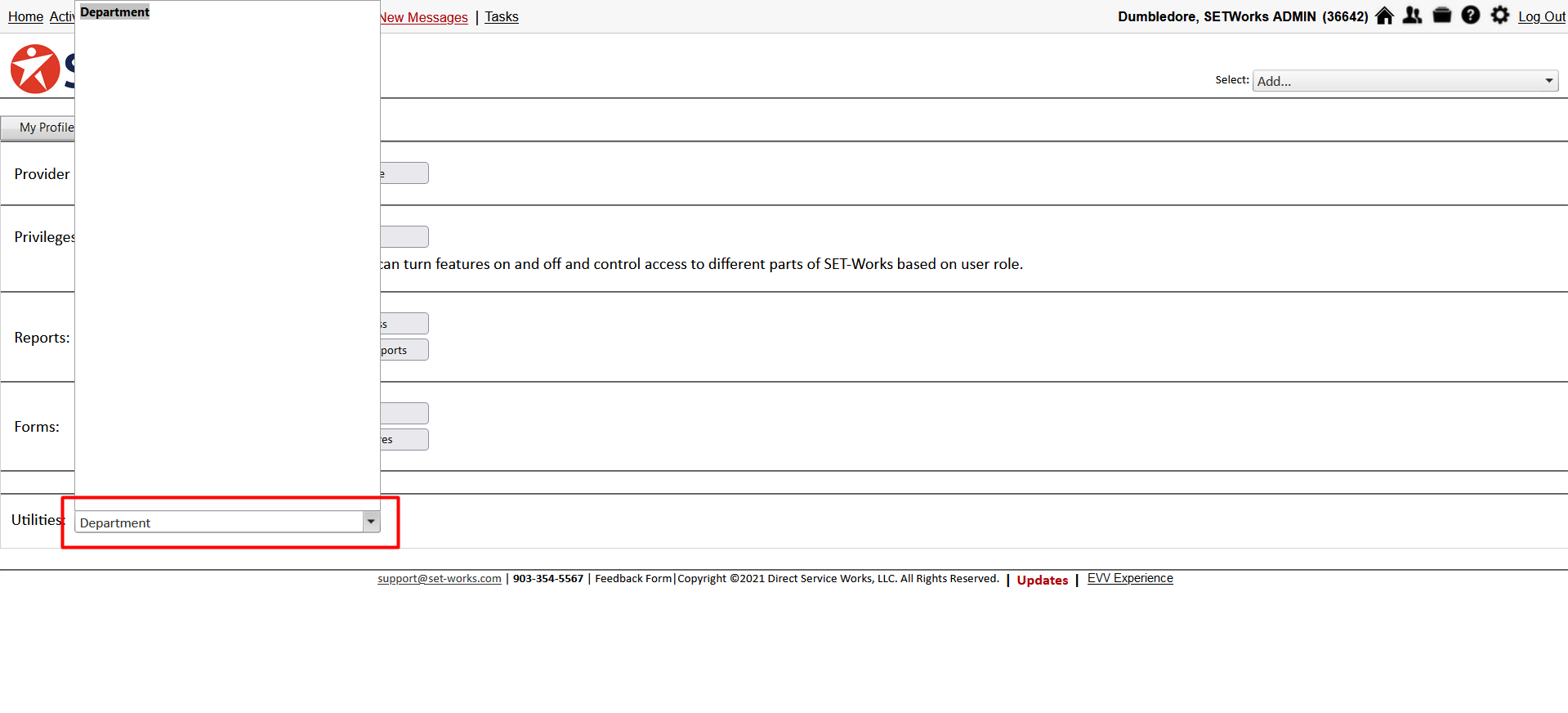
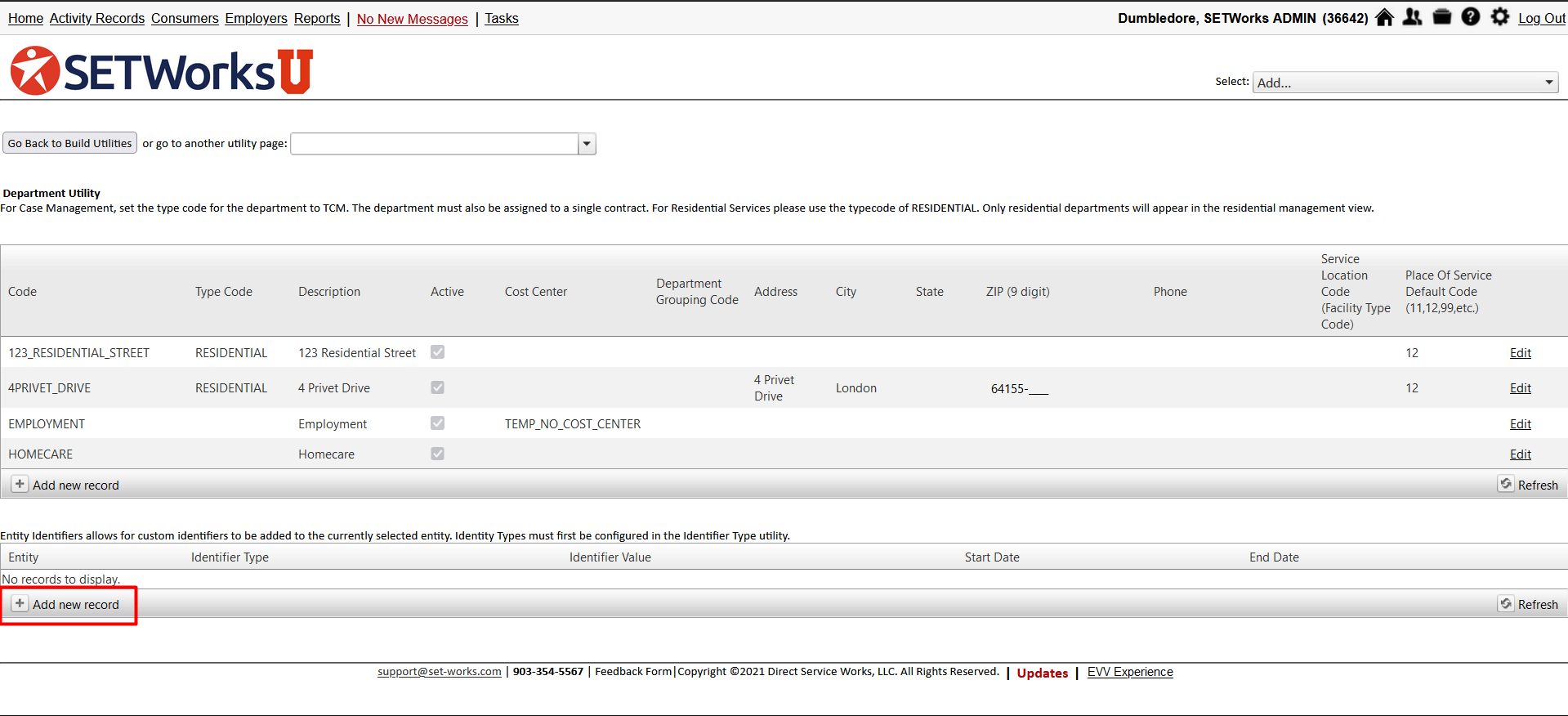
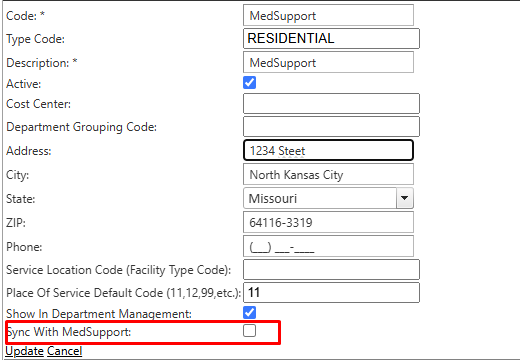
In the Department Utility, Check the 'Sync with MedSupport checkbox'. See below. This flags to SETWorks that this is a department that should be sync’d.
Everything will Sync Nightly
At 1:00 AM Central time each night, the system scans for updates to the system as well, and will update MedSupport with any changes that have not already sync’d.