
In order for SETWorks to receive the Electronic Remittance Advice (ERA) from PROMISe, an enrollment request needs to be completed through the PROMISe Provider Portal. This can only be completed by the provider.
PROMISe Provider Portal
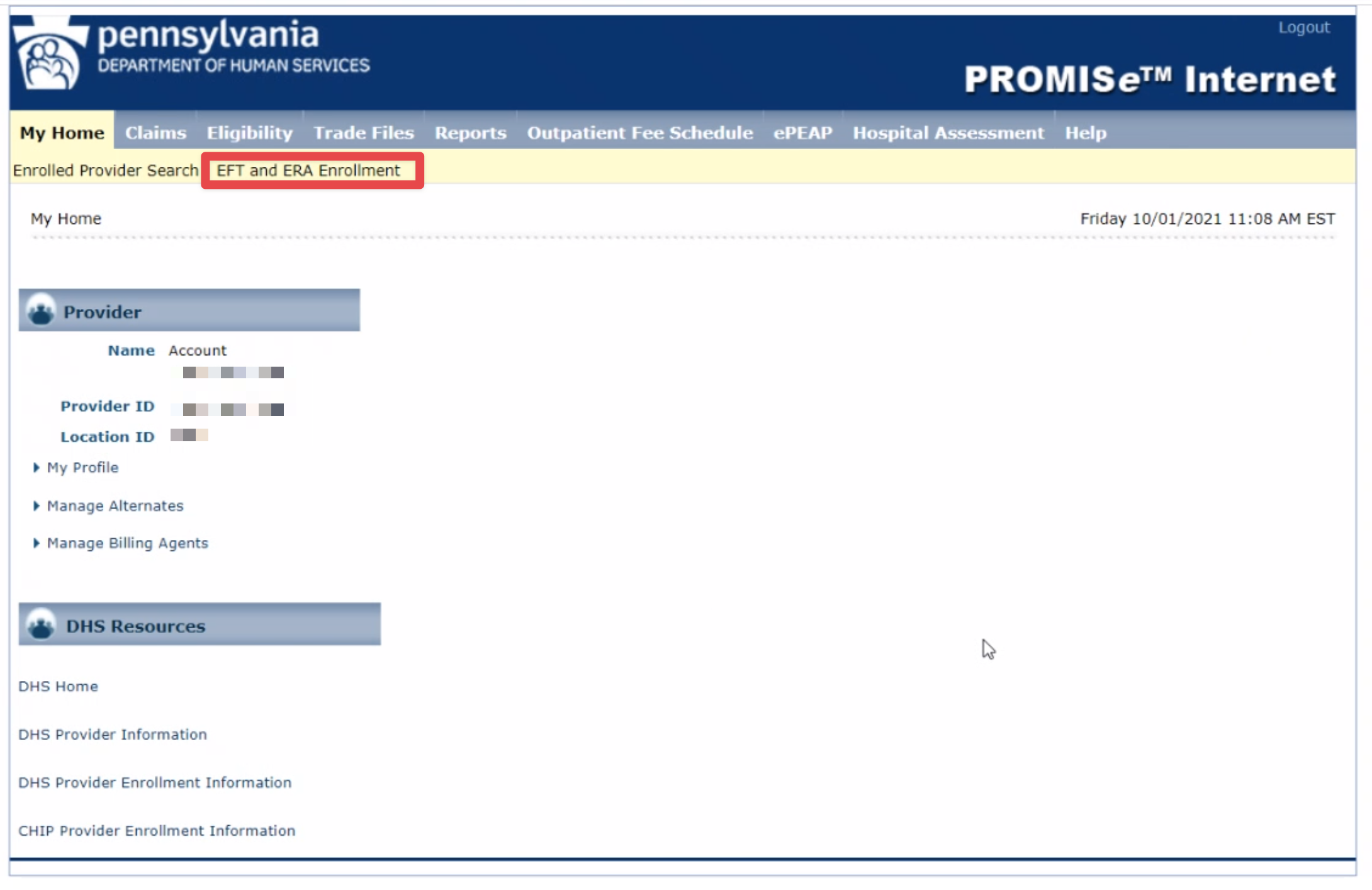
Navigate to the PROMISe Provider Portal and login.
In the My Home tab, click on the EFT and ERA Enrollment option.
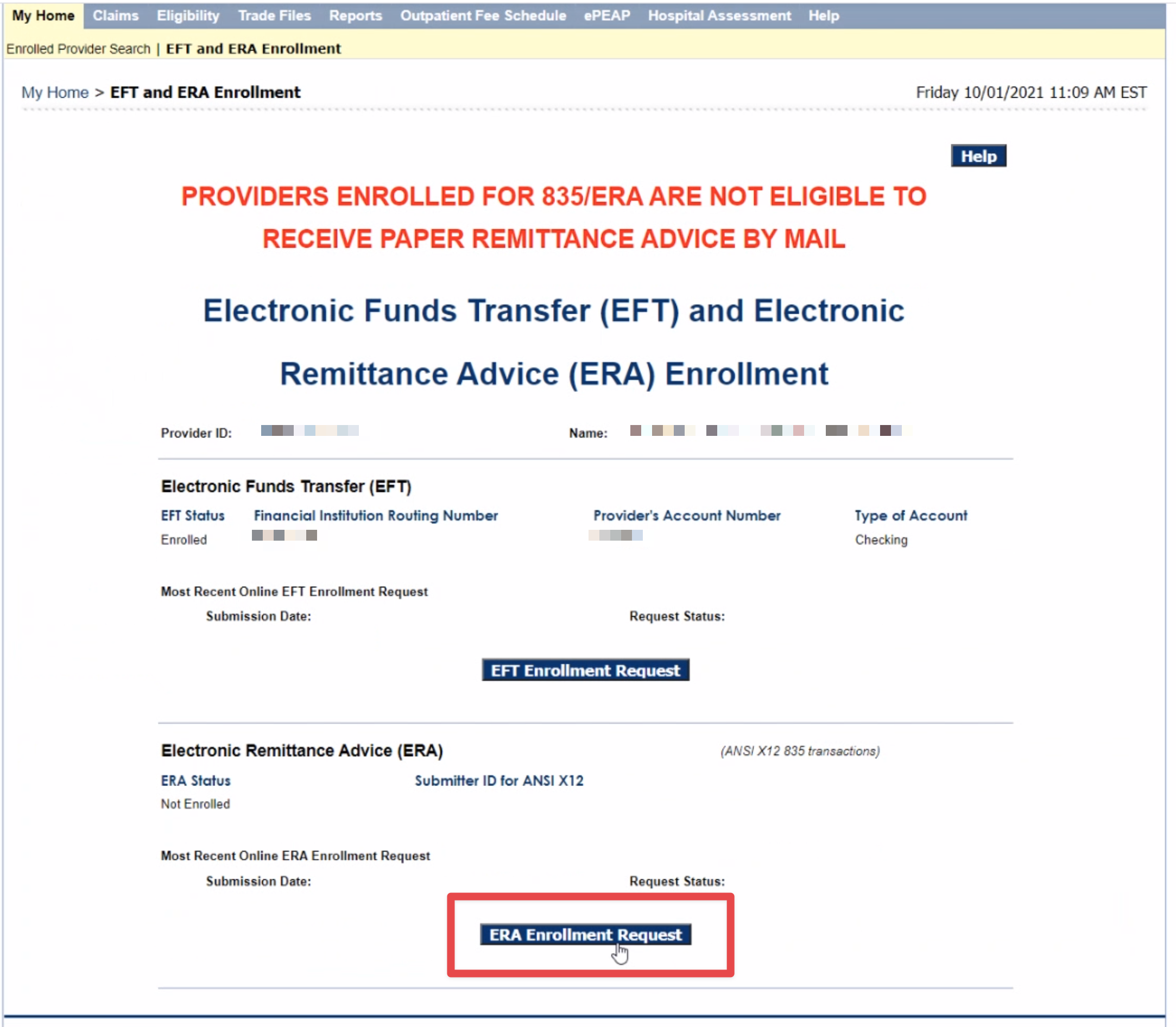
Select ERA Enrollment Request.
Completing the Form
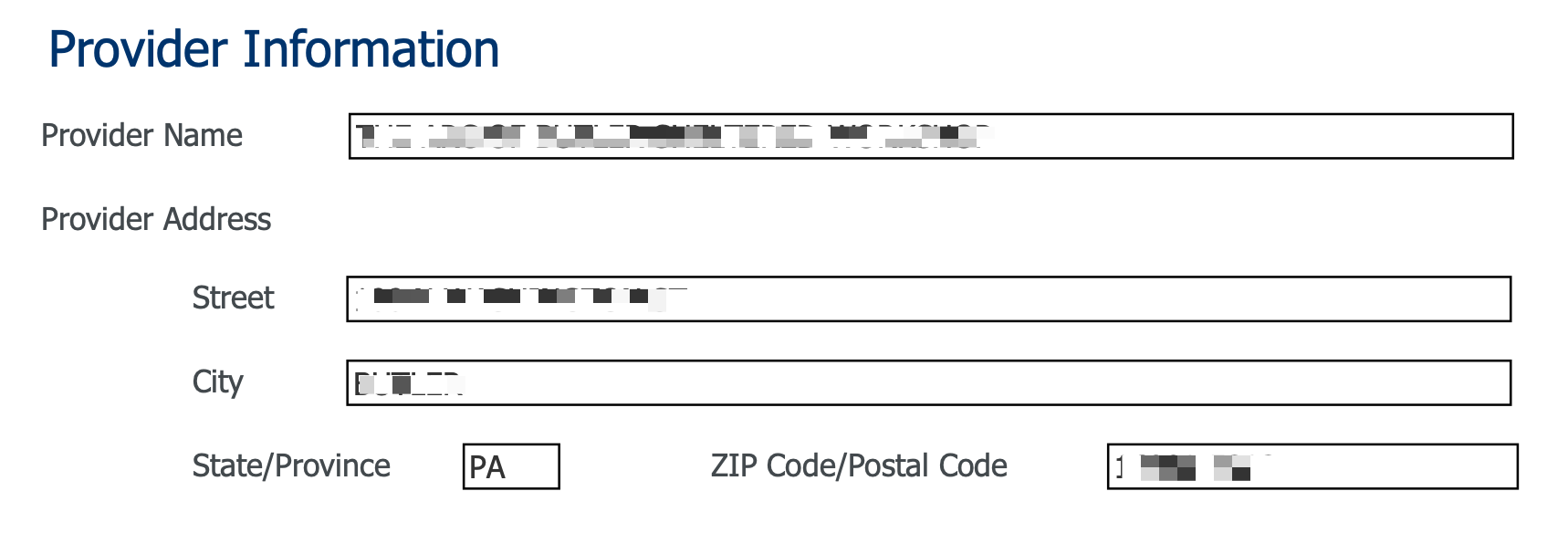
Provider Information
This information should populate automatically.
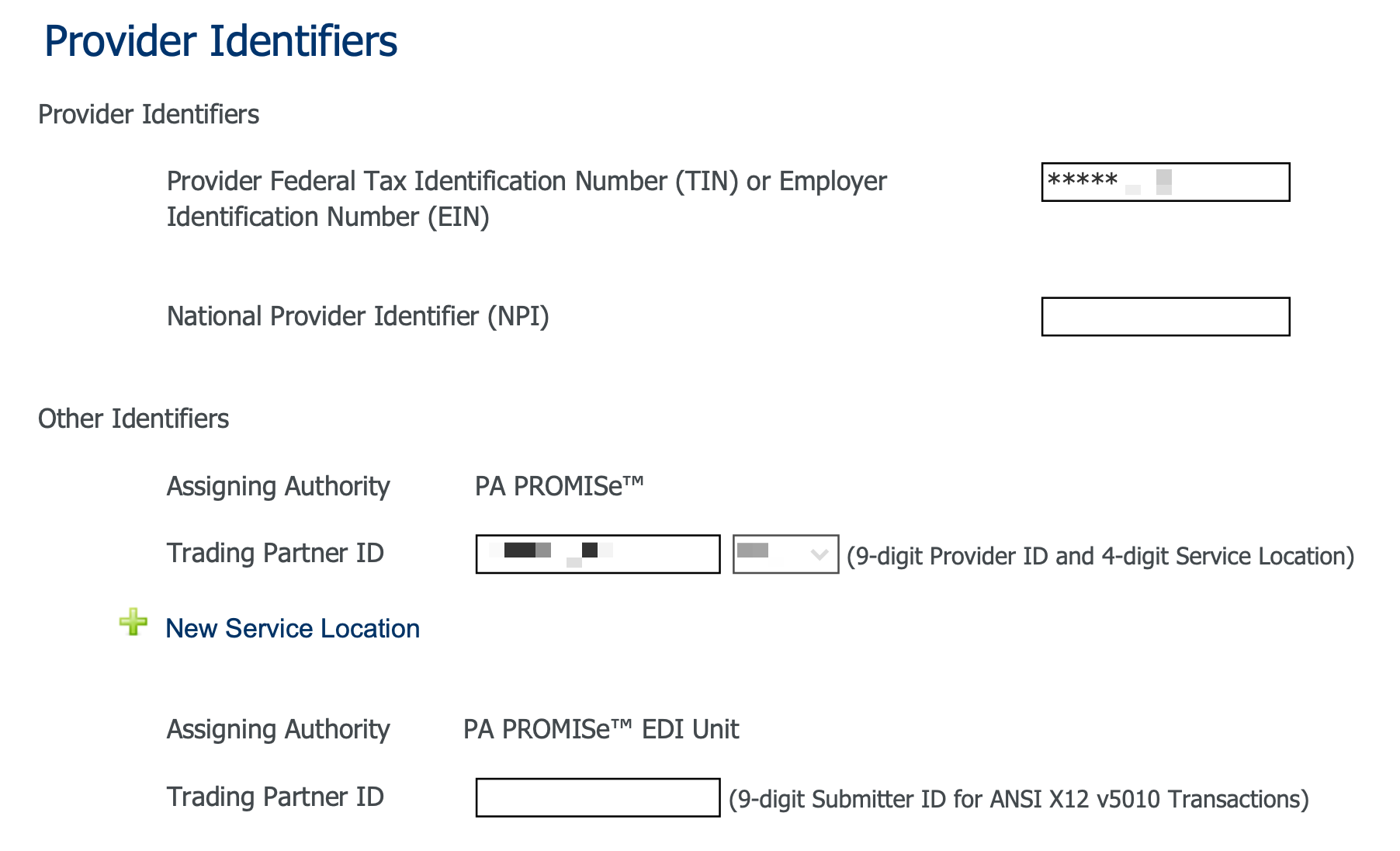
Provider Identifiers
At least one of the requested Identifiers must be added but the TIN or EIN should populate automatically.
You need to register for each Service Location so click New Service Location until all of your Service Locations are added.
Under other identifiers, the Trading Partner ID needs to be entered for the 9-digit submitter id for ANSI x12 v5010 Transactions. This is your WebBBS ID and is 9 digits and typically begins with a 0.
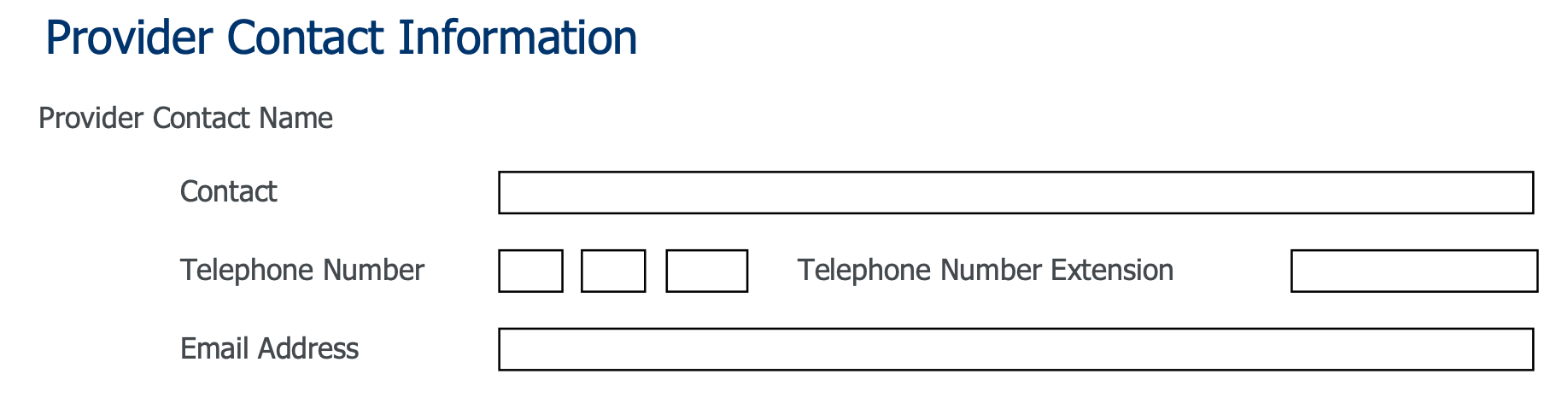
Provider Contact Information
The information entered here should be the best contact at your organization regarding electronic billing.
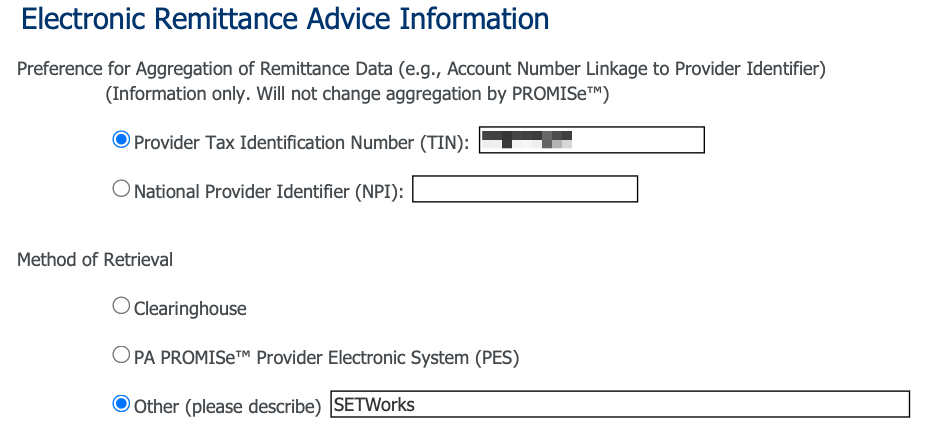
Electronic Remittance Advice
Either the TIN or the NPI is required.
Select Other for the Method of Retrieval and type in "SETWorks".
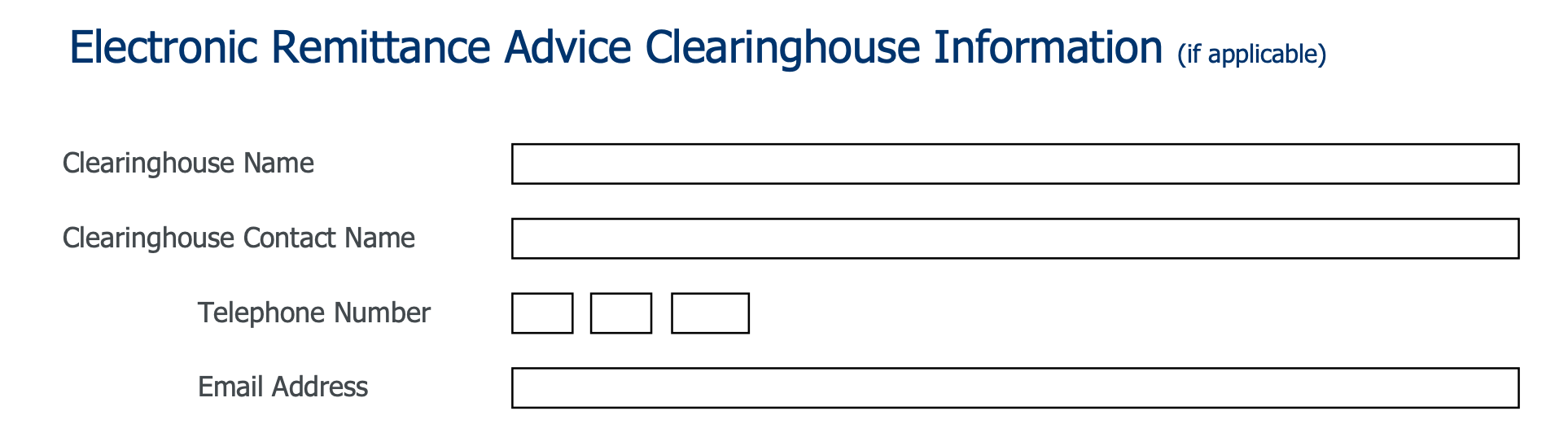
Electronic Remittance Advice Clearinghouse Information
This section should remain blank as SETWorks is not a Clearinghouse.
Submission information
New Enrollment should be selected.
Enter the name and title of the person submitting the form.
Click Submit ERA Enrollment Form
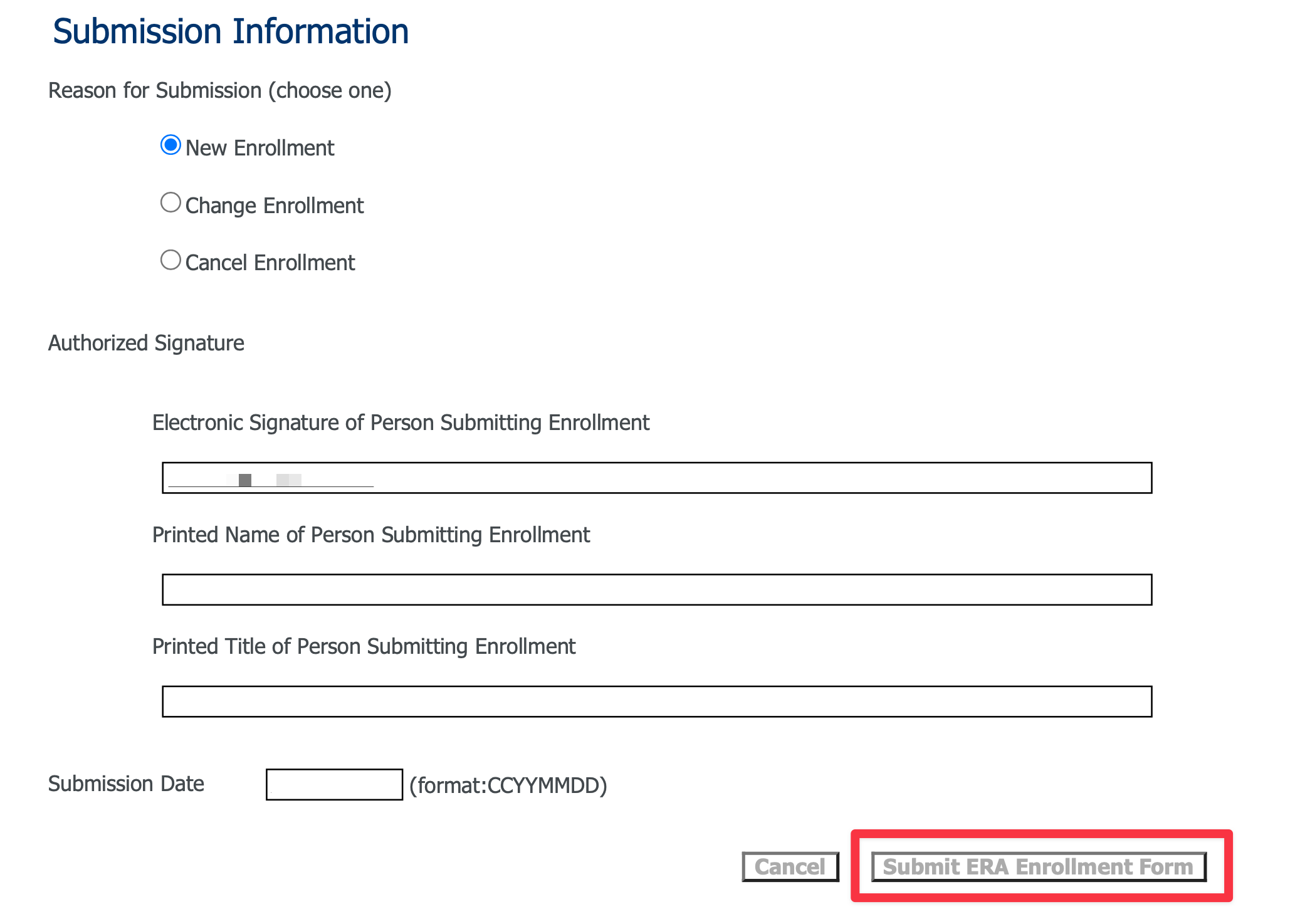
And that's all! It can take a few days to process. Only batches submitted from SETWorks to PROMISe after the ERA Enrollment will appear in SETWorks.