What is a Restricted Field Used For?
Administrators
I have a form that requires information that only a few people in my organization have access to. How do I allow some users to add this information and prevent everyone else from changing it?
SETWorks offers the ability to add a Restricted Field to a form. This can be used for sensitive or strictly controlled information.
What is a Restricted Field?
Restricted Fields allow the creation of form fields that are locked, so that only roles with the appropriate permission can edit that field.
This will not affect viewing the completed form and users without the ability to edit a field will see the field if there is data in it as a read-only version.
Fields added to a form can now be marked as restricted in the form question edit screen.
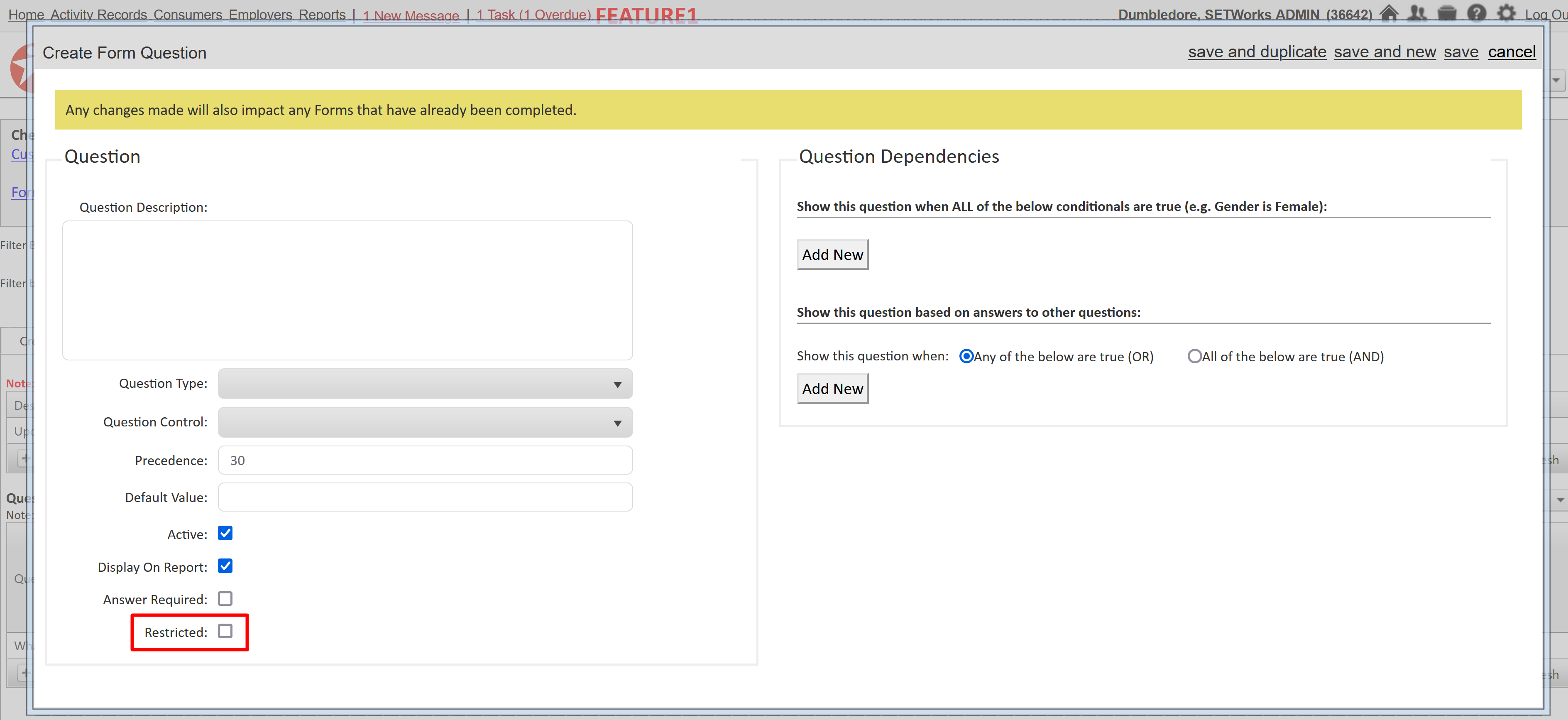
A column on the forms builder will show a checkbox next to any question that is restricted.
The following privilege controls which roles have permission to edit a restricted field:
Settings > Provider Build > Maintain Privileges > Forms:
Note: “Enables the editing of restricted fields assigned to certain forms".
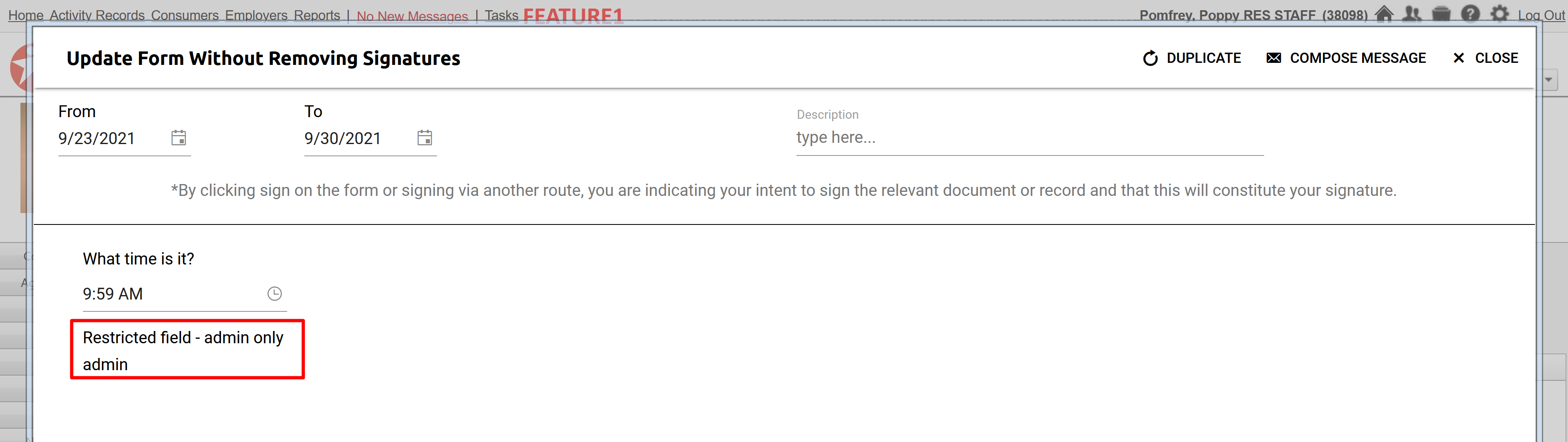
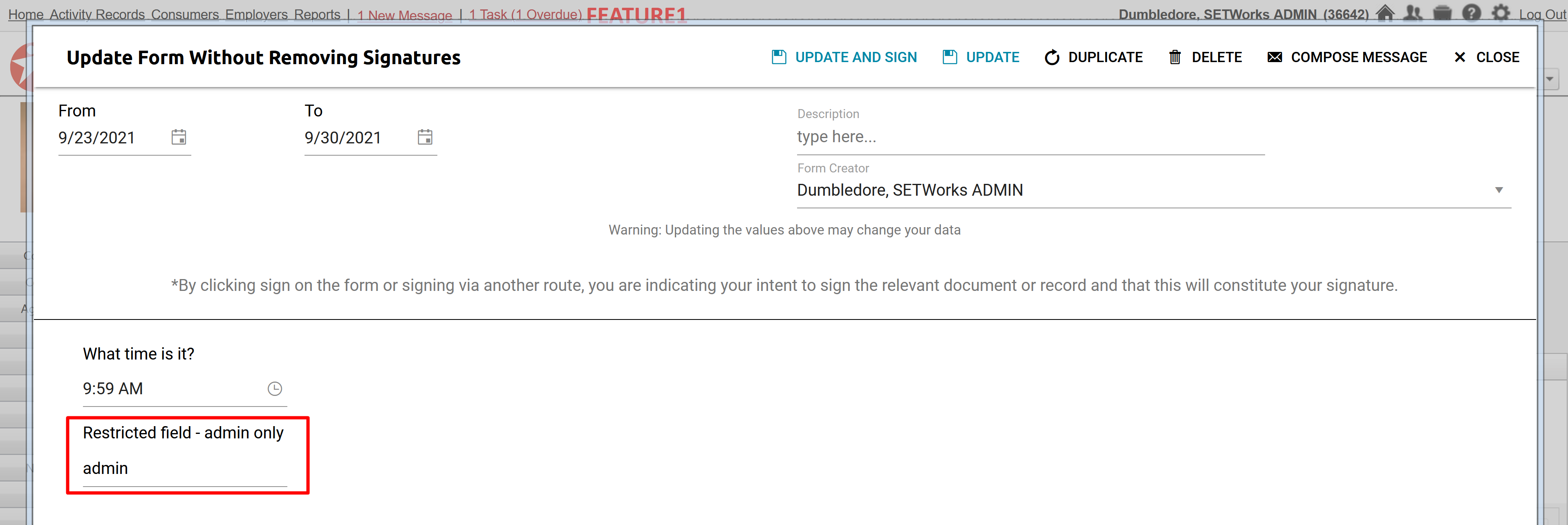
With the privilege set to ON, the form will behave as normal. With the privilege set to OFF, if there is no previous data in the field, the user will not be able to see the field. If data is present in the Restricted Field, the user will be able to view it but not make changes.
Privilege Enabled (Admin View):
Privilege Not Enabled (Staff View):