
How Do I View Earlier Versions of Forms?
All Users
Form History allows users to view previous saved versions of forms.
About Form History
All new updates to a form will be saved to Form History.
Form History can be accessed through an icon on the forms tab, below Open/View Form and View Report.
This button will only be available if the form has history records present.
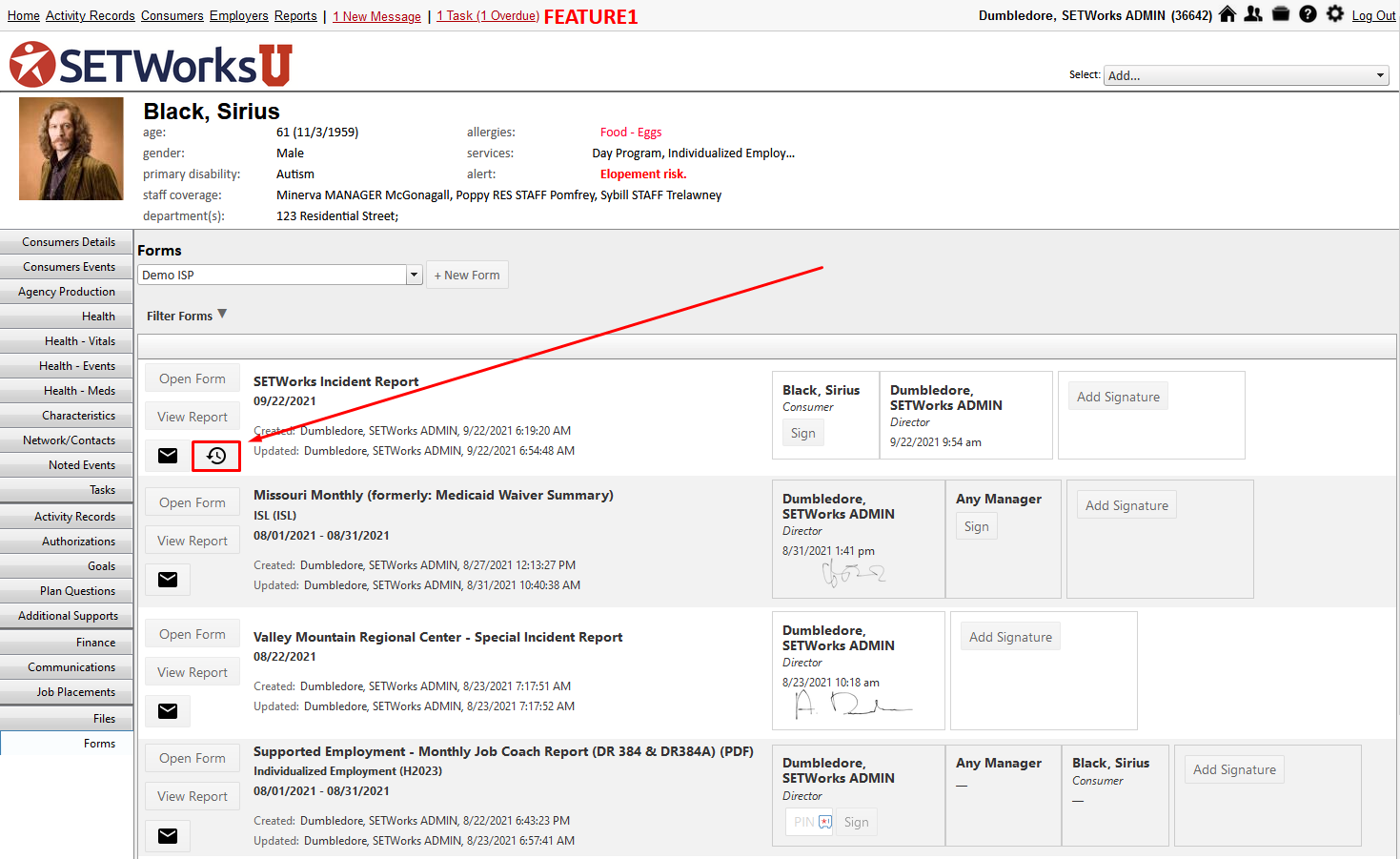
Note: Forms that were saved before this feature was introduced (September 2021) will not have forms history and the button will not be displayed.
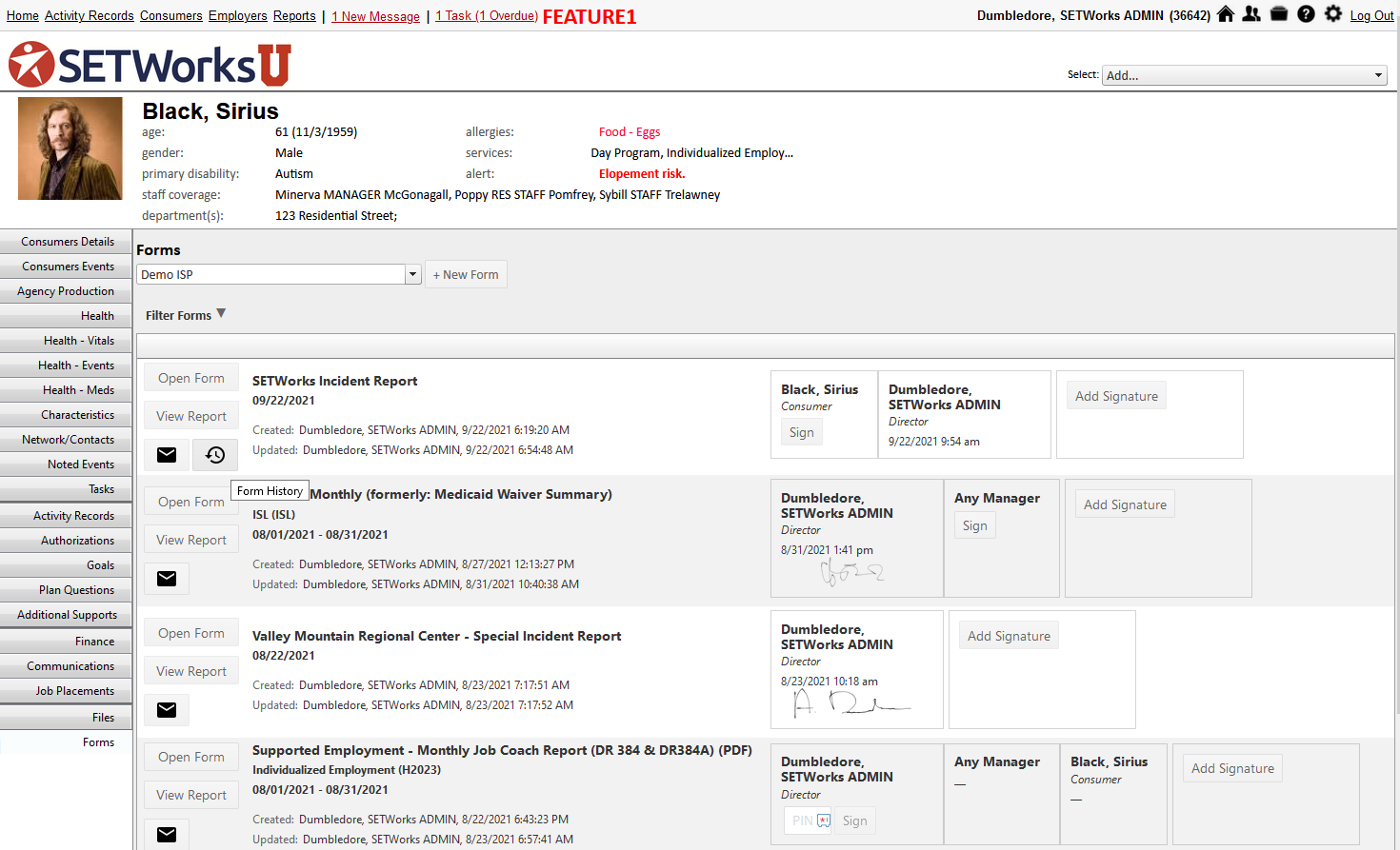
Selecting the Form History button will open a new frame displaying all saved versions of the form and allow users to download different versions of the form.
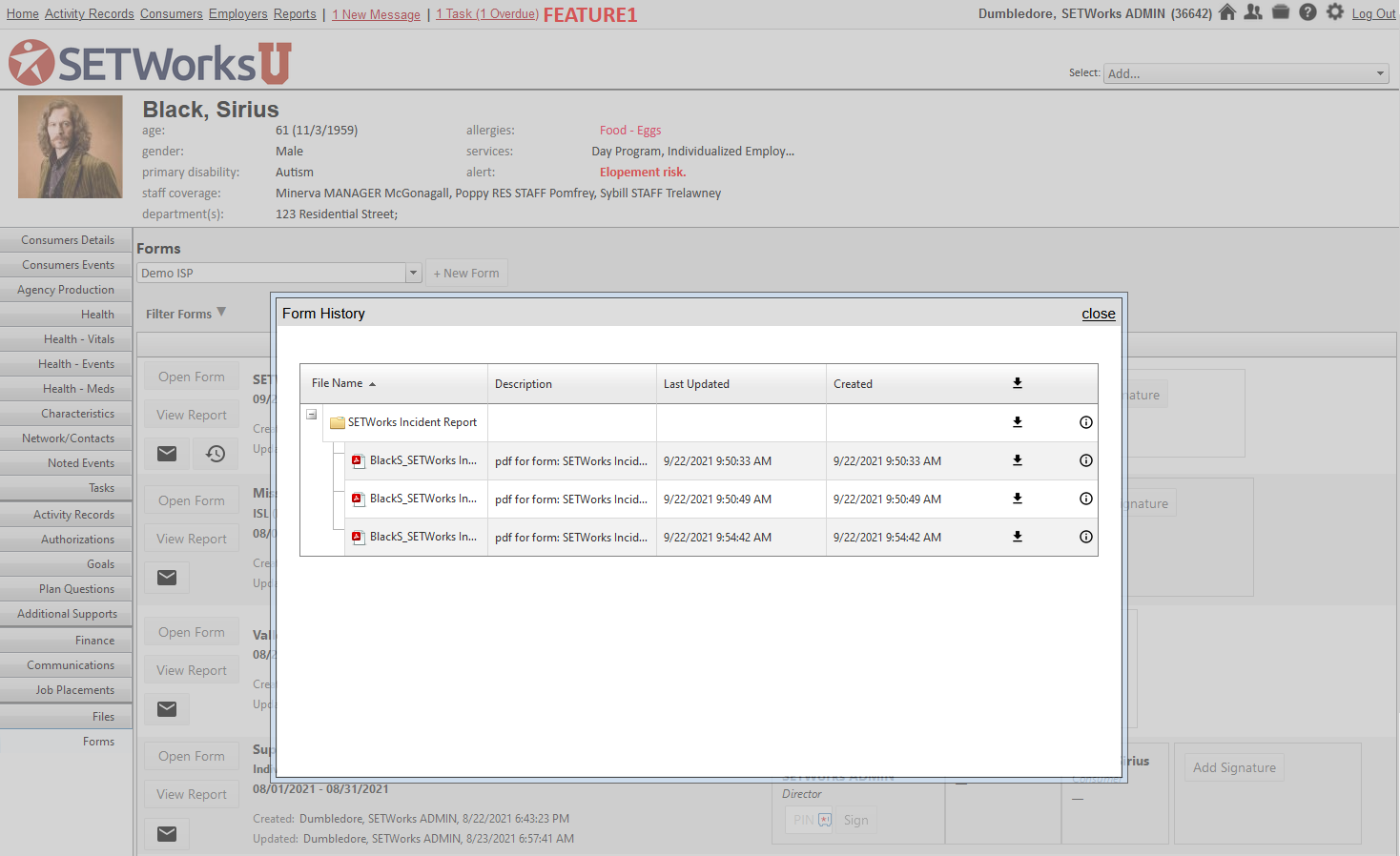
Note: Please note that only non-draft forms will be displayed.