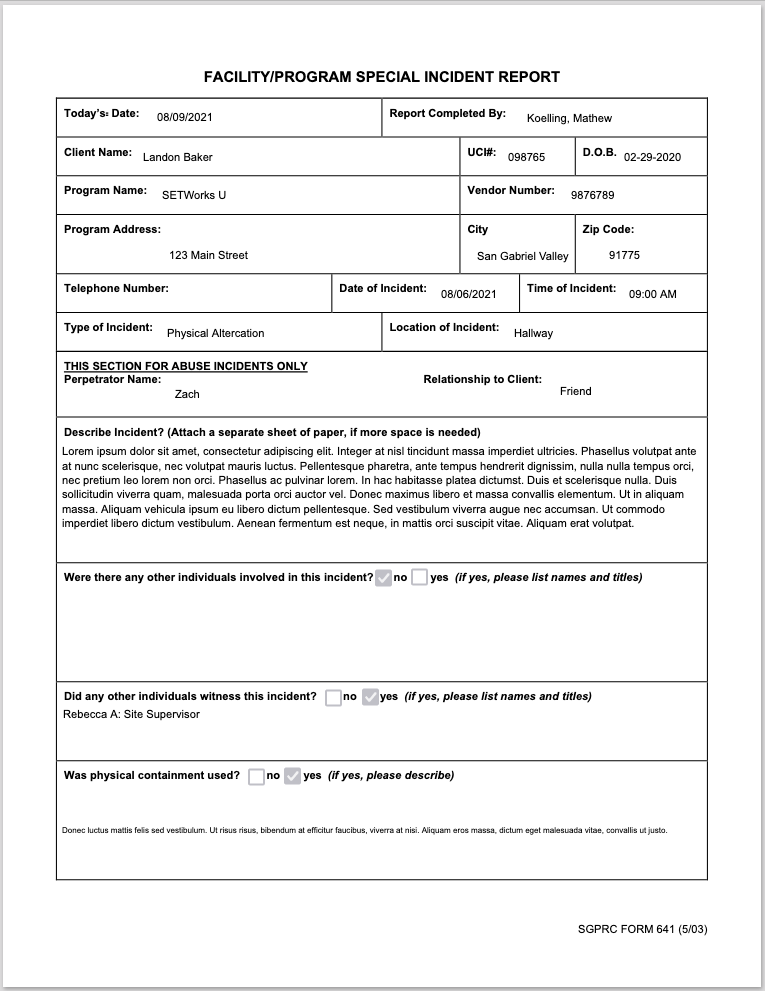
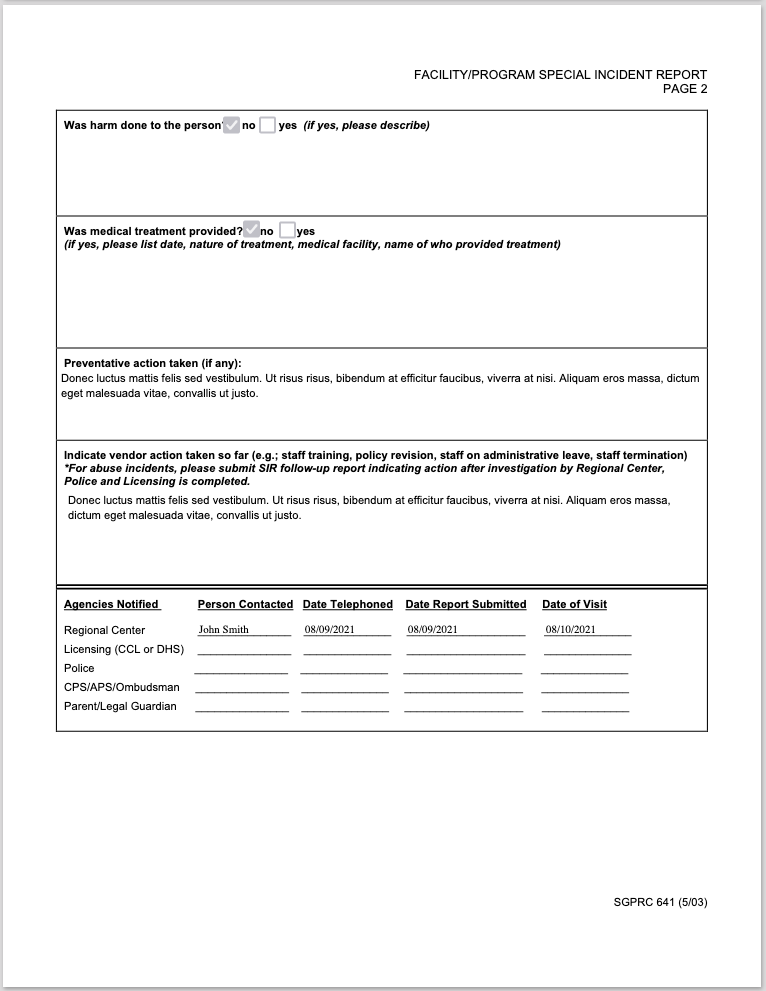
How do I complete the San Gabriel Pomona Regional Center Special Incident Report?
Managers, Staff
The San Gabriel Pomona Regional Center Special Incident Report is completed as a form within SETWorks via the Forms tab on the Consumer's Profile.
Access the San Gabriel Pomona Regional Center Special Incident Report
- Navigate to the Forms tab within the Consumer's Profile.
- Search for and select the San Gabriel Pomona - Special Incident Report form.
- Click + New Form.
- Complete the necessary fields.
- Click View Report to view the appropriately formatted Special Incident Report.