How/where do I add a Consumer's emergency contact or guardian?
Staff, Managers, Administrators
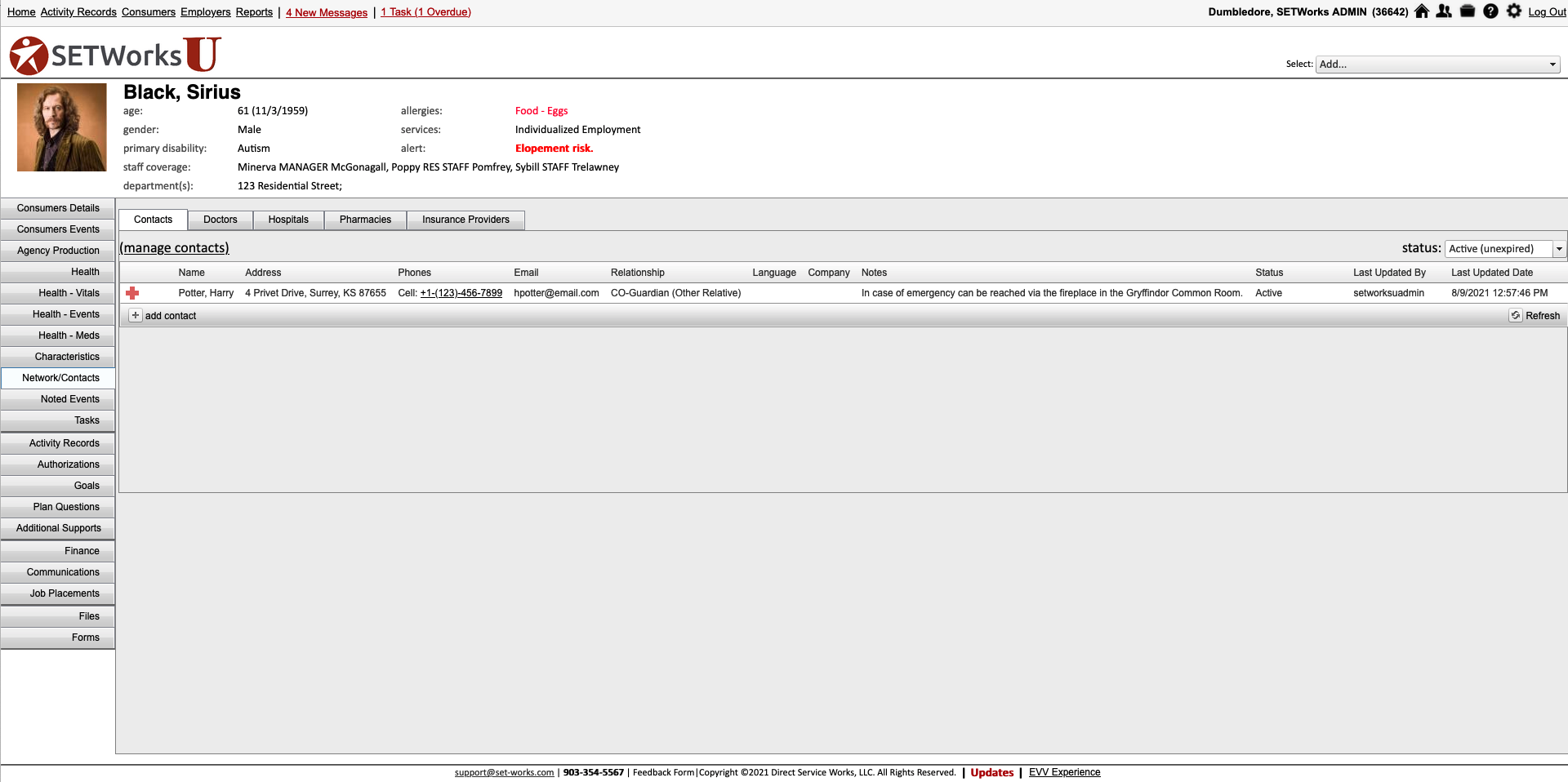
The Network/Contacts tab on the Consumer's Profile is where contact information for emergency contacts, parents, guardians, family members, etc. can be captured and viewed.
Privileges Needed
Settings > Provider Build > Maintain Privileges > Consumer Profile:
Note: Is able to add new Consumer Contacts.
Adding a Consumer Contact
- Navigate to the Network/Contacts tab of the Consumer's Profile.
- On the Contacts tab click + add contact.
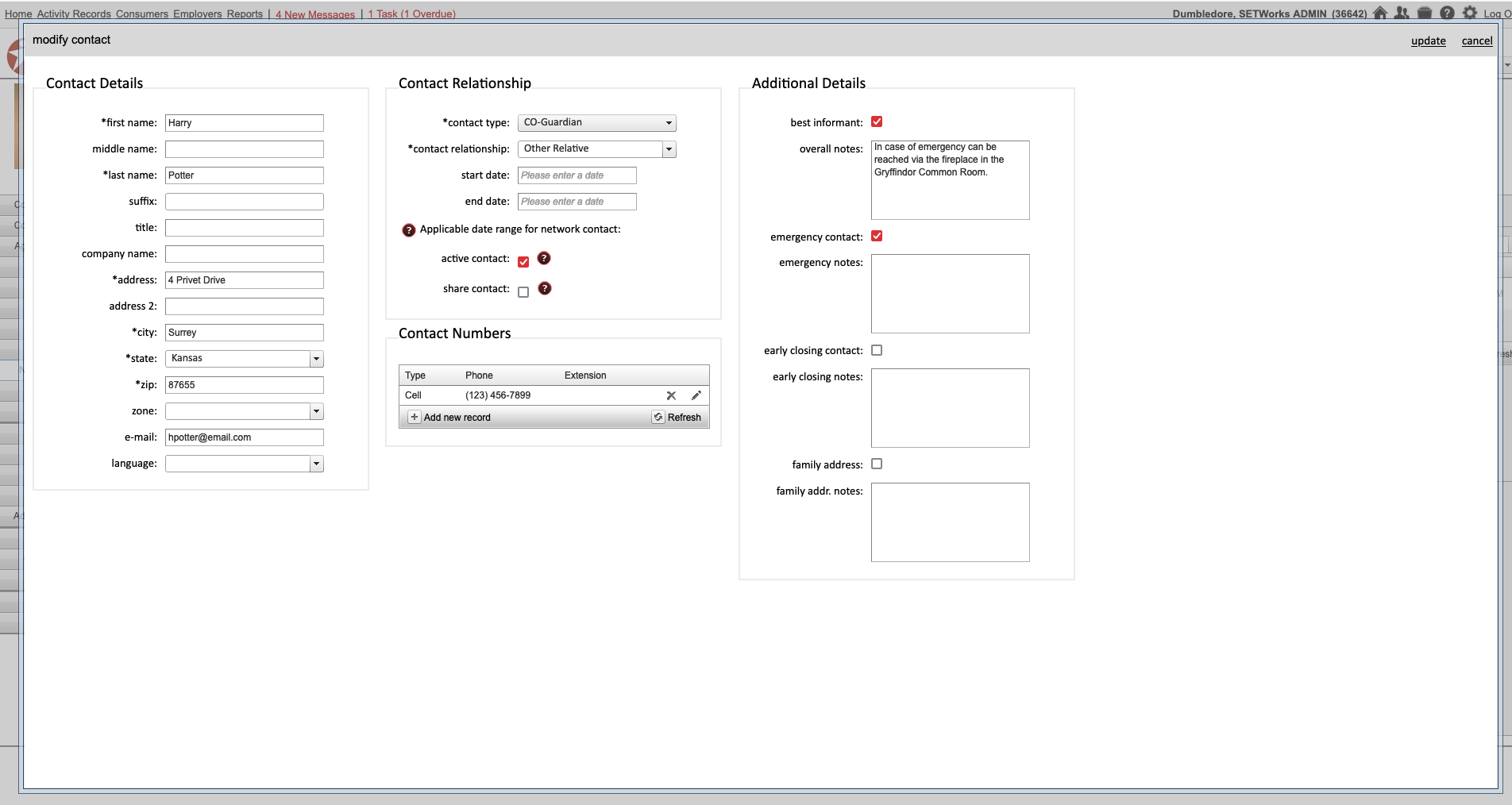
- Complete the required fields and any additional information.
- Click save.