OOD Form 09 - Career Exploration SYCX
Form 9 can be thought to have two sources of data: Form creation and Activity Records.
NOTE: Throughout this document, "Merge Report" is used to refer to the Form 9 output. "Form" is used to refer to form creation within SETWorks.
As a General Rule:
If the data on the form is correct and is not appearing on merge reports - this is an engineering problem. Submit a Jira.
If the data on the form matches the merge report but the content is wrong - this is a data entry problem. Refer to the form.
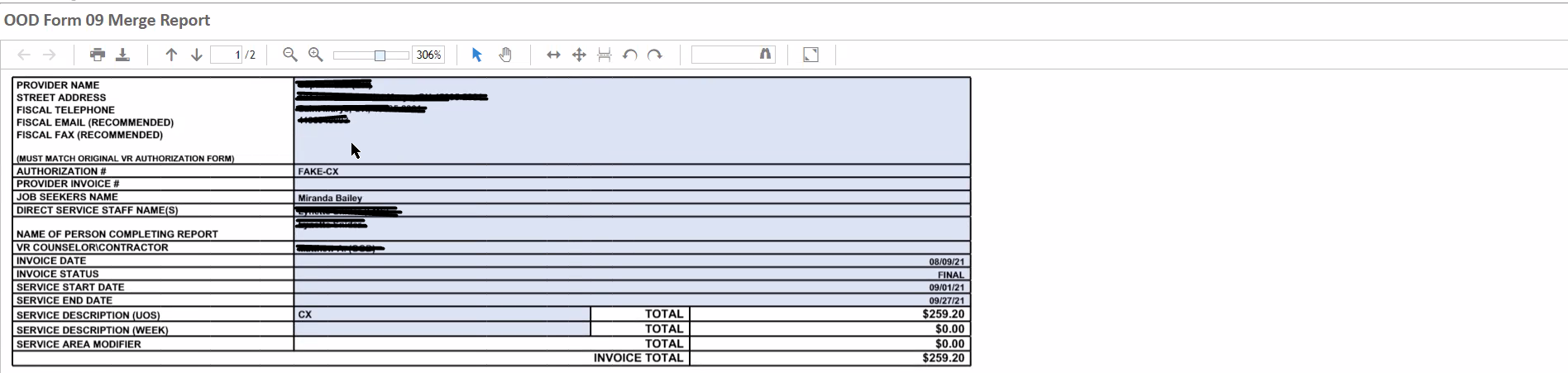
Merge Report: Billing Header
Most data appears as predefined query answers on the form from various parts of the site.
Top Row: Generated from Settings > Provider Build > Provider Profile.
Service Description: Service Description found in the Service/Phase utility.
Settings > Provider Build > Utilities: Service/Phase, scroll to the bottom of the Service/Phase utility, Referring to Identifier Type.
If Identifier Type = OOD Auth Billing Service Name, the entity identifier value is populated as the Service Description on the merge report.
Calculations: automatically calculates on the excel sheet.
Merge Report: Referral Section
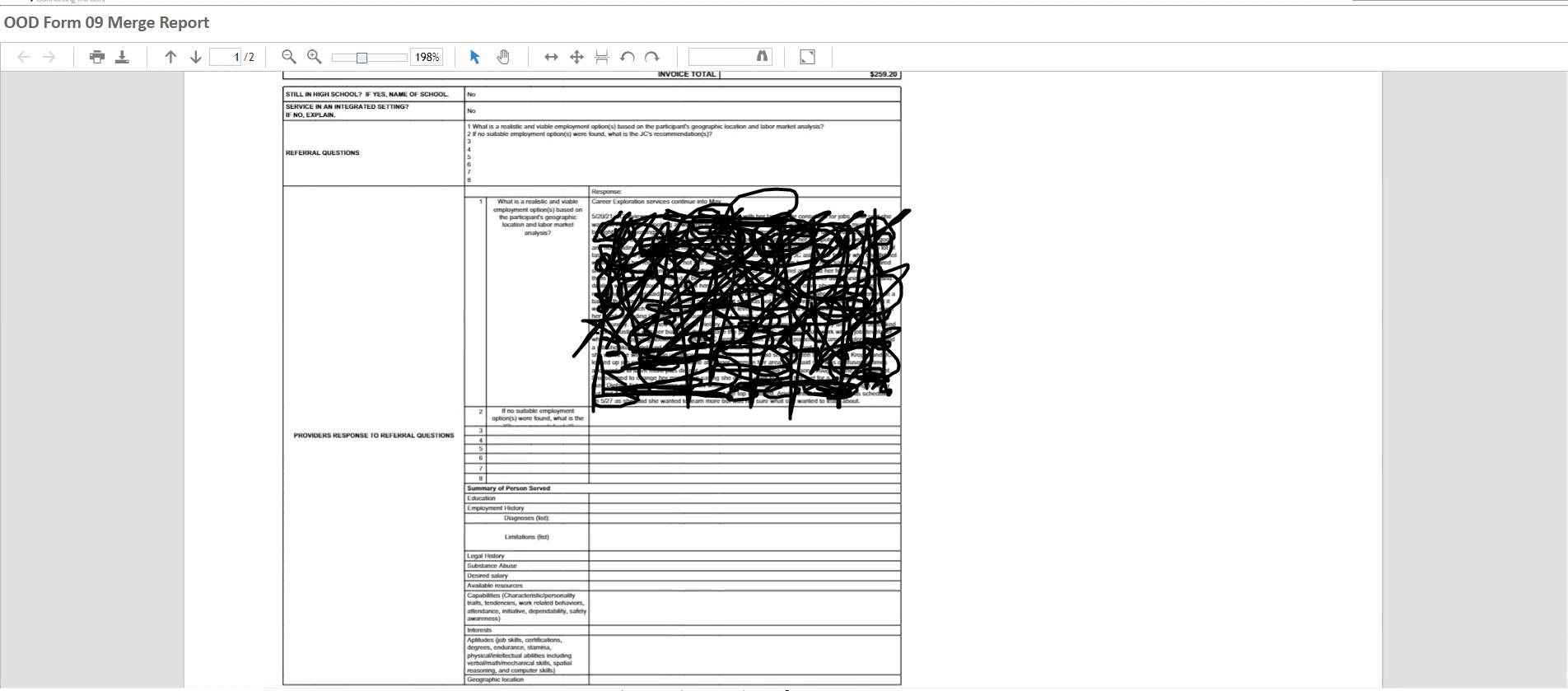
Most data appears as manual entry form questions.
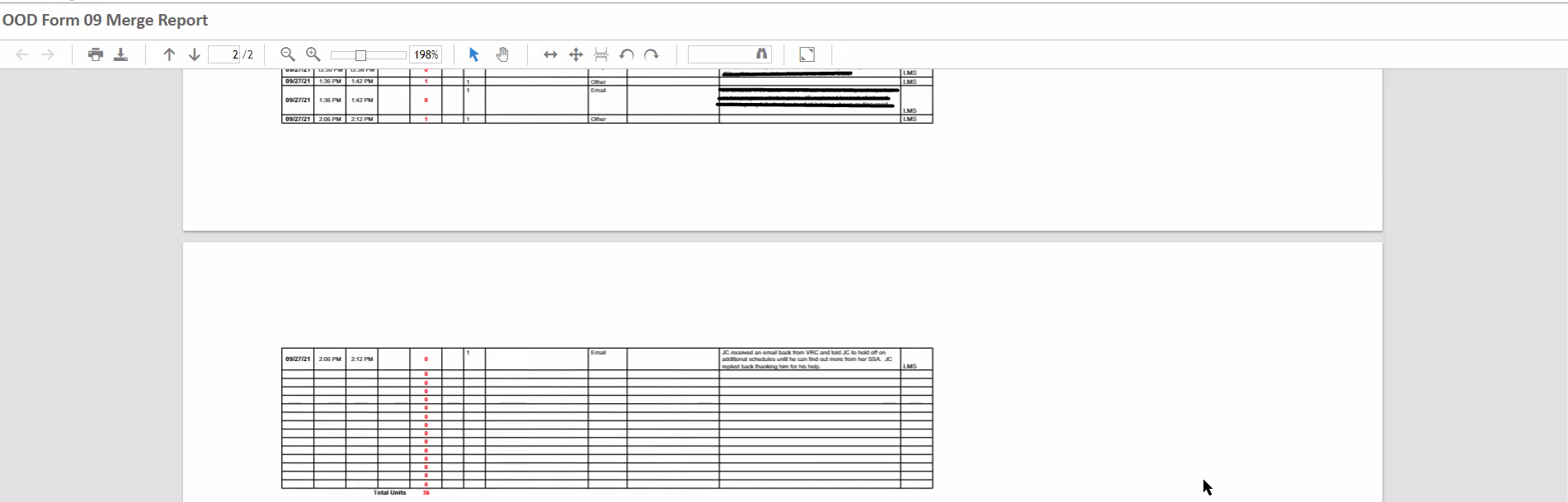
Merge Report: Activity Record Grid
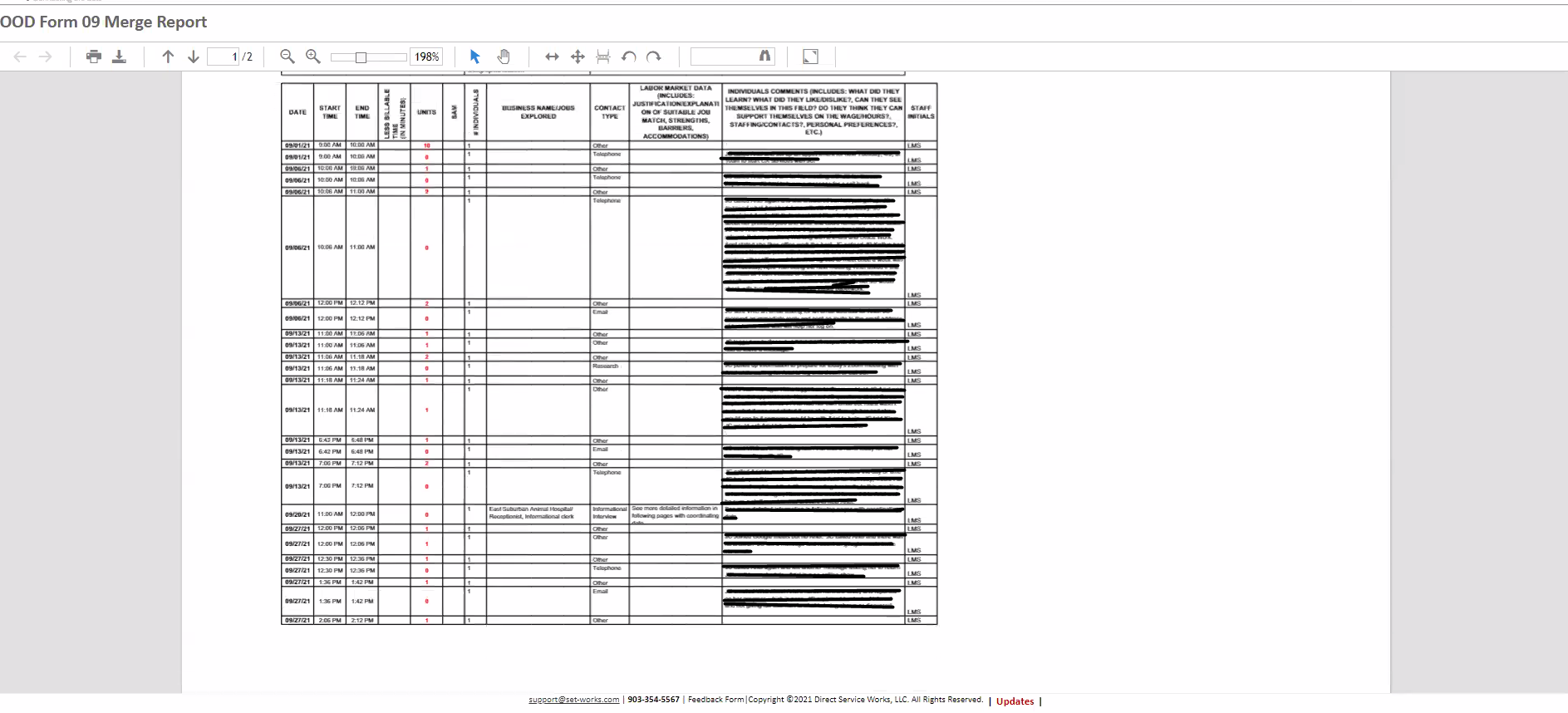
All of this data comes from the Activity Records considering Authorization and date range.
NOTE: Formatting is Activity Record row and then all Communication (except Job Communications) rows underneath per Activity Record.
e.g., 3/24/21 below is the Activity Record. 3/29/21 is the Communication Record within that 3/24/21 Activity Record.
Units: automatically calculates on the excel sheet.
Total: automatically calculates on the excel sheet.
Business Name/Jobs Explored: Pulled from completion of another form called the "Job Shadow and Information Interview Summary". The business name from this form is populated into Form 9 - Business Name/Jobs Explored column.
Labor Market Data: Pulled from completion of another form called the "Job Shadow and Information Interview Summary". Upon completion of this form, text from the data extractor populates to the Labor Market Data column.
Troubleshooting: Refer to the Activity Record according to the "date" column and "start time" column. Refer to Communications on that Activity Record - must be associated with the AR (Does not include Job Communications). Look for completion of the "Job Shadow and Information Interview Summary" form on the Activity Record.
Merge Report: Transitional Youth Benchmarks
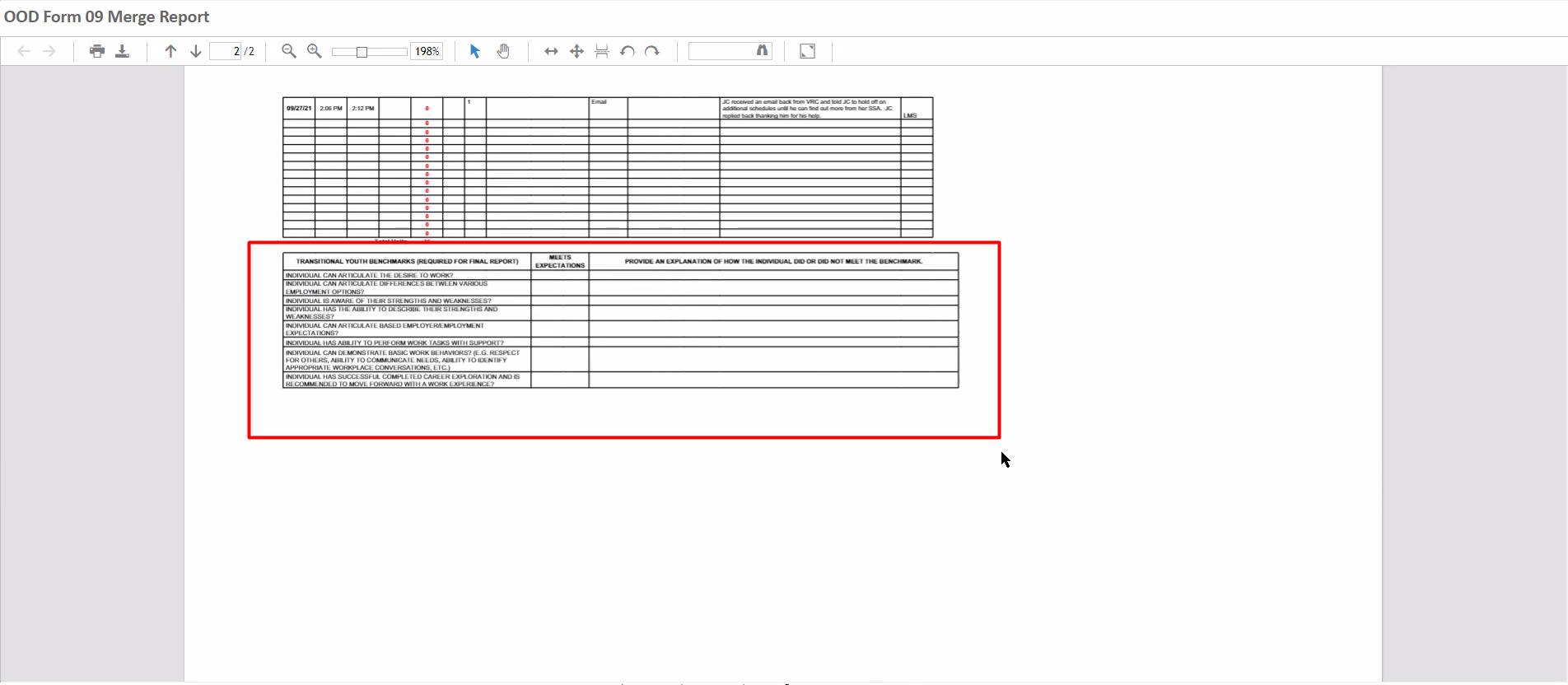
Not needed at this time; not configured.