
How do I generate the DR 385B - Supported Employment - Invoice Detail?
Manager, Finance, Billing
The DR 385B - Supported Employment - Invoice Detail can be generated via a report.
Generating the DR 385B - Supported Employment - Invoice Detail
- Navigate to Reports.
- Search for "Supported Employment - Invoice Detail (DR385B)".
- Modify the report filters as needed.
- Click Generate Report.
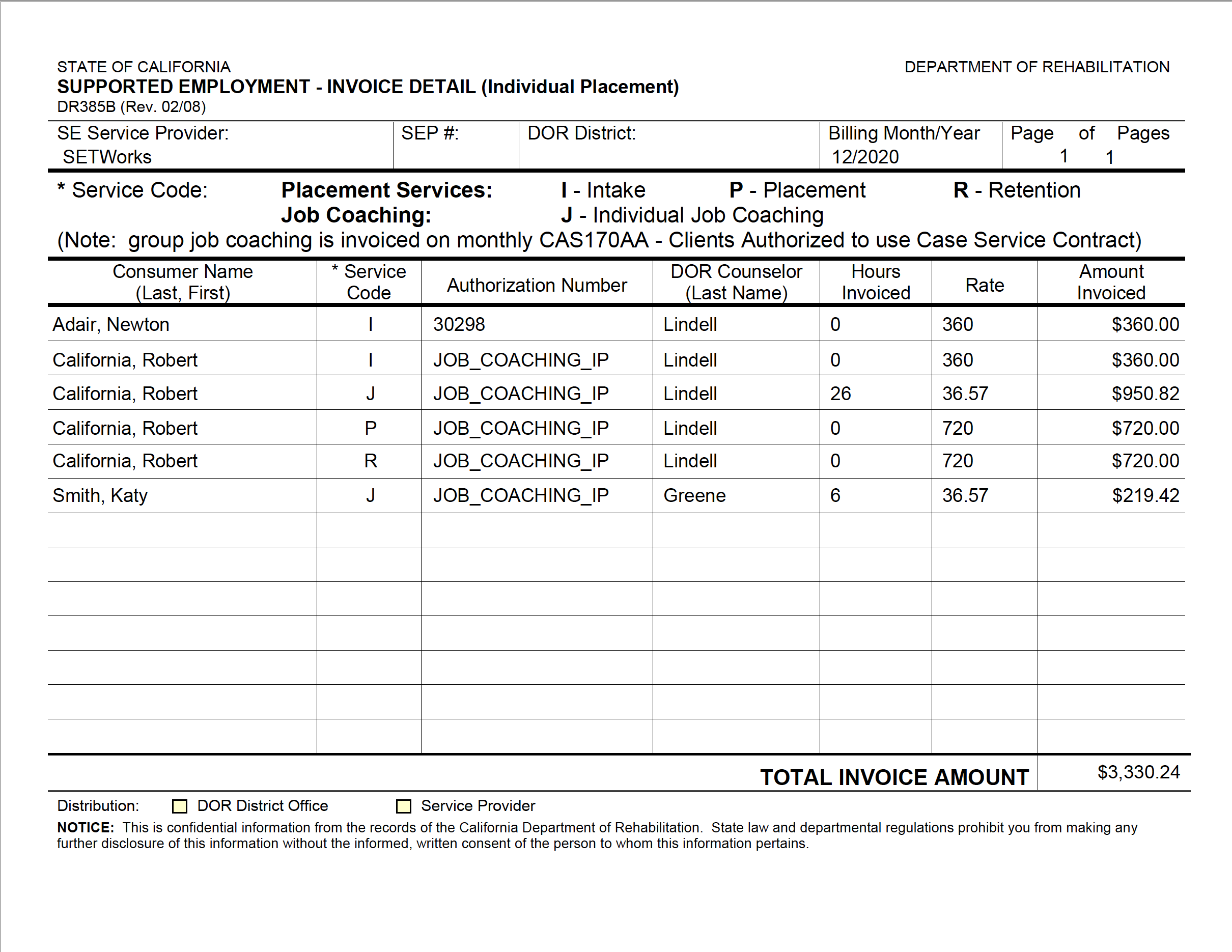
Note: This report returns completed Authorization Lines with the codes IP_INTAKE, IP_PLACEMENT, and IP_RETENTION. It returns the count of hours with the service code of JOB_COACHING_IP.