
Individual Service Rates in Missouri
Administrators, Directors
SETWorks offers a specific way for Missouri clients to manage individual rates per consumer for ISL and group home services.
Note: Terminology can be modified within SETWorks to better fit the needs of your organization. If the terminology in our articles are not the same on your site, talk to your local administrator to assist in translation.
Privileges
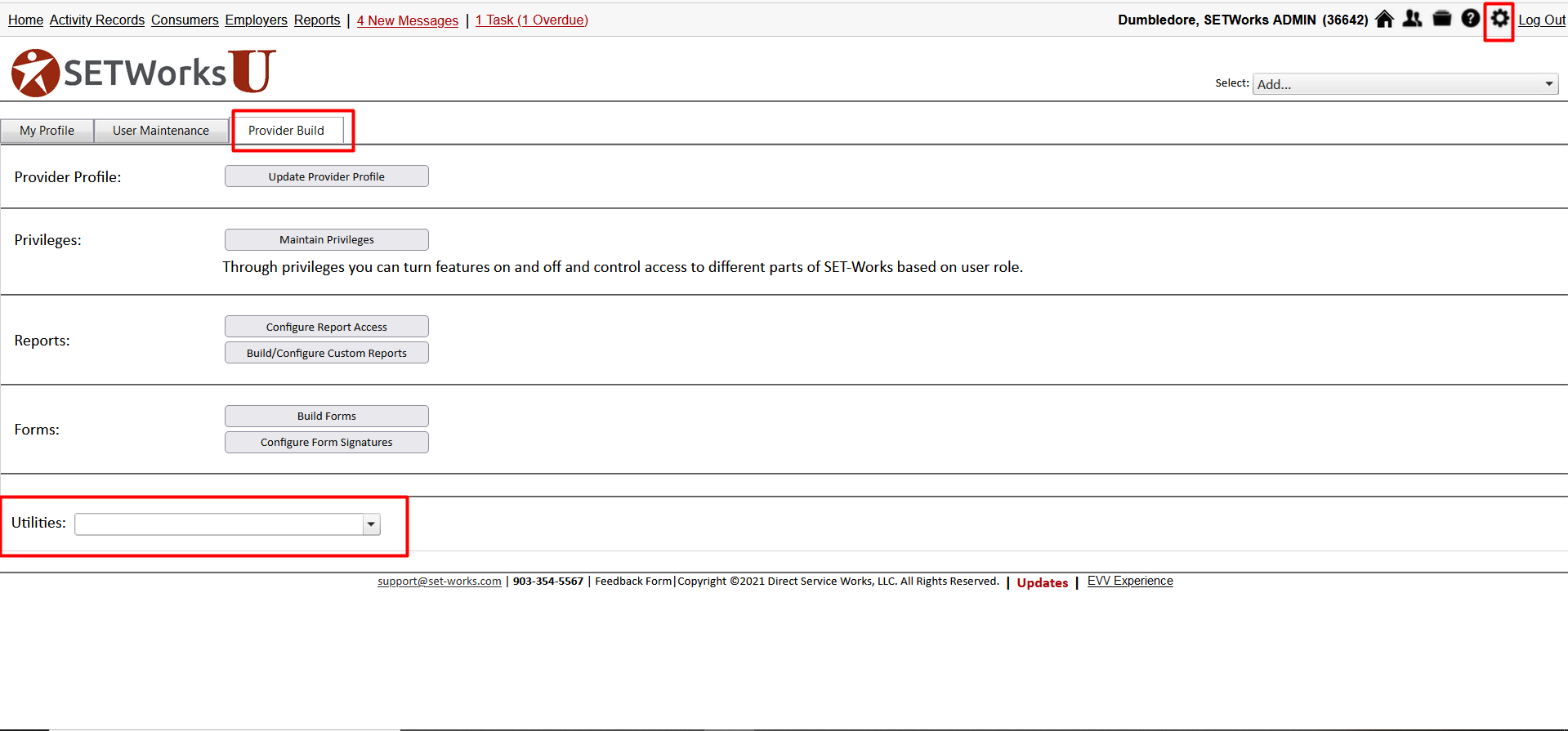
Settings > Provider Build > Maintain Privileges > Authorizations:
Note: Enable the Daily Rate (MO ResHab) section.
Access MO ResHab Rates
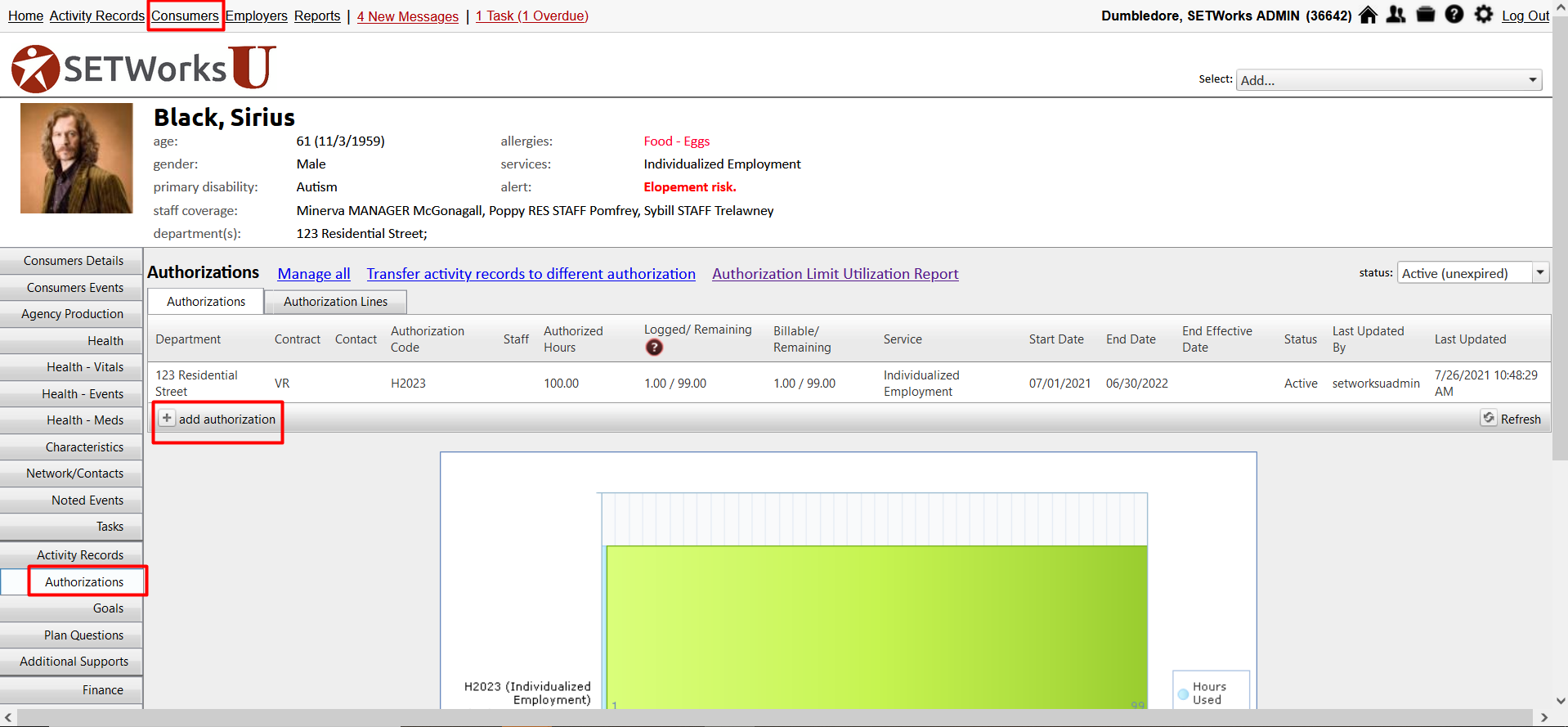
1. Select Consumers
2. Navigate to the Consumer's Profile
3. Select Authorizations
4. Select an existing Authorization or 'Add Authorization'
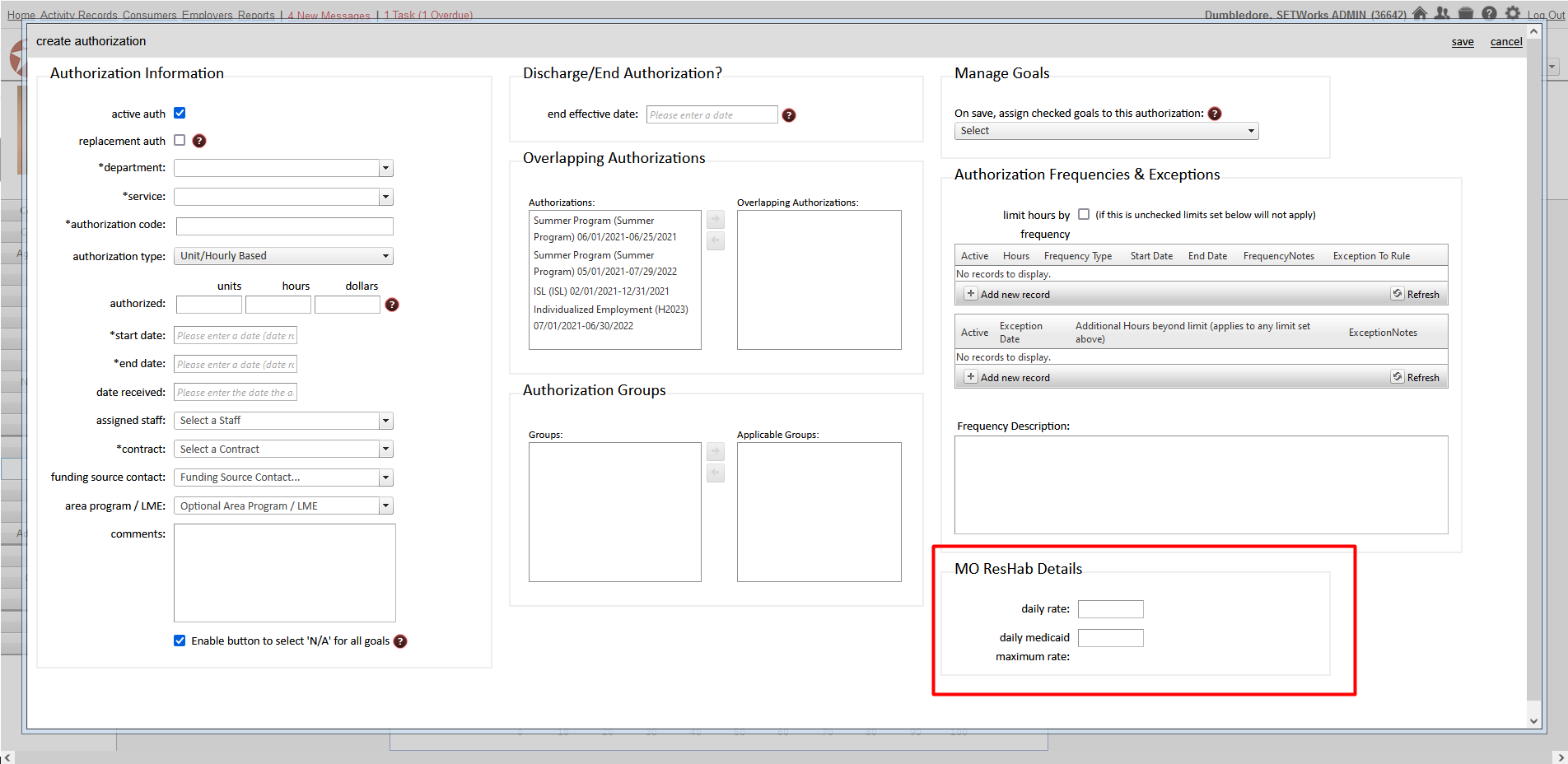
5. Observe the MO ResHab Details within the Authorization
Process MO ResHab Details
1. Enter the Daily Rate per individual.
2. Enter the Daily Medicaid Maximum Rate. Refer to CIMOR.
Set-up the Individually-rated Service
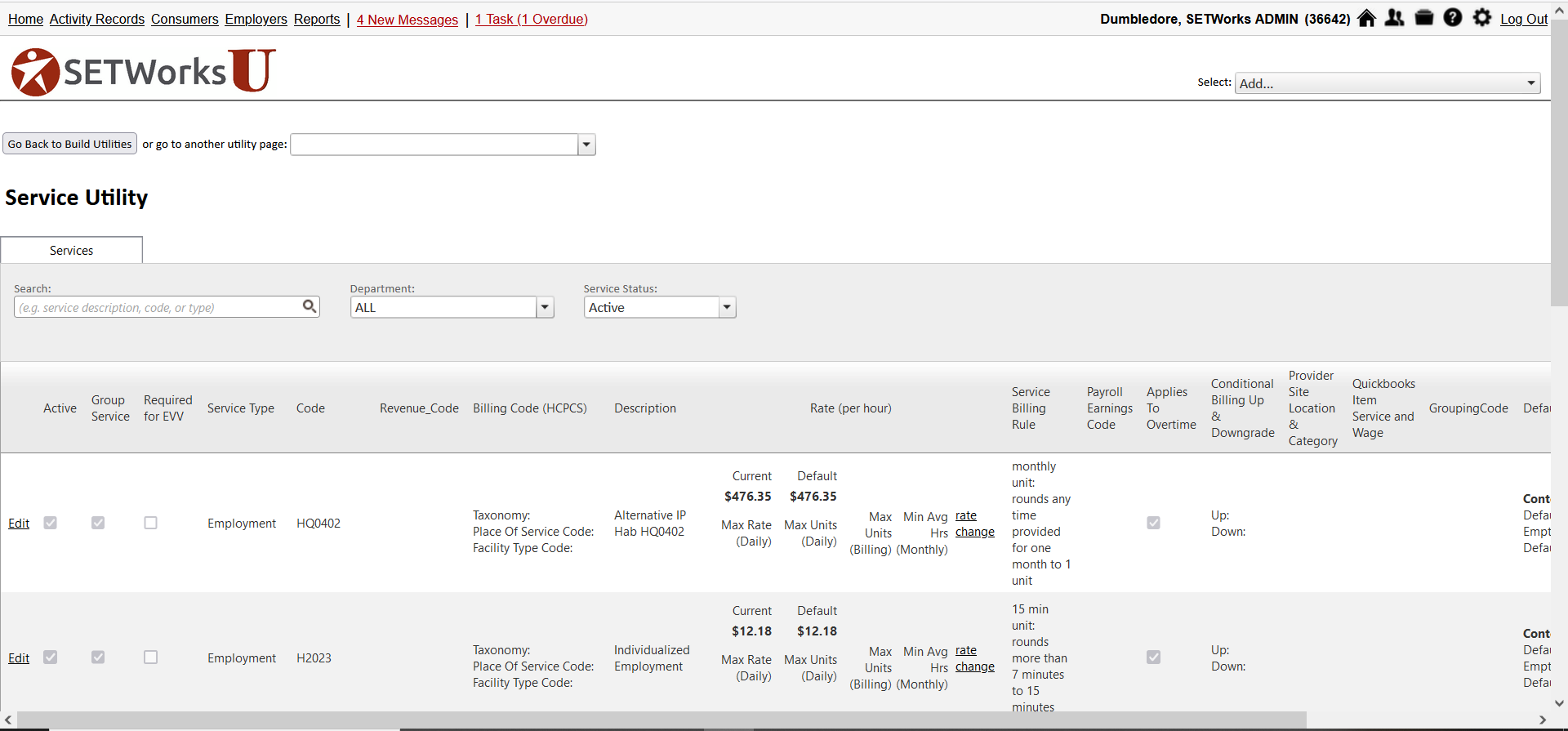
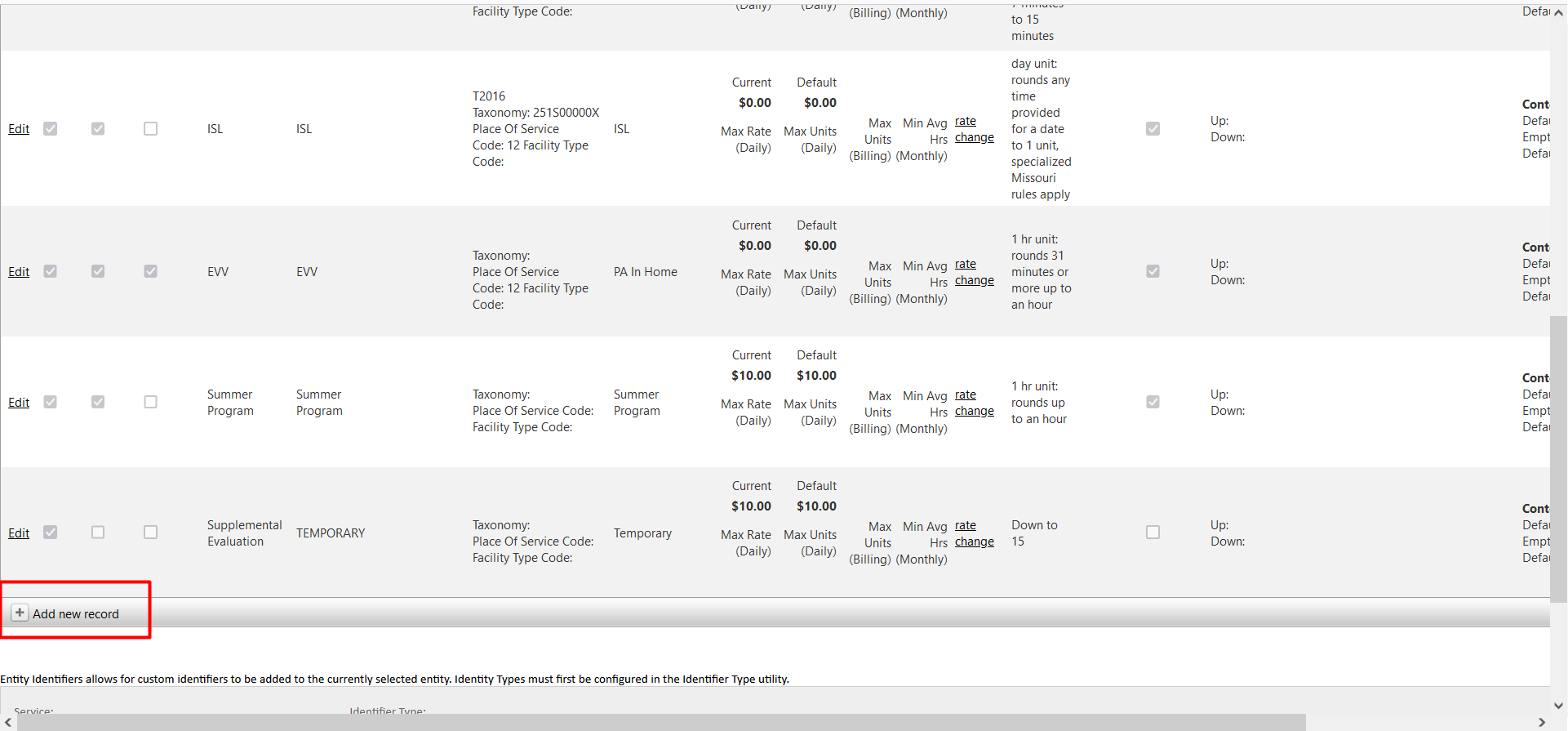
1. Access the Service/Phase Utility. Settings > Provider Build > Utilities: Service / Phase Utility
2. Add new record.
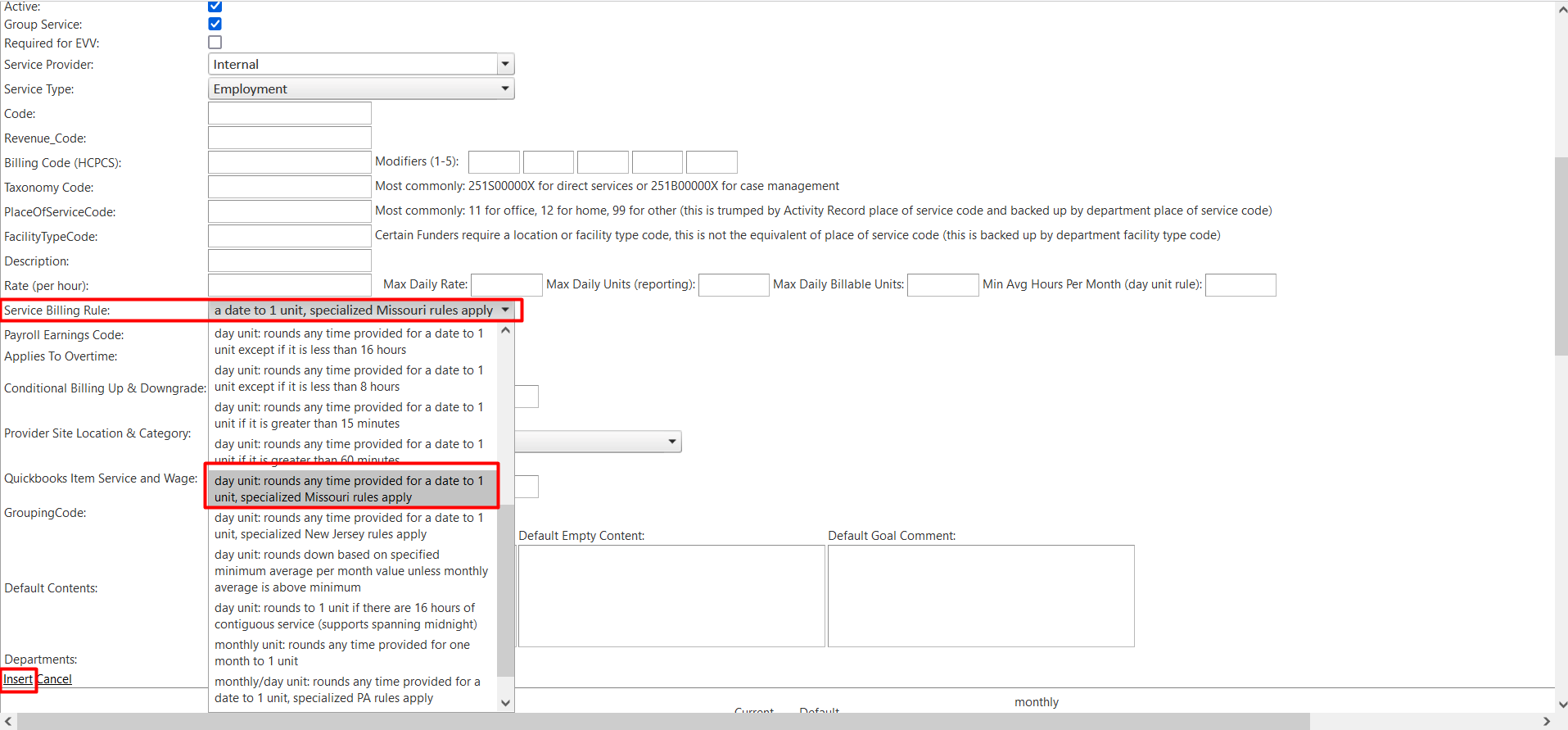
3. Process the ISL service with the applicable description and codes.
4. In the Service Billing Rule, select the "Day Unit: rounds any time provided for a day to 1 unit, specialized Missouri rules apply."
5. Insert.
Electronically Billing to CIMOR
When e-Billing to CIMOR, the formula to bill ISL services considering the Medicaid Maximum Rate is as follows:
Number of days/month * day rate / number of days a person has AR within that month
Example:
31 days this month * $104 day rate / 27 activity records this month = $119. (Maximum rate is $904).
Note: NOTE: CIMOR is anticipated to be replaced and therefore SETWorks is no longer setting-up new integrations with the CIMOR system.
Note: Calculations: Billing Calculation:
Calculates the maximum monthly billing by multiplying the number of days in the month by the daily rate.
Iterates over activity records to determine unique billing dates and the last date for rounding purposes.
Counts the number of billable days in the month.
Rate Calculation:
Computes the daily applicable rate by dividing the max monthly billing by the billable days.
If the daily applicable rate exceeds the Medicaid max rate, it returns the Medicaid max rate.
Otherwise, it calculates a rounded daily rate and determines the total billed amount.
Adjusts the rate for the last day of billing to handle rounding issues.
Return Calculation:
Returns the applicable rate for the last day of the month if it matches the last date for rounding; otherwise, returns the daily applicable rate.