How do I track and report on Noted Events?
Administrators
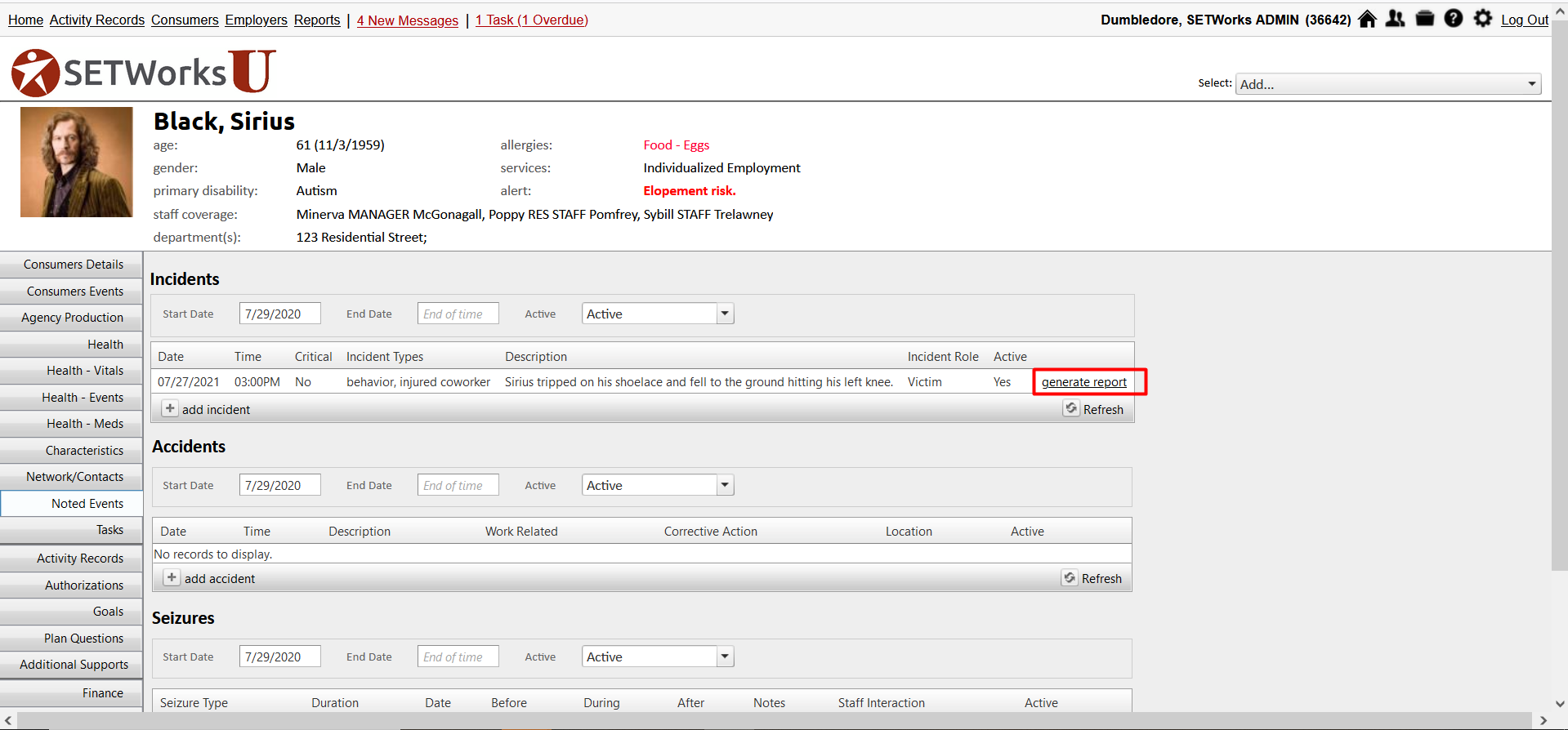
Noted Events is a tab within the Consumer Profile and allows the documentation of incidents, accidents, and seizures.
NOTE: The Noted Events tab is used for generic tracking and reporting does not comply with a specific-state form or document. For Missouri incident report, refer to the Missouri Incident Report article.
Note: Terminology can be modified within SETWorks to better fit the needs of your organization. If the terminology in our articles are not the same on your site, talk to your local administrator to assist in translation.
Noted Event Privileges
Settings > Provider Build > Maintain Privileges > Consumer Profile:
Note: Enable the Noted Events tab (Incidents/Accidents/Seizures).
Note: Is able to add new Incidents and Accidents.
Note: s able to edit Incidents and Accidents.
Access Noted Events
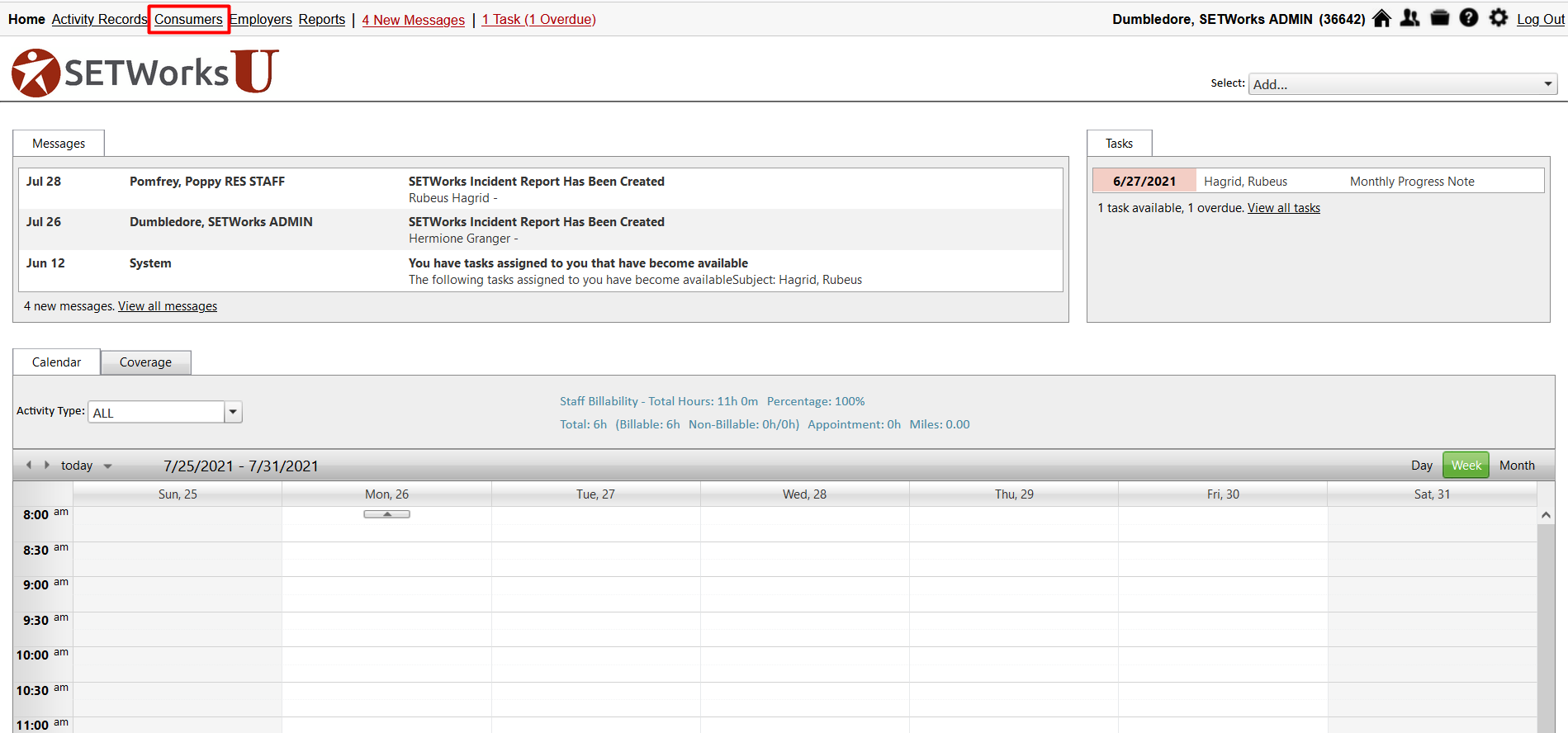
1. Select Consumers
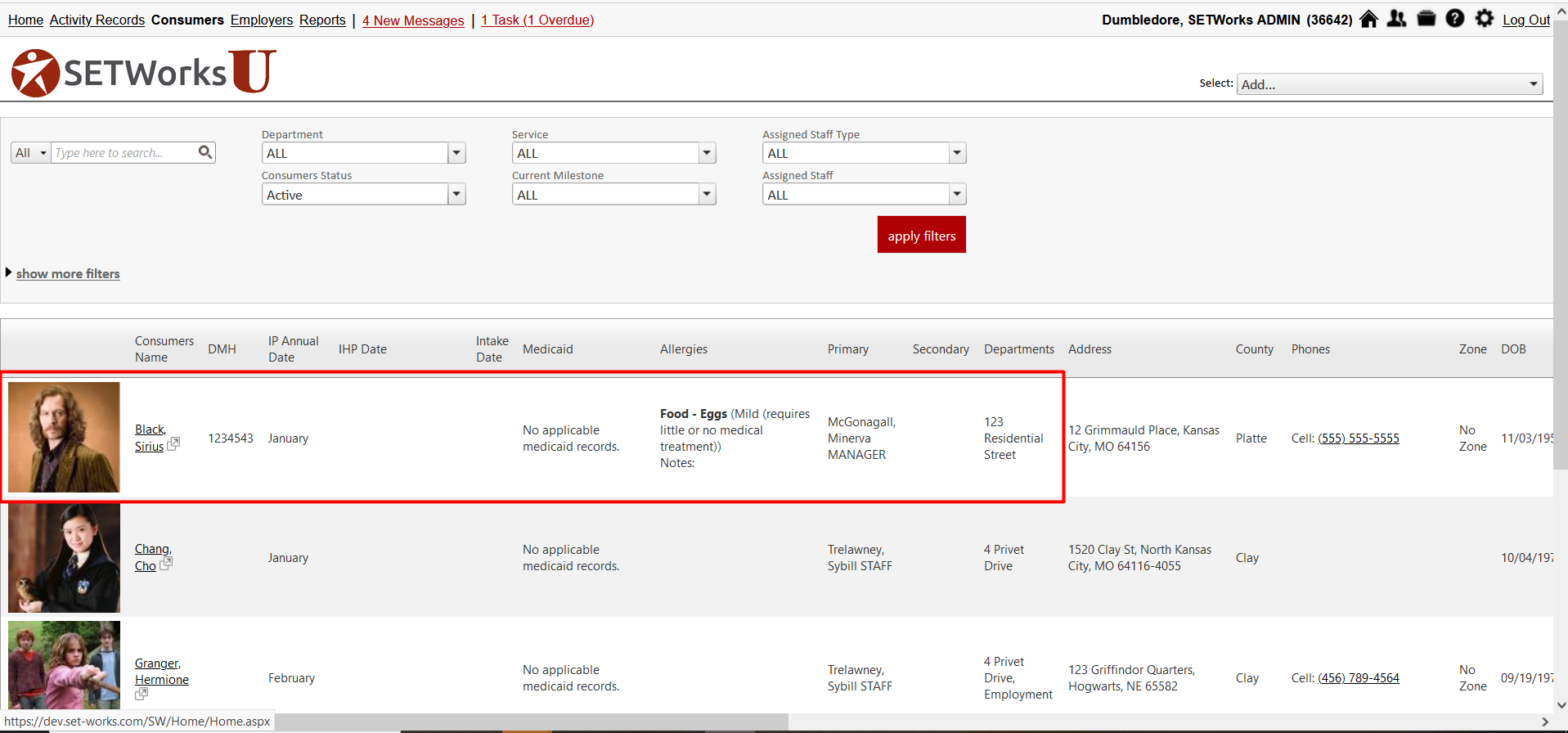
2. Select a Consumer to open their profile
3. Select Noted Events
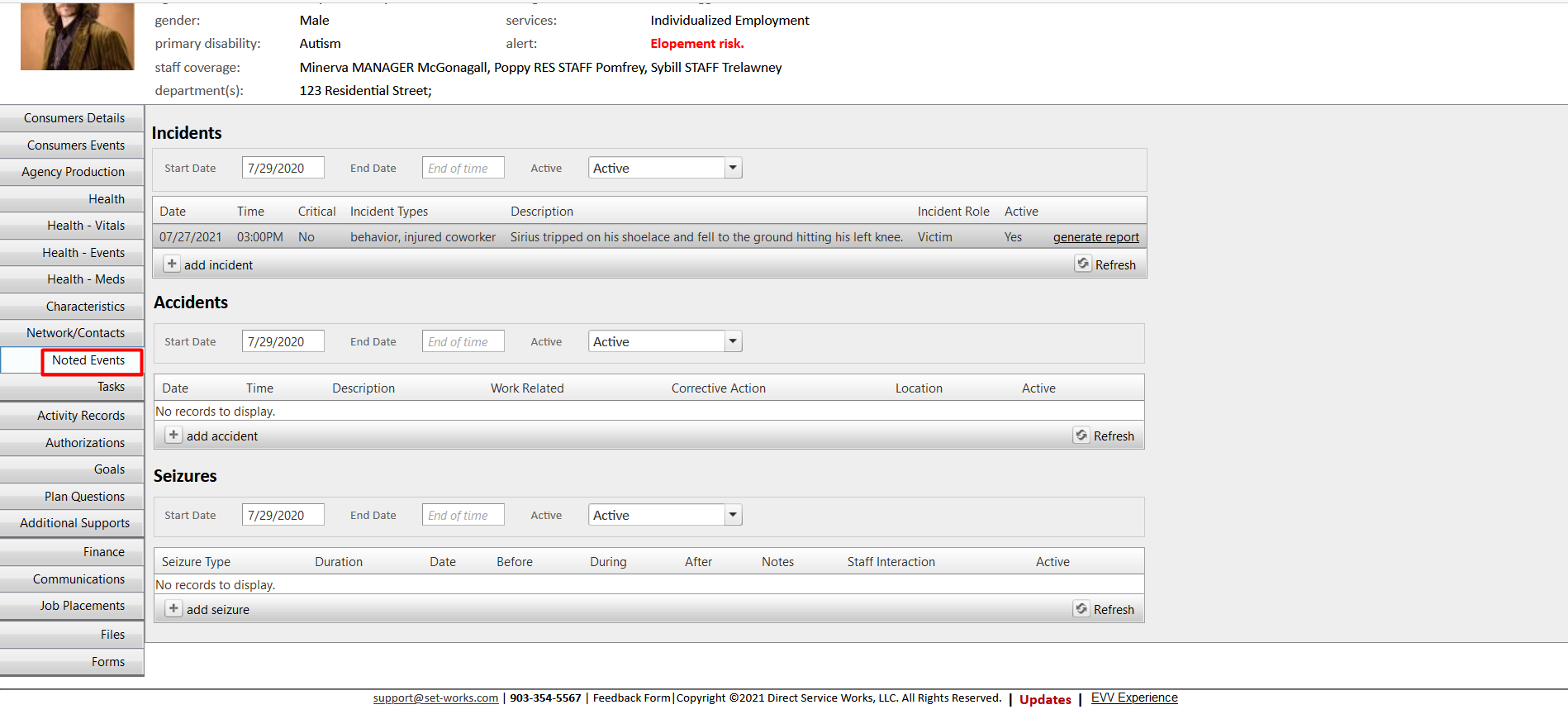
Create a Noted Event
1. Navigate to Noted Events
2. Identify the type of event: Incident, Accident, or Seizure
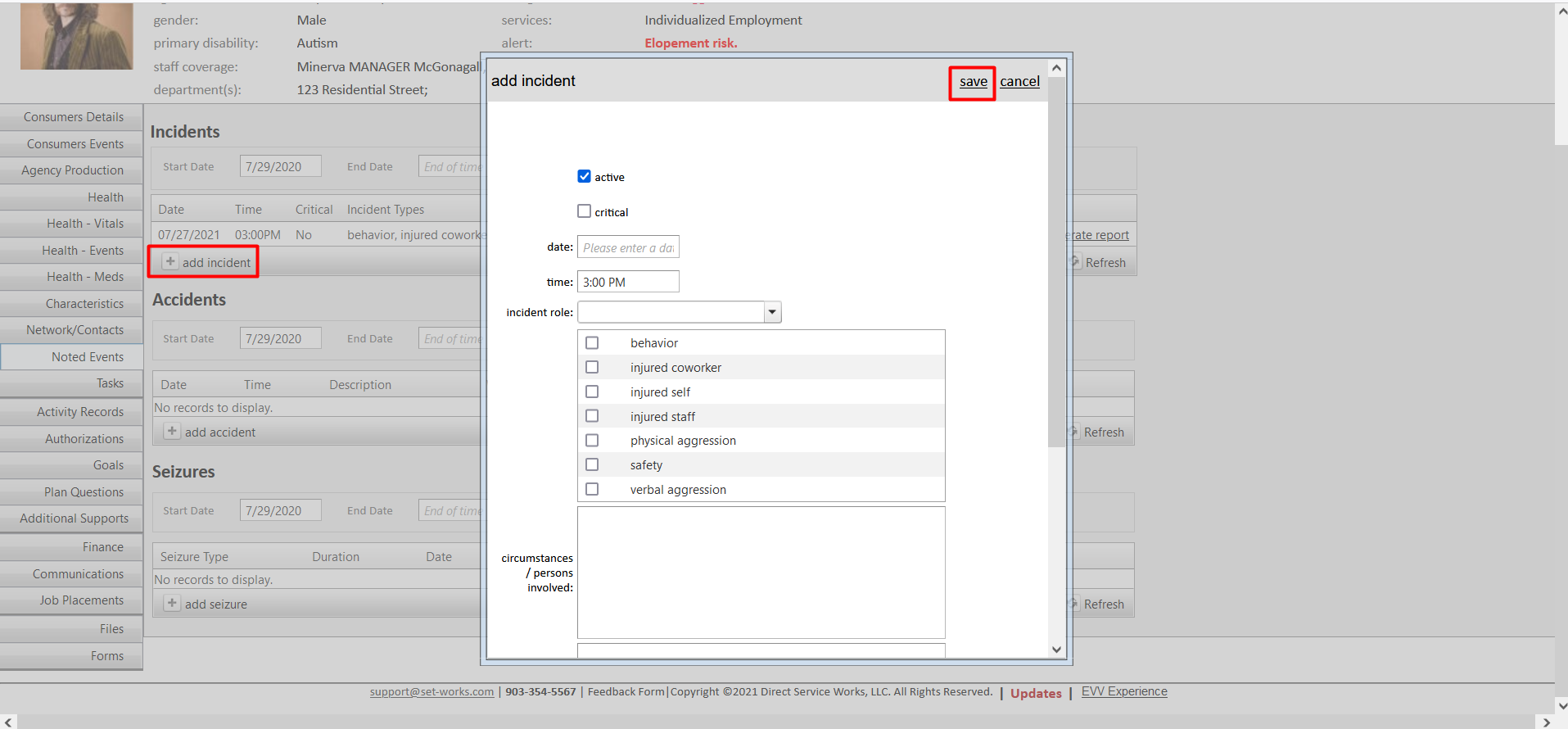
3. Select "Add incident/accident/seizure"
4. Complete the fields.
5. Save.
Report on Noted Events
1. Navigate to Noted Events
2. Identify the Incident, Accident, or Seizure to report
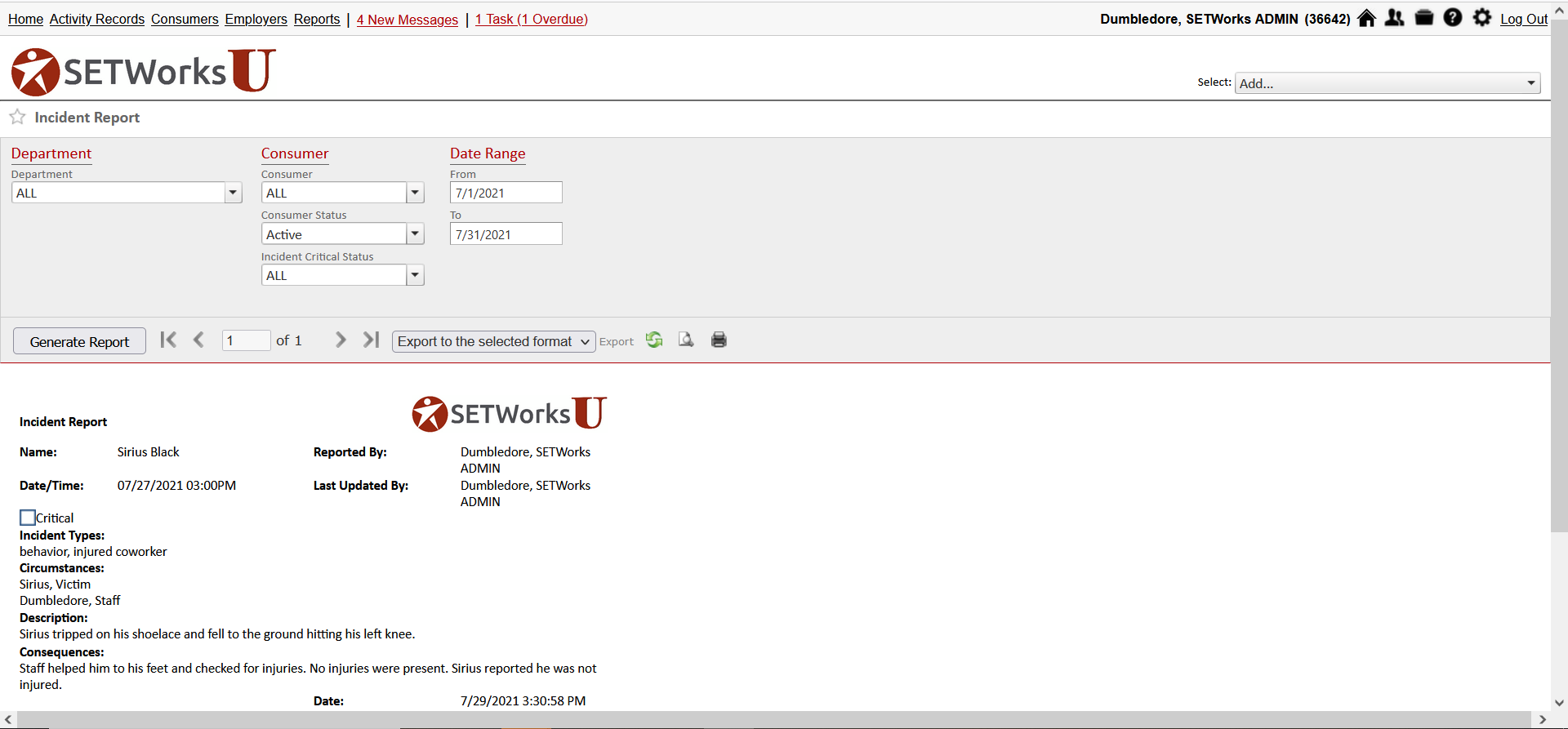
3. Select 'generate report'
NOTE: If the report does not open and instead you are redirected to the Reports page, enable report access.