I'm in Missouri - How Do I Document Incidents?
Administrators, Directors
SETWorks offers a specific Missouri Incident Form that displays data in the format as directed by MO DMH. This is a different feature than the Noted Events tab in the Consumer profile. See the Noted Events article for more information on that feature.
Note: Terminology can be modified within SETWorks to better fit the needs of your organization. If the terminology in our articles are not the same on your site, talk to your local administrator to assist in translation.
Incident Report Privileges
Settings > Provider Build > Maintain Privileges > Global:
Note: Enabled the Missouri Incident Report.
Settings > Provider Build > Maintain Privileges > Reports:
Note: Show MO Incidents created by all users
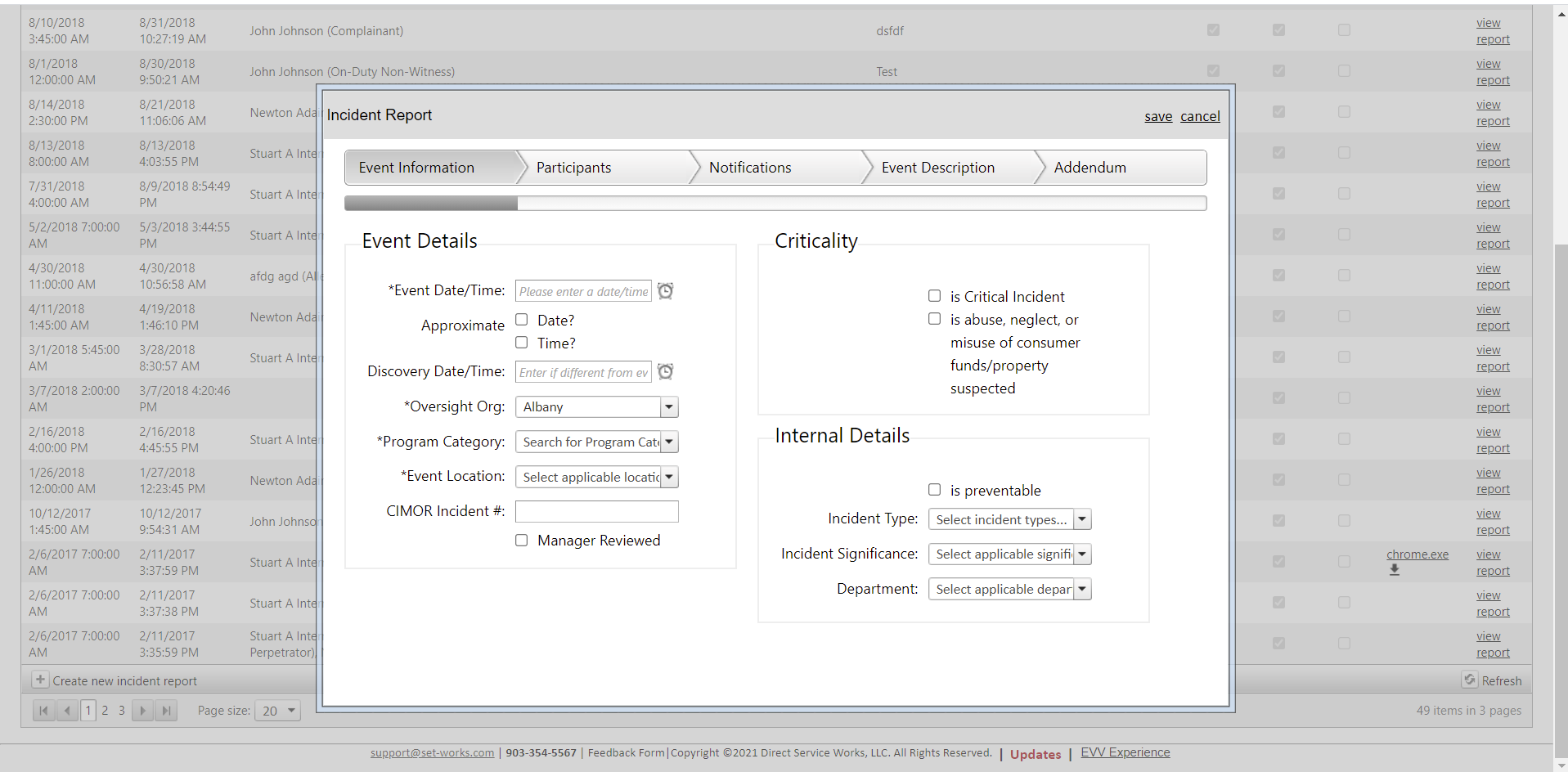
Complete an Incident Form
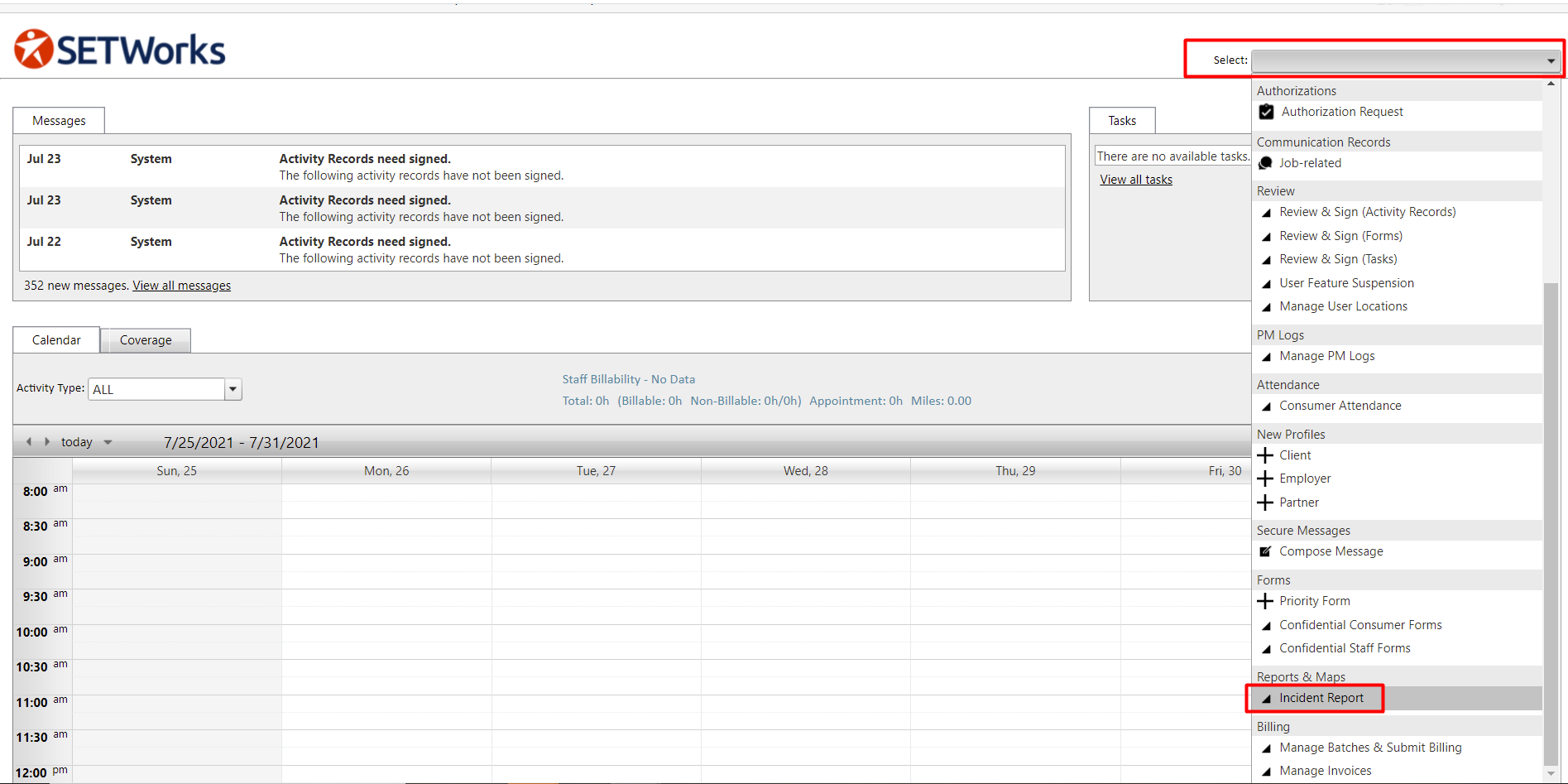
1. Navigate to the Select: Add... dropdown.
2. Select Incident Report.
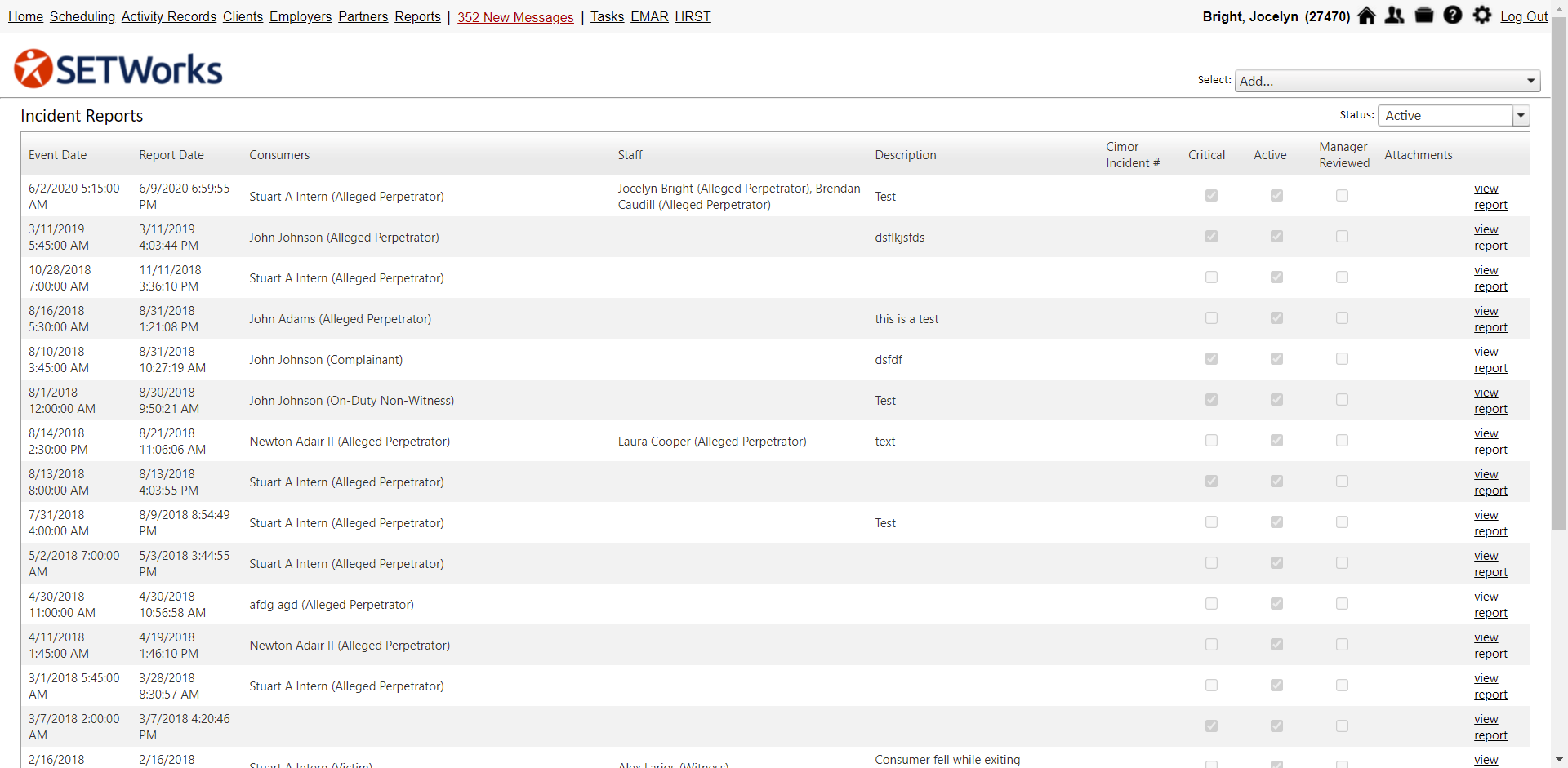
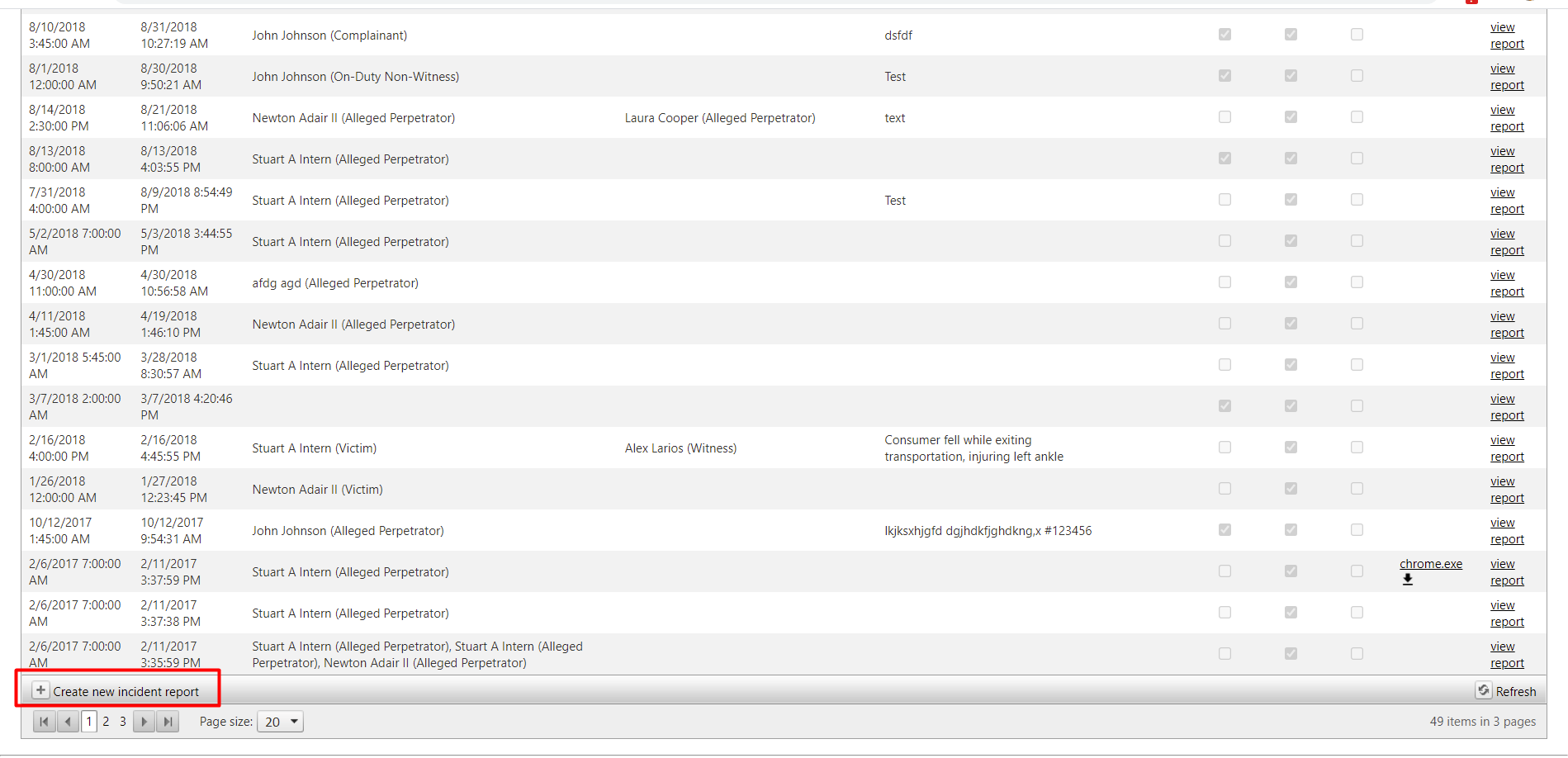
3. Select "Create new incident report".
4. Completed the field.
5. Move to the next tab by selecting Participants.
6. Add Consumers, Staff, or others by selecting "Add Consumer/Staff/Other"
7. Complete the fields and select save.
8. Move throughout the remainder of the form by selecting the tabs at the top.
9. Update upon completion.
View an Incident Form
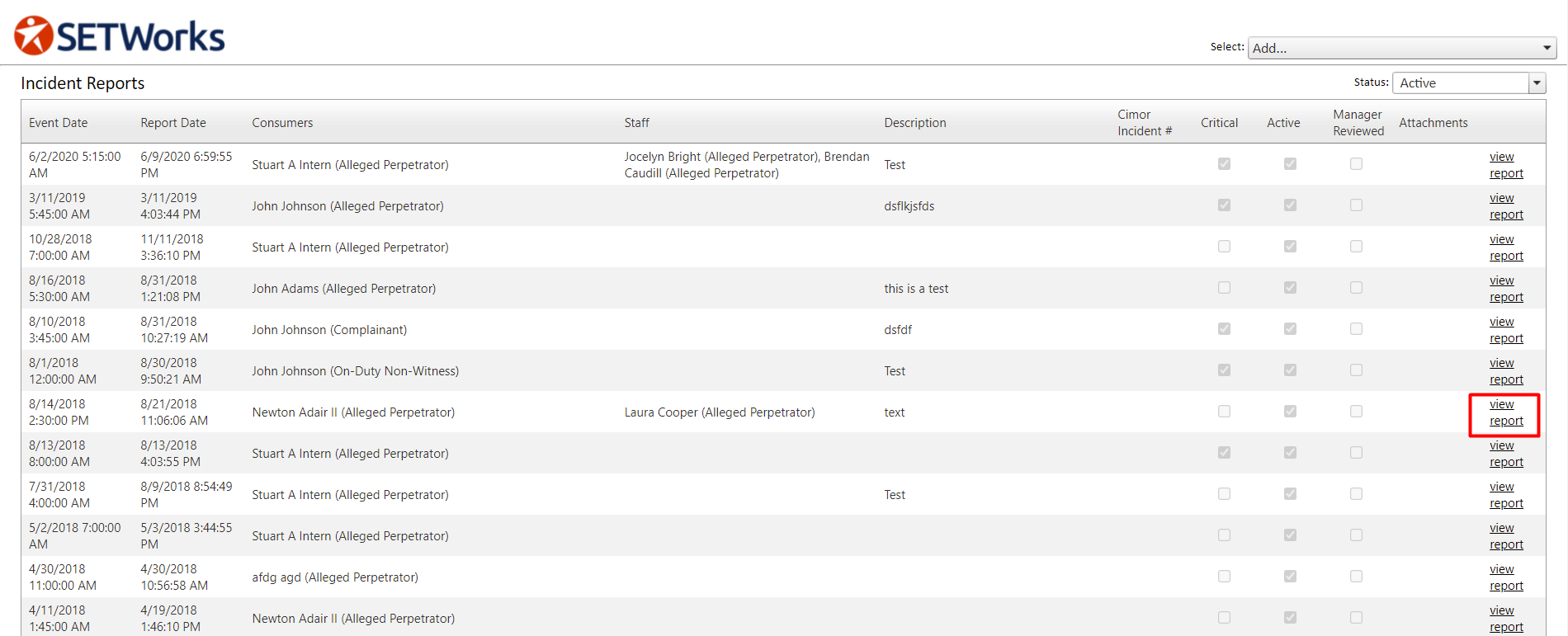
1. Navigate to the Select: Add... dropdown.
2. Select Incident Report.
3. Navigate on this page to find the desired form.
4. Select view report.
Export or Print the Incident Form
1. Navigate to the Select: Add... dropdown.
2. Select Incident Report.
3. Navigate on this page to find the desired form.
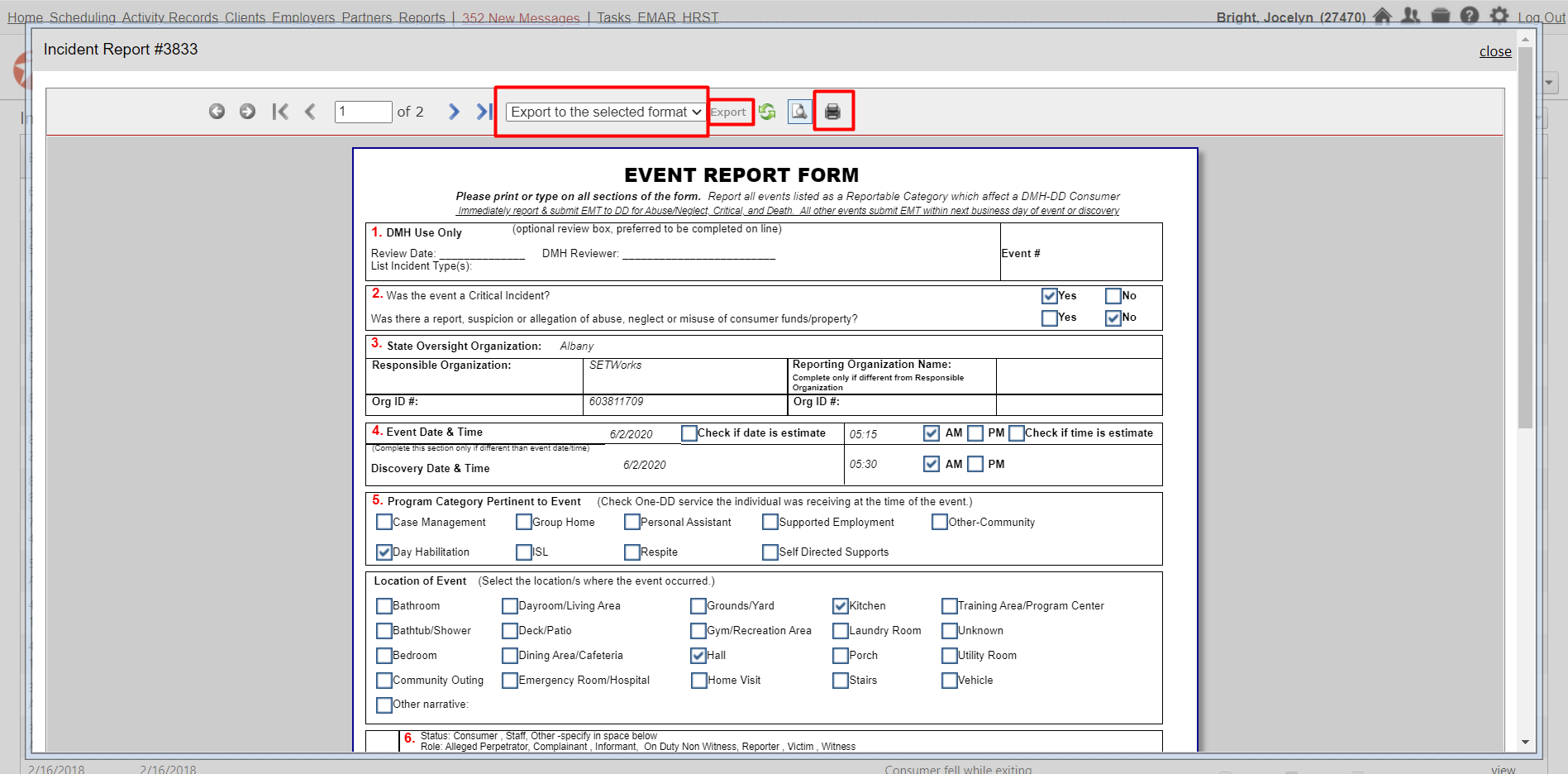
4. Select view report.
5. Select "Export to the selected format" and select desired format.
6. Select Export - OR - Select the print icon to print.
Limit Visibility of Incident Reports
1. Enable the privilege: Settings > Provider Build > Maintain Privileges > Reports:
Note: Show MO Incidents created by all users
MO Incident Reports
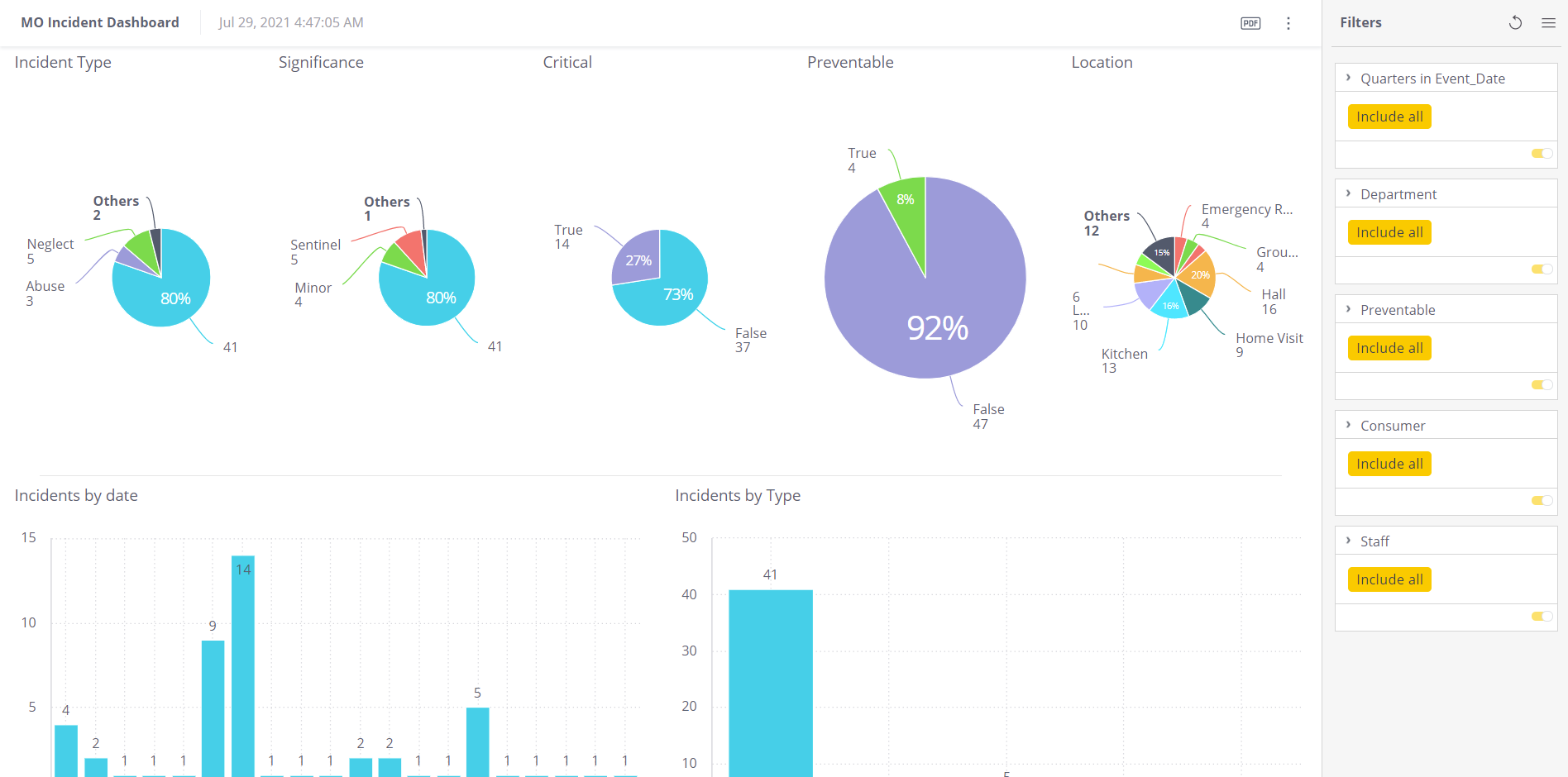
Note: MO Incident Dashboard
Note: Incident MO Counts by Type (Ad Hoc Report)
Note: Incident MO Counts by Type preventable only (Ad Hoc Report)
MO Incident Dashboard example