
Resetting your PIN in SETWorks
This Support Article will show you how to reset your PIN.
Note: Terminology can be modified within SETWorks to better fit the needs of your organization. If the terminology in our articles are not the same on your site, talk to your local administrator to assist in translation.
How to reset your PIN
Click the Settings gear in the upper right corner.

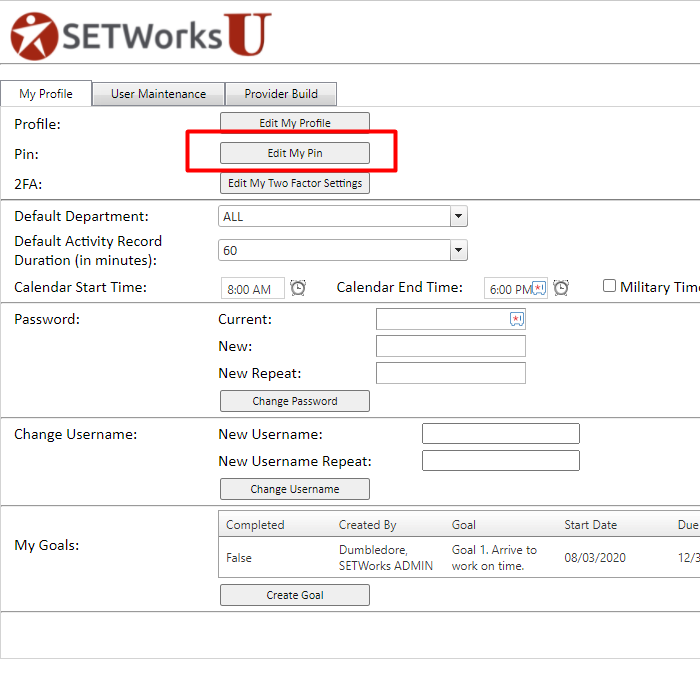
Click Edit My PIN.
Enter your new PIN.
Note: You do not need to enter in your old PIN to reset it
