
How do I record Mileage 1.0 & 2.0 on a Billable Individual record?
All users, Administrators
Visit the Mileage - The What to learn about mileage privileges and options.
Mileage can be documented directly within a Billable Individual record. Check other SETWorks articles if you're using different Activity Records.
Note: Terminology can be modified within SETWorks to better fit the needs of your organization. If the terminology in our articles are not the same on your site, talk to your local administrator to assist in translation.
Instructions - Mileage 1.0
To add mileage to a Billable Individual Activity Record:
Select the Expense icon.
+ Add new record

NOTE: Images are of Mileage 1.0


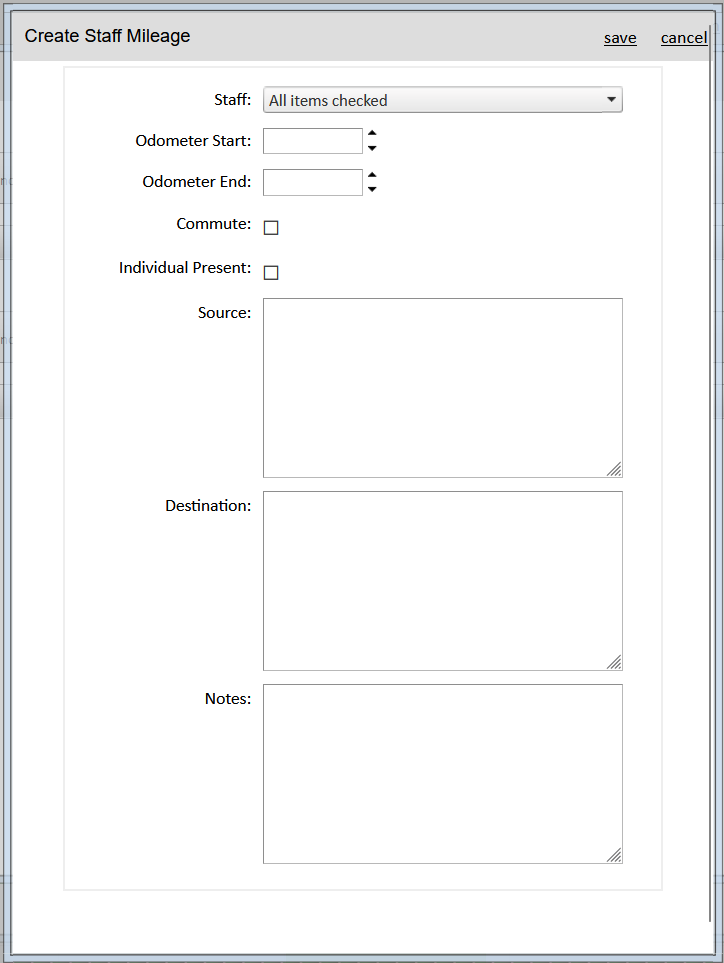
Odometer Start: The starting odometer reading
Odometer End: The ending odometer reading
Note: Note: If odometer readings are not required and the journey is part of a daily commute, optionally '0' can be entered at the start and the known mileage distance as the end mileage.
Notes: Any relevant notes
Source: The starting point of the journey
Destination: The ending point of the journey
Commute: If this mileage was part of a commute
Company Car: If a company car was used
Consumer Present: If a Consumer was transported as well
Insert.


Close window.
Save Billable Individual Activity Record.

Mileage 2.0
To add mileage to a billable individual record:
Select the Expense Icon:
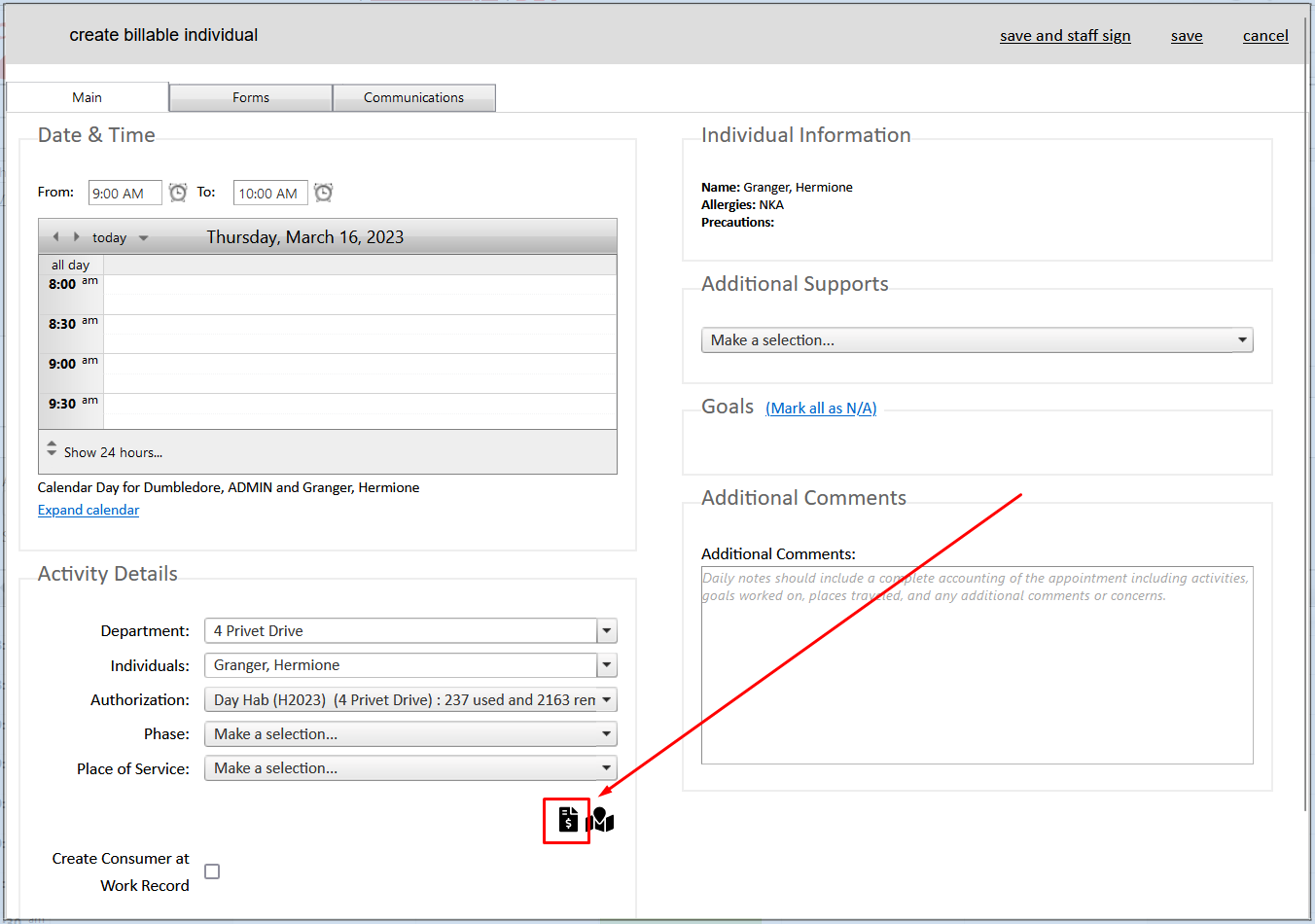
In the window that opens, select either Add Staff Mileage or Add Individual Mileage
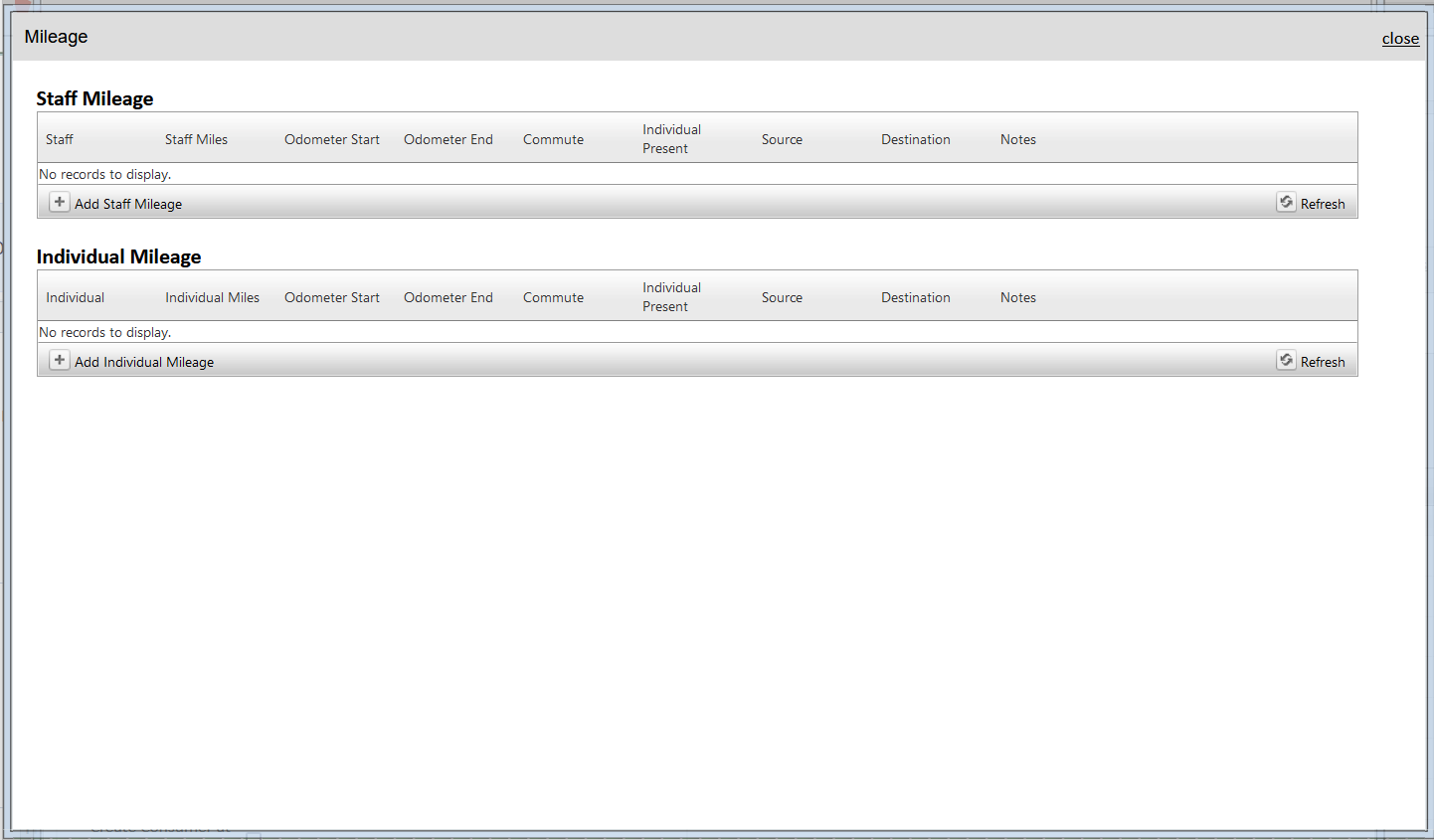
In the window that opens, record details of the mileage entry:
Select Save once complete.