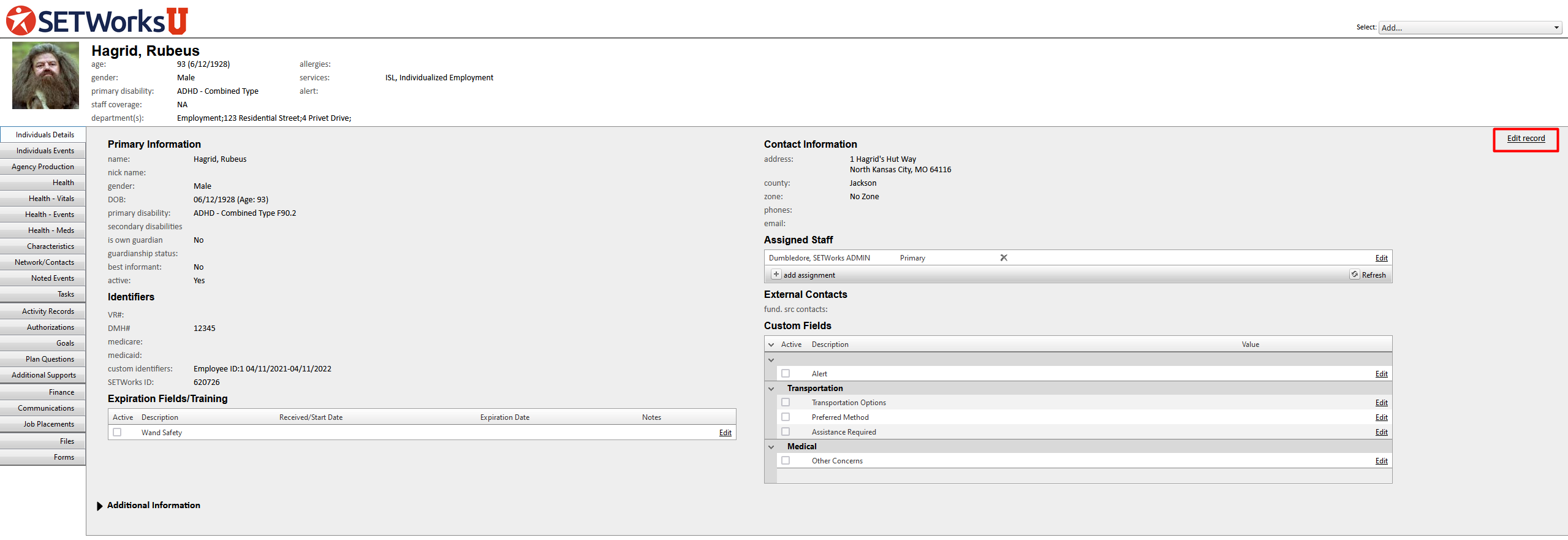
Viewing Consumer Information
Administrator, Manager
This article will explain how to view Consumer information in SETWorks.
Note: Terminology can be modified within SETWorks to better fit the needs of your organization. If the terminology in our articles are not the same on your site, talk to your local administrator to assist in translation.
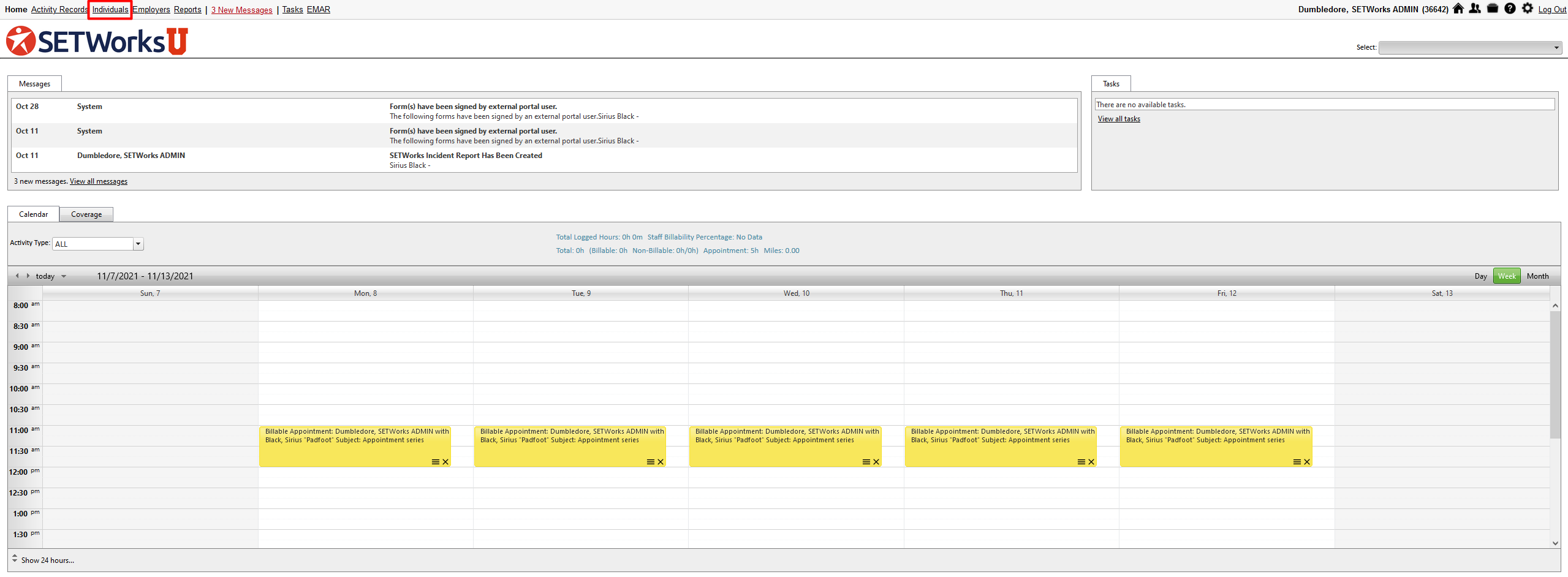
1. Click the Consumer Link in the top-left.
2. Search for a Consumer.
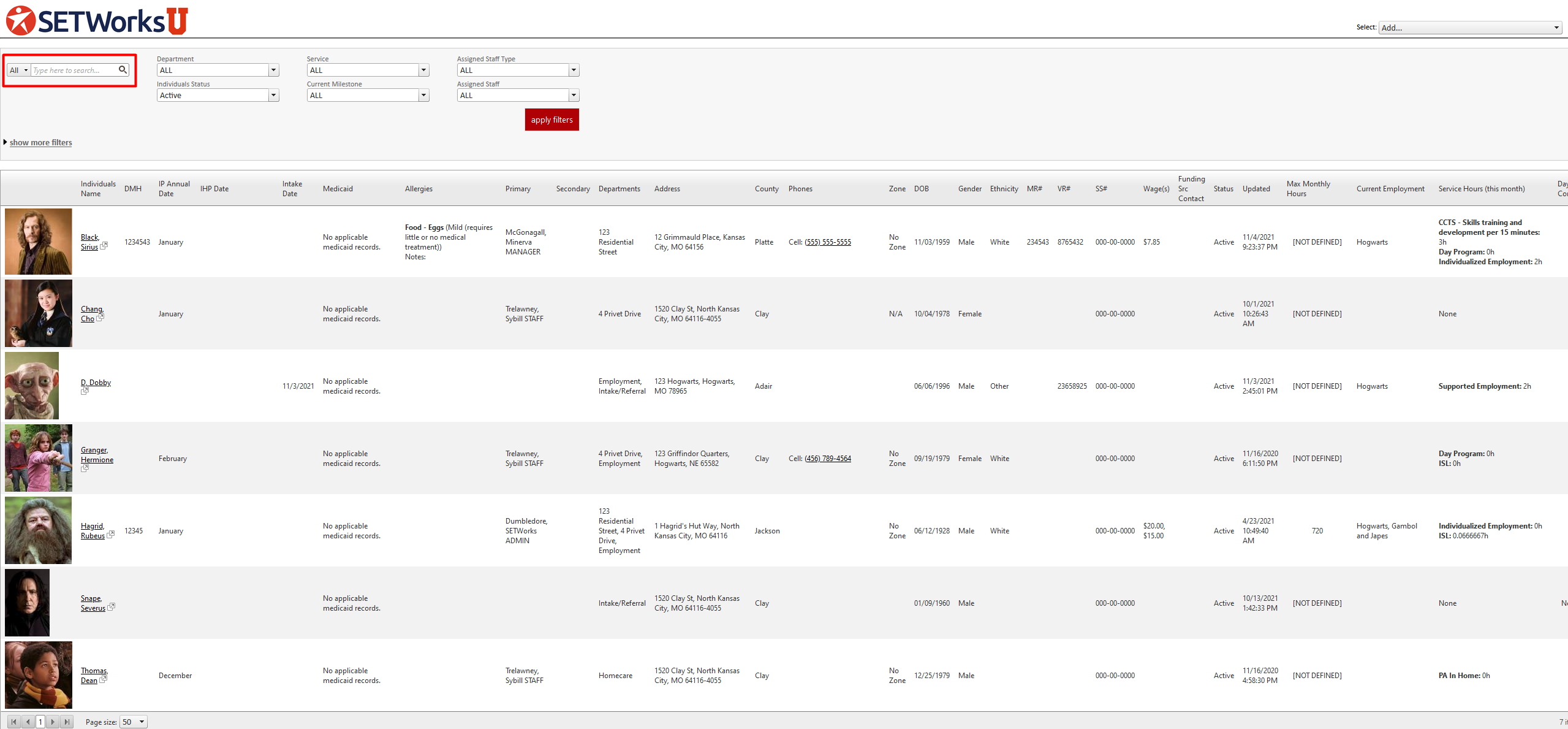
3. Click the name to open the Consumer Profile in a new tab or click anywhere on the row to open the Consumer Profile in the same tab.

4. Click Edit Record on the right side in the Consumer Profile to make any updates.