Creating a new Consumer in SETWorks
Administrator, Manager
This article will explain how to create a new Consumer in SETWorks.
Note: Terminology can be modified within SETWorks to better fit the needs of your organization. If the terminology in our articles are not the same on your site, talk to your local administrator to assist in translation.
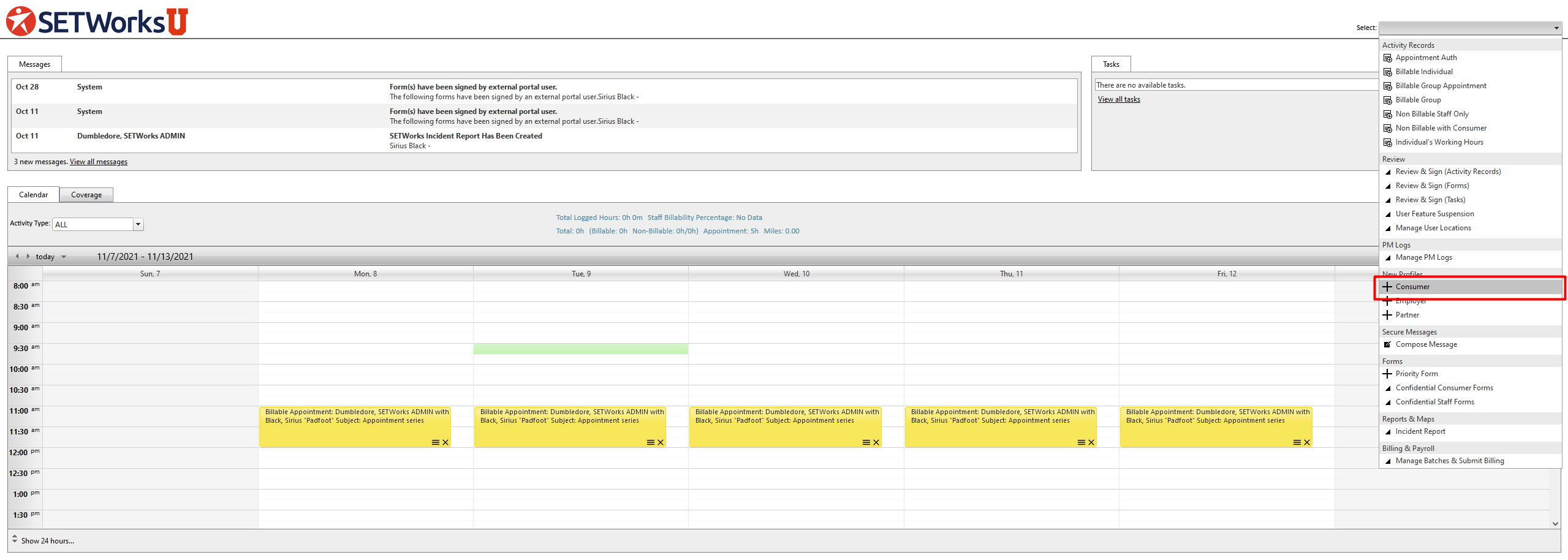
1. Click the Select Dropdown in the top-right and Select Consumer under New Profiles
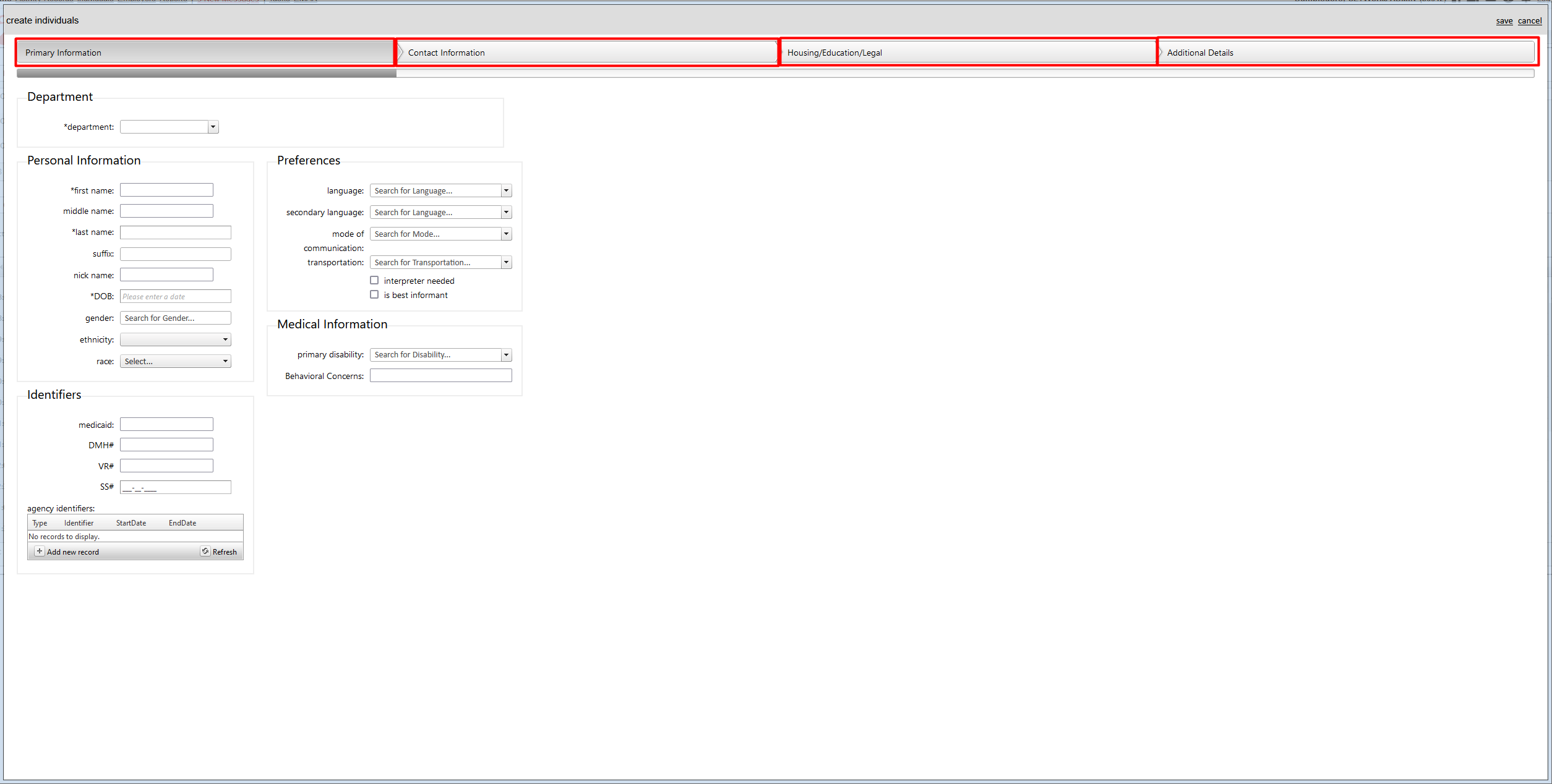
2. Navigate through the Wizard using the four tabs at the top (Primary Information, Contact Information, House/Education/Legal, and Additional Details)
Note: Fields with the '*' sign are required to be entered in before continuing to the next tab
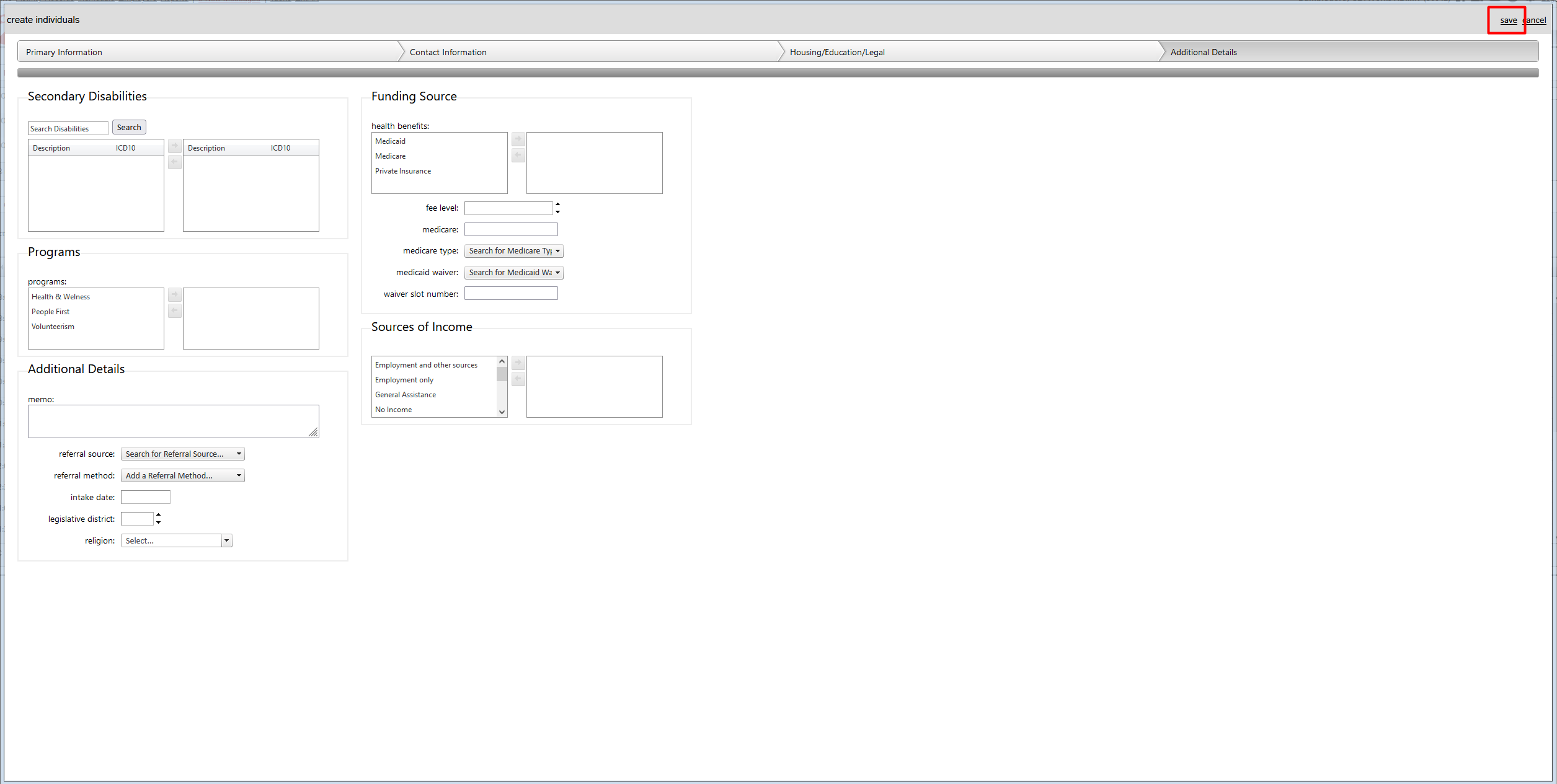
3. Click Save once complete