
A Record In My EVV Batch Failed to Submit. What Should I Do?

Please note that the Sandata EVV Reconciliation Report is applicable only to states that use Sandata as the EVV Aggregator.
Taking this article over for testing - delete this part
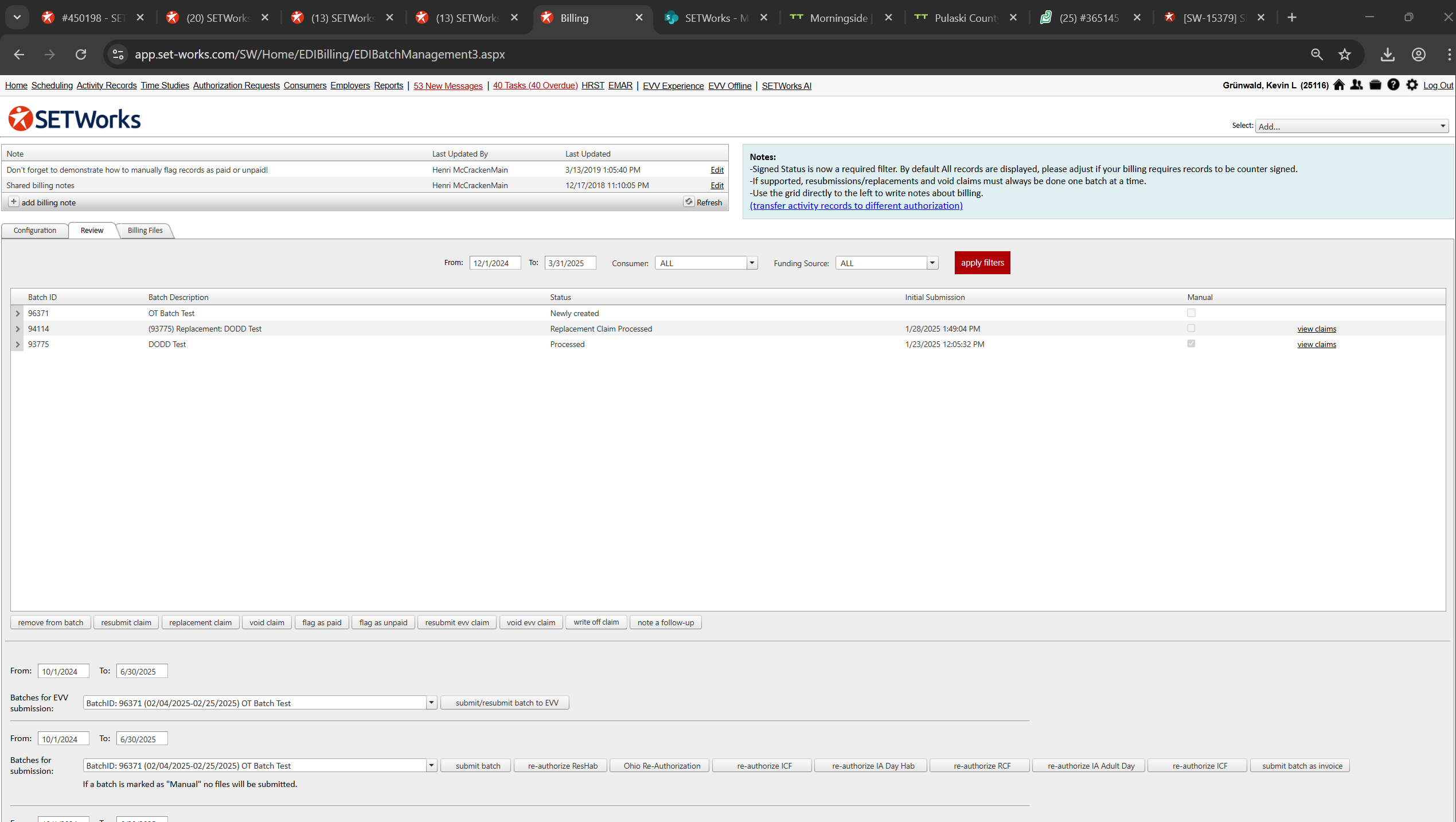
This is a picture:
This is a video:
This is a link:
-------------------------------------------------------------------------------------
Save this part:
There are two different checkpoints that the EVV records go through after you select submit.
If, for example, the record is missing some key points of information, such as the check in and check out data points or a staff SSN, SETWorks will see that and effectively refuse to submit it in which case you get a message back. That is the first checkpoint.
If all the necessary information is present, but invalid, then the record will pass checkpoint 1 but fail at checkpoint 2. (As long as the record contains the required information it will be sent out.)
While checkpoint 1 sends a message, checkpoint 2 issues are presented on the report.
We do recommend checking for SETWorks messages as well as running the EVV Reconciliation Report about 24 hours after sending the batch to check for any rejections.